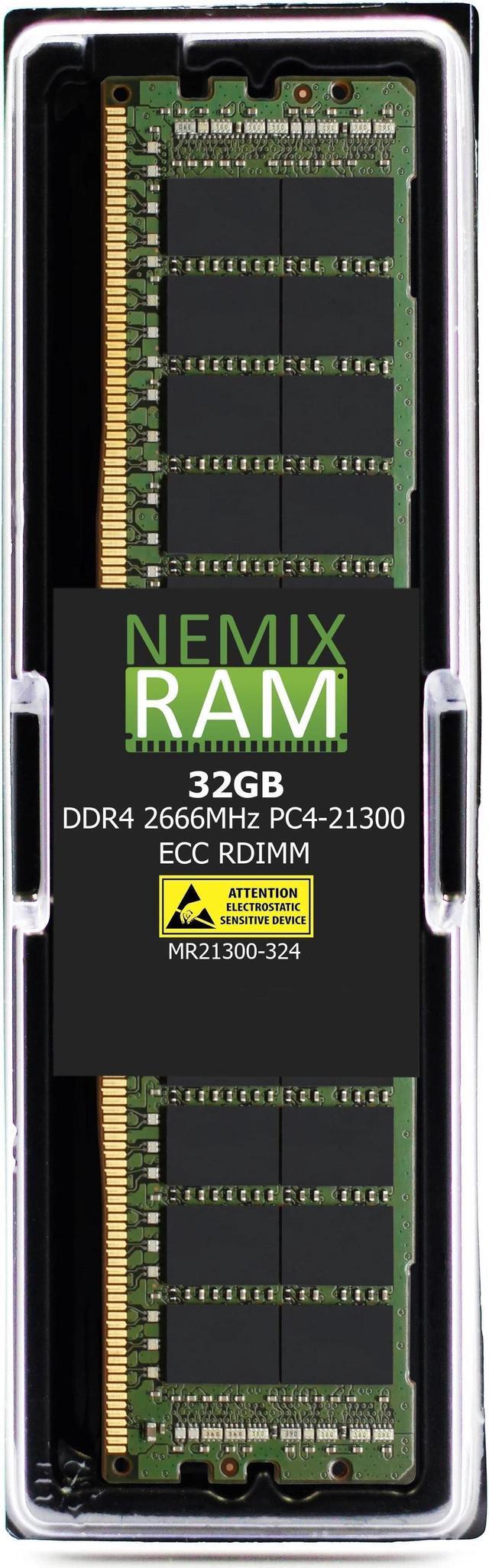
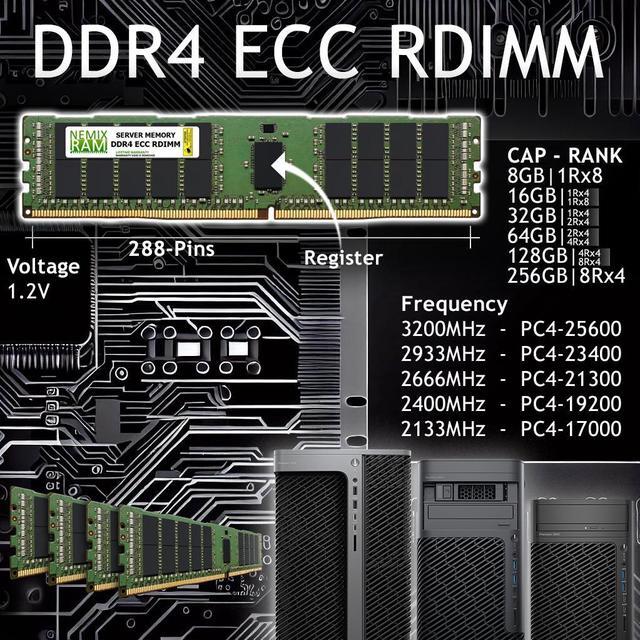
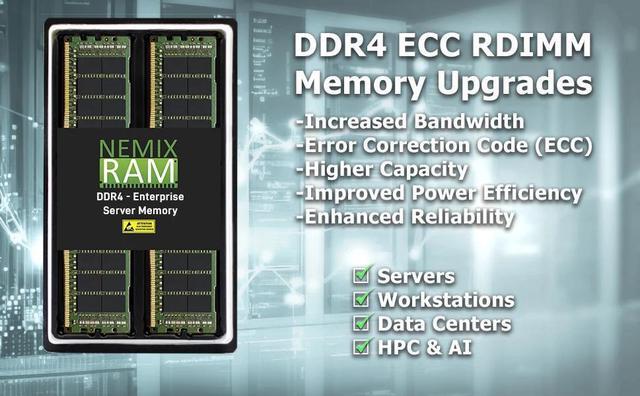
The NEMIX RAM 32GB DDR4-2666 ECC registered DIMM is a server memory module listed as compatible with Cisco HyperFlex HX240c M5 systems, suited to administrators upgrading or replacing memory in supported server configurations.
Recommended For
- Cisco HyperFlex HX240c M5 administrators replacing a failed DIMM with a 32GB DDR4-2666 ECC registered module matching Cisco’s HX-MR-X32G2RS-H configuration.
- HX240c M5 server operators adding memory incrementally, provided the module matches the existing DIMM type and the server’s CPU, channel, and slot-population rules.
- IT teams expanding memory in HX240c M5 virtualization or HyperFlex deployments where additional server RAM supports a growing workload and the existing configuration has room for another compatible DIMM.
- Refurbishers and server-maintenance teams keeping a spare 32GB DDR4-2666 2Rx4 RDIMM for Cisco HX240c M5 nodes that use the matching memory configuration.
Real-World Use Scenarios
- When a HyperFlex HX240c M5 host is running short on RAM for its virtual machines, add memory in a supported configuration to give the hypervisor more room for existing or additional VMs; the benefit is greatest when memory, rather than CPU or storage, is the limiting resource.
- For a virtual desktop infrastructure host, additional installed RAM can provide more memory capacity for desktop VMs; the number of users supported still depends on desktop workloads and the server’s full configuration.
- When memory pressure is limiting a virtualized server, expanding RAM may reduce reliance on slower disk-backed paging and help memory-hungry VMs run more smoothly; it will not resolve CPU, storage, or application bottlenecks.
- In a mixed-use virtualized environment, adding memory can let an HX240c M5 host accommodate a larger mix of business-service VMs before RAM becomes the constraint; check DIMM placement, matching rules, and CPU-supported memory speed before installing.
- When replacing a failed memory module, use a module that matches the server’s supported memory type and population rules; a correctly recognized replacement can restore the memory capacity available to the host, but compatibility should be verified against the installed configuration.




 here!