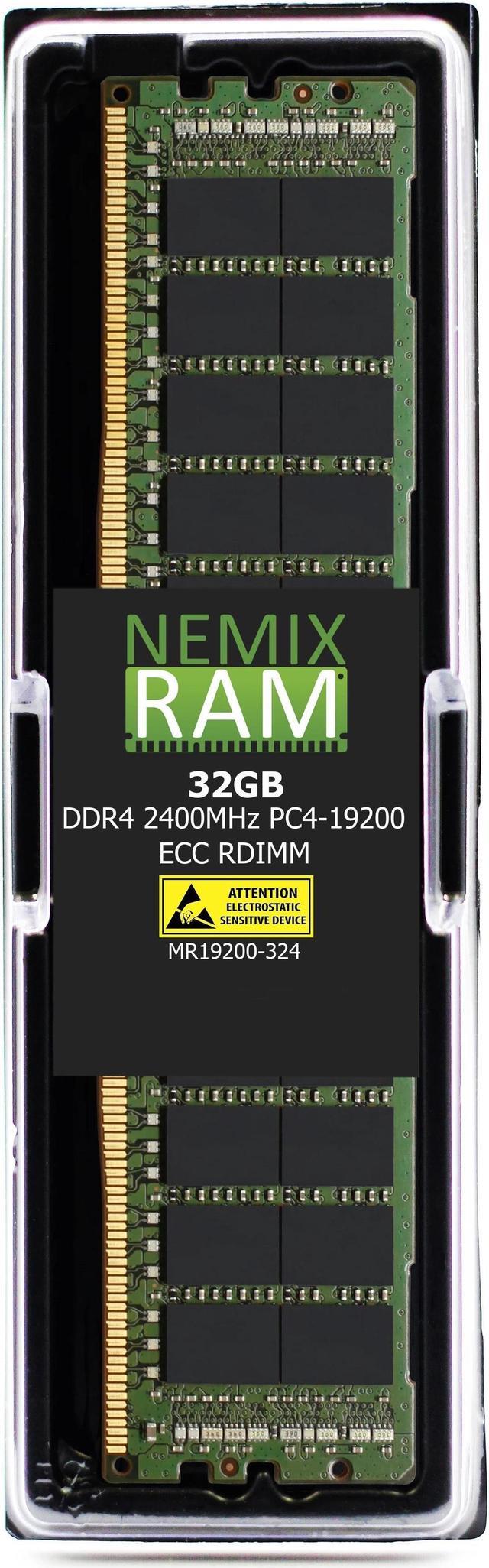
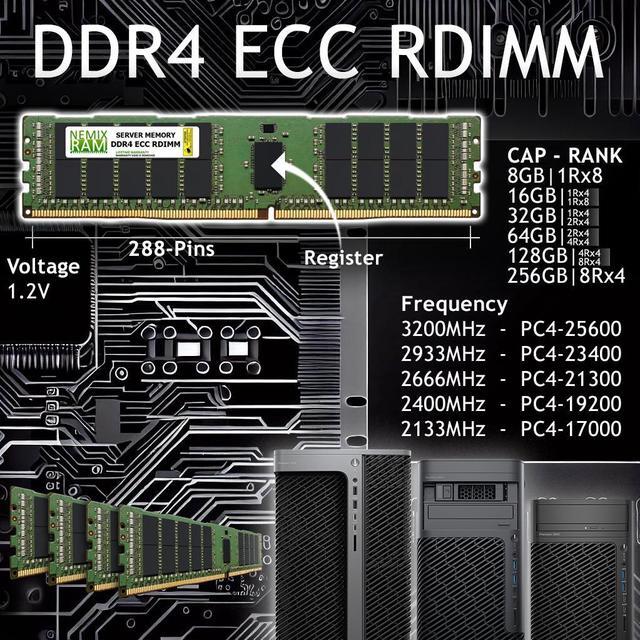
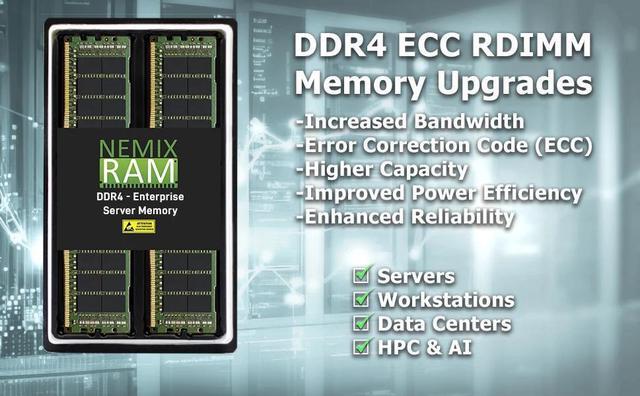
The NEMIX RAM MR19200-324K1 is a single 32GB DDR4-2400 ECC registered DIMM for compatible Cisco UCS B-Series M4 servers and other systems that support 288-pin, 2Rx4 RDIMM memory.
Recommended For
- Cisco UCS B200 M4 administrators replacing a failed DIMM or adding capacity with a 32GB DDR4-2400 ECC registered module; check the server’s CPU, memory type, and slot-population rules before installation.
- IT teams refurbishing or extending existing UCS B200 M4 blade servers that need a server-grade ECC RDIMM rather than standard desktop memory.
- Homelab or virtualization operators running a compatible UCS B-Series M4 server who want to add memory for more concurrent virtual machines or other memory-resident services.
Real-World Use Scenarios
- When a Cisco UCS M4 virtualization host is running short on memory, adding this 32GB RDIMM can provide more physical RAM for virtual machines, provided the module is supported and installed in a valid DIMM configuration. It does not increase CPU, storage, or network capacity.
- For a host running virtual desktops or remote desktop sessions, adding compatible memory can help accommodate more assigned guest memory or reduce pressure to oversubscribe RAM. Cisco’s B200 M4 desktop-virtualization guidance says memory should not be oversubscribed; actual session capacity depends on the full server configuration and workload.
- When consolidating SQL Server instances into virtual machines on a UCS B200 M4, additional installed RAM can support the memory assigned to those VMs. Cisco tested SQL Server consolidation on this platform, but this DIMM alone does not establish how many databases or users a server can handle.
- For a UCS M4 server used for web infrastructure or distributed database work, this module is a memory-capacity upgrade when the existing configuration needs more RAM. The likely benefit is room for larger in-memory workloads or more concurrent services—not faster results if memory capacity is not the bottleneck.
- When replacing or expanding memory in a Cisco UCS B-Series or C-Series M4 server, this RDIMM is intended for a compatible system rather than a standard desktop PC. Check the exact server model, processor-supported speed, and DIMM population rules before installation; the server may run memory below 2400MHz depending on its configuration.




 here!