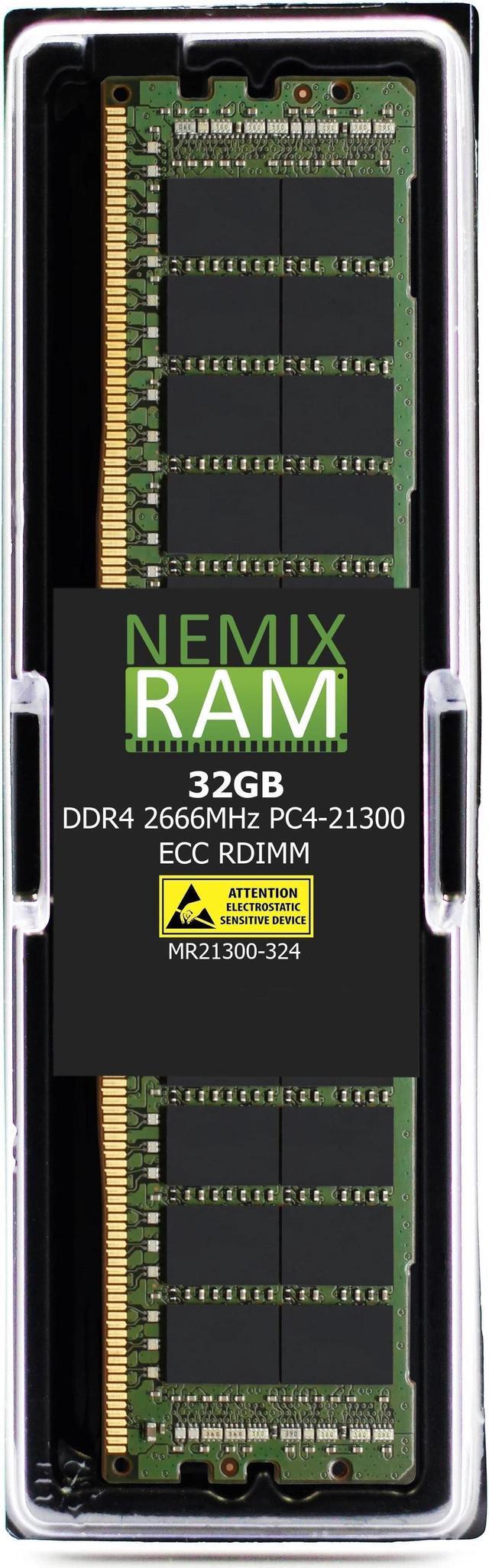
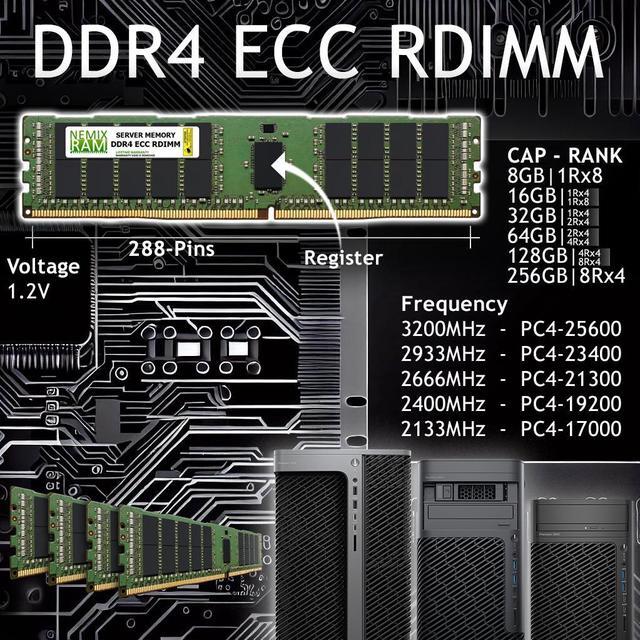
NEMIX RAM 32GB DDR4-2666 ECC Registered RDIMM is a single 2Rx4 server memory module for compatible systems, including the Gigabyte MZ01-CE0 AMD EPYC motherboard. It suits server upgrades that require 288-pin DDR4 registered memory.
Recommended For
- Builders of Gigabyte MZ01-CE0 or another verified EPYC server platform who need a 32GB ECC registered-DIMM addition; check the board and CPU memory rules before installing it.
- Home-lab and small-server operators running compatible EPYC hardware who are expanding memory for virtualization, server services, or other always-on workloads.
- Workstation builders using a compatible EPYC board for compute-heavy tasks who need ECC registered memory and are adding capacity to an existing system.
- IT administrators maintaining an existing DDR4-2666 RDIMM system who need a single 32GB module, provided its memory configuration and module compatibility are confirmed.
Real-World Use Scenarios
- Expanding a compatible EPYC server for several virtual machines: adding this 32GB RDIMM can give guests and the host more memory to share, reducing memory pressure when RAM was the limiting factor. Install it in a supported slot and follow the motherboard’s population guidance.
- Adding memory to a home-lab or small-business server: the module can provide more room for containers and background services, helping avoid memory shortages as the workload grows, provided the system supports ECC registered DIMMs.
- Building or upgrading a multi-drive storage server: on the MZ01-CE0, this memory supports a platform with multiple SATA connections and 10GbE networking; additional capacity can help when storage services and other workloads share the same machine.
- Replacing or matching a DIMM in a compatible server: using a 32GB ECC registered module with the supported memory type and organization can restore capacity or extend an existing configuration; confirm the motherboard revision, memory support list, and DIMM layout before installation.
- Using an EPYC workstation for memory-demanding professional tasks: adding capacity can help keep larger working sets in memory during compute or data-heavy jobs, though the result depends on the application and the system’s full DIMM configuration.




 here!