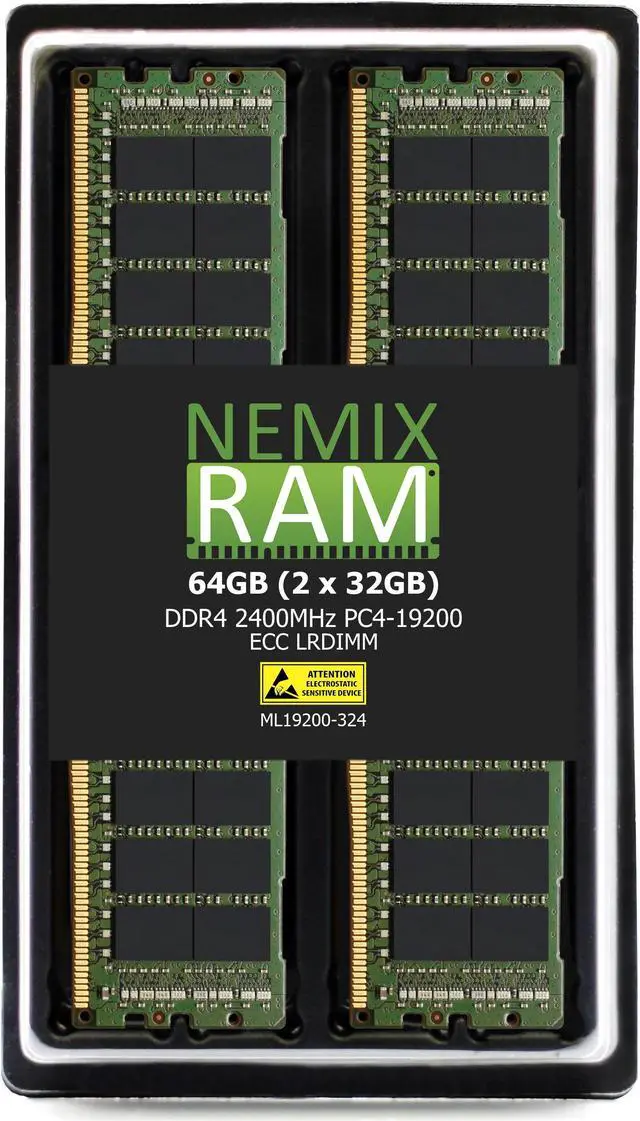
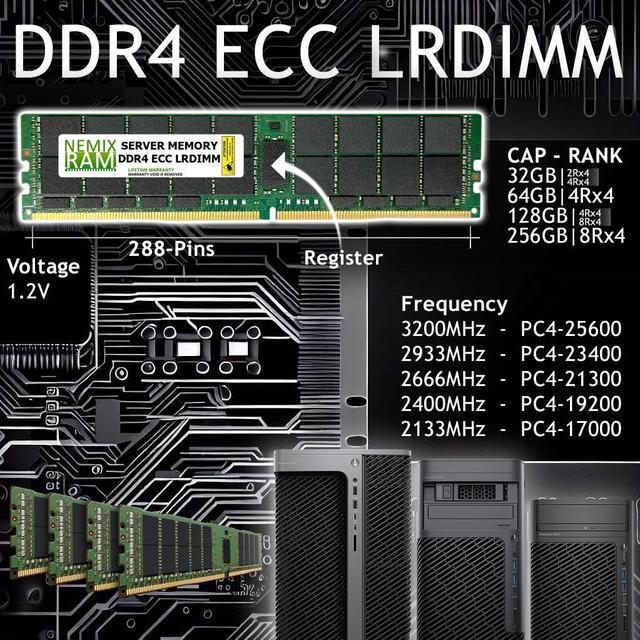
NEMIX RAM ML19200-324K2 is a 64GB kit of two 32GB DDR4-2400 ECC load-reduced DIMMs for servers with compatible LRDIMM support, including systems that use 288-pin DDR4 memory.
Recommended For
- Operators upgrading a server whose manufacturer supports DDR4-2400 ECC LRDIMMs and whose current memory configuration follows the server’s population rules.
- Virtualization and consolidation teams adding memory to a compatible host so it can support more RAM-hungry virtual machines.
- Database or in-memory analytics administrators expanding RAM in a compatible server when workload capacity matters more than choosing memory primarily for top speed.
- Server or workstation owners who need a matched 64GB memory addition in two 32GB ECC LRDIMMs, provided their system supports this speed, rank, and module type.
Real-World Use Scenarios
- A server administrator consolidating several virtual machines on a supported host can use the 64GB kit to add memory headroom; if RAM was limiting capacity, the host may accommodate more VM workloads before memory pressure forces them to compete for resources. ([dell.com](https://www.dell.com/en-us/infohub/articles/accelerate-oracle-databases-and-maximize-your-investment?utm_source=openai))
- A team running a large, memory-resident database can add capacity for a bigger working set or more concurrent activity; the practical benefit depends on whether the server supports this LRDIMM kit and memory capacity is the current constraint. ([dell.com](https://www.dell.com/en-us/infohub/articles/accelerate-oracle-databases-and-maximize-your-investment?utm_source=openai))
- An organization expanding a compatible server for memory-intensive applications can use the two modules to increase installed RAM without changing the workload; they should check the server’s configuration guide first, since LRDIMM support and allowed DIMM combinations vary by platform. ([microway.com](https://www.microway.com/hpc-tech-tips/ddr4-rdimm-lrdimm-performance-comparison/?utm_source=openai))
- A server owner filling out a high-capacity memory configuration can consider LRDIMMs when the platform supports them; benchmarks show their use is most relevant when a system needs more total memory, rather than as a general-purpose speed upgrade. ([microway.com](https://www.microway.com/hpc-tech-tips/ddr4-rdimm-lrdimm-performance-comparison/?utm_source=openai))




 here!