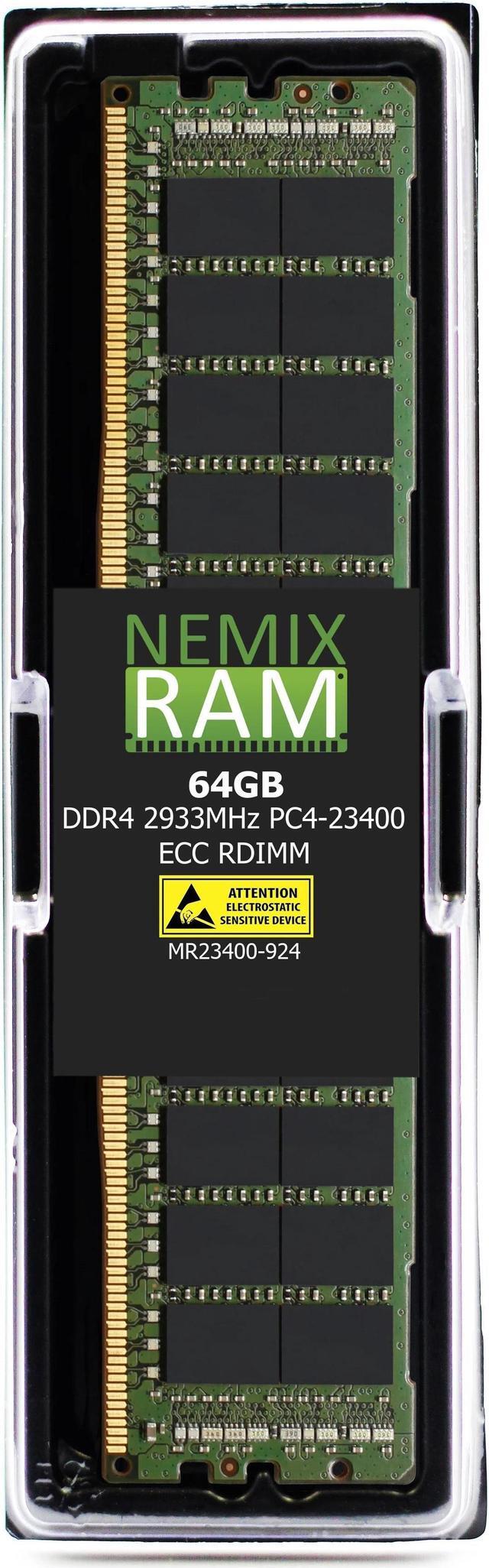
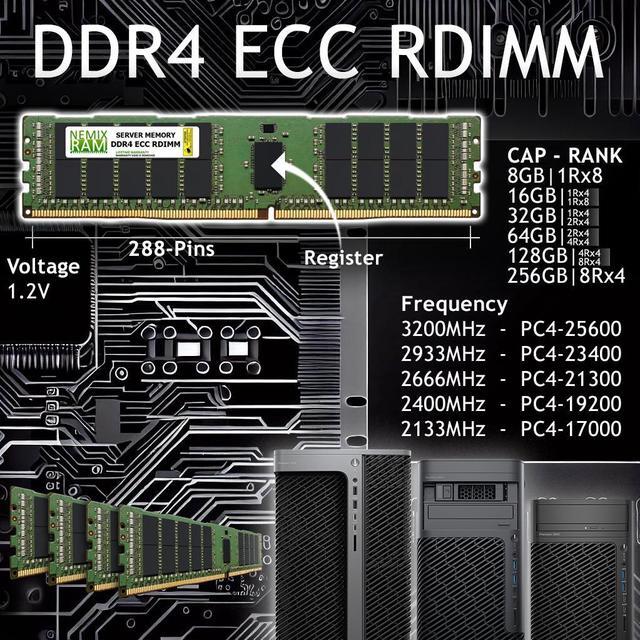
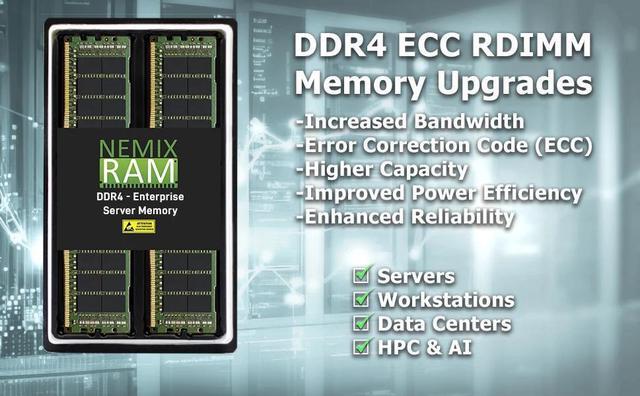
NEMIX RAM’s 64GB DDR4-2933 ECC Registered DIMM is a single-module server memory upgrade for compatible systems, including the Gigabyte MZ01-CE1 AMD EPYC motherboard; it suits server and workstation builders who need high-capacity registered memory.
Recommended For
- Owners of a compatible Gigabyte MZ01-CE1/EPYC server who want to add 64GB of ECC registered memory for server or workstation tasks. Confirm the board revision, processor, and memory configuration before buying.
- Home-lab or small-server builders adding memory for virtualization, multiple VMs, or services such as storage and media hosting, when their system supports DDR4 ECC RDIMMs.
- Server owners prioritizing more memory capacity in a single module over maximum memory bandwidth from the start; this 64GB stick can add capacity, while channel population should be planned for the workload.
- Builders using EPYC platforms for memory-bandwidth-sensitive work who are expanding a compatible system and can add matching DIMMs across channels as needed.
Real-World Use Scenarios
- When a compatible EPYC server is running several virtual machines, adding this DIMM can give the host more memory headroom and help reduce memory pressure if the VMs are competing for RAM. The benefit depends on the workload and the server’s existing memory configuration.
- For a home lab or small server hosting containers, websites, or game servers, adding memory can leave more RAM available for services running at the same time. It is most useful when current memory limits are causing workloads to compete for RAM.
- On an EPYC server running a database or analytics workload, additional RAM can let a larger working set or cache stay in memory when the workload needs it, potentially reducing reliance on storage reads. It does not guarantee faster queries if memory is not the bottleneck.
- For a workstation or server used for simulations and data-heavy processing, adding memory can accommodate a larger in-memory working set when the job is RAM-limited. Actual results depend on the application and the rest of the system.
- When expanding a compatible MZ01-CE1 EPYC build, this module can add memory capacity for server workloads that need more RAM. Check the board revision, processor, existing DIMMs, and slot-population guidance before installing; one module alone does not populate all of the board’s memory channels.




 here!