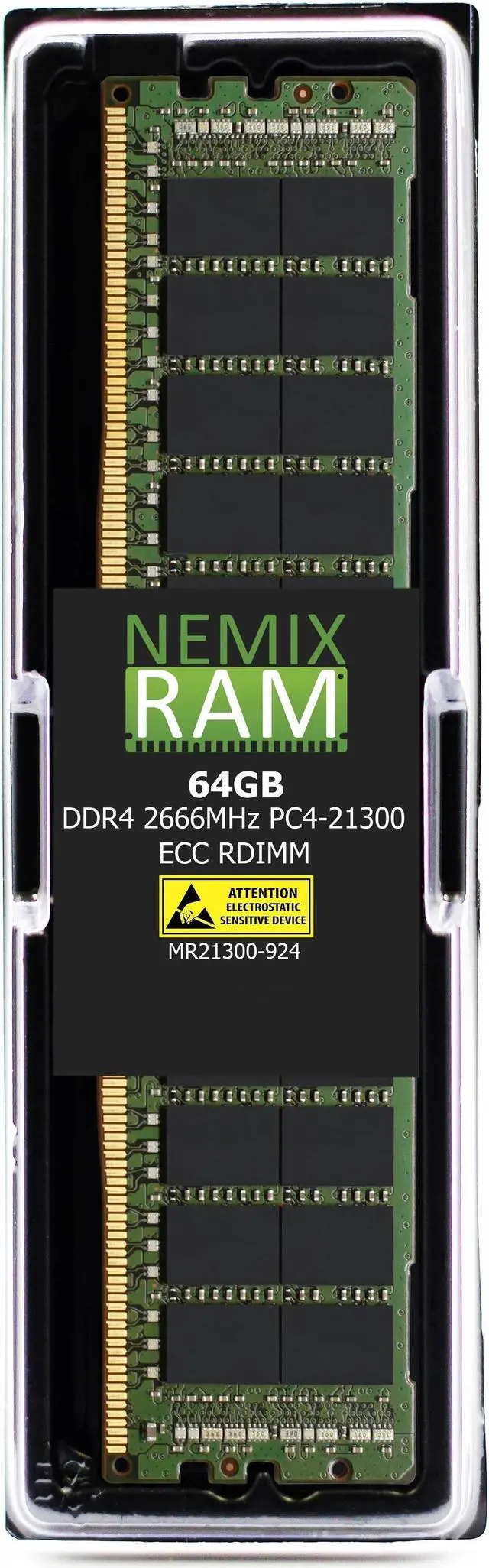
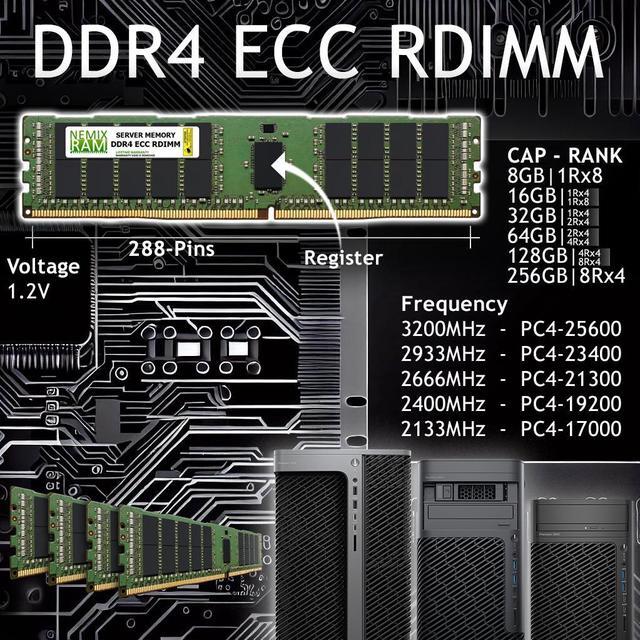
NEMIX RAM MR21300-924K1B is a single 64GB DDR4-2666 ECC registered DIMM for compatible server systems, including the Gigabyte MZ01-CE0 with AMD EPYC processors. Its 2Rx4 design, CL19 latency, and 1.2V rating suit server memory upgrades that require registered ECC memory.
Recommended For
- EPYC 7001/7002 server builders using a compatible DDR4 RDIMM platform who need a 64GB module for a server-memory configuration. Confirm the motherboard revision, CPU, and memory list before buying.
- Home-lab operators running server hardware who want to add memory for multiple virtual machines or other concurrent server workloads, provided their board supports DDR4 ECC registered DIMMs.
- Administrators replacing or expanding memory in a compatible server that uses 64GB DDR4-2666 ECC RDIMMs and needs a registered module rather than a desktop-style DIMM.
- EPYC server users planning a staged memory upgrade who need one 64GB module now and will populate additional DIMM slots later, following the motherboard’s channel and population rules.
Real-World Use Scenarios
- When an EPYC server running several virtual machines is short on memory, adding compatible RAM can give the host more room for guest workloads and reduce pressure to swap. Check the motherboard’s DIMM population rules before installing a single module.
- For an EPYC database or application server whose working set is constrained by RAM, a memory upgrade can make more data available in memory and reduce reliance on disk-backed paging or caching. It helps most when monitoring shows memory pressure; it will not fix a CPU or storage bottleneck.
- When maintaining a Gigabyte MZ01-CE0 EPYC server, this type of ECC registered memory is intended for a server-memory upgrade or replacement—not a standard desktop build. Gigabyte’s qualification list includes 64GB DDR4-2666 ECC RDIMM modules; verify the board revision, processor, and memory-slot configuration for the specific system.
- For a server running continuously hosted services, such as business applications or virtual machines, ECC memory can detect and correct certain memory errors. That can help reduce the risk of some memory-related faults, but it does not guarantee uninterrupted operation or replace backups and monitoring.
- For a home lab or test server running Proxmox, adding memory can provide more capacity for simultaneously running VMs and containers. Allocate it based on actual guest needs and leave room for the host; community discussions note that allocated or cached memory can make usage figures easy to misread.




 here!