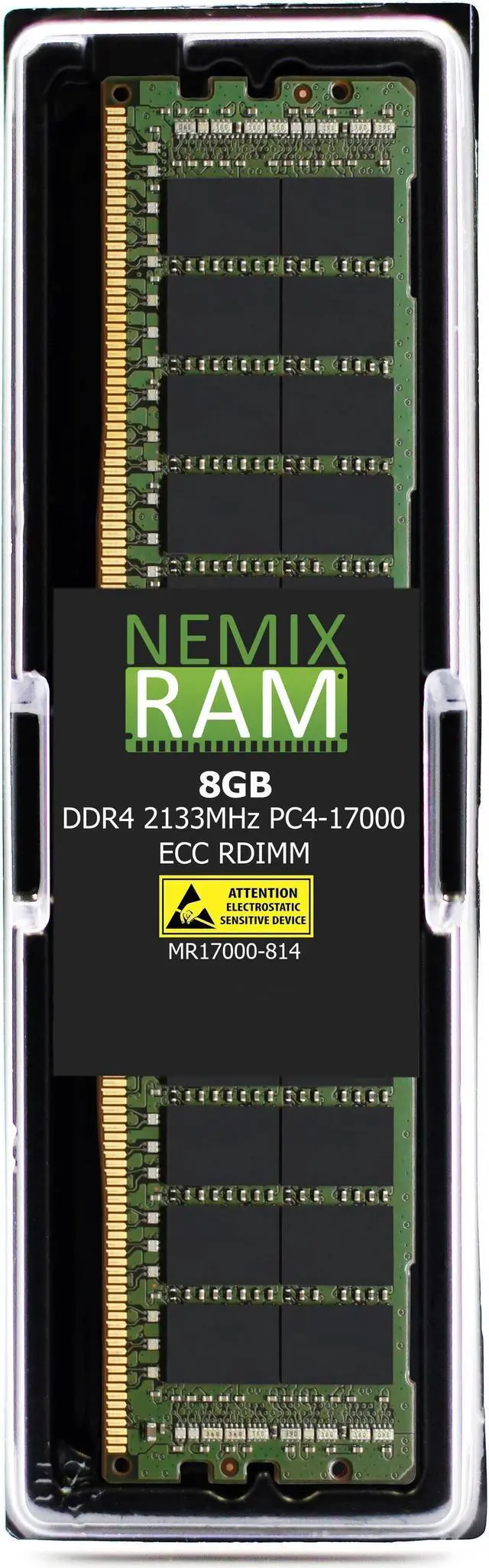
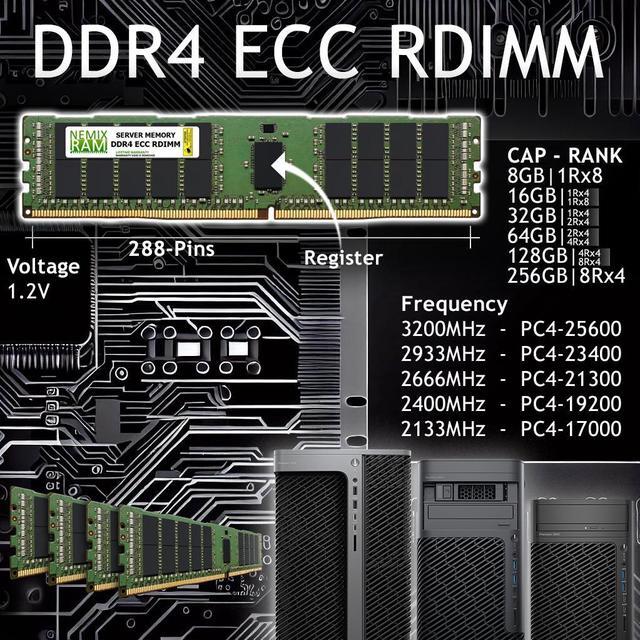
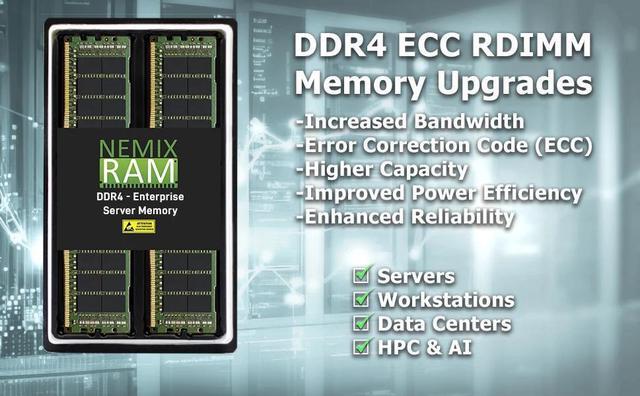
NEMIX RAM MR17000-814K1 is an 8GB DDR4-2133 ECC registered DIMM for adding or replacing memory in compatible Cisco UCS B-Series M4 servers. It uses a 288-pin, 1Rx4 design and operates at 1.2V.
Recommended For
- Cisco UCS B200 M4 owners with v3 CPUs who need an 8GB DDR4-2133 RDIMM for a memory repair or a modest capacity increase; Cisco lists 8GB 2133MHz DIMMs as supported for this configuration.
- IT staff maintaining compatible UCS B-Series M4 servers who need a single replacement DIMM and can verify the server model, CPU, existing memory type, and slot-population rules before installation.
- Homelab operators keeping a compatible, older Cisco UCS M4 server in service who want an ECC registered DIMM for server workloads and have confirmed their system accepts this module’s capacity and rank.
- Administrators adding memory in small increments to a compatible UCS B-Series M4 system, provided they follow Cisco’s DIMM population guidance and do not mix RDIMMs with LRDIMMs.
Real-World Use Scenarios
- When a compatible UCS B-Series M4 server reports a failed memory module, use this DIMM as a replacement after checking the server’s memory type and slot-population rules; it can restore the capacity lost from that slot if the system accepts the module.
- When maintaining a UCS M4 server with a supported 8GB-per-DIMM configuration, add this module to increase installed memory; follow Cisco’s channel and slot order, since placement and the other DIMMs affect the supported configuration.
- When putting a UCS M4 blade into a virtualization lab, use compatible memory modules as part of the host’s overall RAM configuration; the server can support virtualization workloads, but one 8GB DIMM alone does not establish how many virtual machines it can run.
- When expanding an existing Cisco server setup on a budget, use this module only if its registered DDR4 type, speed, rank, and server compatibility fit the target system; the practical benefit is added or replacement memory, not a guaranteed speed-up by itself.
- When learning server maintenance or testing a UCS M4 blade at home, use the module to practice a memory replacement or supported expansion; check the server manual first, because incorrect DIMM placement or an incompatible memory type may prevent the system from recognizing the memory.




 here!