
Your Browsing History


 Holiday Shipping Details & Extended Holiday Returns


Any questions? Our AI beta will help you find out quickly.

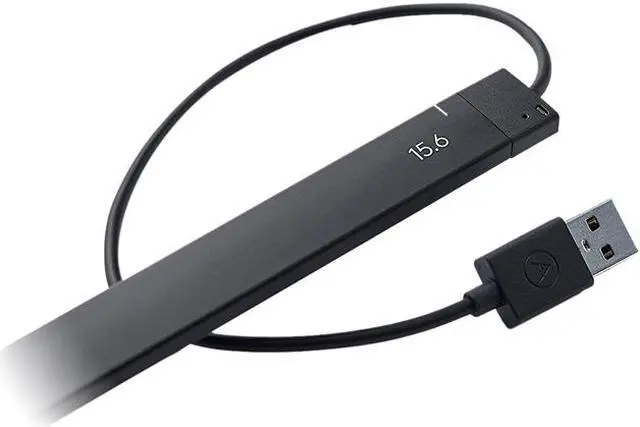
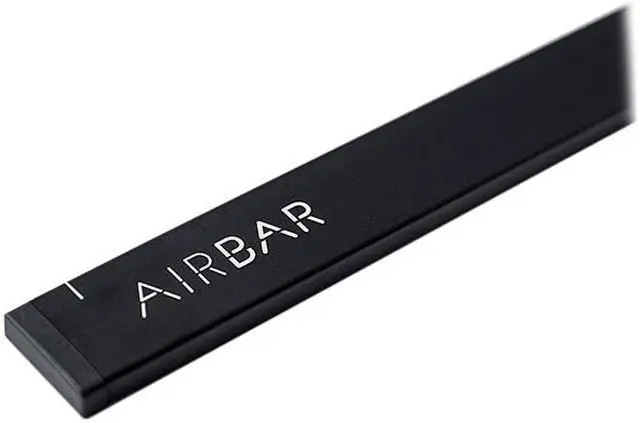
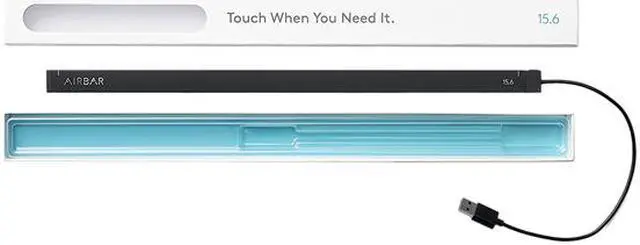
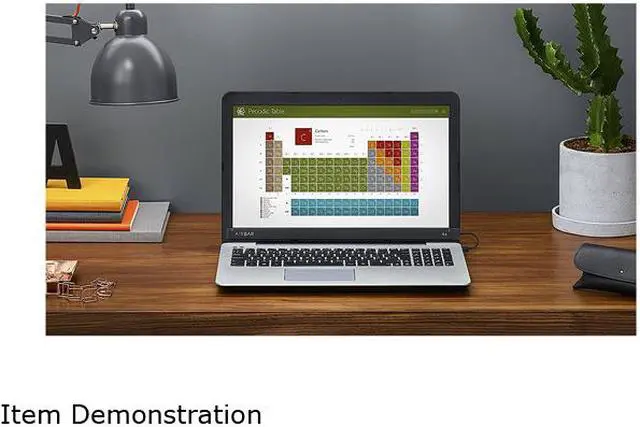
The AirBar from Neonode is a groundbreaking piece of technology that adds touch capability to your Chromebook or PC running Windows 8 and 10. It emits invisible light field over your screen surface, detects action by fingers, stylus or pencil, and interprets it as interactive input. Thus you can take advantage of Windows gestures to pinch, swipe, zoom and scroll through everyday tasks. Plus, it's extremely easy to use - simply mount the AirBar to your screen’s bottom bezel , then plug its USB cable into an available USB port, and you're ready to touch.
Please Note: The AirBar is 17 mm in height, and requires 20 mm mounting surface for 3 mm margin between AirBar and display.
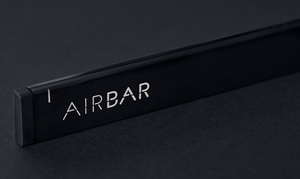
How the AirBar Works
Let's tech out for a while. AirBar projects an invisible light field on the surface of your display that makes it possible to "touch" the screen and interact with Windows 8 and 10 gestures. This is all thanks to Neonode's zForce AIR technology, which can be used for all sorts of cool stuff. The reason you can use anything to touch is that the light field reacts to any disturbance. So raise your hand and make sure you're first in line.
Why You Need Touch
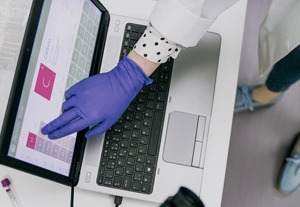
You’re trained to touch things. AirBar is a groundbreaking plug-and-touch solution that turns the screen of your notebook into a touch screen. Whenever you want to touch you can do it. Get ready to browse websites, watch videos and play games. AirBar is fast and works with fingers, gloves, pencils or even a paintbrush.
Use Windows Gestures
Pinch, swipe, zoom and scroll away.
Touch without Touchscreen
Touch without glare and battery drain.
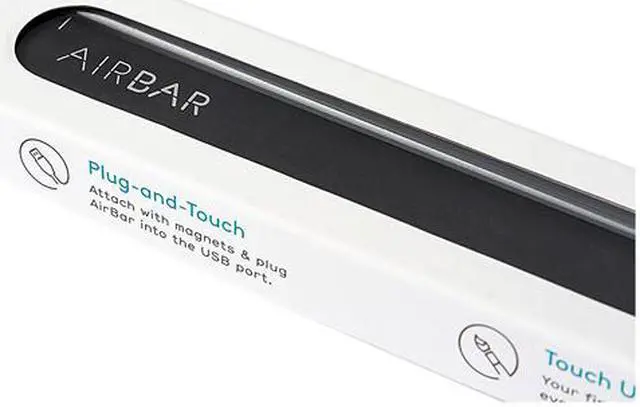
Plug-and-Touch
Attach with the magnetic strip and plug in the USB port. Done.
Works with Anything
Use your fingers, gloves, brush or whatever. It works.
Get Started
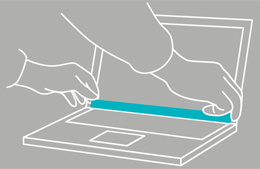
Attach
You can't go wrong.
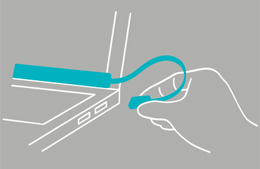
Plug in
Hard to miss.
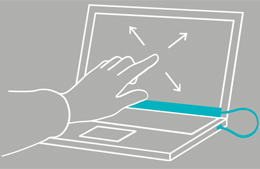
Touch
Just go crazy.