here!
here!
I’m your shopping assistant for PC builds, upgrades, and everything tech.
Got questions? Ask away!
Start a conversation
here!
I’m your shopping assistant for PC builds, upgrades, and everything tech.
Got questions? Ask away!
Start a conversation Hot Seller
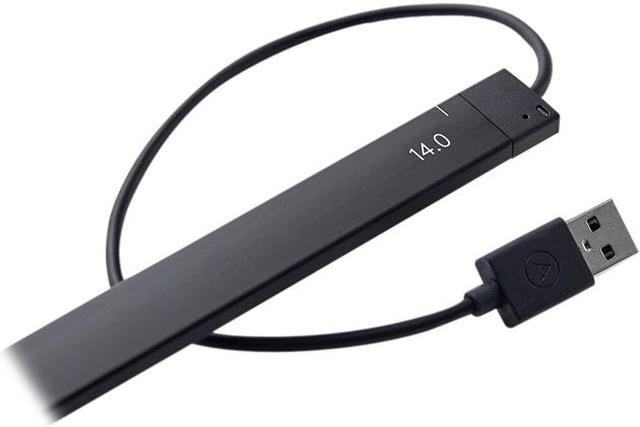
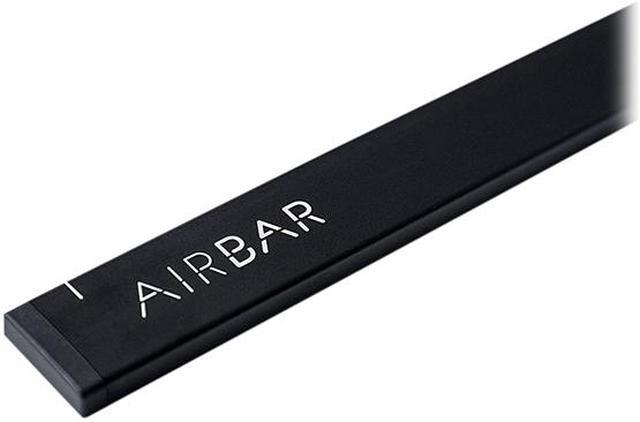



Any questions? Ask CelesteSM will help you find out quickly.
| Brand | Neonode |
|---|---|
| Model | NNABC3100XU01 |
| Color | Black |
|---|---|
| Specifications | System Requirements A notebook with a 16:9 display in the size 13.3", 14" or 15.6" running Windows 10. You need 22 mm of flat surface below the bottom edge of the display for mounting the AirBar sensor. USB Plug-and-Touch After you've mounted your AirBar sensor correctly, just plug in the USB connector. If you need a longer USB-cord, use an extension. Swipe like you mean it AirBar supports all native gestures in Windows 10. Swipe away! Scroll your way home Scroll is fast and precise with AirBar. It's easier to eat with your fingers, no matter what your mother says, and scrolling is the same. Move, pick and turn it all around AirBar makes it easy to move around in your presentations, it's a breeze to use for editing and really brings you closer to your work or fun. Pinch & Zoom Experience your photos with native pinch and zoom. With your fingers. Yes, it's really useful. And cool. |
| Features | Use Windows gestures - Pinch, swipe, zoom and scroll away. Plug-and-touch - Attach with the magnetic strip and plug in the USB port. Done. Touch without touchscreen - Touch without glare and battery drain. Works with anything - Use your fingers, gloves, brush or whatever. It works. |
|---|
| First Listed on Newegg | September 04, 2026 |
|---|