here!
I’m your shopping assistant for PC builds, upgrades, and everything tech.
Got questions? Ask away!
Start a conversation
here!
I’m your shopping assistant for PC builds, upgrades, and everything tech.
Got questions? Ask away!
Start a conversation



Any questions? Ask CelesteSM will help you find out quickly.
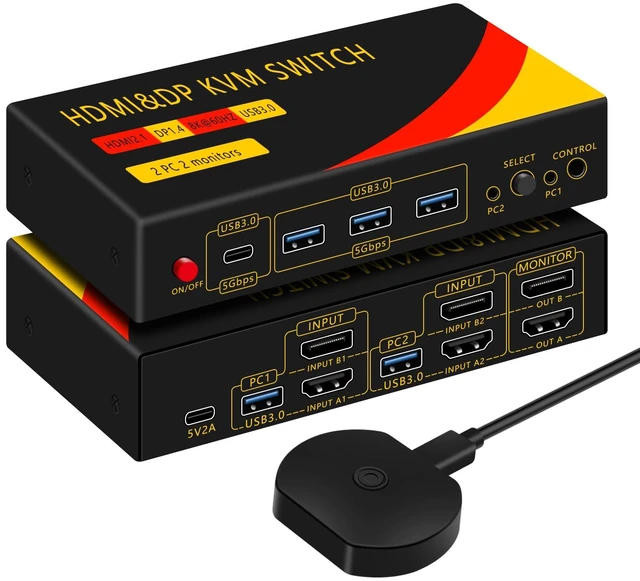
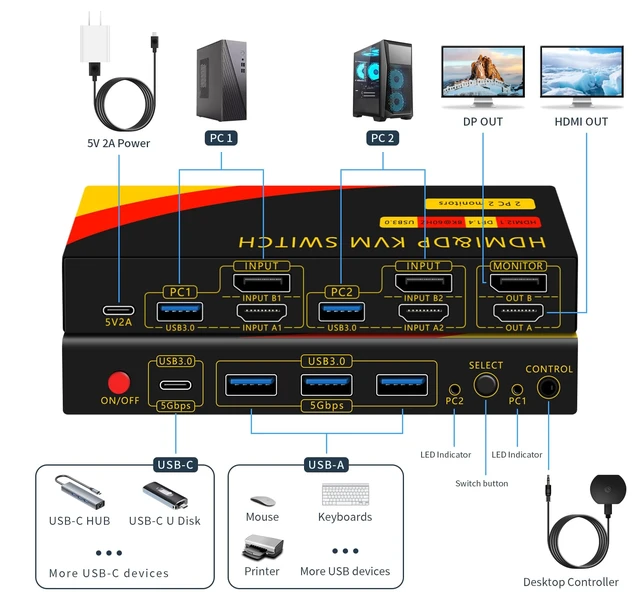
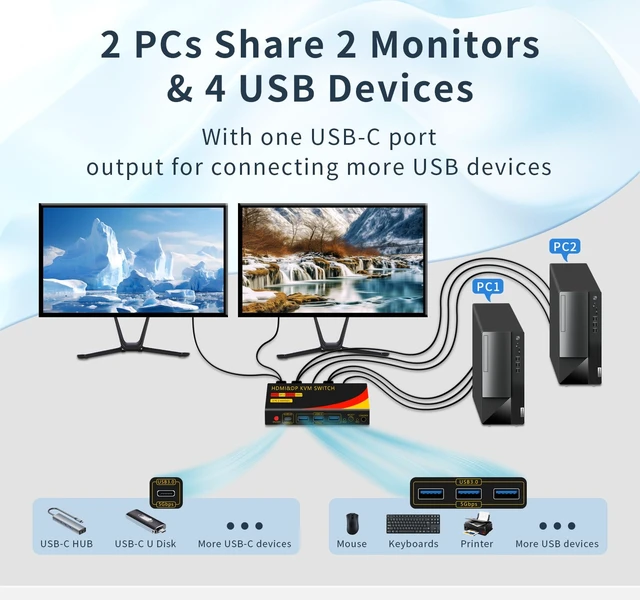
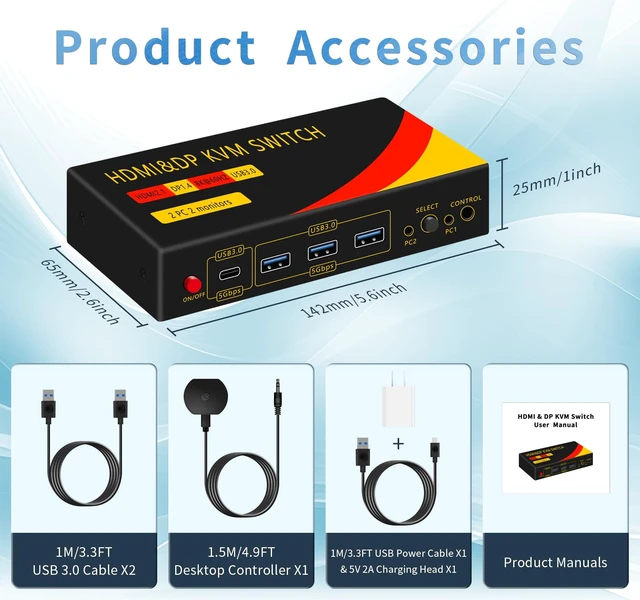
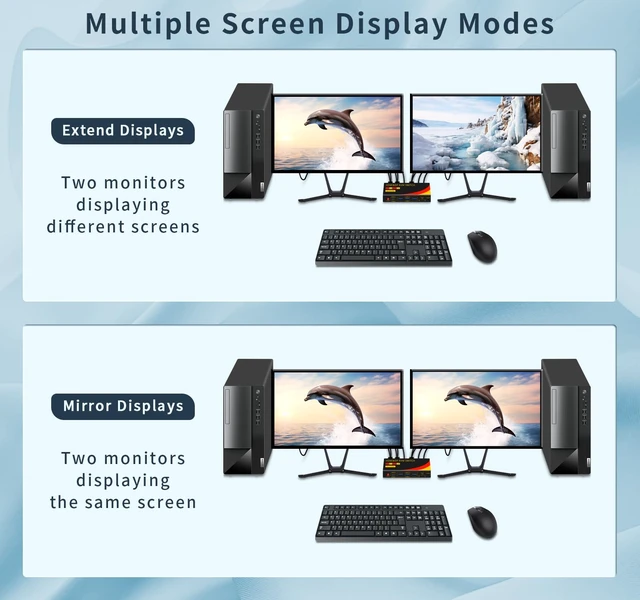
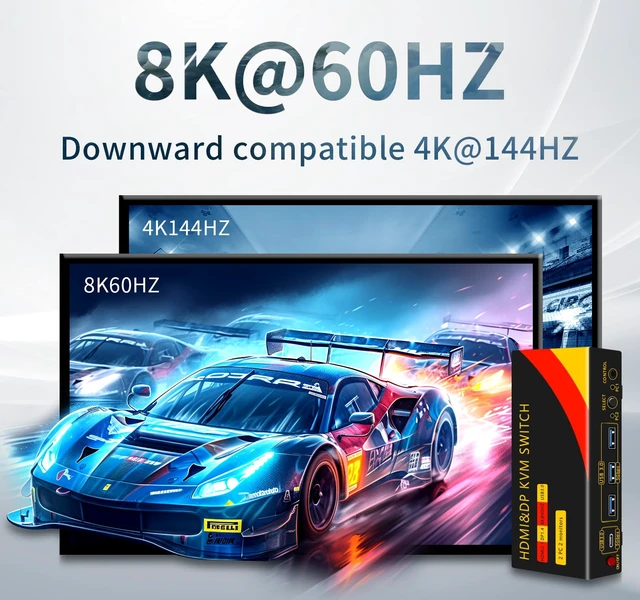
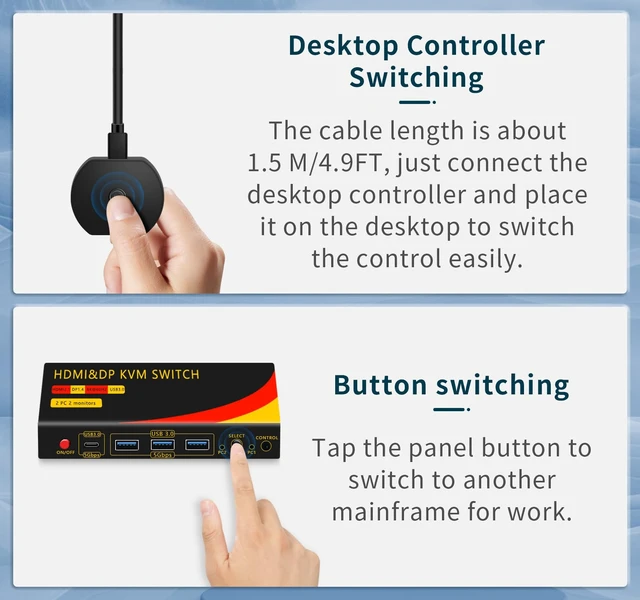
Function -HDMI&DP USB Sharing Switcher for swapping buttons between 2 computers. Convenient and efficient, 2 computers share 2 HDMI&DP monitors and 4 USB devices, plug and play! -Multiple switching modes, support panel button and desktop controller switching, recommended desktop controller switching, more convenient to use! -Supports copy mode and expansion mode, 2 HDMI inputs, 2 DP inputs and 2 HDMI&DP output each, two monitors can display the same screen and different screens of the same host. -2 USB inputs 4 USB outputs, keyboards, mice, USB printers, scanners, plotters, multifunction printers, Bluetooth devices and other USB devices can be used with 2 computers Frequently Asked Questions and Solutions -Please use certified HDMI connection cables and DP connection cables for connection, and if you need to support high resolution and refresh rate, please choose HDMI version 2.1 and DP version 1.4 connection cables. -If the USB port is connected to a wireless keyboard and mouse, please make sure the working distance is within the range required by the product (within 1 meter for single USB device and 0.3 meter for multiple USB devices). -If there are problems such as black screen flickering, USB disconnection and other problems affecting the use, please try to replace the HDMI cable, DP cable, USB cable, signal source device and USB device first, and if the problem still exists, it is recommended to contact the after-sales service.