

Your Browsing History



Any questions? Our AI beta will help you find out quickly.
| Brand | Nik Software |
|---|---|
| Model | nik-3110 |
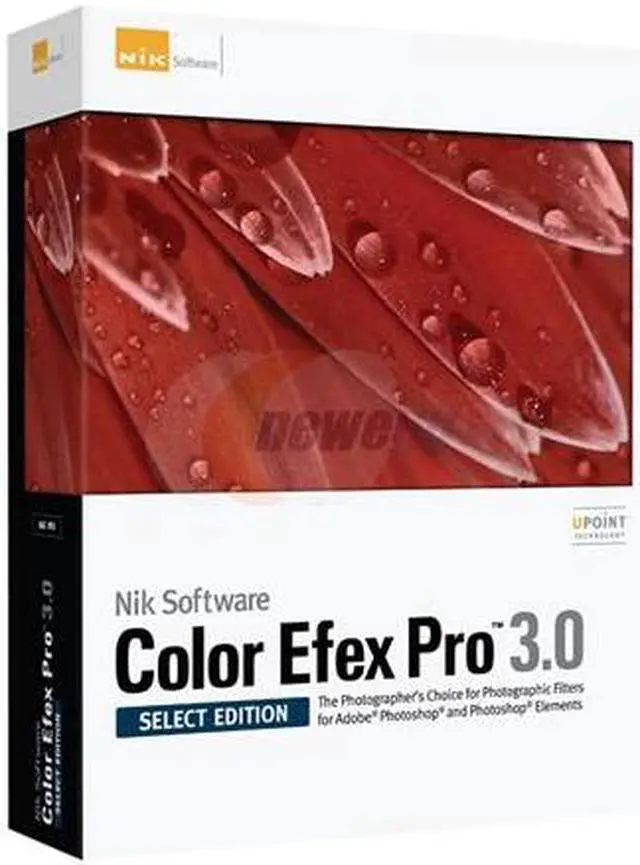
| Name | Color Efex Pro 3.0-Select |
|---|---|
| Type | Graphics & Publishing |
| Version | Professional |
| Operating Systems Supported | Windows & Mac OS |
| System Requirements | Windows 32-bit version of Windows XP with Service Pack 3 and Windows Vista (64-bit operating systems with 32-bit host application) Pentium III 1GHz or better 1GB RAM Adobe Photoshop 7 through CS4, Adobe Photoshop Elements 2.0 through 7.0, or Adobe Photoshop plug-in compatible application** Adobe Photoshop Lightroom 2.3 or later*** Capture NX 2 from Nikon Corporation (excludes Color Efex Pro 3.0 Standard Edition) Macintosh Mac OS 10.4 and later G4, G5, Intel Core Solo, Intel Core Duo, Intel Core 2 Duo, Intel Xeon 1 GB RAM Adobe Photoshop CS2 through CS4, Adobe Photoshop Elements 4.0 and 6.0, or an image editing application that accepts Adobe Photoshop plug-ins compatible filters** Adobe Photoshop Lightroom 2.3 or later*** Apple Aperture 2.1 or later Capture NX 2 from Nikon Corporation (excludes Color Efex Pro 3.0 Standard Edition) ** Nik Software product filters are developed to integrate seamlessly into many popular image editing applications that support the Adobe plug-in architecture and there are numerous software applications that accept Adobe plug-in compatible filters. Please consult your image editing application's documentation for compatibility and installation instructions for 3rd-party plug-ins. *** Adobe Photoshop Lightroom 2.3 compatible with Color Efex Pro 3.0 Complete Edition only. |
| Packaging | Retail |
| Feature | U Point technology The most powerful image editing technology available today. U Point powered controls allow you to precisely control where enhancements are applied without the need for complicated layers, masks or selections. Newly redesigned interface Discover new enhancements and use powerful new controls that will improve the overall quality of your images. Film Grain Adds realistic film grain to any image, with control over the size and placement throughout the image. Bleach Bypass Emulate the look of this popular photographic and cinematic effect. Darken/Lighten Center Draws the eye toward or away from the center of the image.. Brilliance/Warmth Adds either a cool or warm cast to the image while applying a saturation effect. |
|---|
| First Listed on Newegg | March 12, 2009 |
|---|