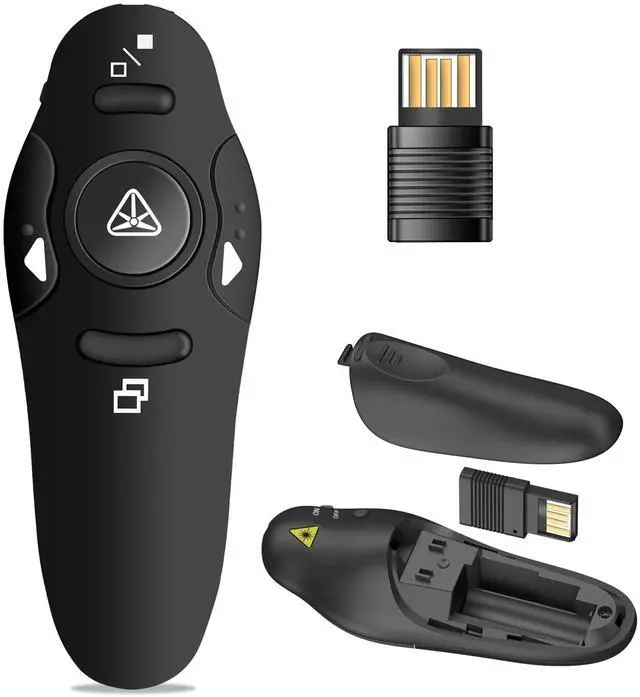
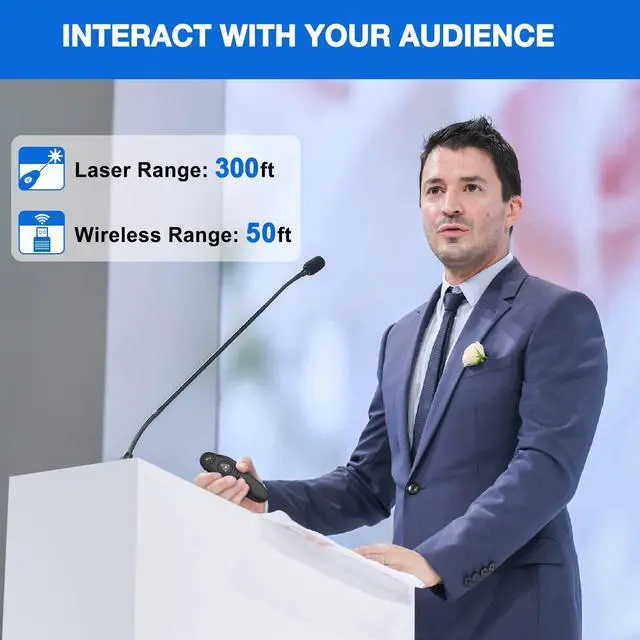
50FT WIRELESS REMOTE CONTROL DISTANCE & 300FT LASER DISPLAY RANGE: Wireless presenter remote control distance range of up to 50-foot, so you can move around the room and interact with your audience. The bright red laser pointer that's easy to highlight key areas of your slides. You can continue to control the slides PPT without back to computer
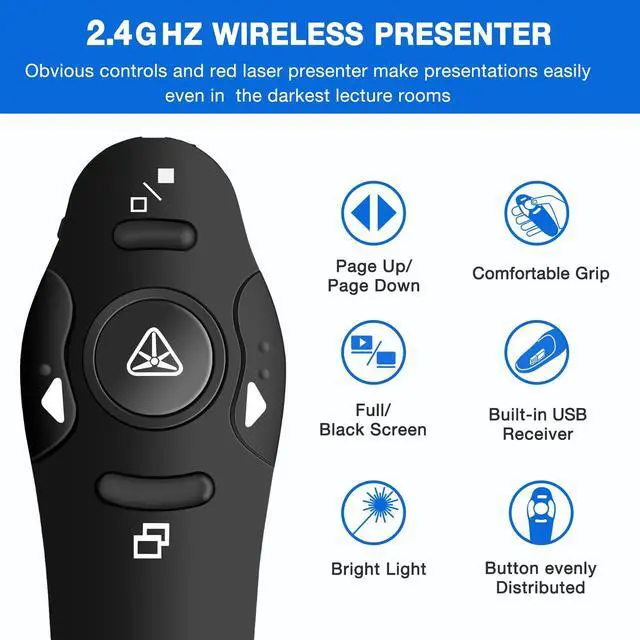
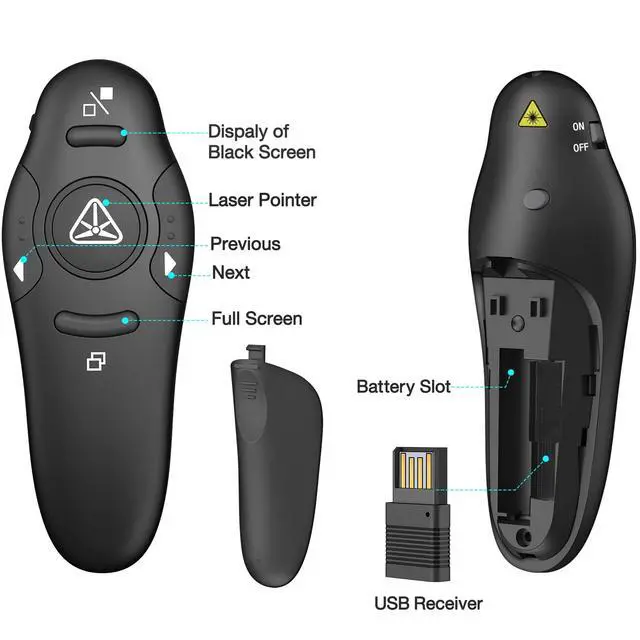
PRESENTER REMOTER CONTROLLER BUTTONS: The powerpoint remote supports page backward/forward, full/black screen; One-touch keys easy to control the slideshow. You can highlight and point out the important part for your audience with the bright red light which is easy to be seen clearly against most background.(Not recommended for TV/LED/LCD screen)
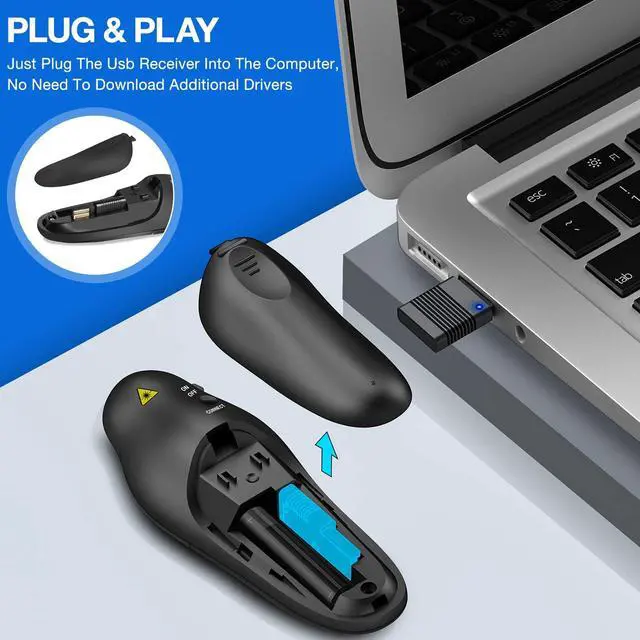
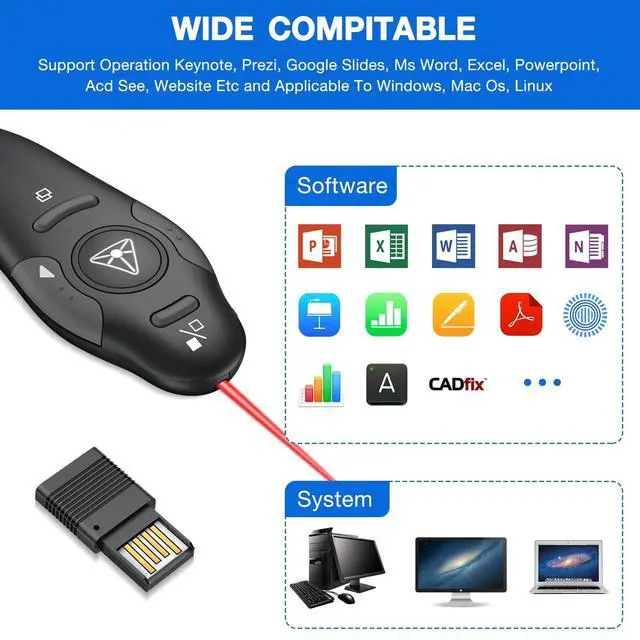
PLUG AND PLAY: Just plug into the wireless receiver USB, no need to install software(For mac, you may need to requires simple set-up). Note: the USB receiver store under the battery cover, never worry to lose it without using it. PACKAGE: 1xWireless Presenter remote control, 1xUltra-Slim Wireless Receiver, 1xUser Manual
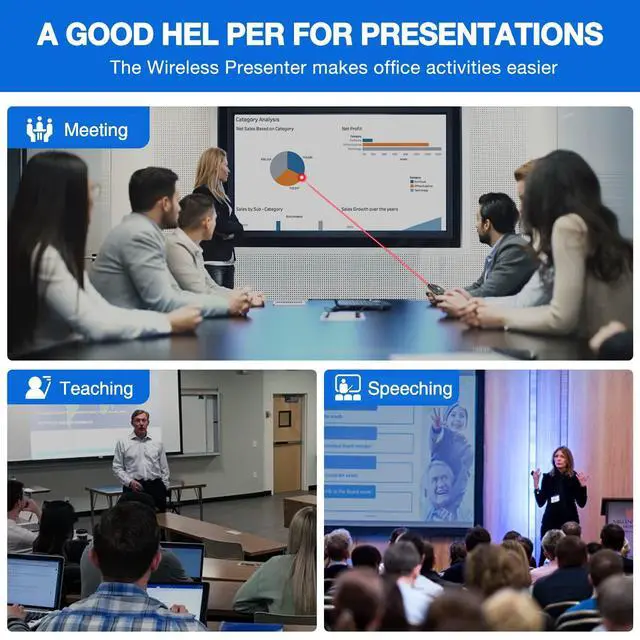
SUPPORT OPTIONS: You can use it as presentation clicker on speeching, meeting, and classroom. With page up and page down buttom, supports MS Word, Excel, PowerPoint, ACD See, website, iWork (Keynote & Numbers & Pages) etc; For MacBook on OS, plug the usb receiver into laptop, it will come out a box, and then you can select 101or104 option
+
+
Overview
Specs
Reviews
Any questions? Our AI beta will help you find out quickly.
Try me now
Presentation Clicker Wireless Presenter Remote USB Control Powerpoint PPT Clicker, Laser Pointer RF 2.4GH z Presenter Remote Google Slide Advancer Powerpoint Clicker for Computer/Laptop/Mac/Keynote