




 here!
I’m your shopping assistant for PC builds, upgrades, and everything tech.
Got questions? Ask away!
Start a conversation
here!
I’m your shopping assistant for PC builds, upgrades, and everything tech.
Got questions? Ask away!
Start a conversation Top Rated




Any questions? Ask CelesteSM will help you find out quickly.


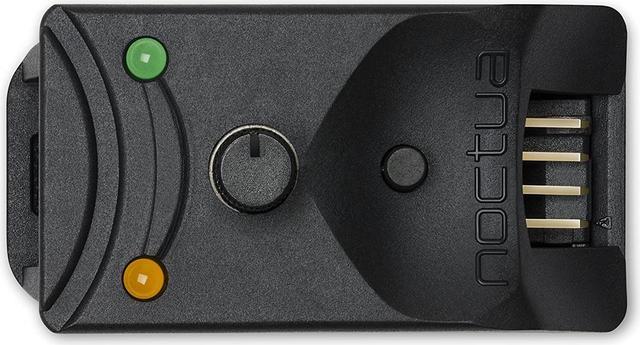
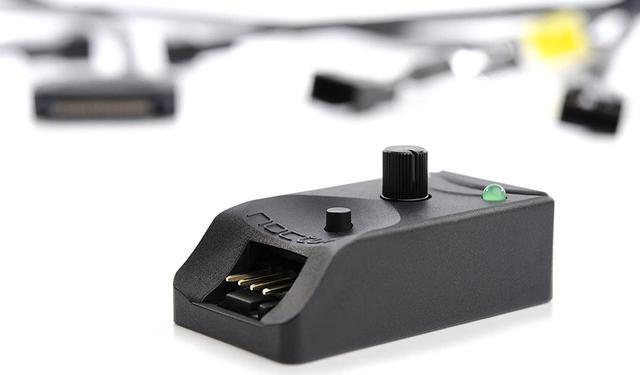
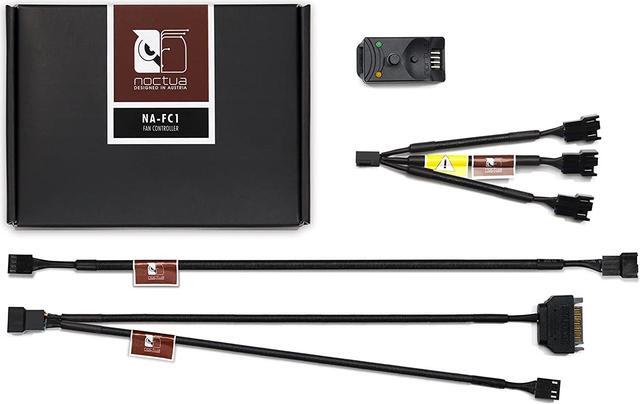
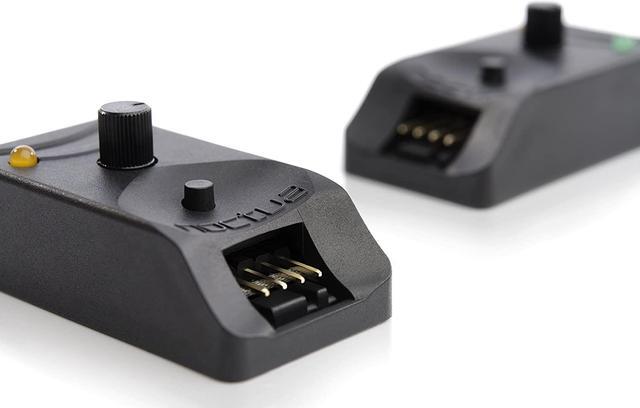
The NA-FC1 is a compact, highly flexible controller for 4-pin PWM fans that can both work on its own for manual speed reduction and also work in tandem with the automatic motherboard fan control. By adjusting the NA-FC1's speed control dial, users can either manually set a PWM duty cycle from 0 to 100% or reduce the PWM duty cycle supplied by PC motherboards in order to have the fans running slower than the automatic motherboard fan control would allow. While the brightness of the orange status LED provides visual feedback on the current dial setting, the push button allows the NA-FC1 to be switched into no stop mode, which prevents the fan from falling below a speed of 300rpm. Thanks to the supplied 3-way split cable and power supply adaptor, up to 3 fans can be controlled simultaneously.

| While most fan controllers are voltage based, the NA-FC1 uses the more sophisticated Pulse Width Modulation (PWM) technique that allows for more efficient control and lower minimum speeds, regardless of the fan's starting voltage. |

| As powering multiple higher wattage fans from a single motherboard fan header may damage the motherboard, the NA-FC1 includes an NA-AC4 adaptor that powers the device directly from the power supply unit while simultaneously receiving PWM input from the motherboard and forwarding RPM information. This makes it ideal for controlling multiple high-speed fans such as Noctua's 3000rpm industrialPPC models. |

| The supplied 3-way splitter cable allows the connection of up to three 4-pin PWM fans in order to control them simultaneously. Even more fans can be controlled at once when using additional NA-YC1 splitter cables that are supplied with many Noctua fans and available as an optional accessory kit (NA-SYC1). |

| If the small push button is pressed and the green status LED is on, the NA-FC1 operates in no stop mode, which means that it will not allow the fan to fall below 300rpm, regardless of the speed setting and the input PWM duty cycle from the motherboard, thus avoiding BIOS fan errors. |

Connector: 4-pin
Voltage Range: 5-12 V
Colour: black
Size: 21 x 25 x 48 mm
all Noctua 12V PWM and 5V PWM fans, many third party PWM fans

The Noctua NA-FC1 is a compact controller for 4-pin PWM fans, letting PC builders manually reduce fan speed or fine-tune motherboard-controlled fans for quieter operation.


