




1080P HD image
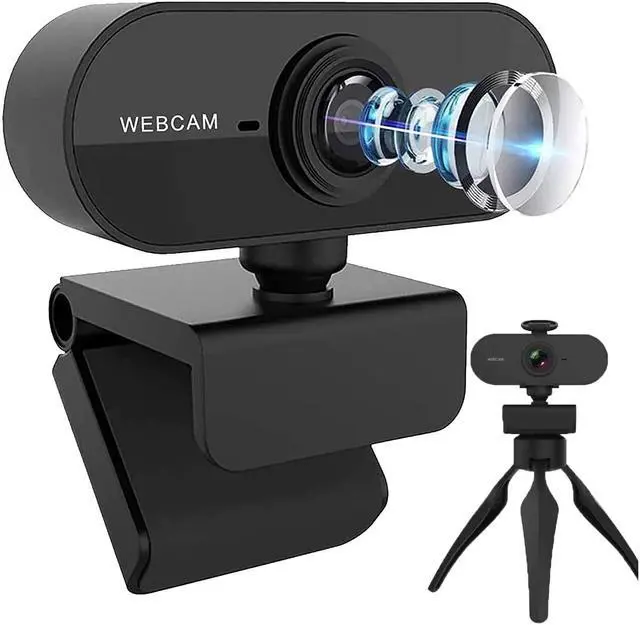
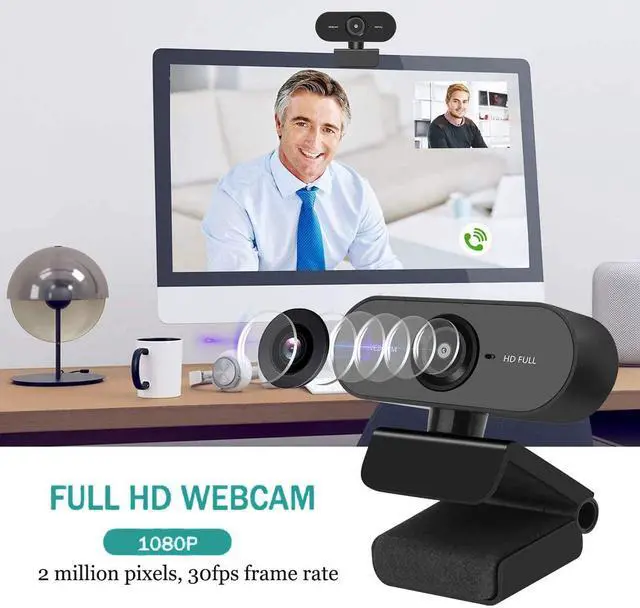
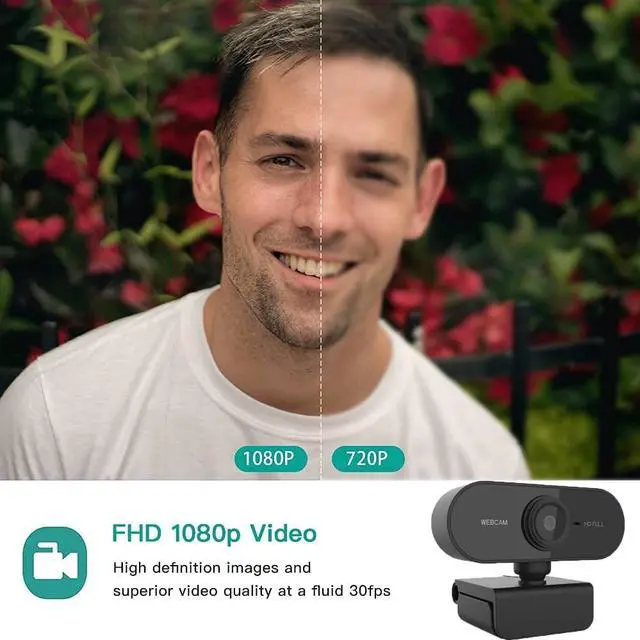
The 1080P webcam adopts 1920*1080 high-definition lens to transmit and record vivid video at a rate of 30 frames per second. Can clearly show details and provide you with a broad view of the room. Use this webcam to start enjoying video time.

Easy to Use
No other drivers or software are required, and this webcam can be easily plug and play. You can use a USB 2.0 cable to plug it into a laptop, desktop, computer, and then you can immediately start and run on the video software.

Used in various places
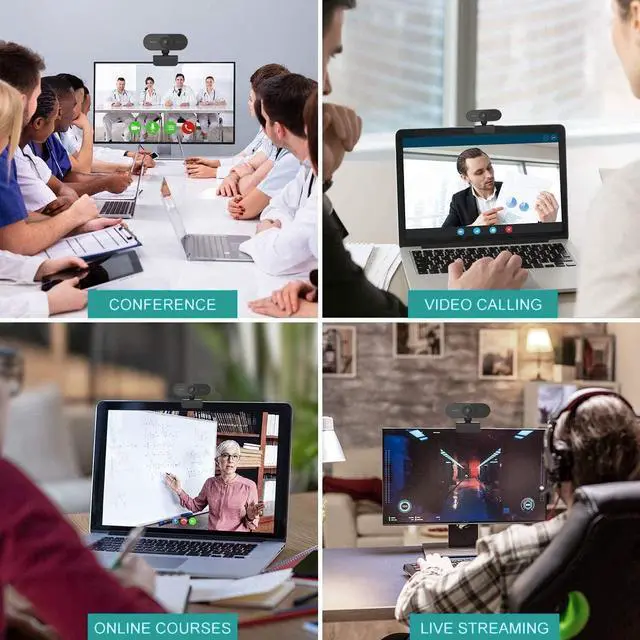
With this webcam, you can start wonderful video time for live broadcasts, games, online courses, group video calls, meetings, family calls, etc. Can easily complete all tasks that require a webcam. Make it the best partner for video calls.

Specifications
HOW TO SET UP THE WEBCAM?
1. Connect the webcam to the computer. Plug the USB cable of the webcam into one of the rectangular USB ports on the side or back of the computer.
If you are using a Mac, you probably need to buy a USB to USB-C adapter to fit a normal webcam.
Make sure to plug the webcam directly into the computer, not a USB hub. USB hubs are usually not functional enough to operate webcams.
2. This is a plug-and-play type, plug the webcam into the computer to start the setup process. The setup process will involve clicking through a series of preference windows before clicking the "Install" button.
3. Follow the instructions on the screen. Pay attention to the window information here. You will most likely need to select certain preferences to help the webcam work in the future.
4. If necessary, change the settings of the webcam as needed. (For example, "Picture Delay" can adjust the camera resolution and close other software on the computer.)
1080P HD image
The 1080P webcam adopts 1920*1080 high-definition lens to transmit and record vivid video at a rate of 30 frames per second. Can clearly show details and provide you with a broad view of the room. Use this webcam to start enjoying video time.
Easy to Use
No other drivers or software are required, and this webcam can be easily plug and play. You can use a USB 2.0 cable to plug it into a laptop, desktop, computer, and then you can immediately start and run on the video software.
Used in various places
With this webcam, you can start wonderful video time for live broadcasts, games, online courses, group video calls, meetings, family calls, etc. Can easily complete all tasks that require a webcam. Make it the best partner for video calls.
Specifications
| Image Sensor | CMOS |
| Interface: USB | 2.0 |
| Dynamic Resolution | 1080P |
| Frame Rate | 30 fps |
| Video Compression Type | H.264 |
| View Angle | 120 |
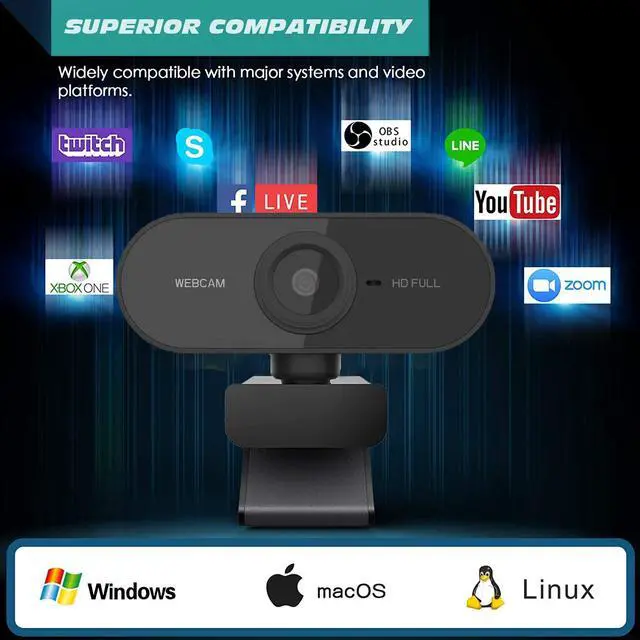
| DSP ChipCompatible Systems | DriverlessWindows/Mac OS/Android/XBOX ONE |
HOW TO SET UP THE WEBCAM?
1. Connect the webcam to the computer. Plug the USB cable of the webcam into one of the rectangular USB ports on the side or back of the computer.
If you are using a Mac, you probably need to buy a USB to USB-C adapter to fit a normal webcam.
Make sure to plug the webcam directly into the computer, not a USB hub. USB hubs are usually not functional enough to operate webcams.
2. This is a plug-and-play type, plug the webcam into the computer to start the setup process. The setup process will involve clicking through a series of preference windows before clicking the "Install" button.
3. Follow the instructions on the screen. Pay attention to the window information here. You will most likely need to select certain preferences to help the webcam work in the future.
4. If necessary, change the settings of the webcam as needed. (For example, "Picture Delay" can adjust the camera resolution and close other software on the computer.)