




Why we need longer control range?
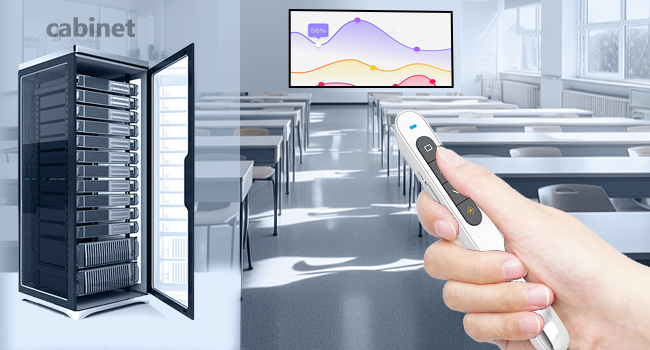
When computers are placed in cabinets
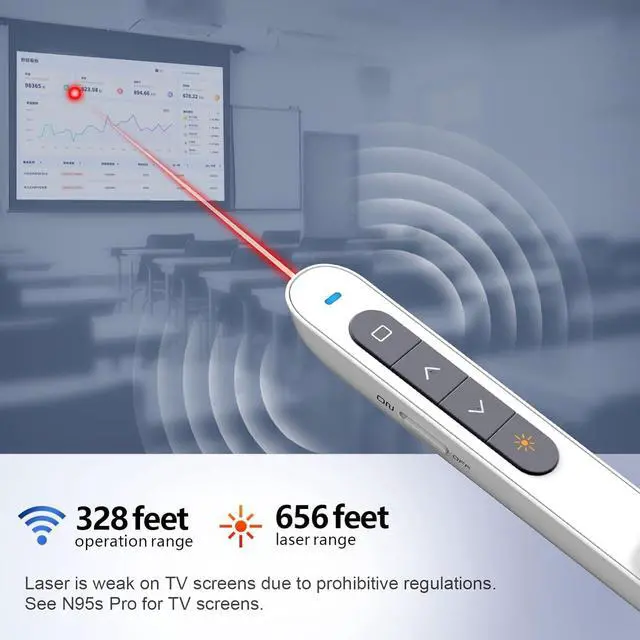
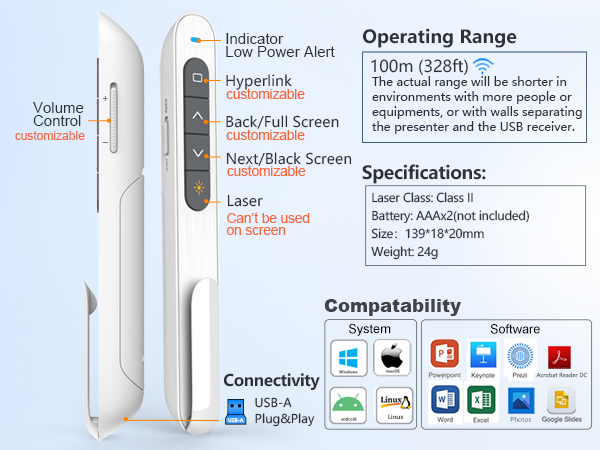
If the computer is placed in the cabinet, the cabinet will attenuate the control signal, which will affect the sensitivity of the control. 328 FT of extra-long control distance can effectively resist the attenuation of the signals from the cabinets and keep high sensitivity.
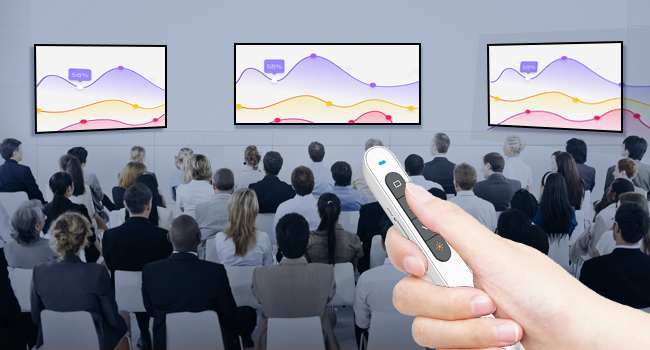
When presenting in large classrooms
Large classrooms mean more students and desks. Complex environments can attenuate control signals and affect control distance. 328 feet of extra long control distance maintains ideal control distance and sensitivity in complex presentation environments.
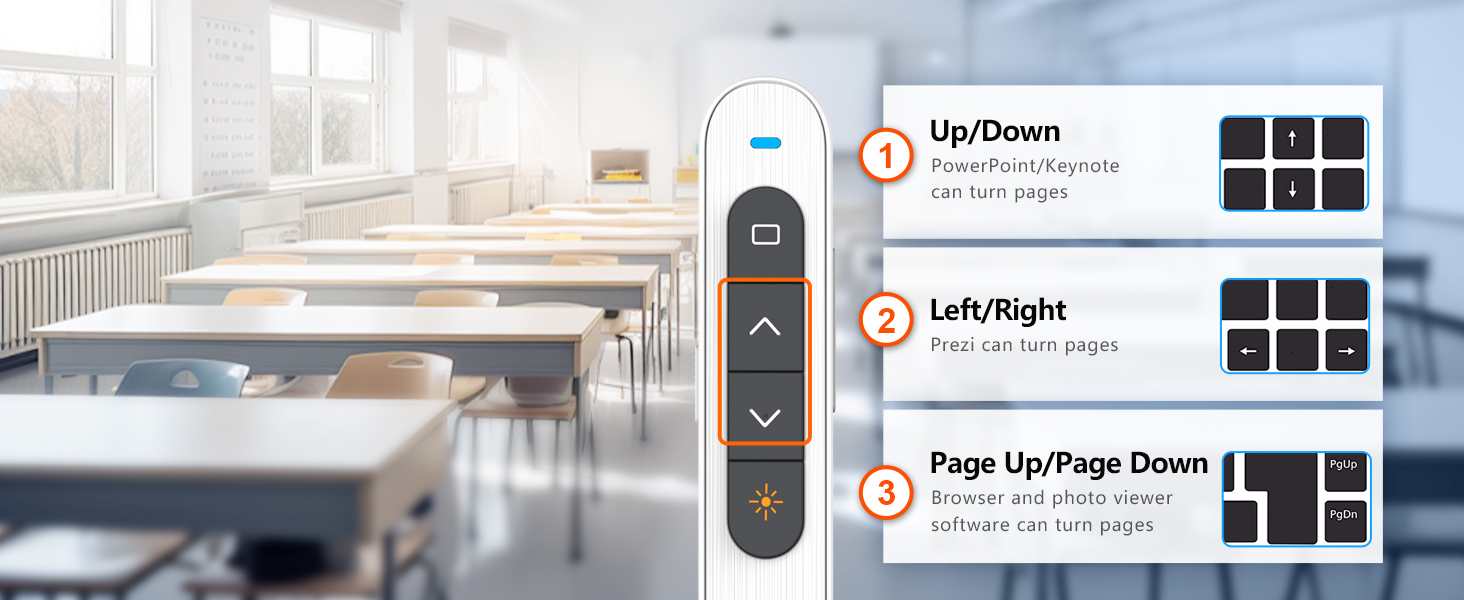
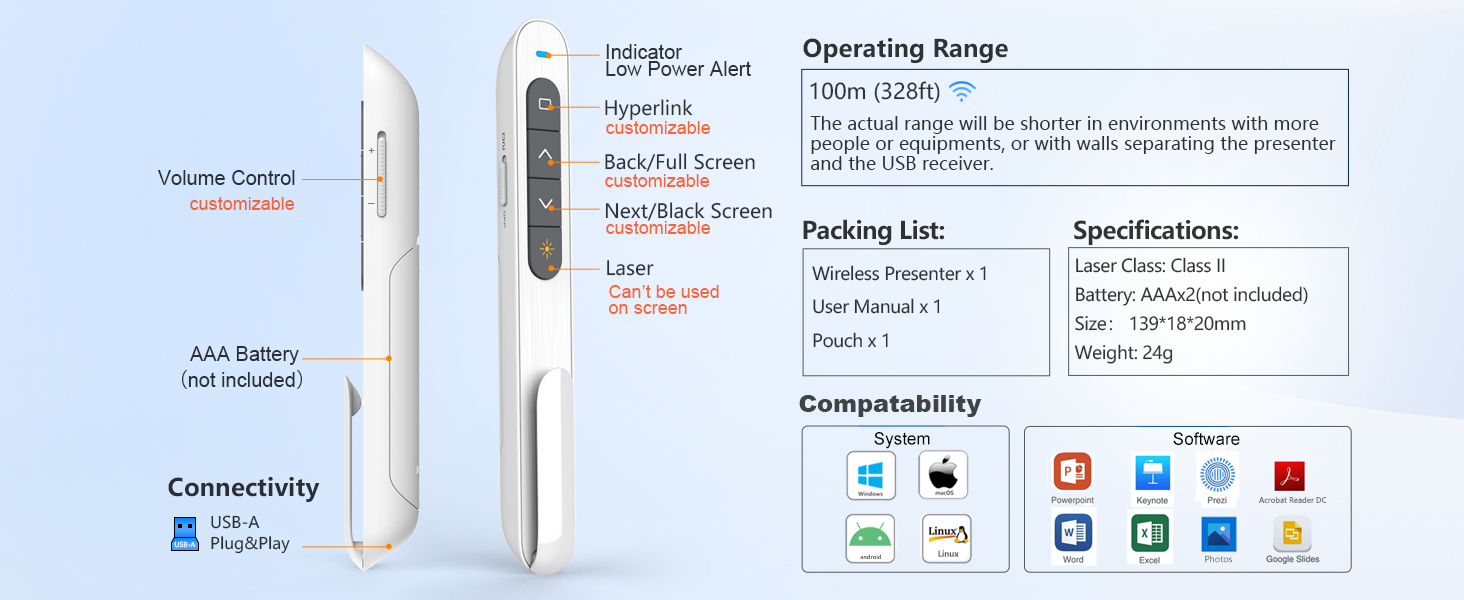
Featured Presentation Functions
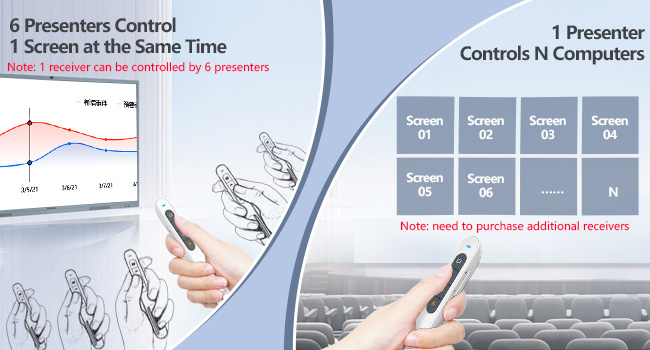
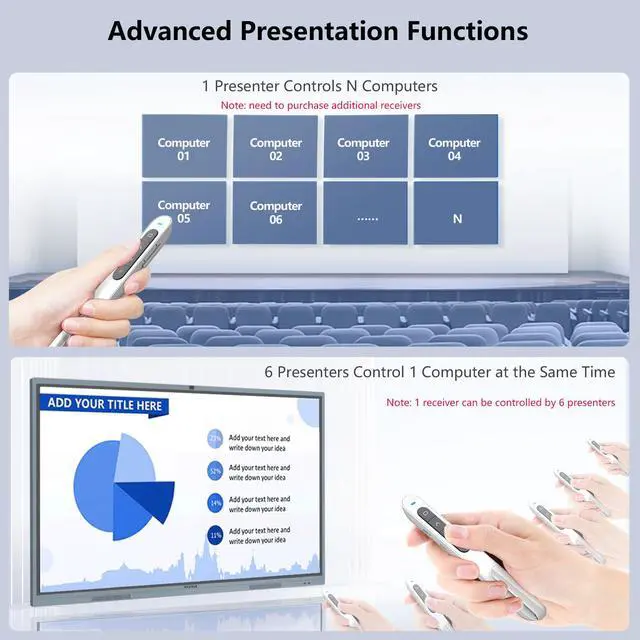
1vsN, 6vs1 Control via Pairing
For more advanced control needs, including 1 wireless presenter control multiple devices, or up to 6 wireless presenters control a single device.
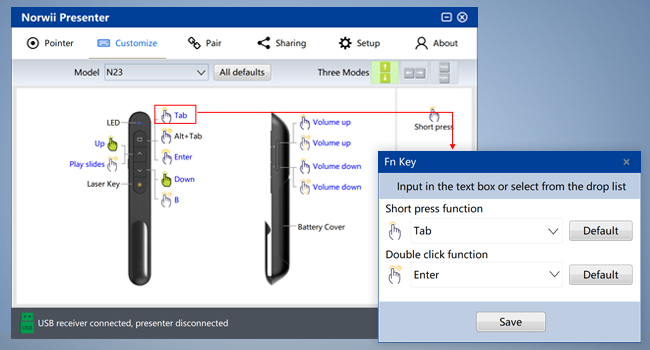
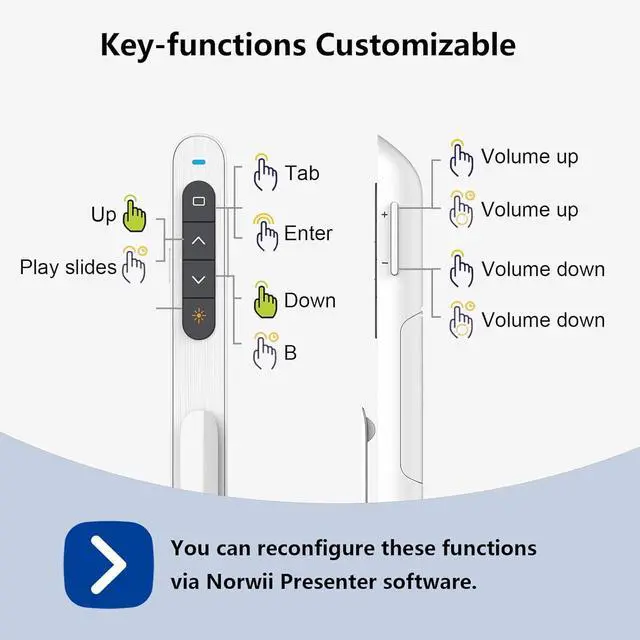
Key’s Function Customizable
Key-function customization can meet personalized function need. Download the Norwii Presenter APP from the official Norwii website and customise it in a few clicks.
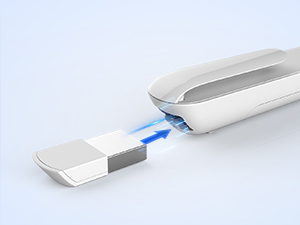
Integrated Design
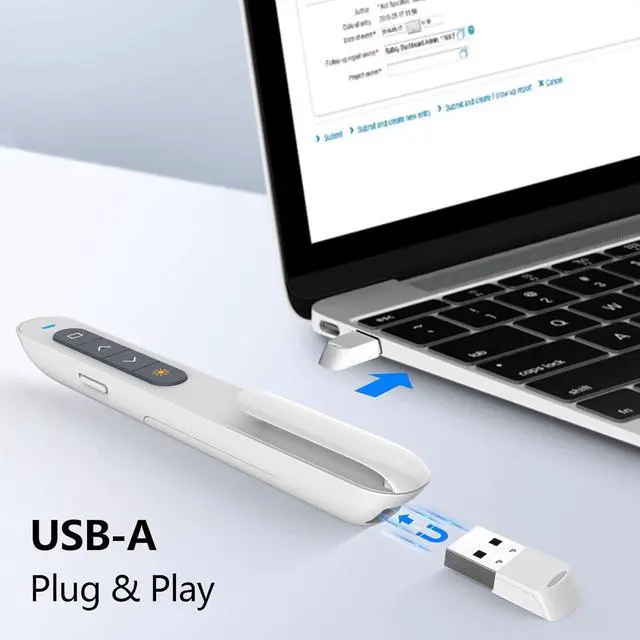
Built-in dock stores The USB Receiver when not in use
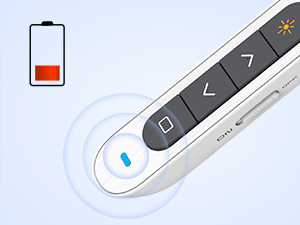
Low Power Alert
The indicator flashing slowly indicates the battery needs to be replaced
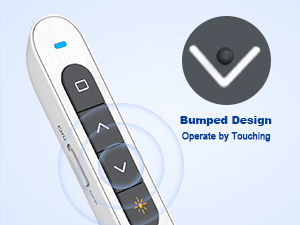
Bumped Design
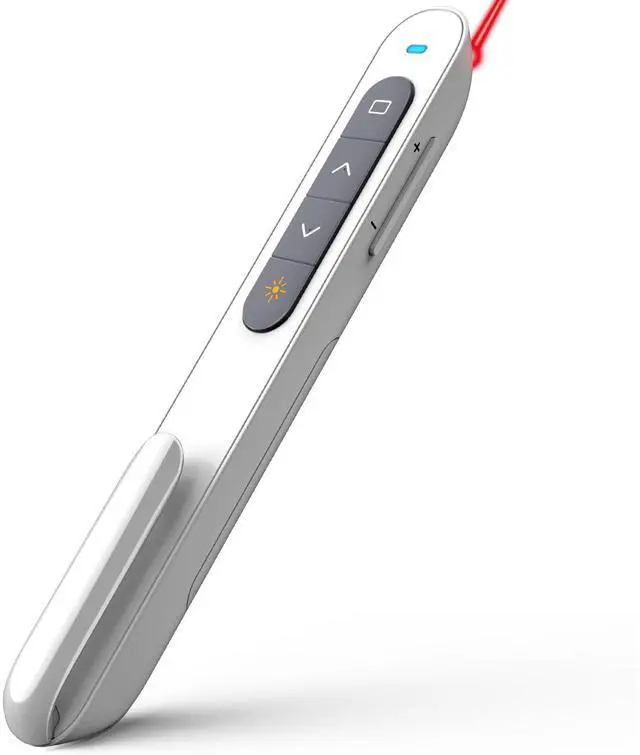
The bumped design on the keys makes it easy to locate the correct function
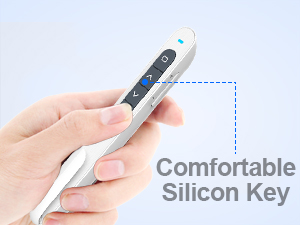
Comfortable Silicon Key
Provides you with a soft and moderate comfort experience
For more recommendations, visit the Norwii Store
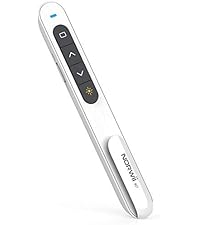 N27 | 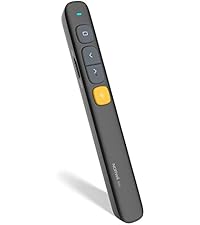 N29 |  N95 | 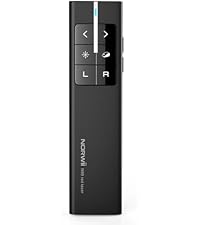 N99 |  N95s Pro | 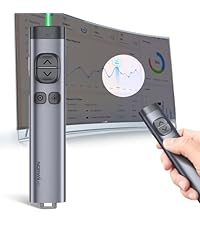 N97s |  N10 | |
|---|---|---|---|---|---|---|---|
Customer Reviews | — | — | — | — | — | — | — |
Price | — | — | — | — | — | — | — |
Connectivity | USB-A | USB-A | BLE&USB-A | USB-A | USB-A | BLE&USB-A&C | BLE&USB-A |
Color of the light | Red | Red | Green | Red | Red | Green | Red |
TV screen available | ? | ? | ? | ? | ? | ? | ? |
Working with software | ? | ? | ? | ? | ? | ? | ? |
Mouse Function | No mouse function | No mouse function | No mouse function | Mouse left&right | Only mouse left click | Only mouse left click | Only mouse left click |
Reprogrammable Button | ? | ? | ? | ? | ? | ? | ? |
Battery | aaax1 | aaax1 | 300mAh Li-Po | 300mAh Li-Po | 300mAh Li-Po | 300mAh Li-Po | 300mAh Li-Po |
Housing Material | ABS+PC | ABS+PC | ABS+PC | ABS+PC | ABS+PC | Aluminium | Aluminium |
Switching modes by key | ? | ? | ? | ? | ? | ? | ? |
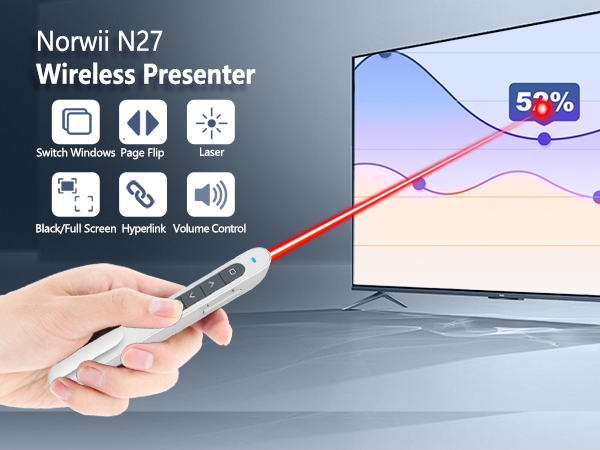
Why we need longer control range?
When computers are placed in cabinets
If the computer is placed in the cabinet, the cabinet will attenuate the control signal, which will affect the sensitivity of the control. 328 FT of extra-long control distance can effectively resist the attenuation of the signals from the cabinets and keep high sensitivity.
When presenting in large classrooms
Large classrooms mean more students and desks. Complex environments can attenuate control signals and affect control distance. 328 feet of extra long control distance maintains ideal control distance and sensitivity in complex presentation environments.
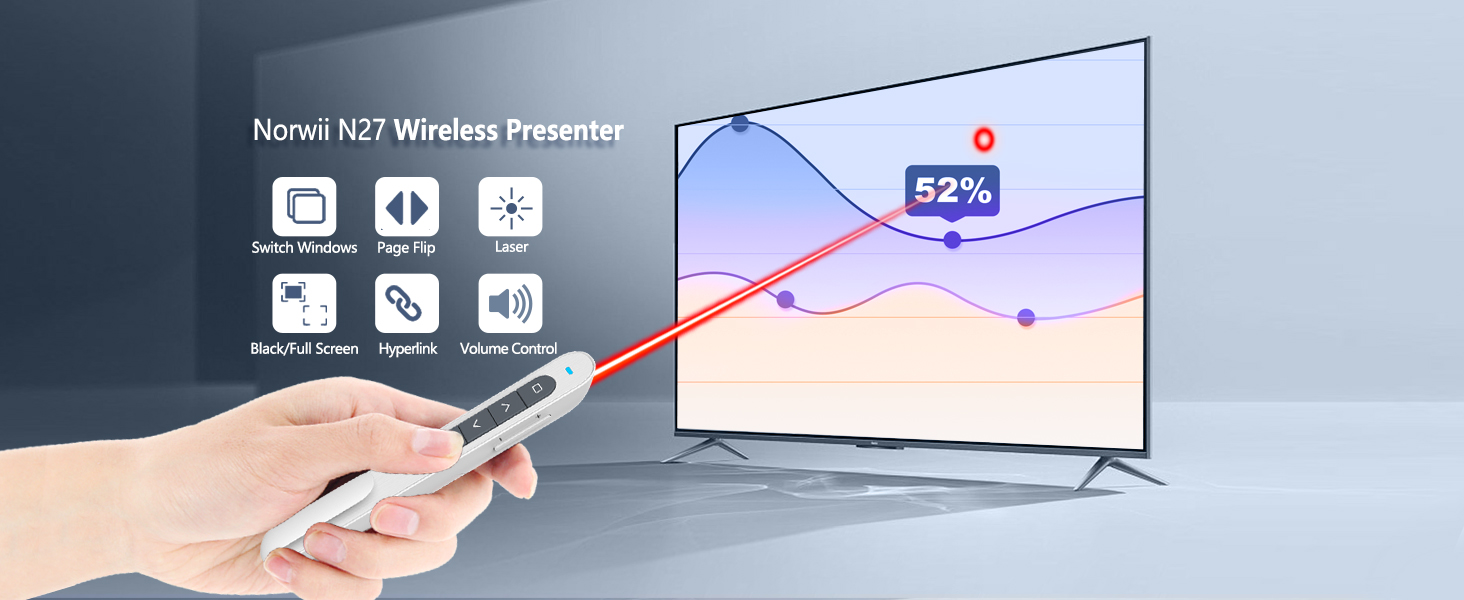
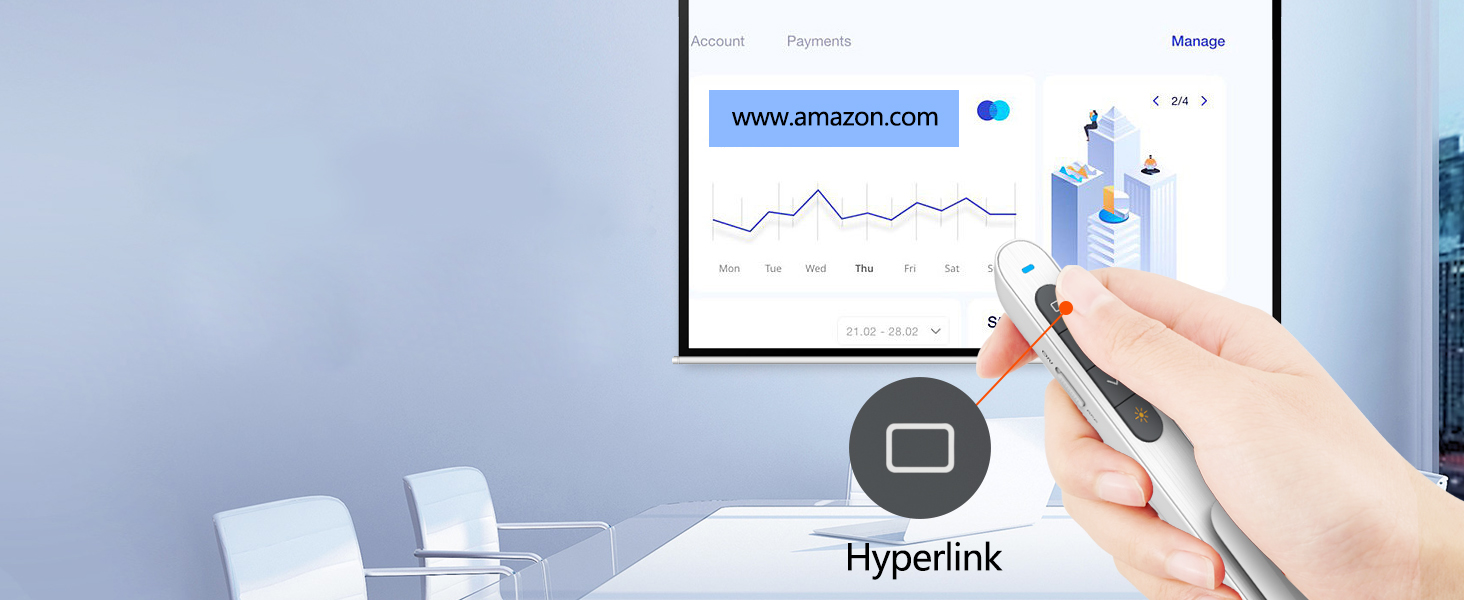
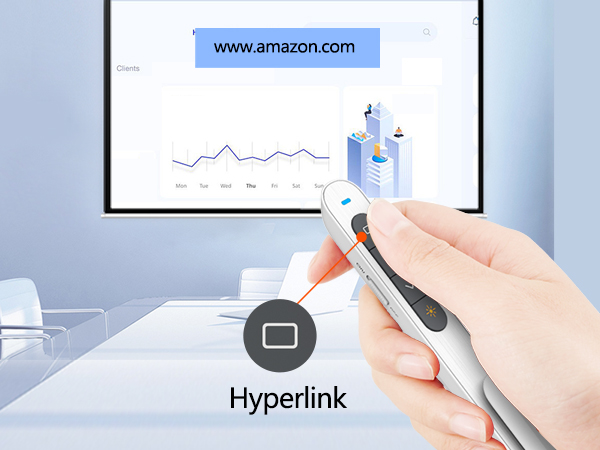
Click the Tab Key to choose the hyperlink, then double click Tab Key to open hyperlink
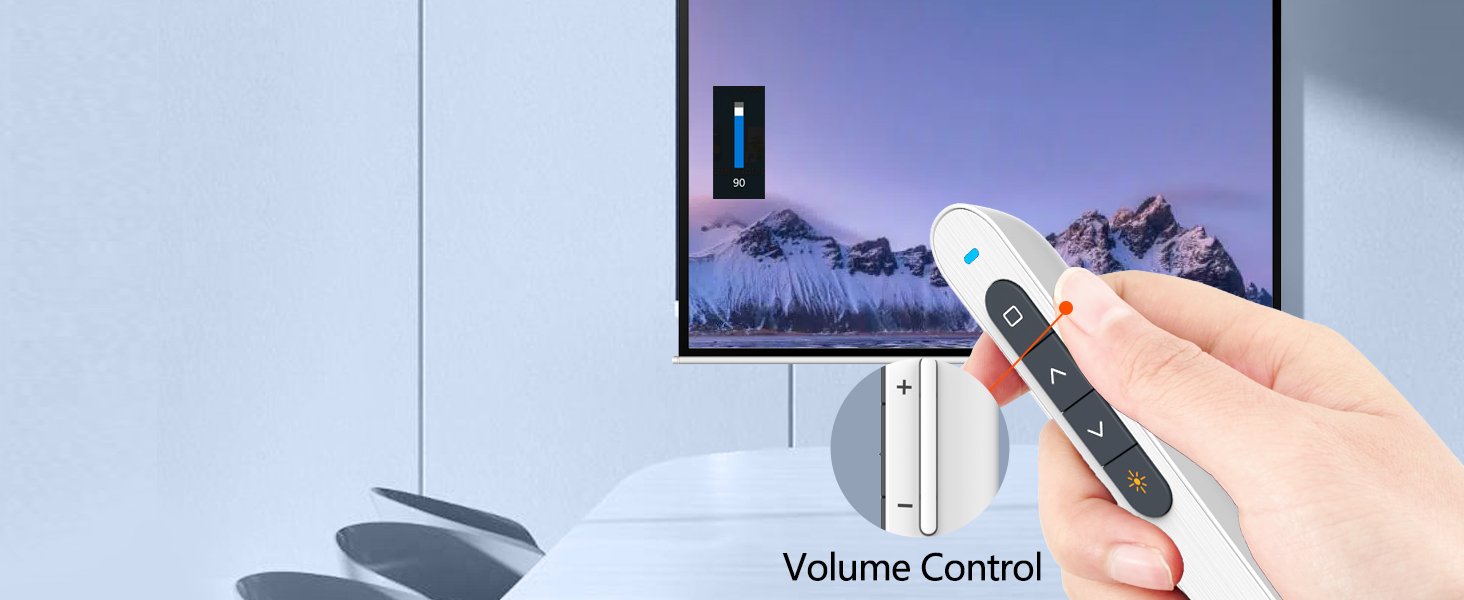
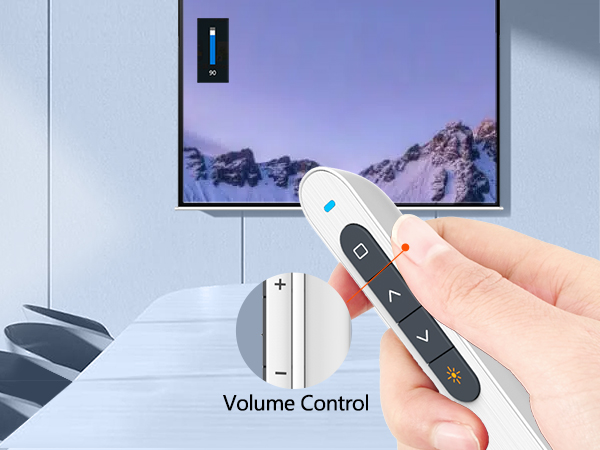
Press "+ "or "-" to adjust the volume according to your location and surroundings of place
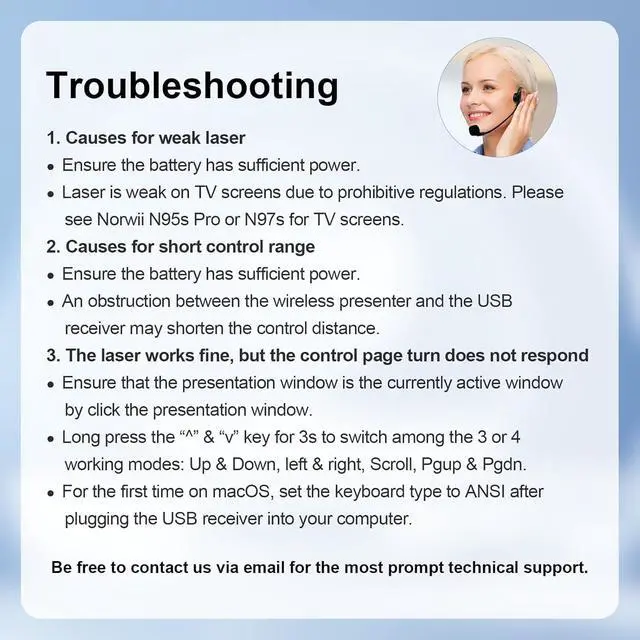
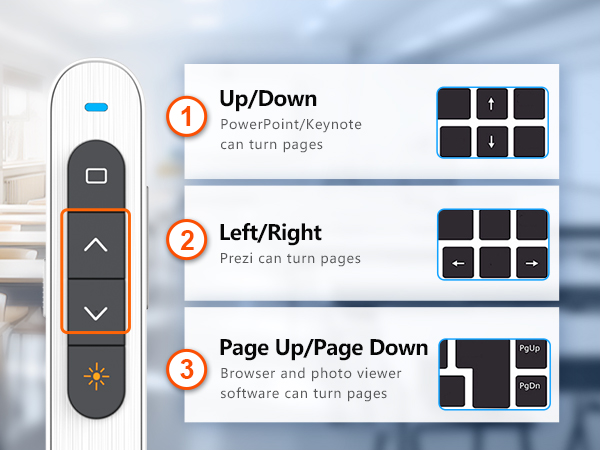
Wireless presenter switch one of 3 modes by long press"^"and "v" keys at the same time
Featured Presentation Functions
1vsN, 6vs1 Control via Pairing
For more advanced control needs, including 1 wireless presenter control multiple devices, or up to 6 wireless presenters control a single device.
Key’s Function Customizable
Key-function customization can meet personalized function need. Download the Norwii Presenter APP from the official Norwii website and customise it in a few clicks.
Integrated Design
Built-in dock stores The USB Receiver when not in use
Low Power Alert
The indicator flashing slowly indicates the battery needs to be replaced
Bumped Design
The bumped design on the keys makes it easy to locate the correct function
Comfortable Silicon Key
Provides you with a soft and moderate comfort experience
For more recommendations, visit the Norwii Store
N27 | N29 | N95 | N99 | N95s Pro | N97s | N10 |
|---|---|---|---|---|---|---|
| Customer Reviews | ||||||
| — | — | — | — | — | — | — |
| Price | ||||||
| — | — | — | — | — | — | — |
| Connectivity | ||||||
| USB-A | USB-A | BLE&USB-A | USB-A | USB-A | BLE&USB-A&C | BLE&USB-A |
| Color of the light | ||||||
| Red | Red | Green | Red | Red | Green | Red |
| TV screen available | ||||||
| ? | ? | ? | ? | ? | ? | ? |
| Working with software | ||||||
| ? | ? | ? | ? | ? | ? | ? |
| Mouse Function | ||||||
| No mouse function | No mouse function | No mouse function | Mouse left&right | Only mouse left click | Only mouse left click | Only mouse left click |
| Reprogrammable Button | ||||||
| ? | ? | ? | ? | ? | ? | ? |
| Battery | ||||||
| aaax1 | aaax1 | 300mAh Li-Po | 300mAh Li-Po | 300mAh Li-Po | 300mAh Li-Po | 300mAh Li-Po |
| Housing Material | ||||||
| ABS+PC | ABS+PC | ABS+PC | ABS+PC | ABS+PC | Aluminium | Aluminium |
| Switching modes by key | ||||||
| ? | ? | ? | ? | ? | ? | ? |