


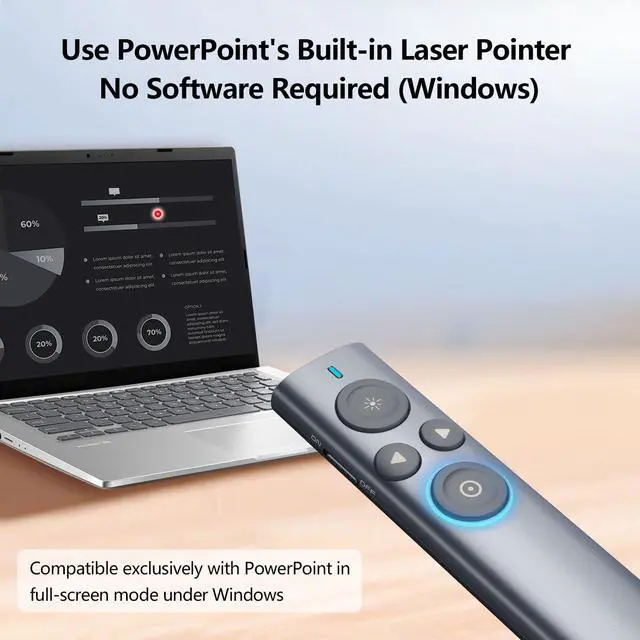


Wireless Presenter
Present smarter. Engage deeper.
Norwii — Your Idea, Perfected.
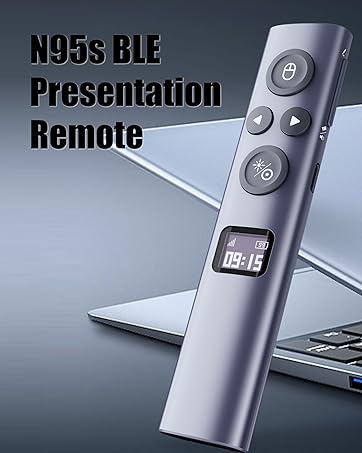
N95s BLE
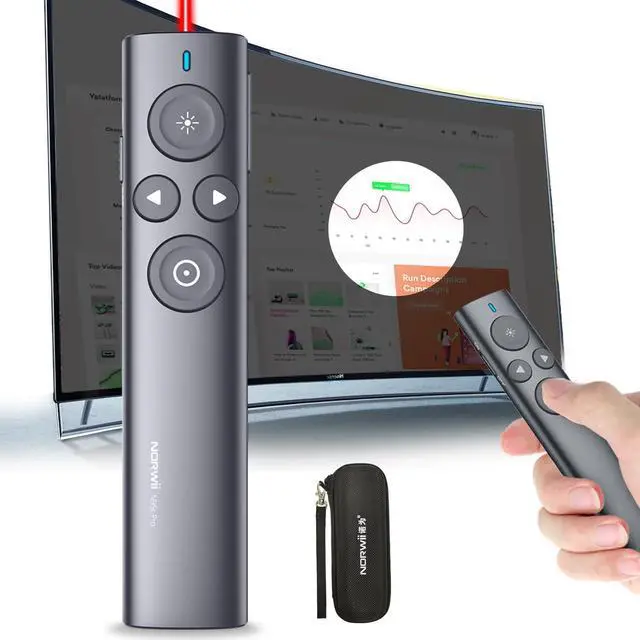
Wireless Presenter Remote with Countdown Timer
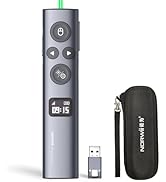
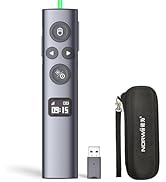
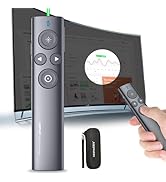
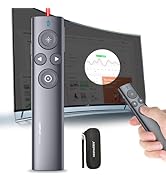
Presenter with Digital Pointer
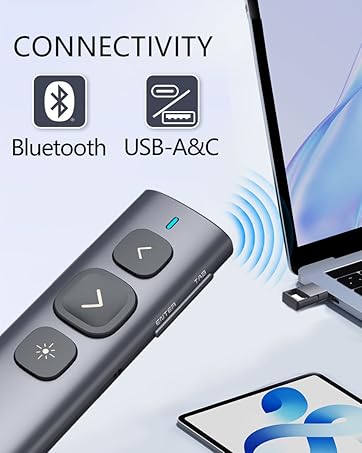
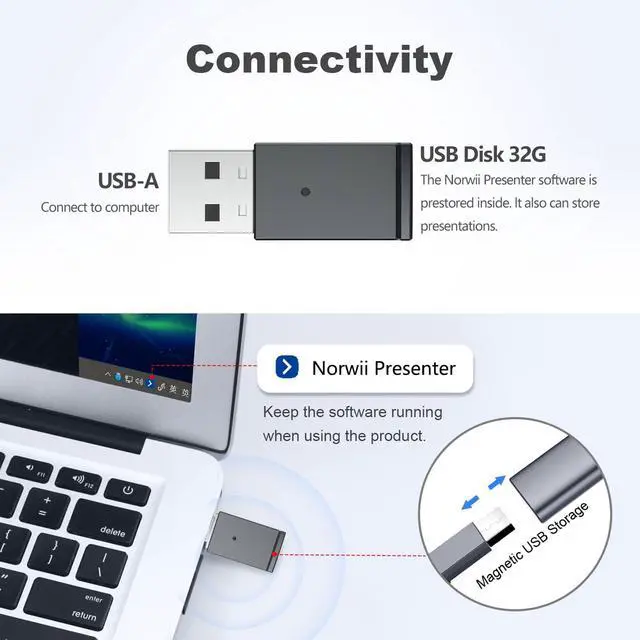
N95 Dual Connectivity
Bluetooth & USB Receiver
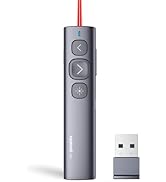
N95 Projector Screen Clicker
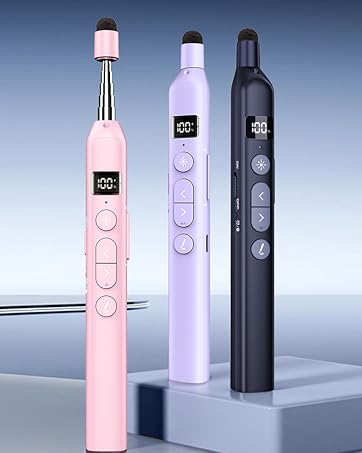
N21 BLE
Bluetooth Presentation Clicker with Telescopic Teaching Pointer
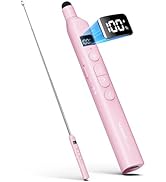
Bluetooth Pointer with Stylus
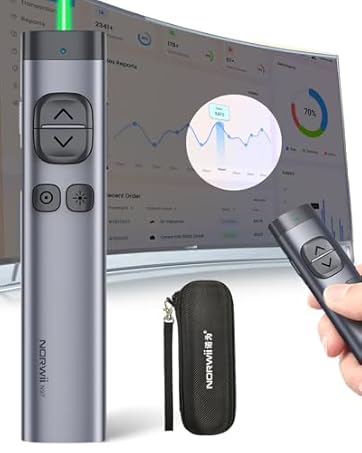
N97s
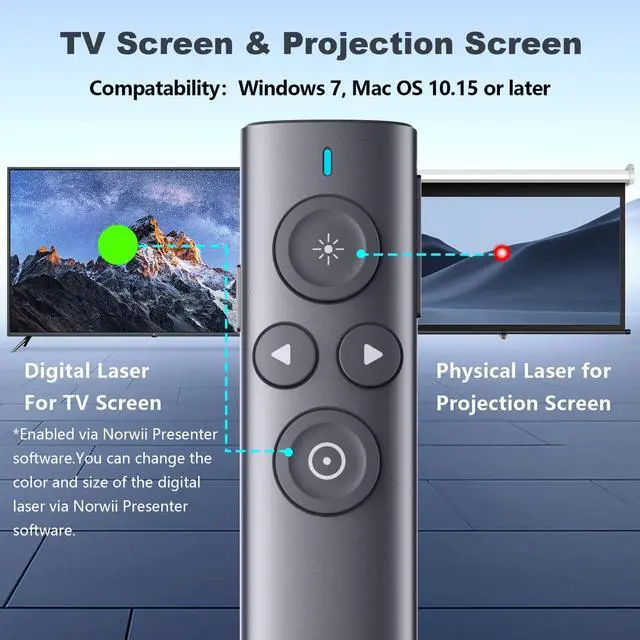
Presentation Clicker for TV Screen Presentation
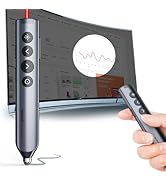
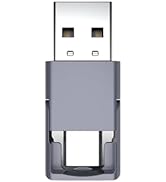
Digital Pointer for TV Screen
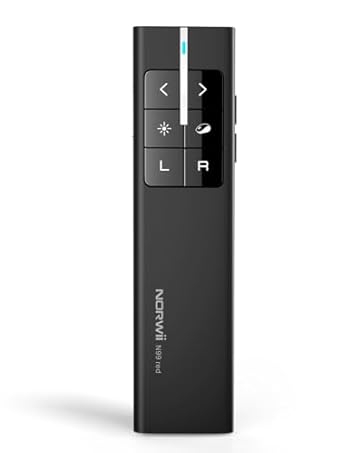
N99 Air Mouse Presenter
Presentation Clicker with Wireless Mouse
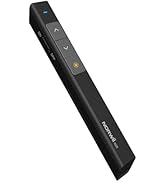
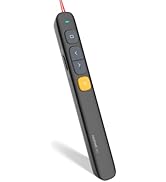
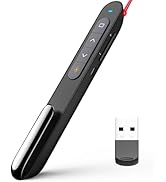
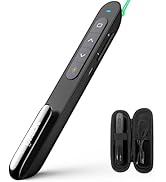
Norwii Presentation clicker
Presentation Remote with Digital Pointer for TV Screen

Support up to four people to use the digital pointer at the same time
Allows simultaneous control by multiple people
Merchant VideoAfter startup the Norwii Presenter software (please update to the latest version), the Norwii Presenter software can support up to 4 people to use the digital pointer at the same time. In the software, you can choose a different pointer color for each one to differentiate between speakers.


Functions and Specifications

Featured Functions

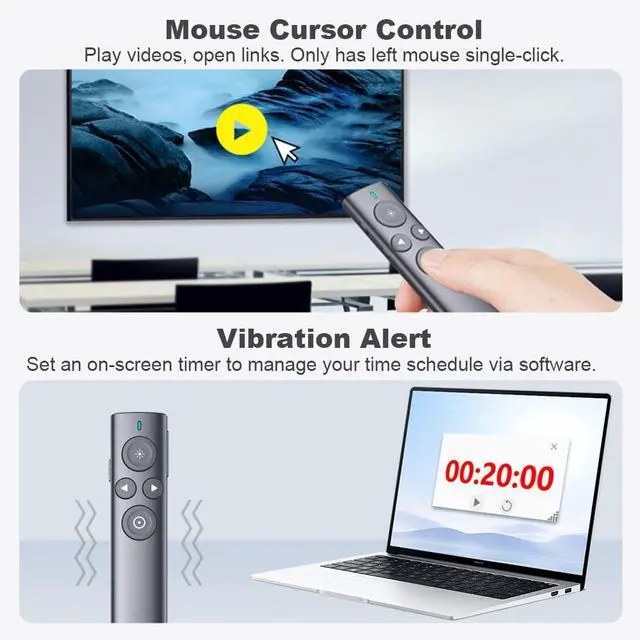
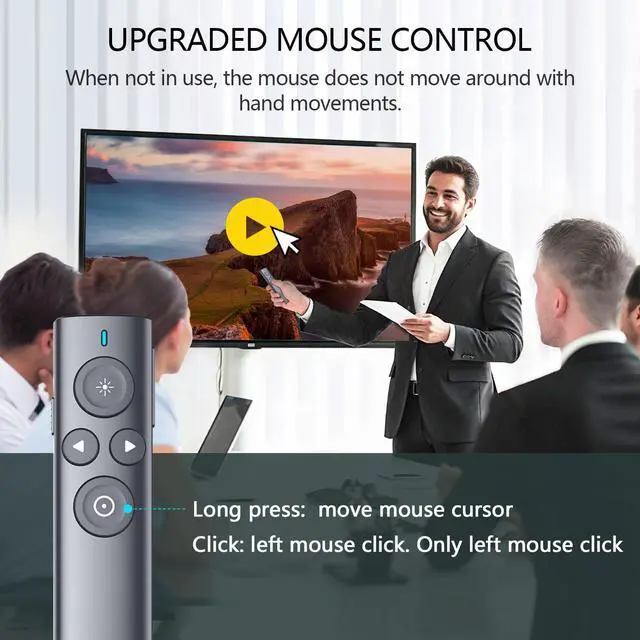
Mouse cursor Control
Control mouse cursor to play video, open links. Only left mouse click, no right and double click.

Smart Time Management
Use software to set an on-screen timer to. The presenter will vibrate to alert the speaker to manage presentation time.
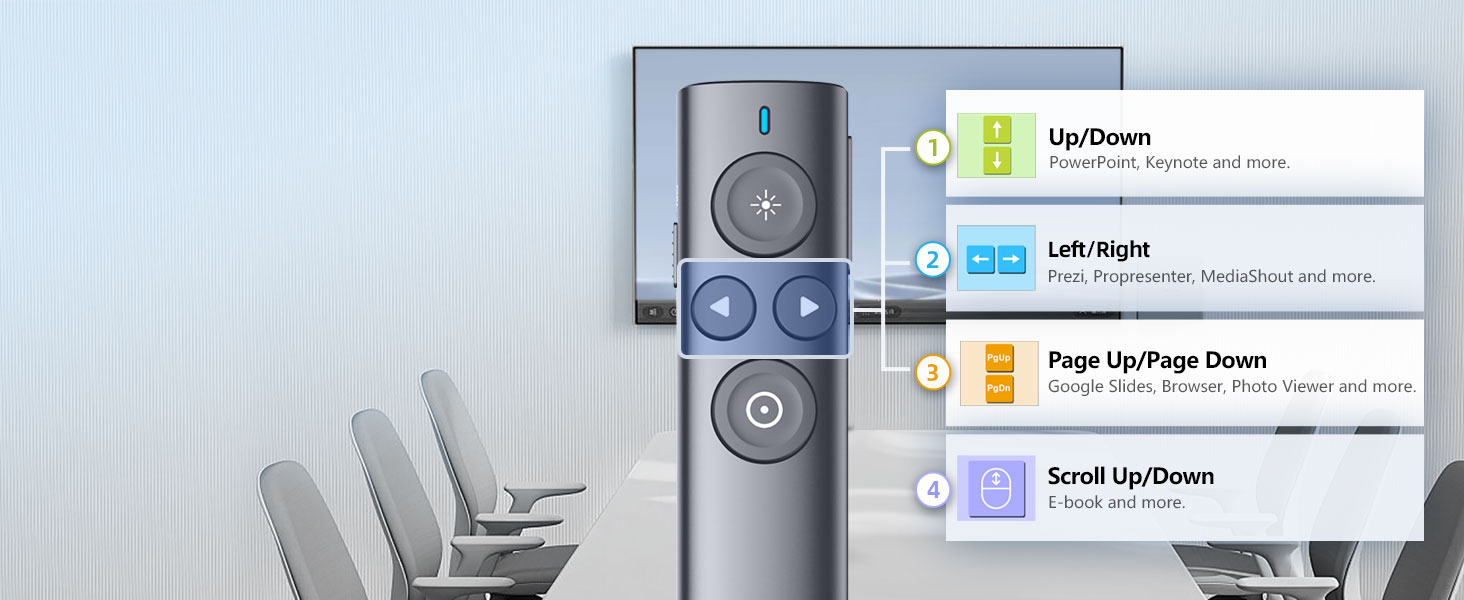
Easy to Switch
Long press < & > for 3s to switch between the 4 modes to support leading presentation software.
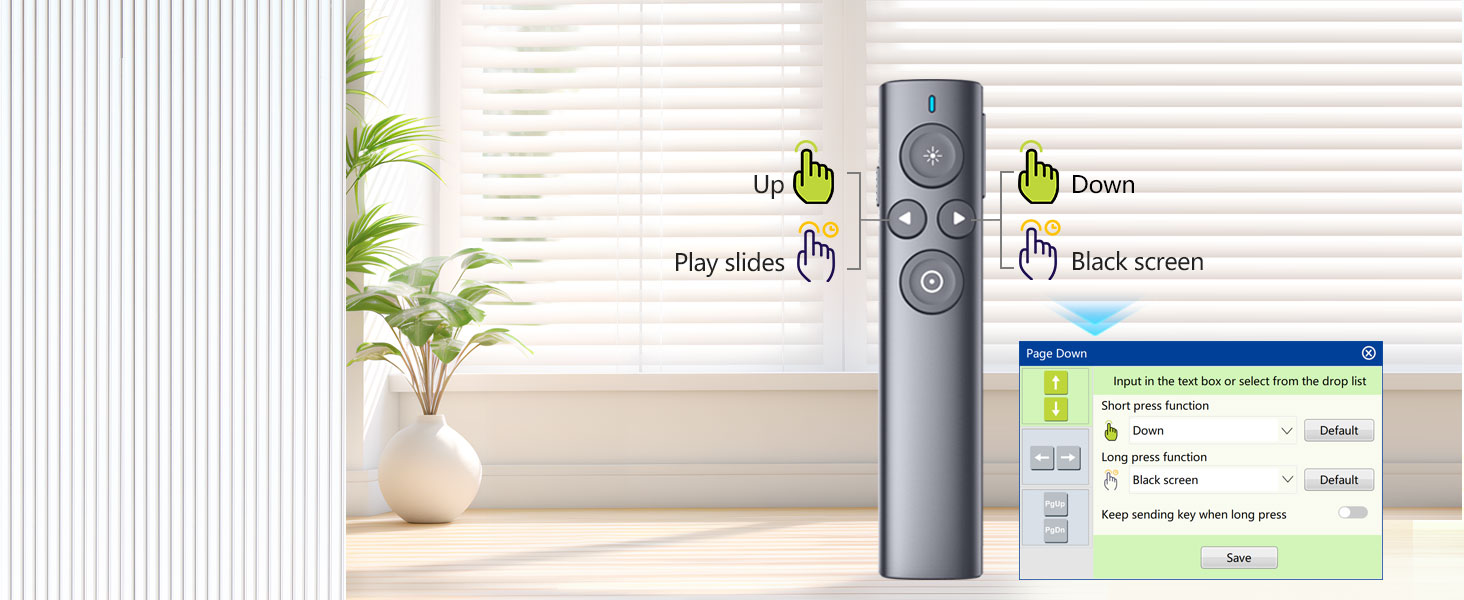
Reprogrammable keys
You can remap the button functions via Norwii Presenter software. Download it from official web.
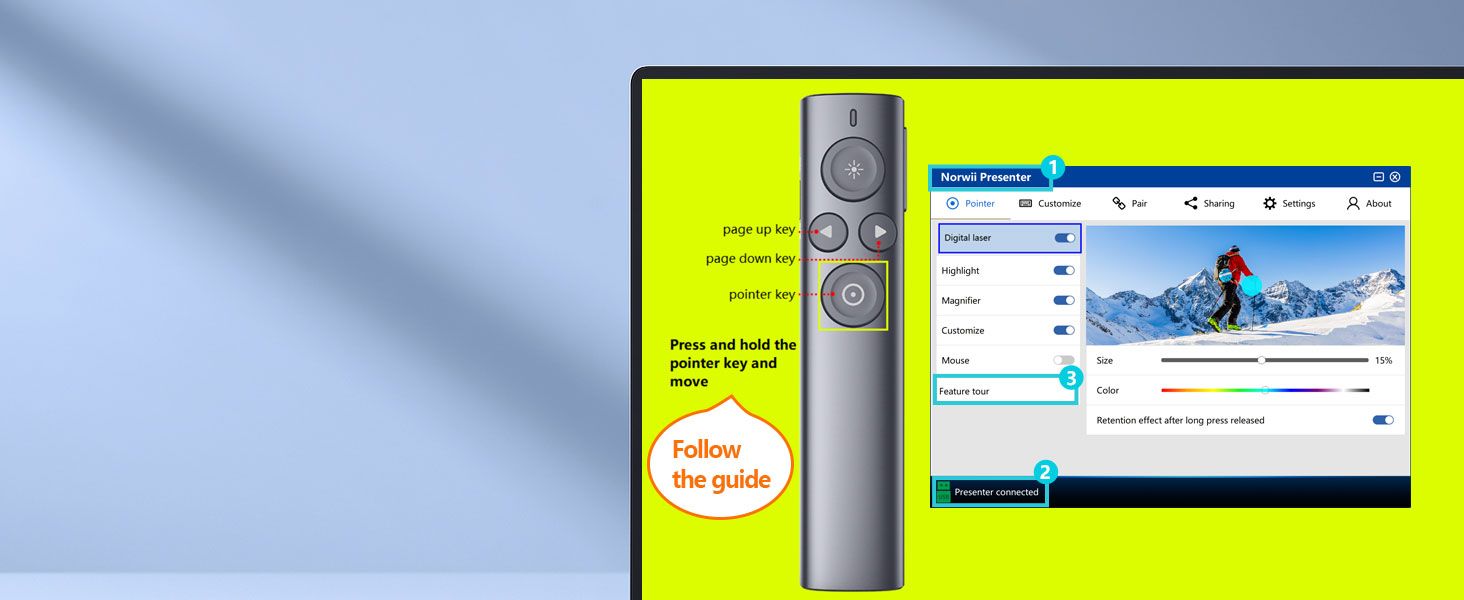
3 Steps to quick start
Quick Start:
1. Run software
2. Connect to computer
3. Click “Feature Tour” for interactive tutorial
For more information, visit the Norwii Store.
 N95s Pro |  N95s Pro |  N95s BLE | 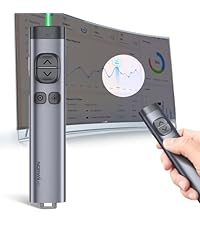 N97s |  N10s |  N86s | 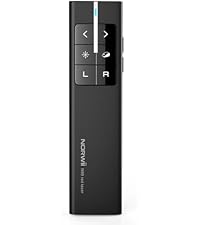 N99 | |
|---|---|---|---|---|---|---|---|
Customer Reviews | — | — | — | — | — | — | — |
Price | — | — | — | — | — | — | — |
Connectivity | USB-A | USB-A | BLE&USB-A&C | BLE&USB-A&C | BLE&USB-A | USB-A | USB-A |
color of the light | Green | Red | Green | Green | Red | Red | Red |
Available for TV screens | ? | ? | ? | ? | ? | ? | ? |
Mouse Function | Only mouse left click | Only mouse left click | Mouse left&right | Only mouse left click | Only mouse left click | Mouse left&right | Mouse left&right |
Reprogrammable Button | ? | ? | ? | ? | ? | ? | ? |
Housing Material | ABS+PC | ABS+PC | ABS+PC | Aluminium | Aluminium | ABS+PC | ABS+PC |
Works with app | ? | ? | ? | ? | ? | ? | ? |
How to get app | Prestored in the USB receiver | Prestored in the USB receiver | Download online | Download online | Prestored in the USB receiver | Prestored in the USB receiver | Not applicable |
Countdown Timer | ? | ? | ? | ? | ? | ? | ? |
Presentation Remote with Digital Pointer for TV Screen

Support up to four people to use the digital pointer at the same time
Allows simultaneous control by multiple people
Merchant VideoAfter startup the Norwii Presenter software (please update to the latest version), the Norwii Presenter software can support up to 4 people to use the digital pointer at the same time. In the software, you can choose a different pointer color for each one to differentiate between speakers.
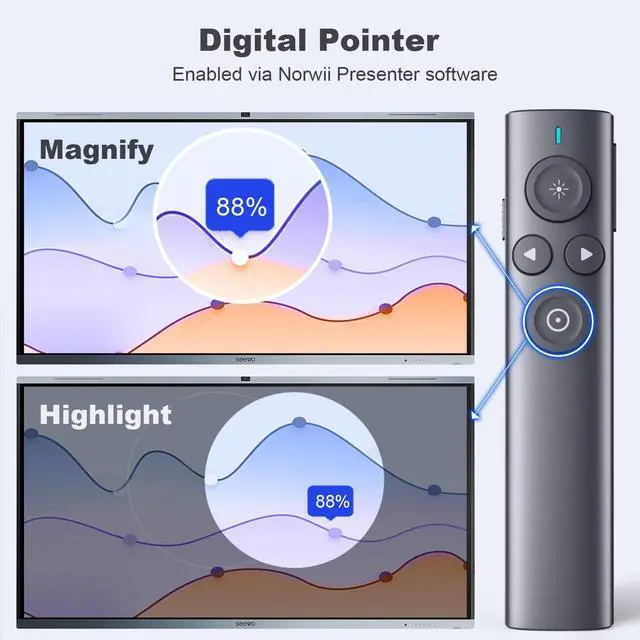
Point on TV screen with crisp digital pointer of adjustable color and size
Magnifier
Magnify the details in your presentation with adjustable magnification, color and size
Hight focus area with adjustable opacity and size to catch the audience's eye


Functions and Specifications

Featured Functions
Mouse cursor Control
Control mouse cursor to play video, open links. Only left mouse click, no right and double click.
Smart Time Management
Use software to set an on-screen timer to. The presenter will vibrate to alert the speaker to manage presentation time.
Easy to Switch
Long press < & > for 3s to switch between the 4 modes to support leading presentation software.
Reprogrammable keys
You can remap the button functions via Norwii Presenter software. Download it from official web.
3 Steps to quick start
Quick Start:
1. Run software
2. Connect to computer
3. Click “Feature Tour” for interactive tutorial


For more information, visit the Norwii Store.
N95s Pro | N95s Pro | N95s BLE | N97s | N10s | N86s | N99 |
|---|---|---|---|---|---|---|
| Customer Reviews | ||||||
| — | — | — | — | — | — | — |
| Price | ||||||
| — | — | — | — | — | — | — |
| Connectivity | ||||||
| USB-A | USB-A | BLE&USB-A&C | BLE&USB-A&C | BLE&USB-A | USB-A | USB-A |
| color of the light | ||||||
| Green | Red | Green | Green | Red | Red | Red |
| Available for TV screens | ||||||
| ? | ? | ? | ? | ? | ? | ? |
| Mouse Function | ||||||
| Only mouse left click | Only mouse left click | Mouse left&right | Only mouse left click | Only mouse left click | Mouse left&right | Mouse left&right |
| Reprogrammable Button | ||||||
| ? | ? | ? | ? | ? | ? | ? |
| Housing Material | ||||||
| ABS+PC | ABS+PC | ABS+PC | Aluminium | Aluminium | ABS+PC | ABS+PC |
| Works with app | ||||||
| ? | ? | ? | ? | ? | ? | ? |
| How to get app | ||||||
| Prestored in the USB receiver | Prestored in the USB receiver | Download online | Download online | Prestored in the USB receiver | Prestored in the USB receiver | Not applicable |
| Countdown Timer | ||||||
| ? | ? | ? | ? | ? | ? | ? |
Wireless Presenter
Present smarter. Engage deeper.
Norwii — Your Idea, Perfected.
N95s BLE
Wireless Presenter Remote with Countdown Timer
Presenter with Digital Pointer
N95 Dual Connectivity
Bluetooth & USB Receiver
N95 Projector Screen Clicker
N21 BLE
Bluetooth Presentation Clicker with Telescopic Teaching Pointer
Bluetooth Pointer with Stylus
N97s
Presentation Clicker for TV Screen Presentation
Digital Pointer for TV Screen
N99 Air Mouse Presenter
Presentation Clicker with Wireless Mouse
Norwii Presentation clicker