



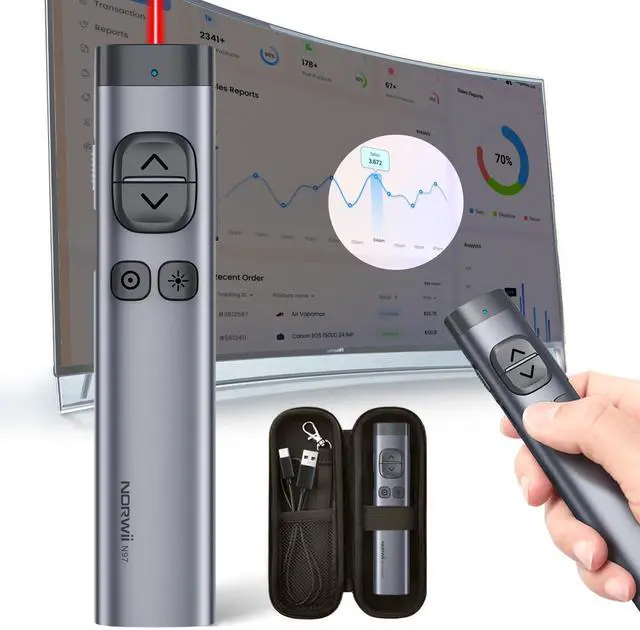
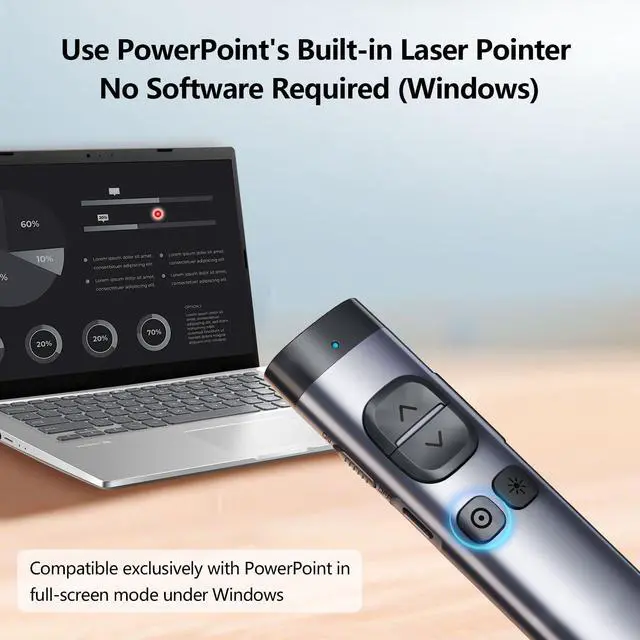


Presentation Clicker for TV Screen Presentation

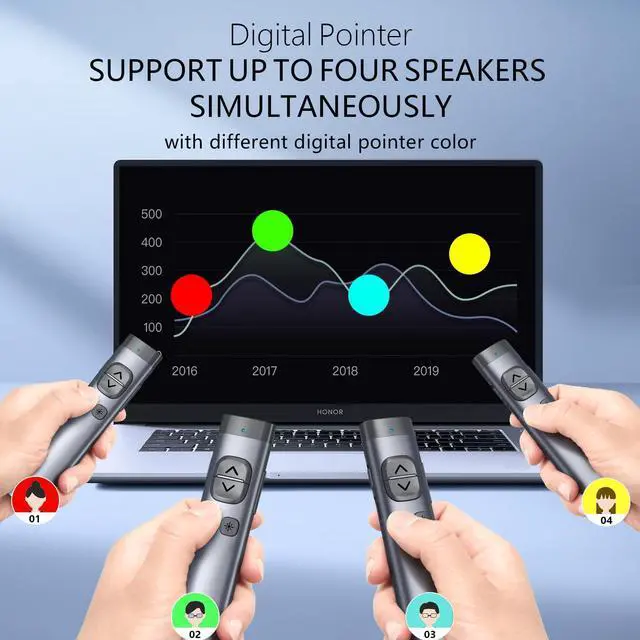
Support up to four people to use the digital pointer at the same time.
Supports up to 4 people to use at the same time
Merchant VideoAfter startup the Norwii Presenter software (please update to the latest version), the Norwii Presenter software can support up to 4 people to use the digital pointer at the same time. In the software, you can choose a different pointer color for each one to differentiate between speakers.


Functions and Specifications

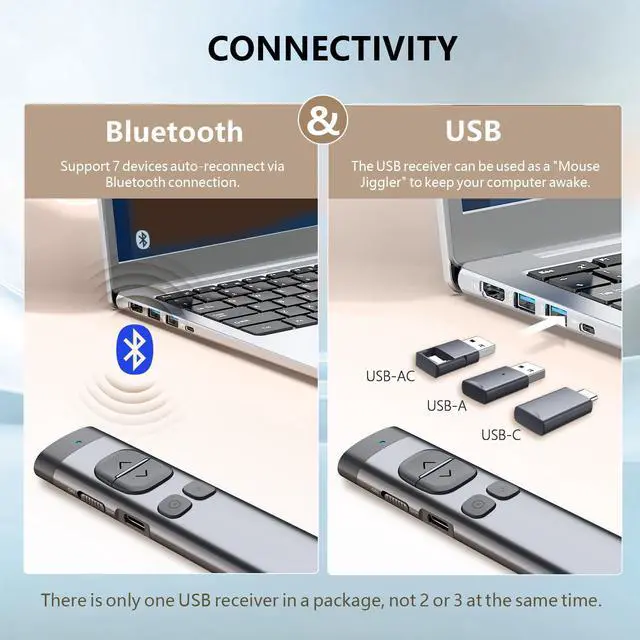
Only one type of USB receiver in one package, not 2 or more, depending your buying choice when placing the order.
Ensure startup the Norwii Presenter software and the presenter is connected. Enable the three authorizations and set the keyboard type as ANSI in macOS.

Mouse cursor Control
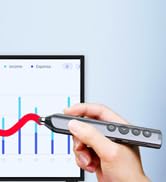
Control mouse cursor to play video, open links. Note: Only left click, no right and double click.

Smart Time Management
Use software to set an on-screen timer to manage your time.


For more recommendations, visit the Norwii Store
 N97s |  N97s |  N97s |  N95s Pro |  N10s |  N86s | 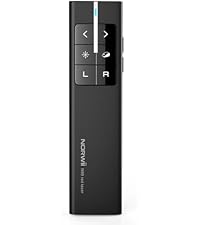 N99 | |
|---|---|---|---|---|---|---|---|
Customer Reviews | — | — | — | — | — | — | — |
Price | — | — | — | — | — | — | — |
Connectivity | BLE&USB-A&C | BLE&USB-A | BLE&USB-A | USB-A | BLE&USB-A | USB-A | USB-A |
Color of the light | Green | Green | Red | Green | Red | Red | Red |
Available for TV screens | ? | ? | ? | ? | ? | ? | ? |
Mouse Function | Only mouse left click | Only mouse left click | Only mouse left click | Only mouse left click | Only mouse left click | Mouse left&right | Mouse left&right |
Reprogrammable Button | ? | ? | ? | ? | ? | ? | ? |
Housing Material | Aluminium | Aluminium | Aluminium | ABS+PC | Aluminium | ABS+PC | ABS+PC |
Works with app | ? | ? | ? | ? | ? | ? | ? |
How to get app | Download online | Prestored in the USB receiver | Prestored in the USB receiver | Prestored in the USB receiver | Prestored in the USB receiver | Prestored in the USB receiver | Not applicable |

Norwii is a professional brand and manufacturer with 18 years experiences in Wireless Presenter.
We have experienced R&D team, professional service team and more than 100 skilled workers, which can assure our products and services with top-class quality.
We value the innovation and user experience of our products. We aim to constantly create new possibilities and convey the "joy of speech" to more people

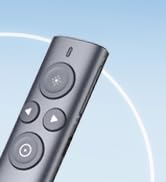
Presenter clicker for LED/TV
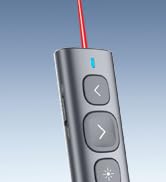
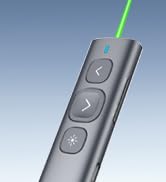
N95 Rechargeable Presenter
Presenter clicker with Stylus
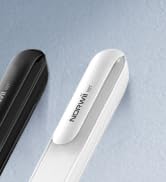
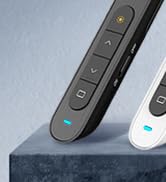
N27 Wireless Presenter
Presentation Clicker for TV Screen Presentation

Support up to four people to use the digital pointer at the same time.
Supports up to 4 people to use at the same time
Merchant VideoAfter startup the Norwii Presenter software (please update to the latest version), the Norwii Presenter software can support up to 4 people to use the digital pointer at the same time. In the software, you can choose a different pointer color for each one to differentiate between speakers.
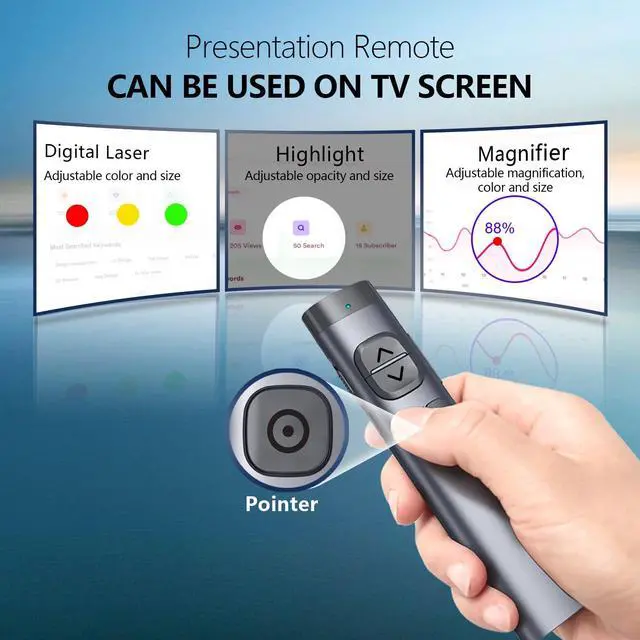
Digital Pointer
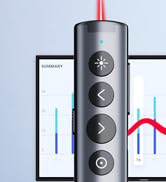
Point with crisp digital pointer on TV screens
Magnifier
Magnify the details in your presentation
Highlight
Hight focus area to catch the audience's eye


Functions and Specifications

Only one type of USB receiver in one package, not 2 or more, depending your buying choice when placing the order.
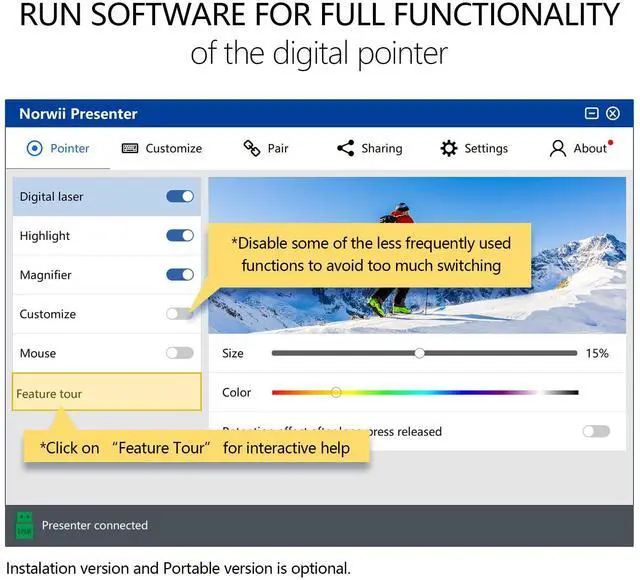
Ensure startup the Norwii Presenter software and the presenter is connected. Enable the three authorizations and set the keyboard type as ANSI in macOS.
Mouse cursor Control
Control mouse cursor to play video, open links. Note: Only left click, no right and double click.
Smart Time Management
Use software to set an on-screen timer to manage your time.
Easy to Switch
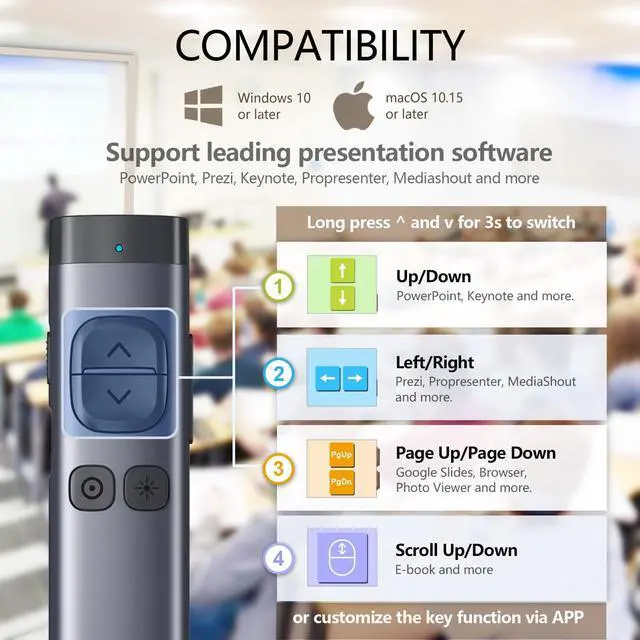
Long press < & > for 3s to switch between the 4 modes to support leading presentation software.
Reprogrammable keys
You can remap the button functions via Norwii Presenter software. Download it from official web.
3 Steps to quick start


For more recommendations, visit the Norwii Store
N97s | N97s | N97s | N95s Pro | N10s | N86s | N99 |
|---|---|---|---|---|---|---|
| Customer Reviews | ||||||
| — | — | — | — | — | — | — |
| Price | ||||||
| — | — | — | — | — | — | — |
| Connectivity | ||||||
| BLE&USB-A&C | BLE&USB-A | BLE&USB-A | USB-A | BLE&USB-A | USB-A | USB-A |
| Color of the light | ||||||
| Green | Green | Red | Green | Red | Red | Red |
| Available for TV screens | ||||||
| ? | ? | ? | ? | ? | ? | ? |
| Mouse Function | ||||||
| Only mouse left click | Only mouse left click | Only mouse left click | Only mouse left click | Only mouse left click | Mouse left&right | Mouse left&right |
| Reprogrammable Button | ||||||
| ? | ? | ? | ? | ? | ? | ? |
| Housing Material | ||||||
| Aluminium | Aluminium | Aluminium | ABS+PC | Aluminium | ABS+PC | ABS+PC |
| Works with app | ||||||
| ? | ? | ? | ? | ? | ? | ? |
| How to get app | ||||||
| Download online | Prestored in the USB receiver | Prestored in the USB receiver | Prestored in the USB receiver | Prestored in the USB receiver | Prestored in the USB receiver | Not applicable |
Norwii is a professional brand and manufacturer with 18 years experiences in Wireless Presenter.
We have experienced R&D team, professional service team and more than 100 skilled workers, which can assure our products and services with top-class quality.
We value the innovation and user experience of our products. We aim to constantly create new possibilities and convey the "joy of speech" to more people
Presenter clicker for LED/TV
N95 Rechargeable Presenter
Presenter clicker with Stylus
N27 Wireless Presenter