Out of stock
This item is currently out of stock and it may or may not be restocked.
Ships from China.
Most customers receive within 7-17 days.
Top Rated
Shop it at NeweggBusiness.

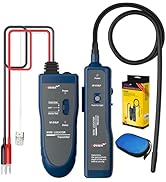
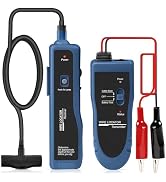
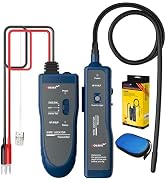
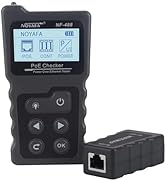
NOYAFA NF-810 Multifunctional Network Cable Tester, Ethernet LAN Network Wire Tracker with LED Light, Network line Scanning, PoE Tester, Network Line Finder for RJ11 RJ45 Cable Tracer,Telephone Line

(37 from noyafa.com) Write a Review
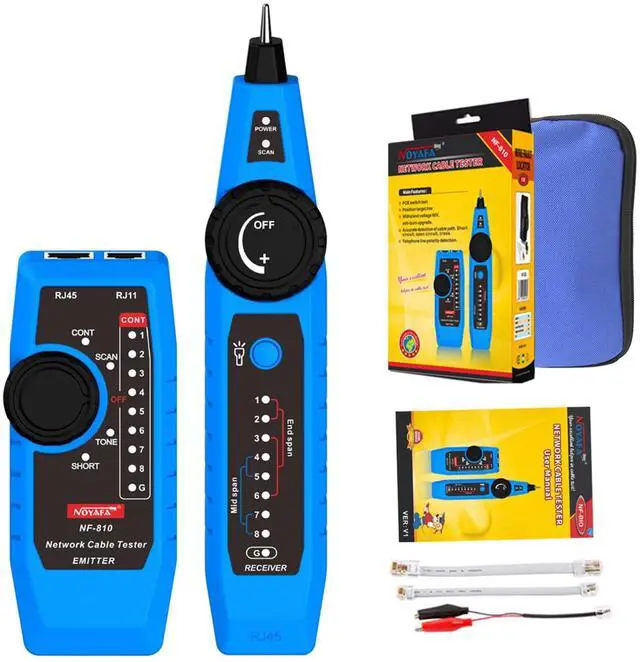
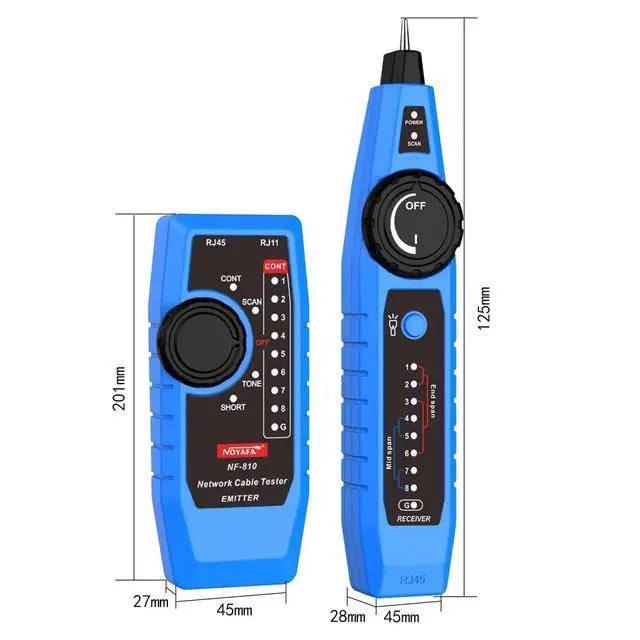
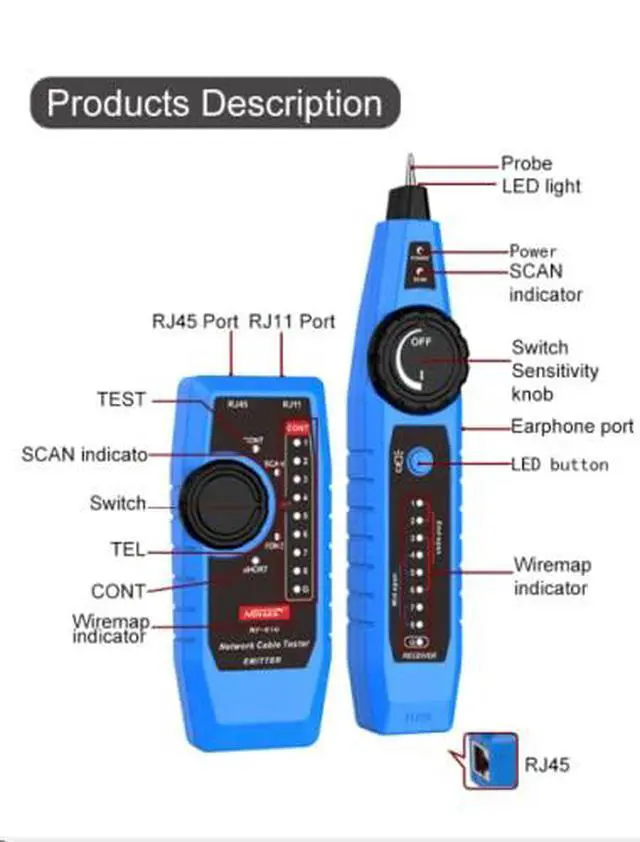
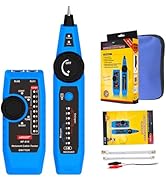
  • Multifunctional Network Cable Finder: NF-810 has functions for tracing telephone lines, network lines, and power cables. It can also test telephone line polarity identification, standby, off-hook, and ringing functions. It's a multi-functional tool for your cable needs
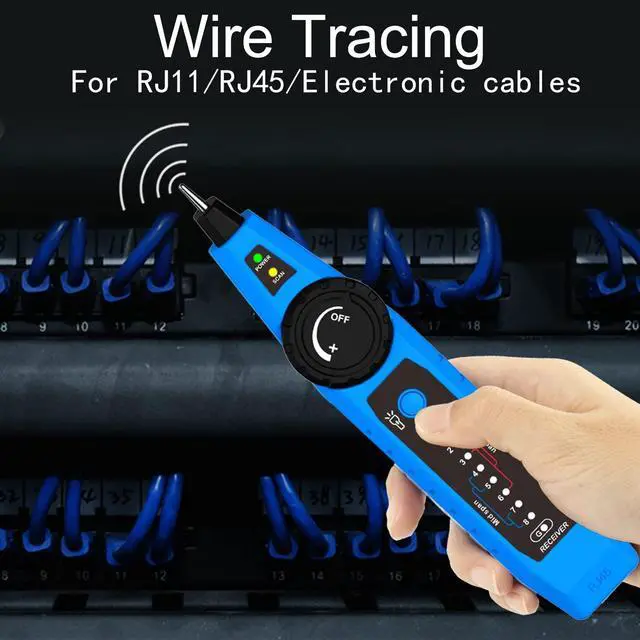
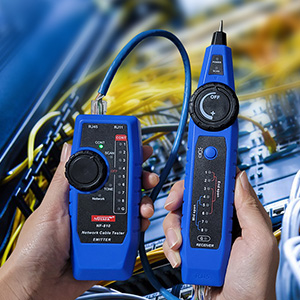
  • Accurate Location:Equipped with a sound receiver and yellow-green signal indicator, It can quickly and efficiently locate the position of RJ11/RJ45 circuits from a large number of messy cables, complex lines and switches
  • Wiremap & Continuity Testing: Quickly identify wiring sequence, continuity, open circuits, shorts, and crossover issues in network and telephone cables. Clear LED indicators display results instantly, with support for cable lengths up to 3280 ft (1000 m)
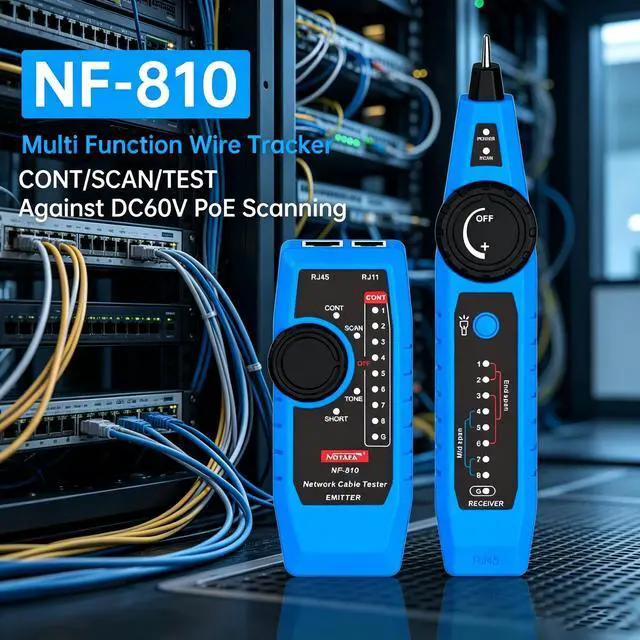
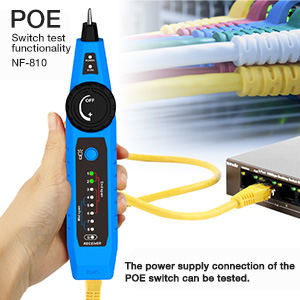
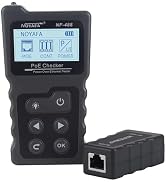
  • Poe Tester: NOYAFA NF-810 network tester supports POE power seeking, POE switch detection, and also can measure the number of POE power supply cores. (Voltage resistance against burns 60V, please use it within 60 volts)
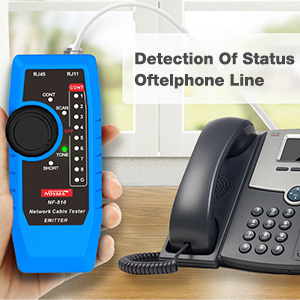
  • Telephone Line Detection; Our network line finder is a handy tool for testing telephone line polarity, continuity, and operational status (including idle, ringing, and talking). Suitable for any work environment
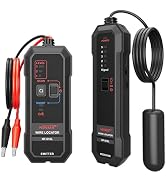
  • You Will Get: NF-810 transmitter, receiver, alligator clip adapter cable, RJ45 adapter cable, RJ11 adapter cable, and a tool bag. If in the process of using our NF-810 network cable finder have any questions, please tell us in time!
Overview
Specs
Reviews (37)

Any questions? Ask CelesteSM will help you find out quickly.

0

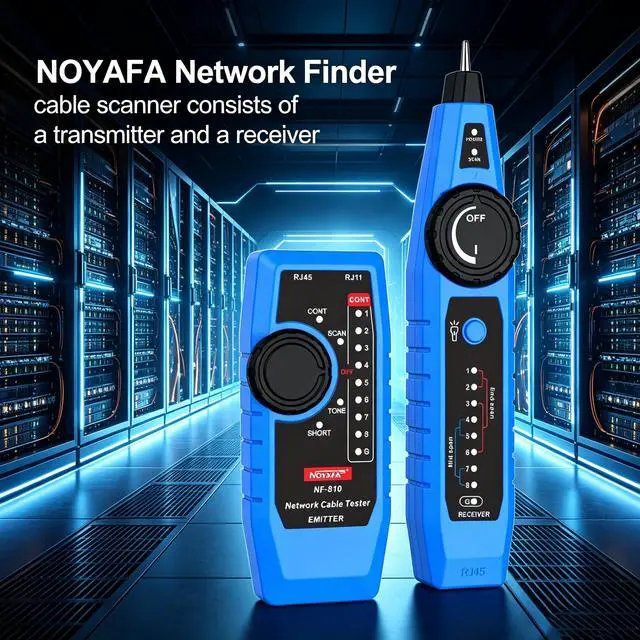
  • Transmitter
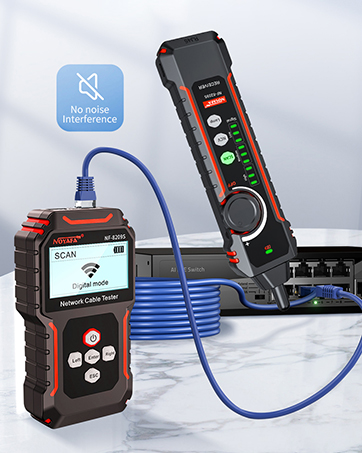
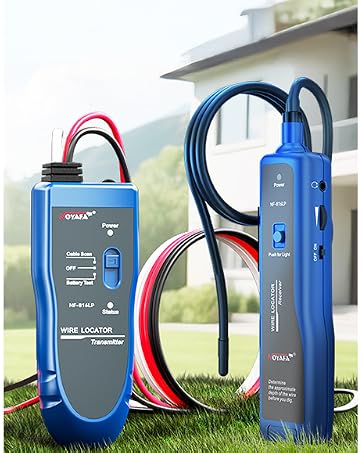
  • Rotate the transmitter knob switch to the "SCAN", scan indicator is always on, indicating that the cable scanning function has been entered. After selecting the function, connect one end of the network cable/telephone cable to be tested to the RJ45/RJ11 port of the transmitter.
  • Receiver
  • Turn on the receiver knob switch, you can adjust the receiver knob switch to the maximum sensitivity, use the receiver probe to approach the cable, when the receiver receives a signal, the receiver emits a "dididi" sound, the stronger the signal, the yellow-green signal The brighter the indicator light flashes, you can quickly locate the approximate position of the cable in this way.
  • After determining the approximate position of the cable, appropriately reduce the receiver's signal sensitivity to accurately locate the target line.
  • Earphone Function
  • When the receiver is tested in a noisy environment, you can wear headphones for operation to avoid external interference.

0

POE Switch Test Function

  • The RJ45 of the receiver is connected to the POE switch with a normal network cable, and the power supply connection of the POE switch can be tested.

0

Wiremap Function

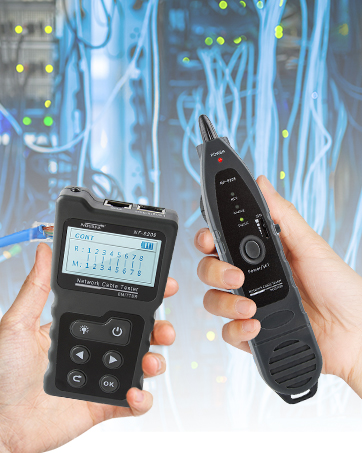
  • The wiremap function is mainly used to detect the wire sequence, short circuit, open circuit, and cross of the network cable, and display the test results in the form of wire sequence lights.

0

Telephone Line Status Detection Function

  • Connect the transmitter to the phone using the RJ11 adapter cable, and at the same time turn the transmitter knob switch to the "telephone line", the telephone line indicator lights up.

0
0

  • Transmitter
  • Rotate the transmitter knob switch to the "SCAN", scan indicator is always on, indicating that the cable scanning function has been entered. After selecting the function, connect one end of the network cable/telephone cable to be tested to the RJ45/RJ11 port of the transmitter.
  • Receiver
  • Turn on the receiver knob switch, you can adjust the receiver knob switch to the maximum sensitivity, use the receiver probe to approach the cable, when the receiver receives a signal, the receiver emits a "dididi" sound, the stronger the signal, the yellow-green signal The brighter the indicator light flashes, you can quickly locate the approximate position of the cable in this way.
  • After determining the approximate position of the cable, appropriately reduce the receiver's signal sensitivity to accurately locate the target line.
  • Earphone Function
  • When the receiver is tested in a noisy environment, you can wear headphones for operation to avoid external interference.

0

POE Switch Test Function

  • The RJ45 of the receiver is connected to the POE switch with a normal network cable, and the power supply connection of the POE switch can be tested.

0

Wiremap Function

  • The wiremap function is mainly used to detect the wire sequence, short circuit, open circuit, and cross of the network cable, and display the test results in the form of wire sequence lights.

0

Telephone Line Status Detection Function

  • Connect the transmitter to the phone using the RJ11 adapter cable, and at the same time turn the transmitter knob switch to the "telephone line", the telephone line indicator lights up.

0
Product information
Measurement TypeNetwork and Telephone Cable Tester
Included ComponentsPCB
Item Weight0.41 kilograms
Item Package Quantity1
Specification Met / 0UL
Specification Met / 1CE
Specification Met / 2RoHS
Brand NameNOYAFA
Number of Items1
Item Package Dimensions4.5974 L x 14.5034 W x 26.3906 H centimeters
Size201*45*27(mm)
Style NameElectronic
Number of Lithium-ion Cells1
Measurement AccuracyGOOD
Color / 0Yellow
Color / 1Green
PatternSolid Color (Yellow, Green)
Package Weight0.408 kilograms
Battery Cell Compositionlithium_metal
Battery Weight2.5 grams
ManufacturerNOYAFA
Number of Lithium Metal Cells1
Minimum Operating Voltage60 volts_of_direct_current
Lithium Battery Energy Content3.7 watt_hours
Lithium Battery Weight2.5 grams
Lithium Battery Packagingbatteries_contained_in_equipment
ModelNF-810
Number of Batteries1
Battery Typelithium_metal
Number of Batteries / 1 / Number of Batteries1
Number of Batteries / 1 / Battery Type9v
Are batteries required?false
Power SourceBattery Powered
Compatible DevicesAny device with RJ11/RJ45 cables
Are batteries included?false

Warranty & Returns

Warranty, Returns, And Additional Information

Warranty

  • Please contact the Seller directly for warranty information. Warranty information may also be found on the Manufacturer's website.
  • CONTACT

Return Policies

Manufacturer Contact Info

LOADING...