
Your Browsing History



Any questions? Our AI beta will help you find out quickly.
| Brand | NUANCE |
|---|---|
| Model | M009A-G00-6.0 |
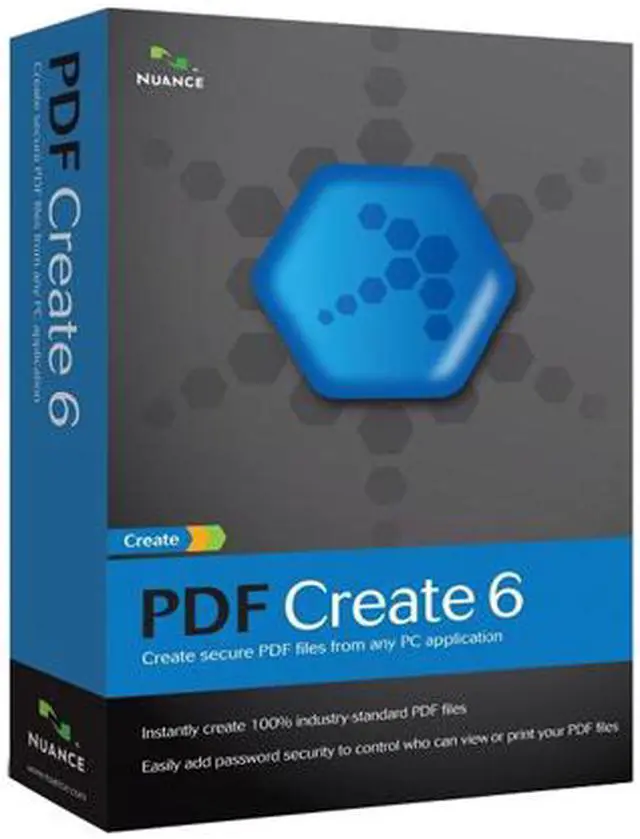
| Name | PDF Create 6 |
|---|---|
| Version | Standard |
| Operating Systems Supported | Windows |
| Packaging | Retail |
| System Requirements | Minimum system requirements A computer with an Intel Pentium or higher processor or equivalent Supported operating systems: Windows XP 32-bit Edition with Service Pack 3, Windows Vista 32-bit or 64-bit Editions with Service Pack 1 Microsoft Internet Explorer 6 or above 256 MB of memory (RAM), 512 MB recommended 130 MB of free hard disk space for application files plus 20 MB working space during installation VGA monitor with 256 colors, but preferably 16-bit color (called Medium Color in XP) and 800 x 600 pixel resolution Windows-compatible pointing device CD-ROM drive for installation Web access needed for product registration, activation, and obtaining live updates for the program. |
| Feature | Create secure, universally viewable PDF files from virtually any PC application. Create one-at-a-time or in batch mode, even combine or package files on the fly. It's now easier than ever to share information or archive important files using the PDF format with PDF Create 6. Create PDF files from any PC application Instantly create 100% industry-standard PDF files that are fully compliant with other PDF viewers for reading, sharing, and printing. Secure your files during creation Apply security profiles to your PDF documents as they are created. Limit others' ability to copy, print, or modify your content. Save time with batch creation There's no need to waste time opening and printing each individual document to PDF, when you can drag and drop all the files you need into PDF Create once, and create all of the PDF files you need with one click. Create and combine PDF files in one easy step With creation settings that include "combine files into one PDF document" and "overlay files as one PDF document," merging or combining documents becomes part of the PDF creation process. Create PDF files from within Microsoft Office PDF Create provides toolbars within Microsoft Word, Excel, PowerPoint, and Microsoft Outlook for immediate PDF creation needs. Organize information and simplify sharing with PDF packages Use PDF like a folder, grouping multiple documents within a single PDF file, perfect for anyone looking to create and share groupings of content such as case files, tax information, course work, or training materials. Archive your critical documents Improved PDF/Archive files support (the PDF/A international standard), ensures that your critical documents will display and print properly for the next century |
|---|
| First Listed on Newegg | August 10, 2009 |
|---|