






Upgraded Label Printer
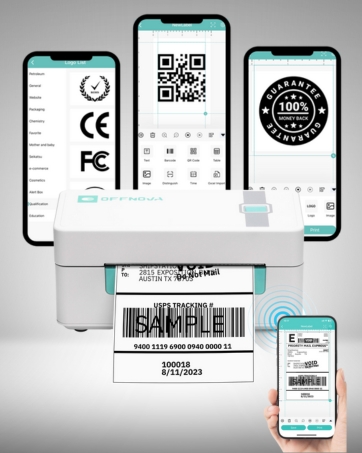
Brand new upgraded Bluetooth label printer now available, featuring wireless connectivity for easy editing of various label styles.
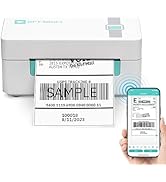
Thermal Label Printer
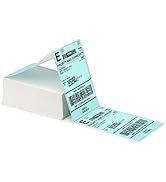
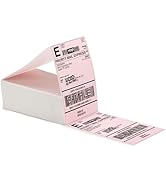
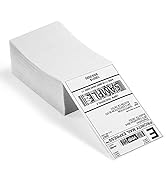
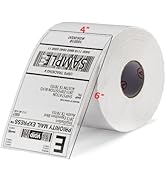
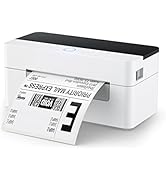
Shipping Thermal Labels
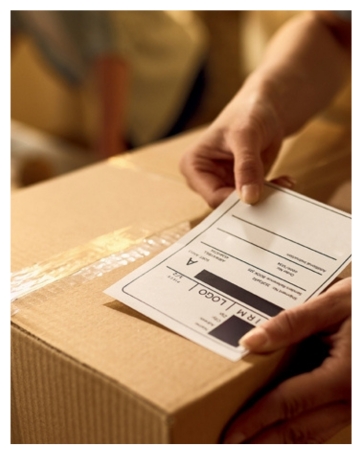
Shipping & Packaging Solution
Empowering Small Businesses with Affordable, High-Quality Printing Solutions
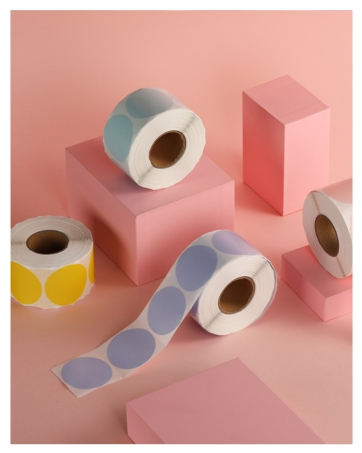
Endless Possibilities in Life
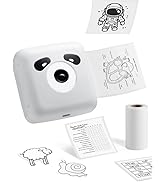
Unleash Your Creativity with Stylish and Affordable Thermal Labels
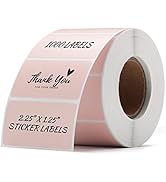
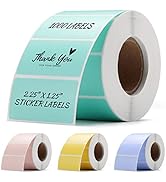
Decoration Thermal Labels
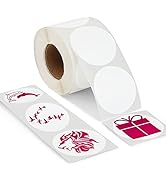
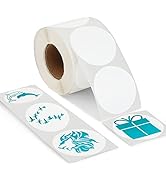
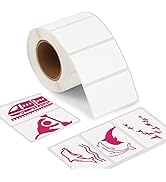
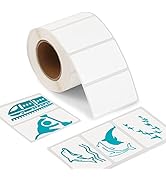
Personalized Sticker Labels

OFFNOVA, as a brand with an INSPIRATIONAL NATURE, was founded in the spring of 2020 to address a mission to provide high-quality products as well as to fulfill a need for creating something special. In a world of small business dreams, OFFNOVA emerged as a guiding light. With innovative thermal label printers and captivating designs, they empowered owners to conquer labeling challenges with style and ease. OFFNOVA: Your solution for success.
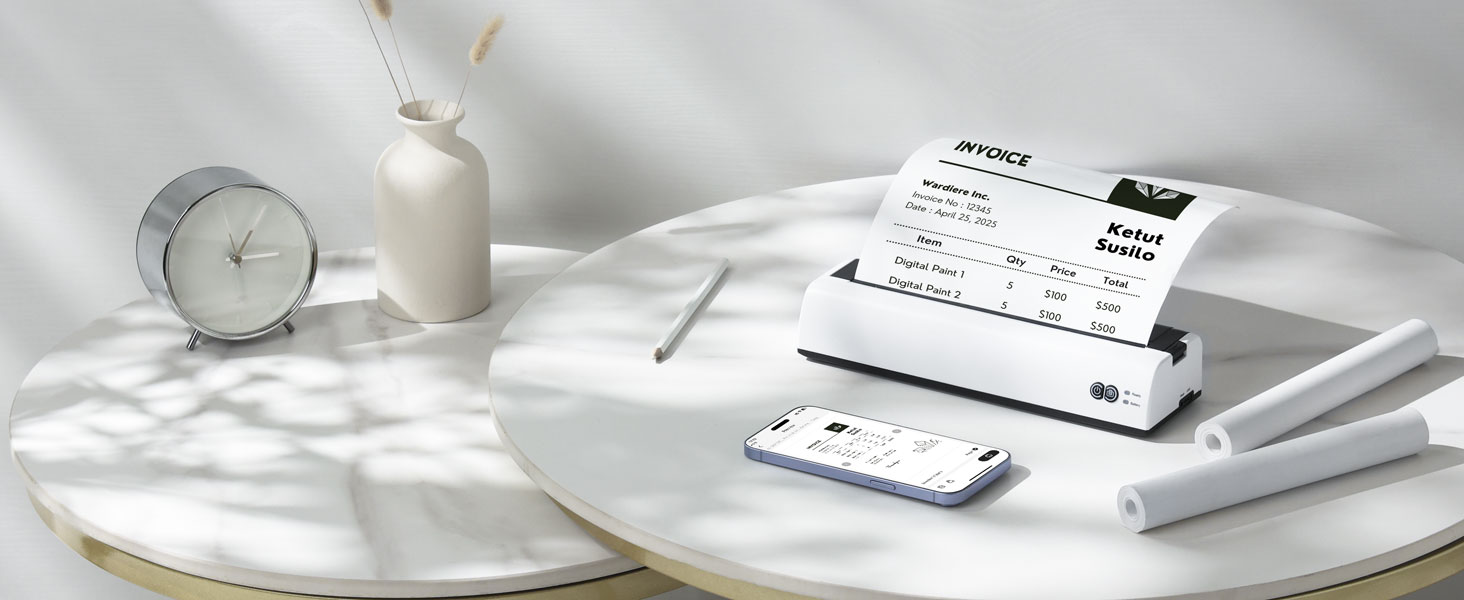
Your On-The-Go Printing Companion
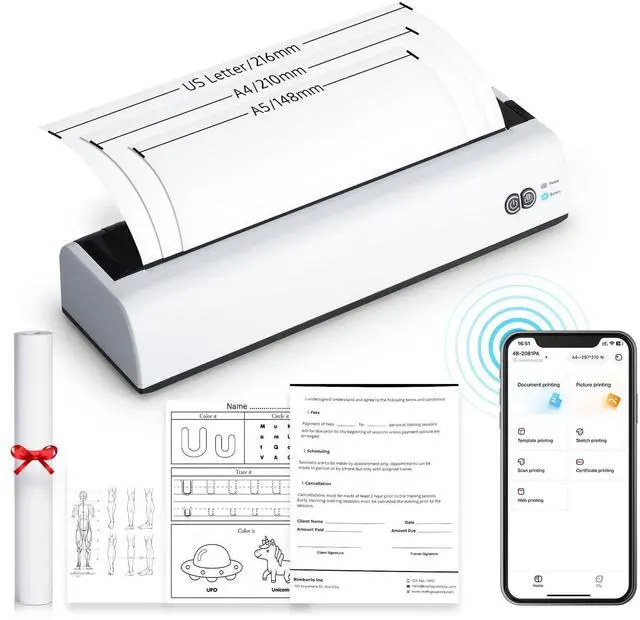
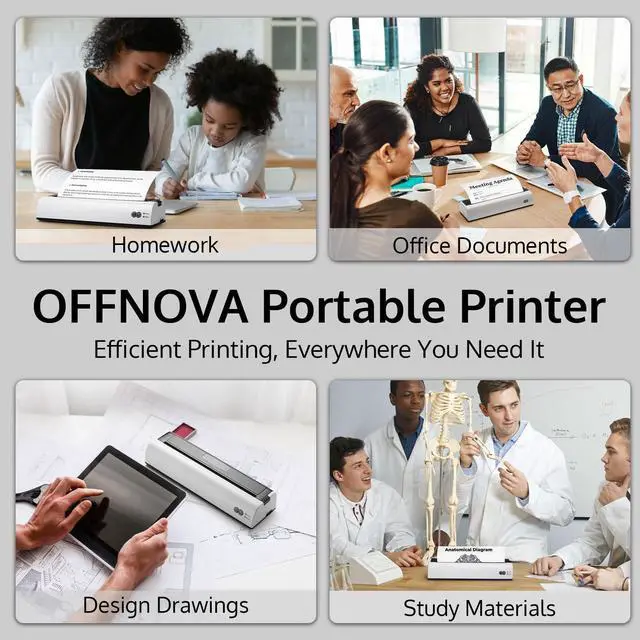
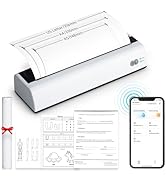
OFFNOVA Portable Thermal Printer (A5/A4/US Letter Size)
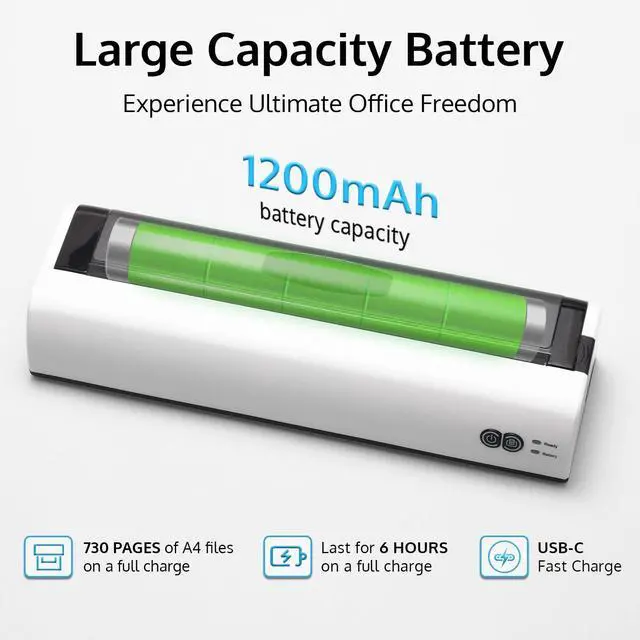
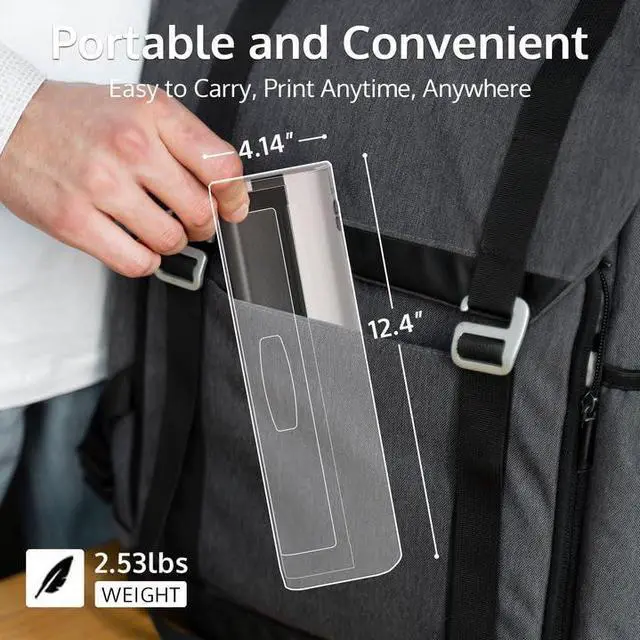
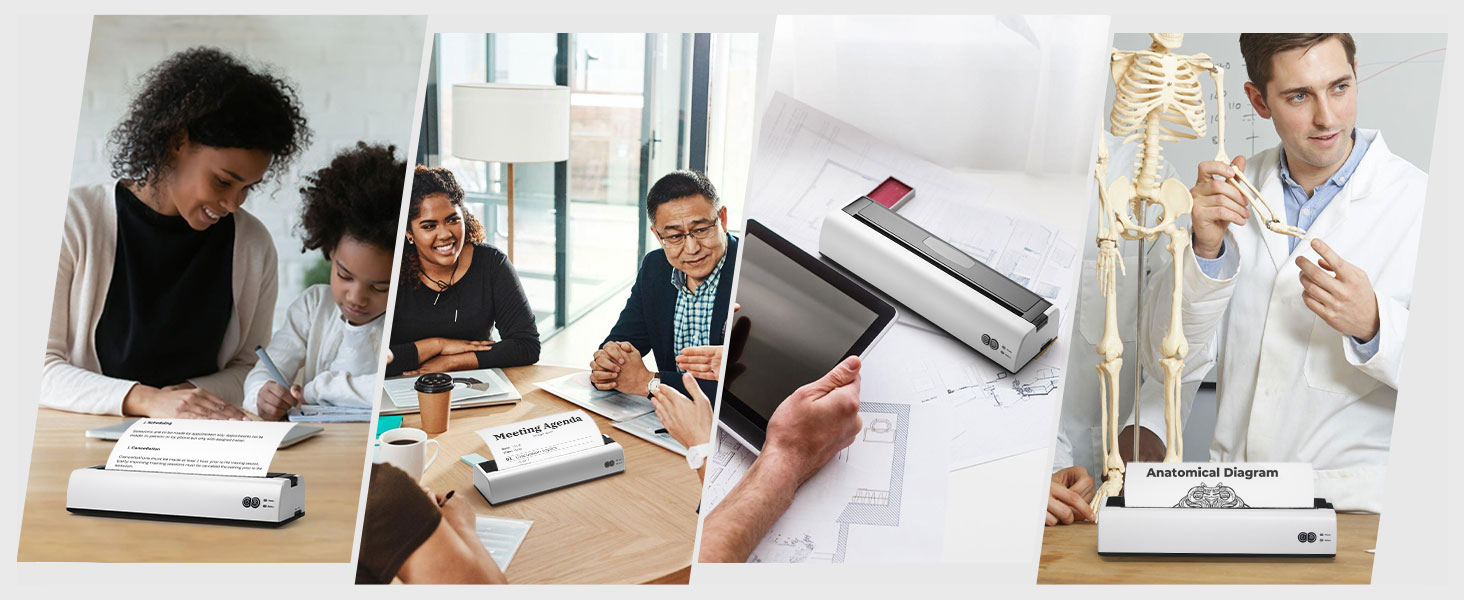
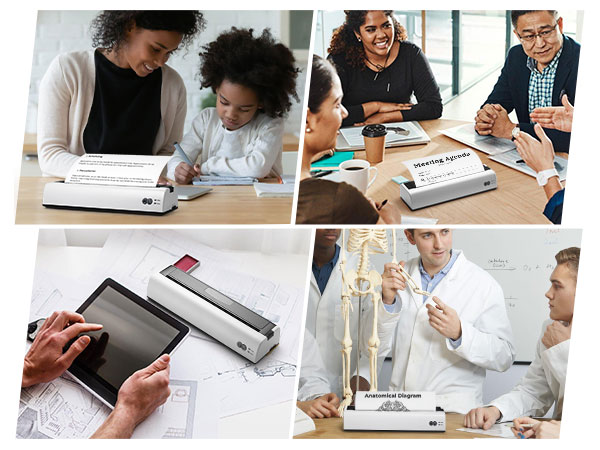
Brings convenience and ease to your printing needs. With its compact and portable design, you can take it anywhere, whether you're in the office, at home, or on the go. Say goodbye to bulky printers and hello to efficient, high-quality printing right at your fingertips.
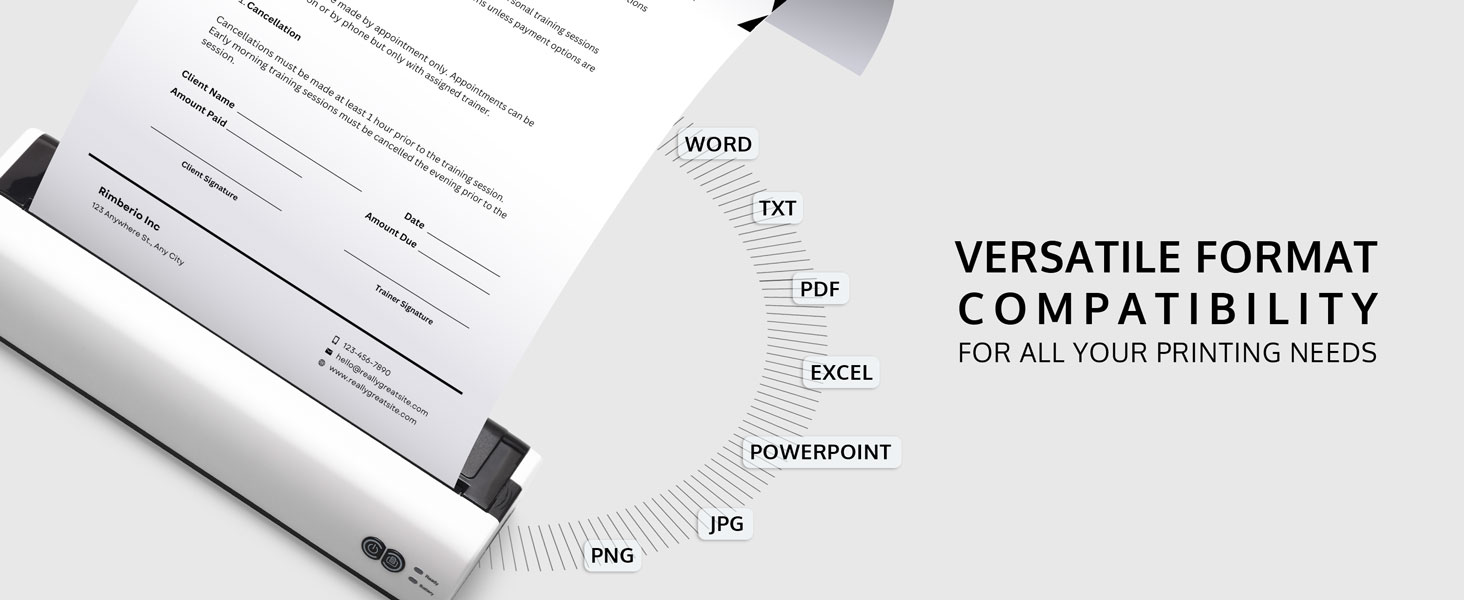
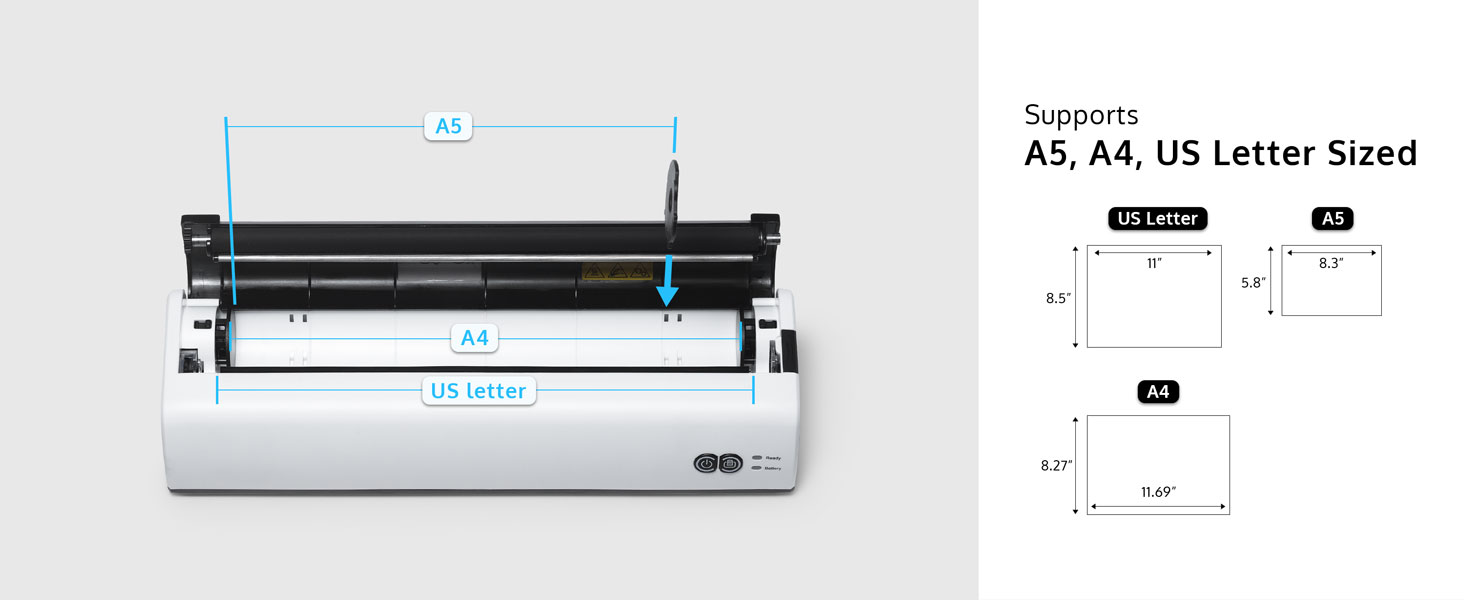
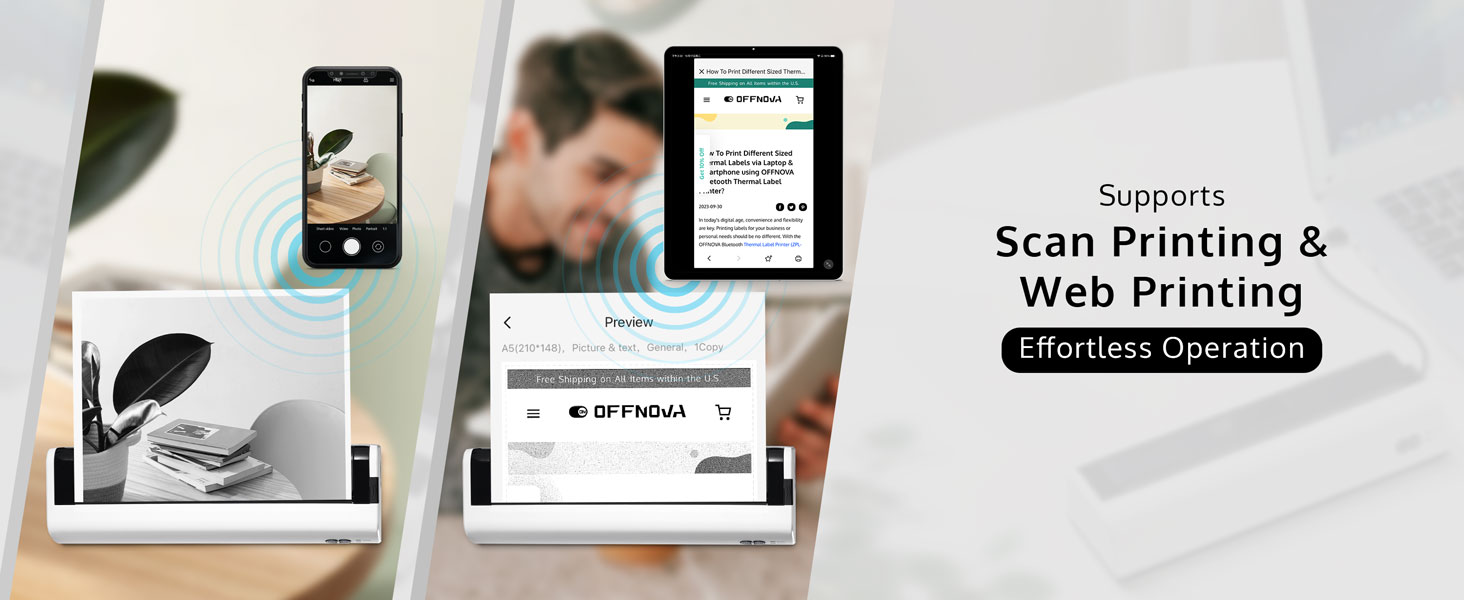
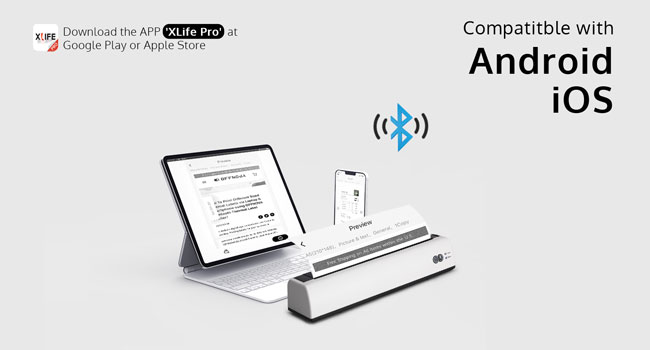
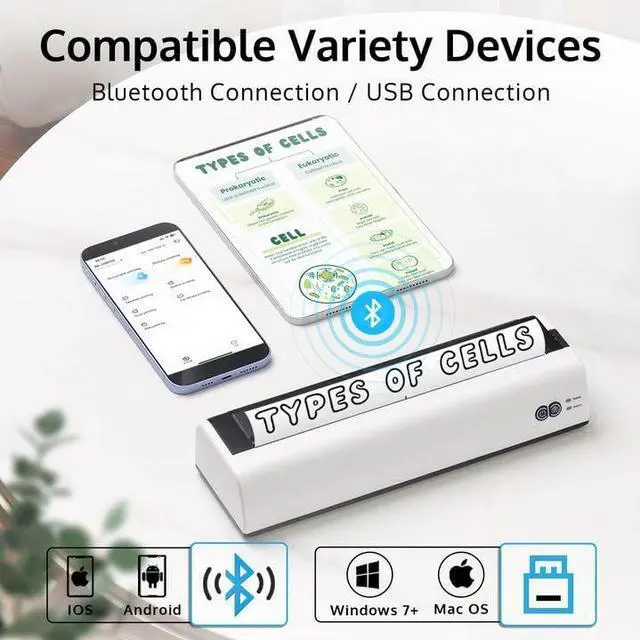
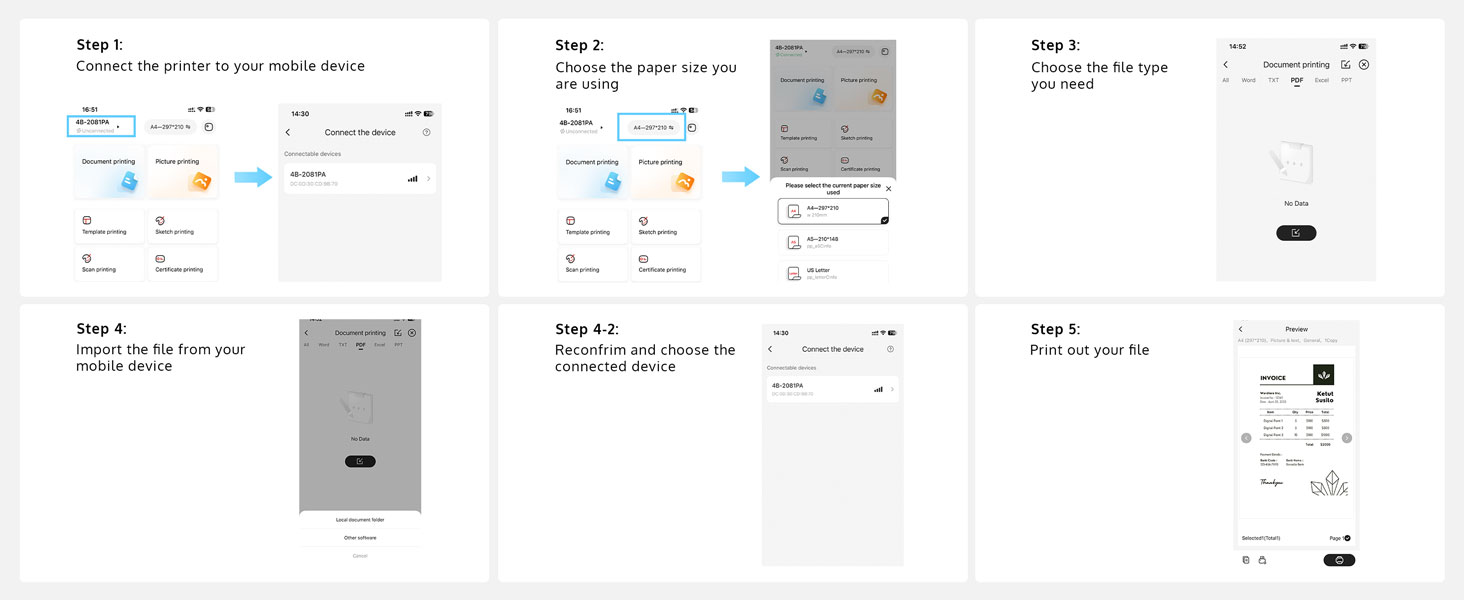
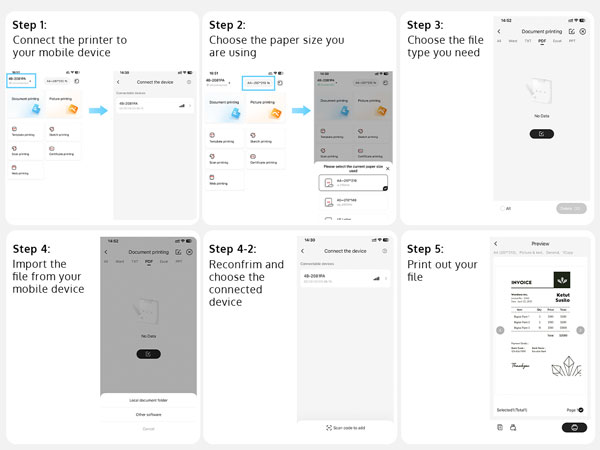
Download 'Xlife Pro' APP at Apple Store or Google Play, connect your device via Bluetooth. When using the app, start by selecting the paper size you want to print (A5/A4/US letter), then import the file you want to print, and you're ready to go.
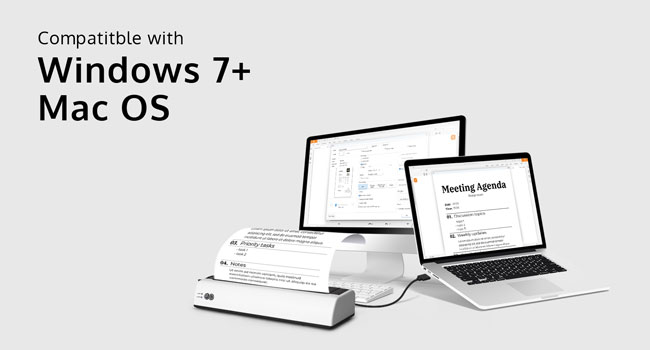
Download driver at OFFNOVA's official website > Click 'Support' at main memu > Click 'Resource Center' > Enter the tag 'Thermal Label Printer' > Find the the 4B-2081PA > Download the driver of your operating system
Our Thermal Printers
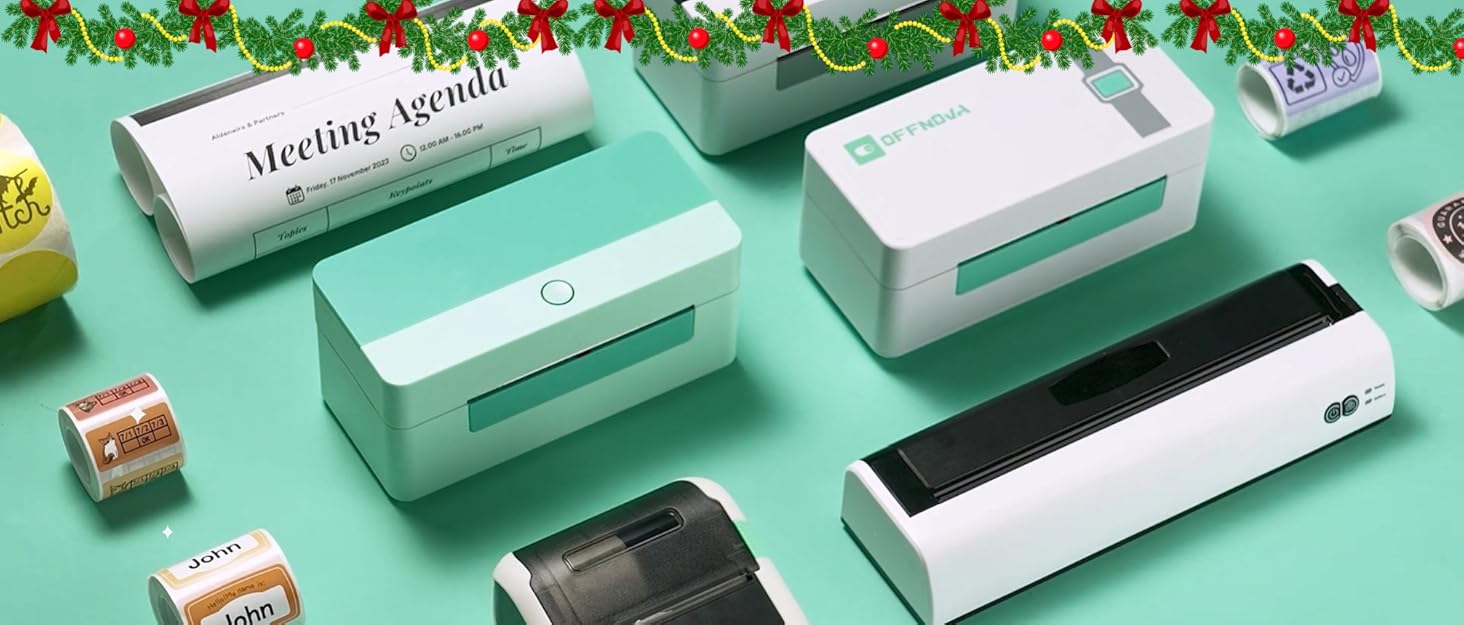
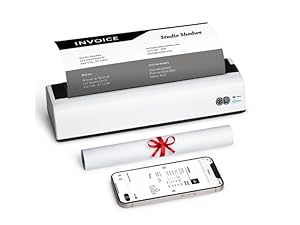 Portable Thermal Printer | 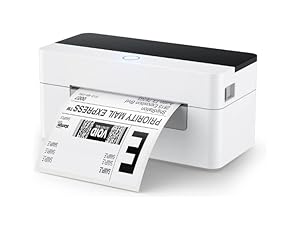 Shipping Label Printer | 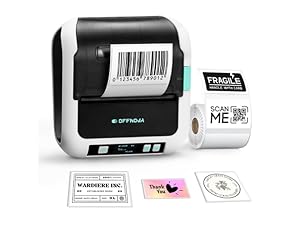 Label Maker |
|---|---|---|
Supports Label Size A5/A4/US letter sized thermal paper | Supports Label Size 1" - 4.1" thermal label | Supports Label Size 0.78" - 3.14" thermal label |
Supports System Windows, Mac OS, Android, iOS | Supports System Windows, Mac OS, Linux, Chromebook | Supports System Android, iOS, Windows, Mac OS, Linux, Chromebook |
Support wireless devices Yes. (APP Name: Xlife Pro) | Support wireless devices No | Support wireless devices Yes. (APP Name: 4Barcode) |
Applications Contract, agenda, checklist, lesson note, paper, invoice, map, etc | Applications Small business, warehouse, logistics, package decoration, organization | Applications Scrapbook, retail price tag, organization, craft, bottle sticker, barcode |
Does the printer come with the thermal paper?
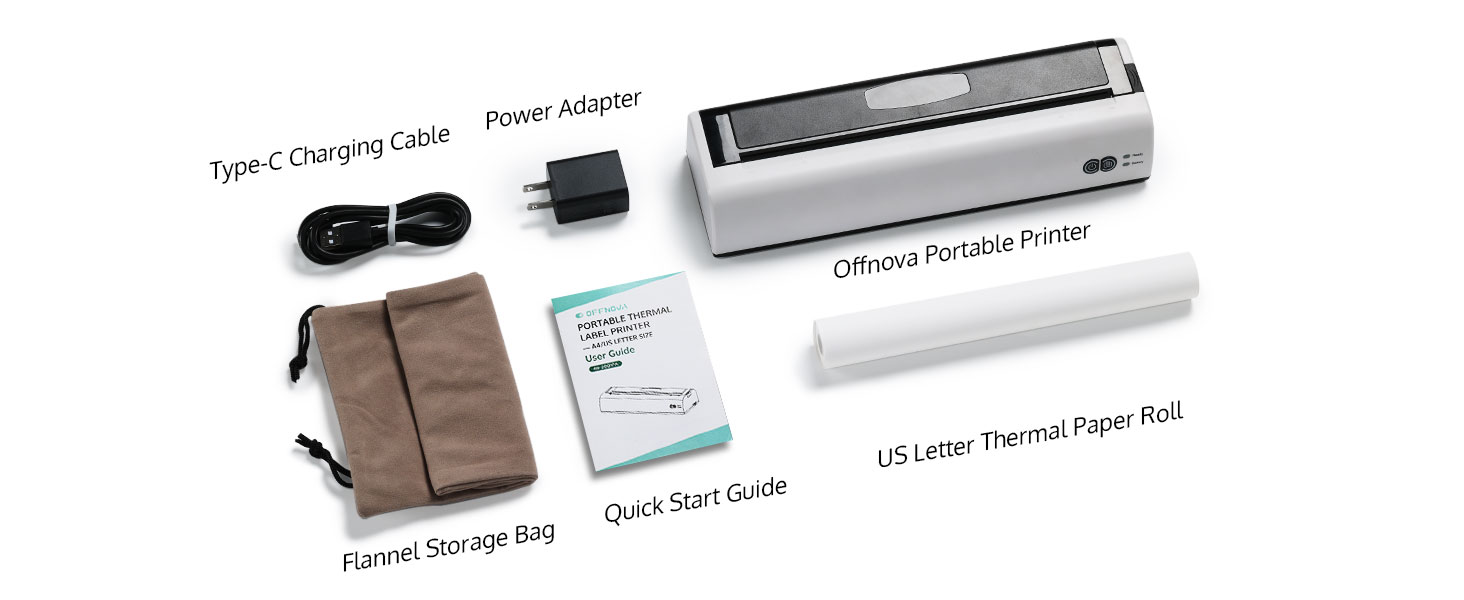
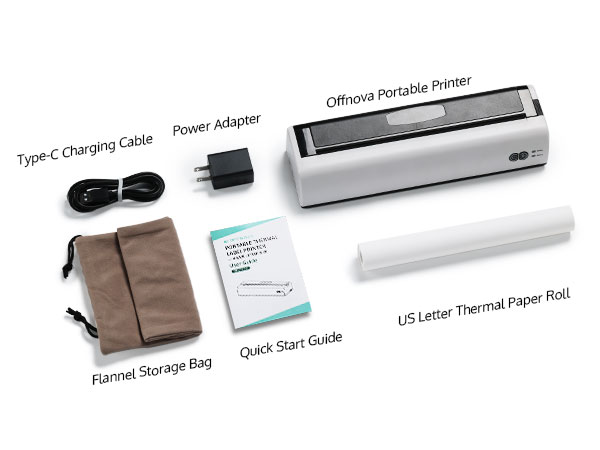
Yes, the printer comes with a roll of US Letter Sized thermal paper.
Can I buy thermal paper in folded packaging?
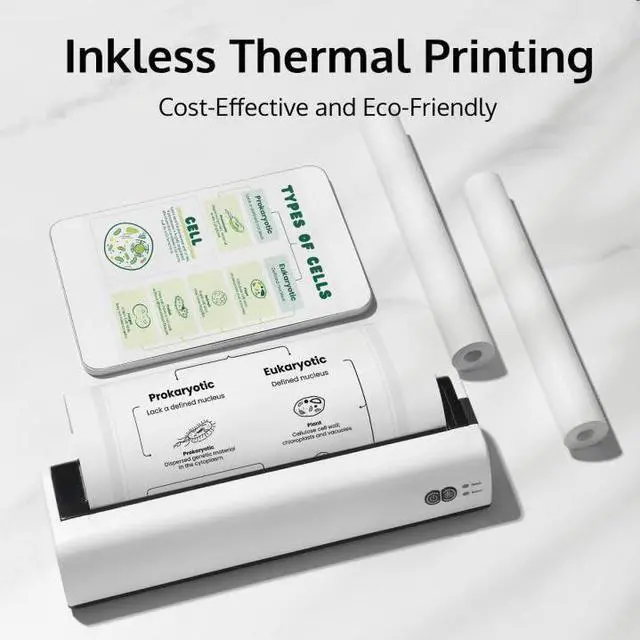
This printer only supports thermal paper in roll packaging. Please note that the roll diameter should not exceed 30 mm.
Why can't I find or connect to the printer on the Xlife Pro App?
1) Please make sure the printer is powered on
2) Please confirm that you have turned on the Bluetooth function.
3) Restart the printer and App to connect again.
If the printing is unclear, what should I do?
You can try changing the concentration to "Dense." It's normal for the printer to make some sound when printing large area patterns in this mode.
How printer know when to cutting page by page or it keeps printing? Do we have to manually cutting page?
Dear customer, when a page is printed, the printer will pause, and you need to manually tear off that page. Afterward, you need to click "Continue Printing" on the app, and the printer will resume printing the next page.
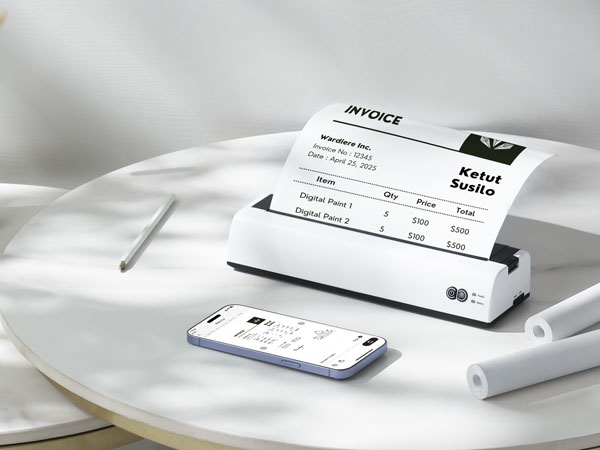
Your On-The-Go Printing Companion
OFFNOVA Portable Thermal Printer (A5/A4/US Letter Size)
Brings convenience and ease to your printing needs. With its compact and portable design, you can take it anywhere, whether you're in the office, at home, or on the go. Say goodbye to bulky printers and hello to efficient, high-quality printing right at your fingertips.
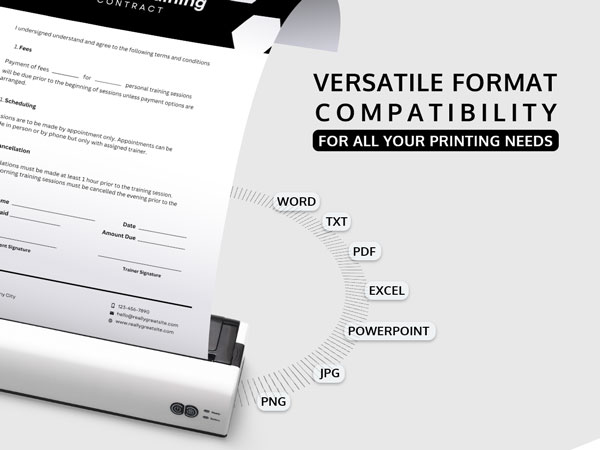
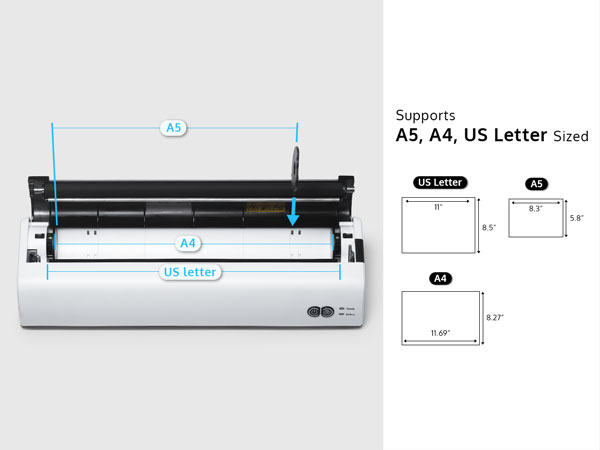
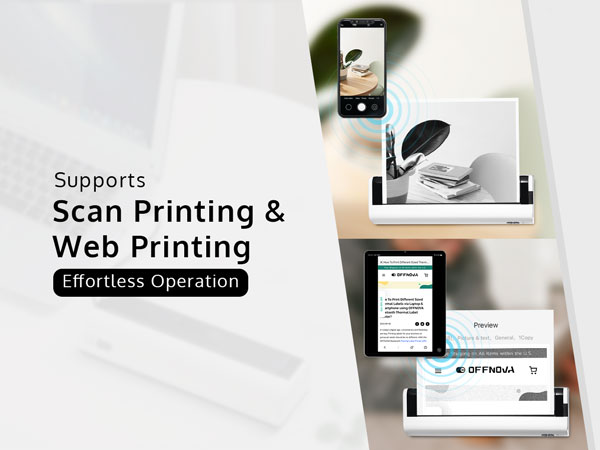

Download 'Xlife Pro' APP at Apple Store or Google Play, connect your device via Bluetooth. When using the app, start by selecting the paper size you want to print (A5/A4/US letter), then import the file you want to print, and you're ready to go.
Download driver at OFFNOVA's official website > Click 'Support' at main memu > Click 'Resource Center' > Enter the tag 'Thermal Label Printer' > Find the the 4B-2081PA > Download the driver of your operating system
Our Thermal Printers
Does the printer come with the thermal paper?
Yes, the printer comes with a roll of US Letter Sized thermal paper.
Can I buy thermal paper in folded packaging?
This printer only supports thermal paper in roll packaging. Please note that the roll diameter should not exceed 30 mm.
Why can't I find or connect to the printer on the Xlife Pro App?
1) Please make sure the printer is powered on
2) Please confirm that you have turned on the Bluetooth function.
3) Restart the printer and App to connect again.
If the printing is unclear, what should I do?
You can try changing the concentration to "Dense." It's normal for the printer to make some sound when printing large area patterns in this mode.
How printer know when to cutting page by page or it keeps printing? Do we have to manually cutting page?
Dear customer, when a page is printed, the printer will pause, and you need to manually tear off that page. Afterward, you need to click "Continue Printing" on the app, and the printer will resume printing the next page.
Upgraded Label Printer
Brand new upgraded Bluetooth label printer now available, featuring wireless connectivity for easy editing of various label styles.
Thermal Label Printer
Shipping Thermal Labels
Shipping & Packaging Solution
Empowering Small Businesses with Affordable, High-Quality Printing Solutions
Endless Possibilities in Life
Unleash Your Creativity with Stylish and Affordable Thermal Labels
Decoration Thermal Labels
Personalized Sticker Labels
OFFNOVA, as a brand with an INSPIRATIONAL NATURE, was founded in the spring of 2020 to address a mission to provide high-quality products as well as to fulfill a need for creating something special. In a world of small business dreams, OFFNOVA emerged as a guiding light. With innovative thermal label printers and captivating designs, they empowered owners to conquer labeling challenges with style and ease. OFFNOVA: Your solution for success.