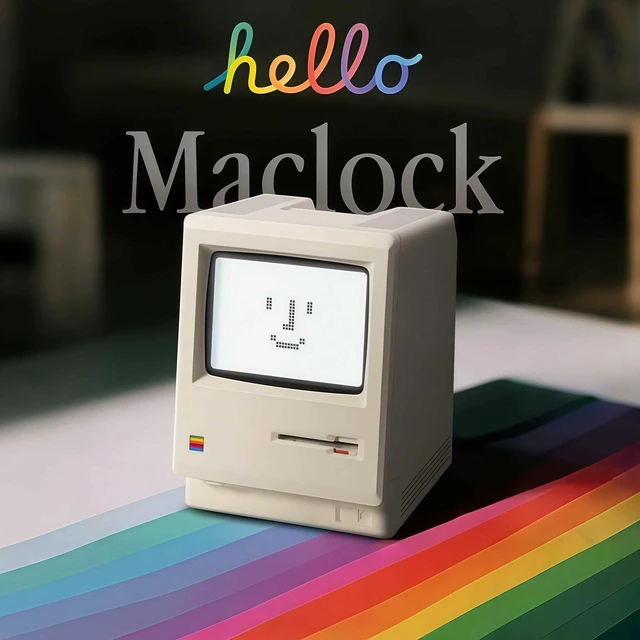
Maclock Retro Pixel Alarm Clock, 1984 Computer-Inspired USB Desk Clock with Pixel Display, Multiple Alarms, Adjustable Brightness, Calendar, Temperature
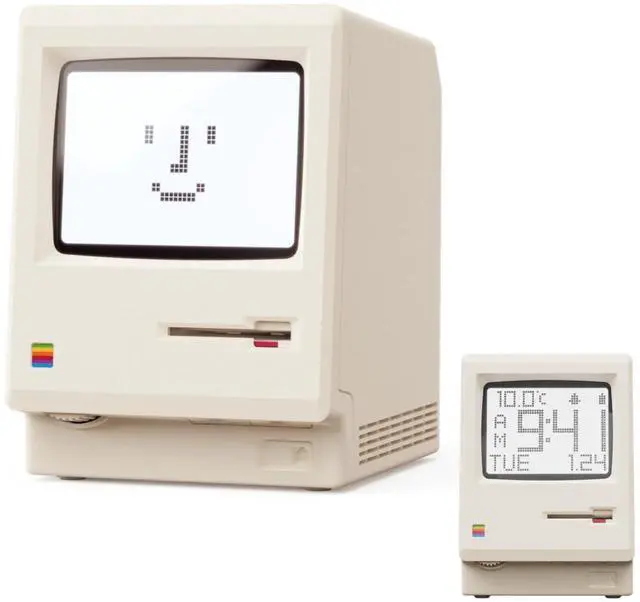
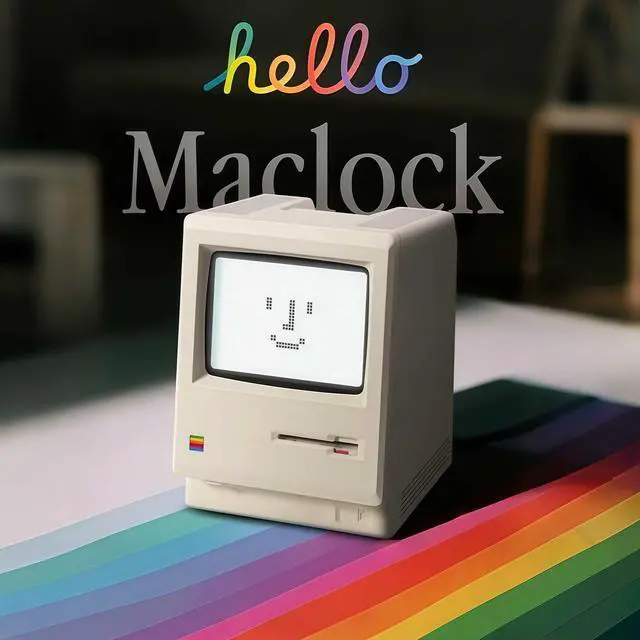
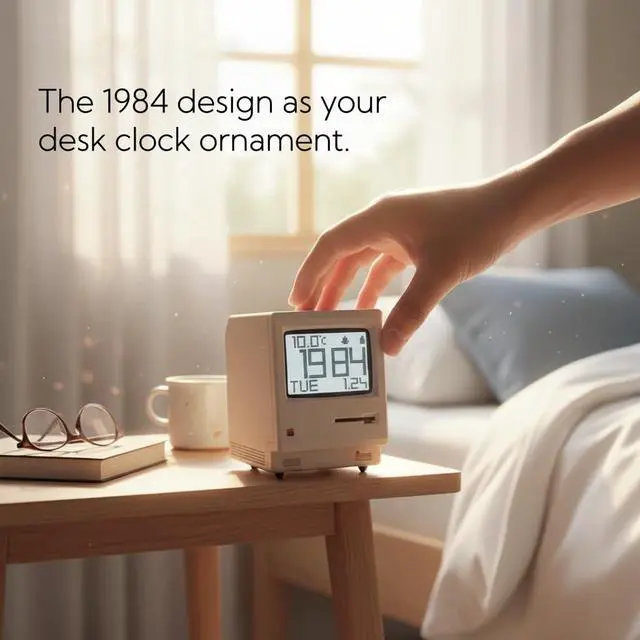
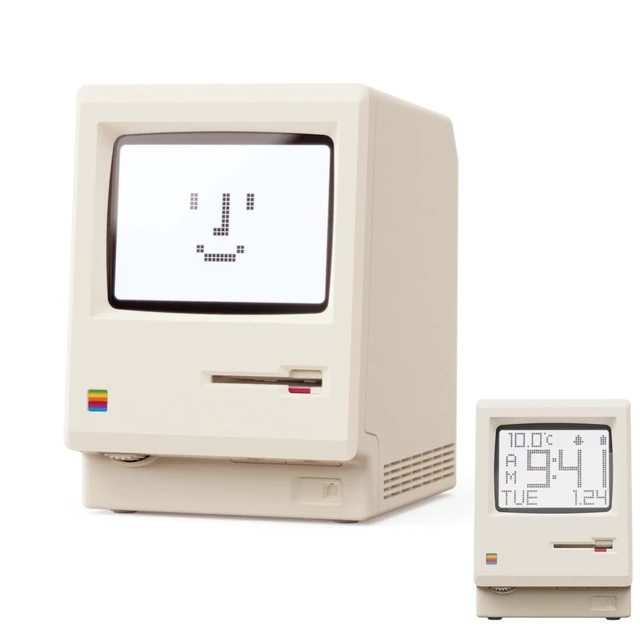
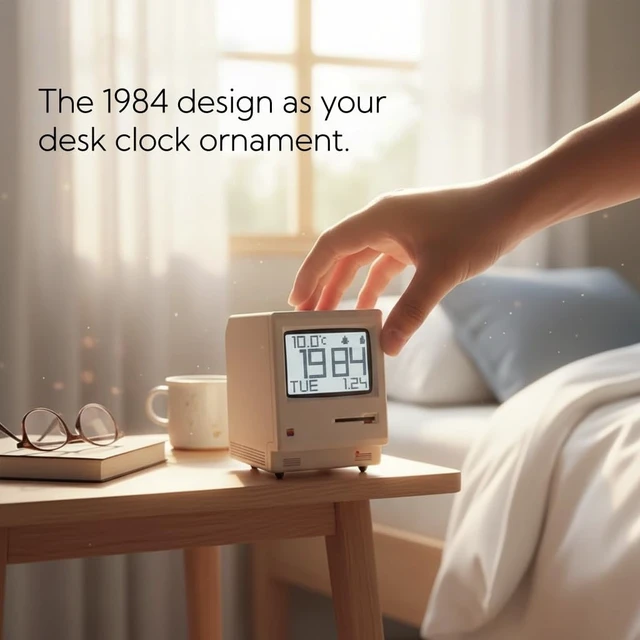
Retro 1984 PC Design This miniature ivory-colored ABS/PMMA alarm clock revives the charm of the early computer era. A perfect nostalgic piece for retro tech enthusiasts, home offices, and gaming setups.
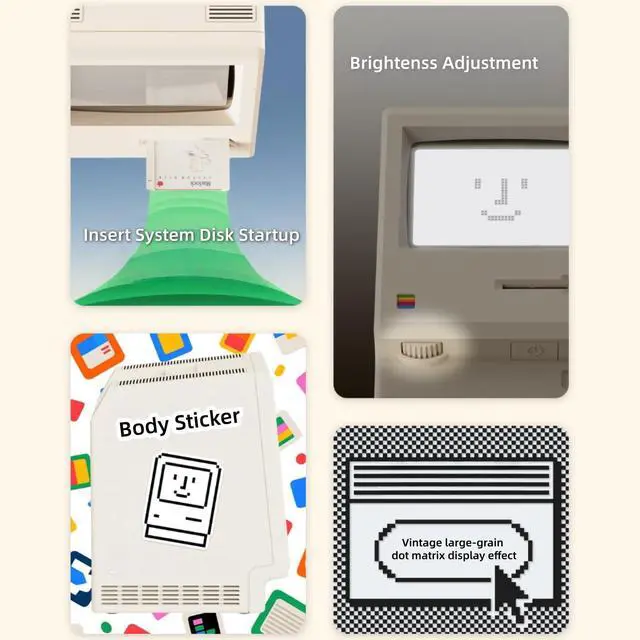
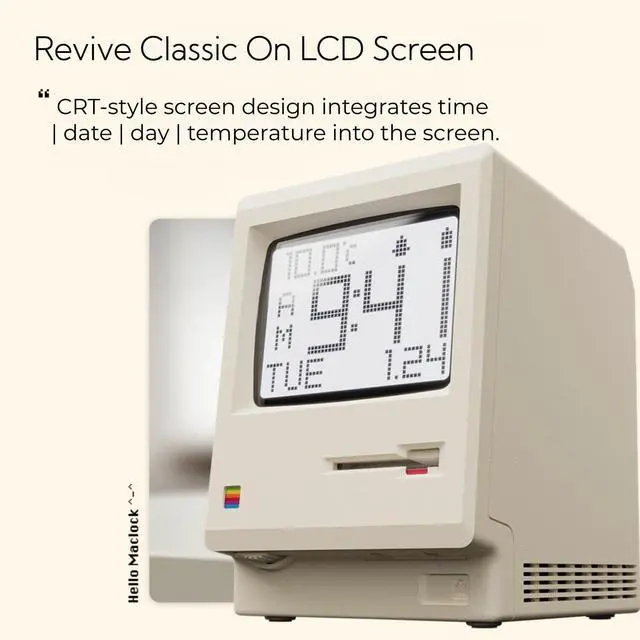
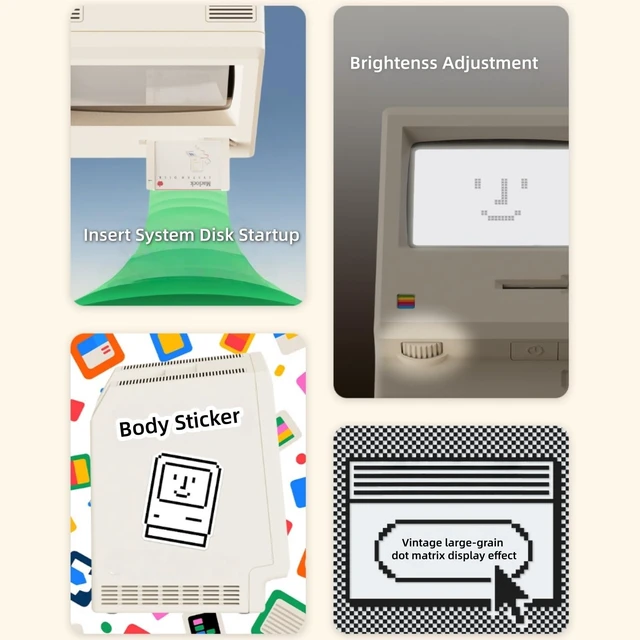
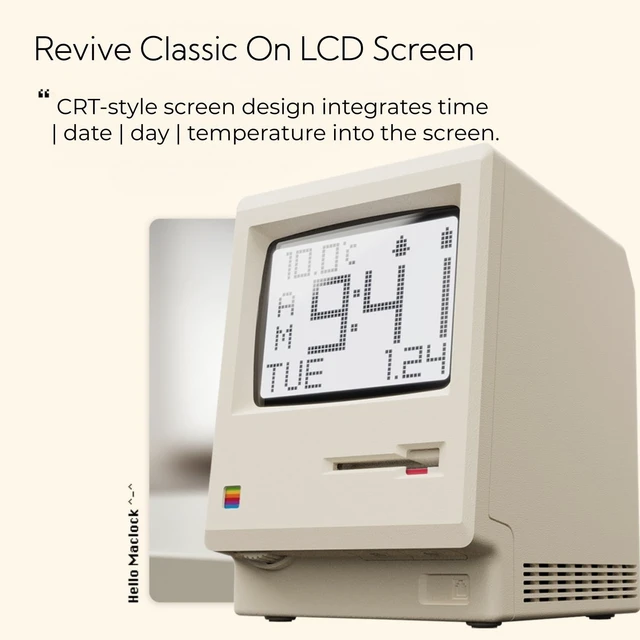
Multi-Mode Pixel Display The high-contrast LCD simultaneously displays time, calendar, date, and room temperature. A hidden pixel smiley animation appears upon startup, creating an authentic retro style.
Adjustable Brightness for Comfort Gentle, warm backlighting in the morning and dim lighting at night protect your sleep. Simple bottom dial controls ensure perfect brightness anytime.
Five Flexible Alarm Settings Easily set your alarm to Off, One-Time, Weekdays, Weekends, or Daily using the top touch dialperfect for different schedules and lifestyles.
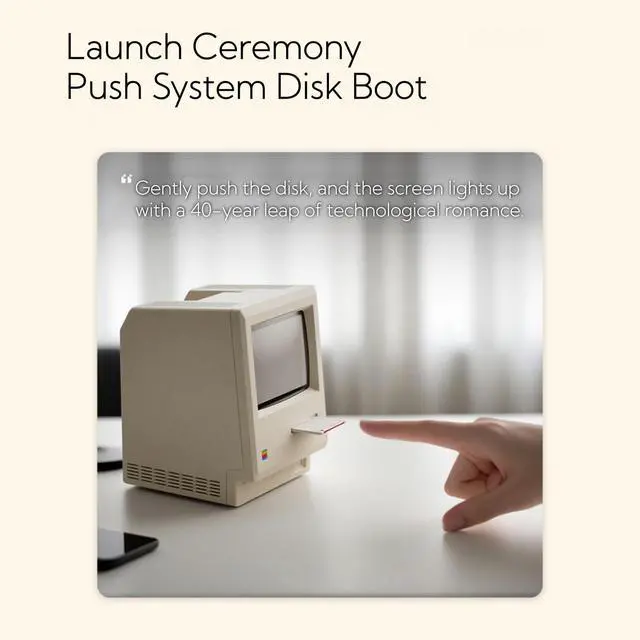
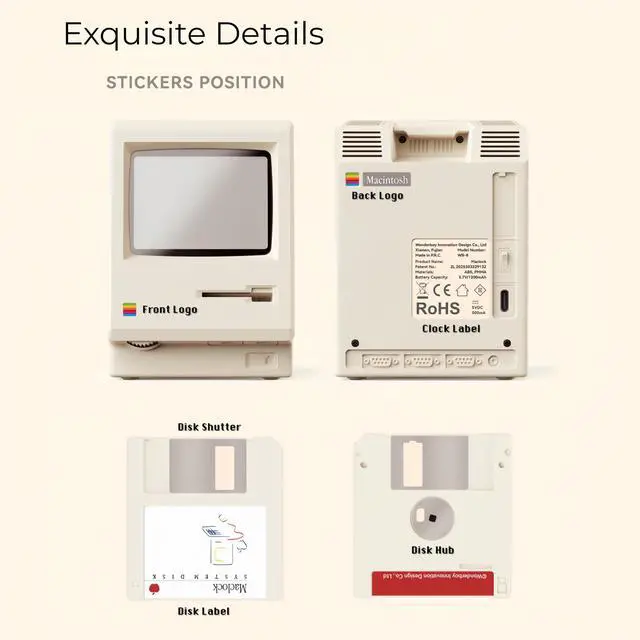
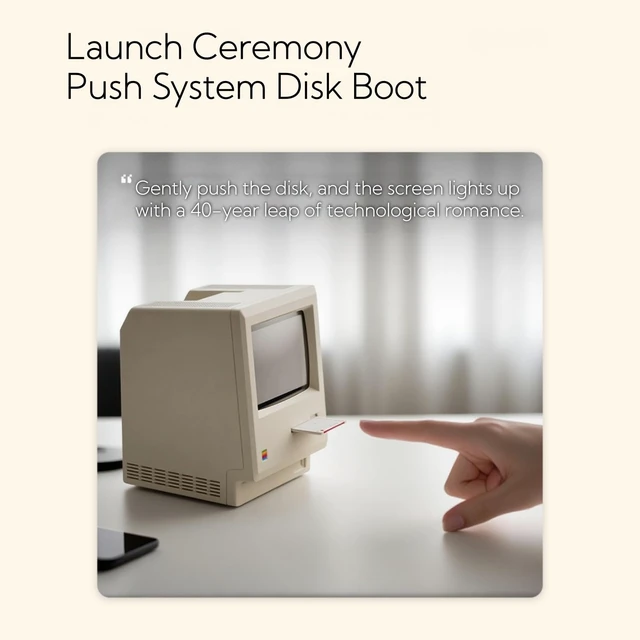
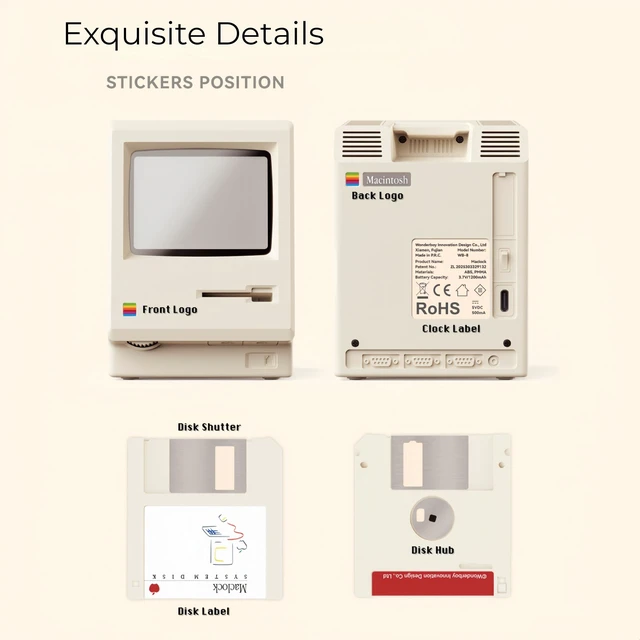
Fun Floppy Disk Accessories and Complete KitIncludes a floppy disk holder, retro stickers, USB-C cable, and manual. Insert floppy disk stickers to simulate the classic boot sequence for extra nostalgic fun.
Smart Temperature ProtectionFor the most accurate environment readings, our alarm clock intelligently pauses temperature updates when the backlight is onthis prevents internal heat interference. Simply turn off the backlight briefly, and the display will return to normal. For precise temperature measurement, we recommend temporarily disabling the backlight.
+
+
Overview
Specs
Reviews
Any questions? Our AI mode will help you find out quickly.
Try me now
Maclock Retro Pixel Alarm Clock, 1984 Computer-Inspired USB Desk Clock with Pixel Display, Multiple Alarms, Adjustable Brightness, Calendar, Temperature
Learn more about the Generic Brand WB-8
Details
Type
Digital
Size/Dimensions
3.15 in x 1.5 in x 4.41 in
Color/Finish
White
Color Mapping
White
Brand
OIJ
Model
WB-8
Additional Information
First Listed on Newegg
September 16, 2026
Customer Reviews of the Generic Brand WB-8
There are no reviews yet.
Do you own this product?
Warranty & Returns
Warranty, Returns, And Additional Information
Warranty
Please contact the Seller directly for warranty information. Warranty information may also be found on the Manufacturer's website.