

Your Browsing History
- Free 30-day Returns
$111.99

Meet Your Seller

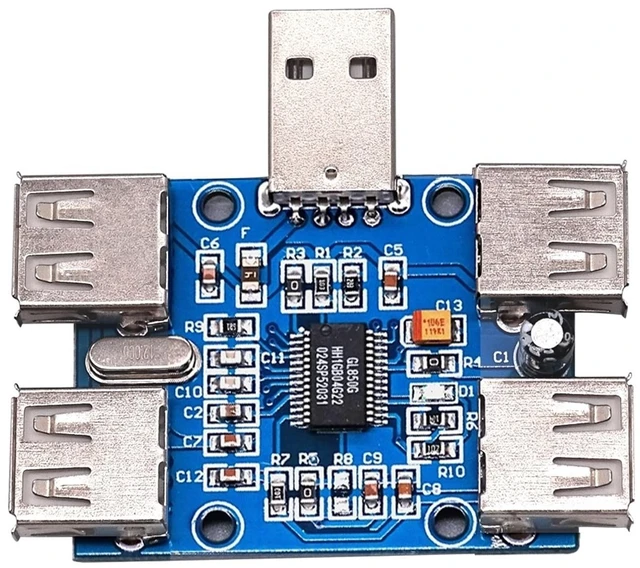
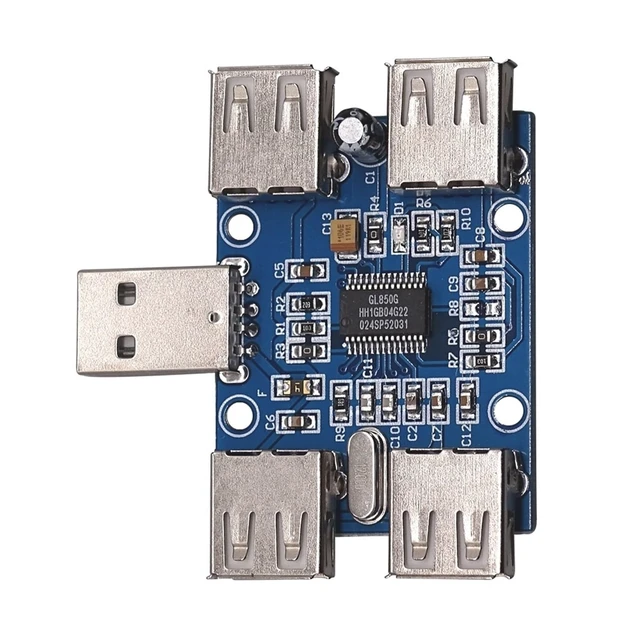
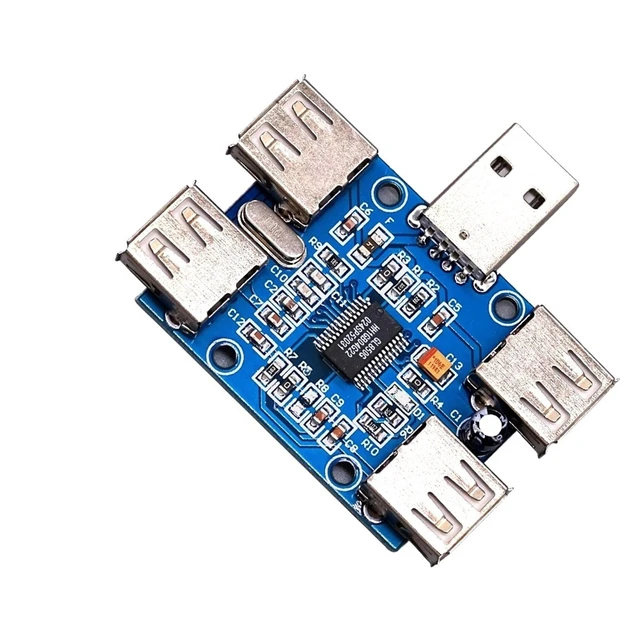
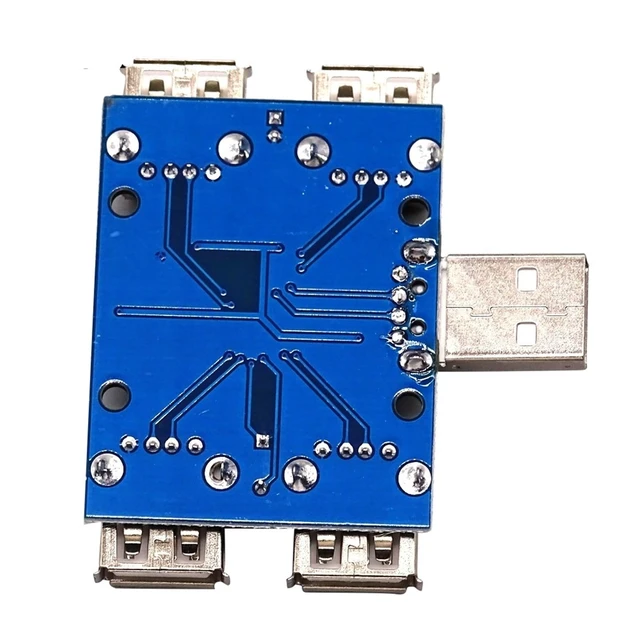


10pcs DC 5V USB HUB USB2.0 Hub Concentrator 4-Female USB Expansion Board Module Four USB Expansion Interface 4-Port Controller
- Sensor Blocks
+
+
Overview
Specs
Reviews

Any questions? Our AI mode will help you find out quickly.
Try me now
Sensor Blocks
USB Hub, which extends one USB interface to more than one (usually four) and enables these interfaces to be identical
The device used for this purpose. Hub, also known as hub, uses star-shaped topology to connect multiple USB interfaces.
Prepare. Elsey USB HUB is extended based on four USB interfaces provided by GL850G chip. GL850G has low cost.
Product characteristics such as power consumption, low temperature and fewer connectors are favored by developers. USB HUB can connect computer lamp.
Computer fan, MP3, U disk, recording pen, digital camera and so on.
2. Functional characteristics
Using the Second Generation USB HUB Controller
Connect directly with the computer, without external power supply, simple and easy to use
Computer Automatic Recognition Installation, No Driver, Plug and Play
Built-in current overload short circuit protection device
Supports USB 2.0, speeds up to 480 Mbps, downward compatible with USB 1.1
System support: Win95/98/Me/2000/XP, Linux 2.4 and Mac OS 8.5 or above
Technical parameters:
Module operating voltage: DC 5V
Four USB extended interfaces can work at the same time, and the output current of each interface can reach the maximum when working alone.
500mA for USB lighting and related USB devices.
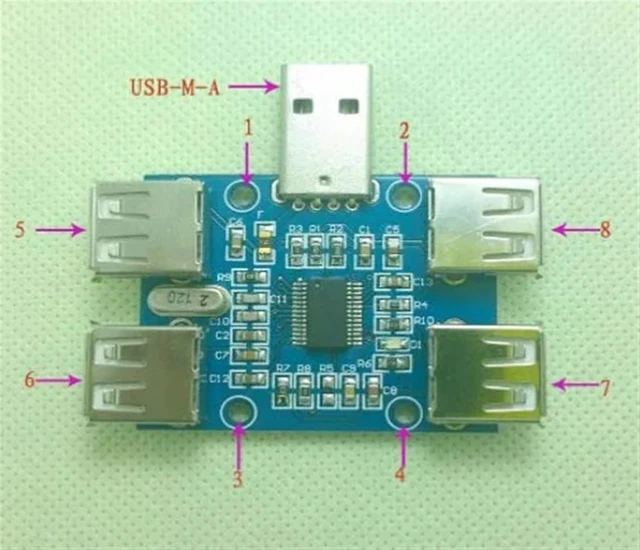
1, 2, 3, 4:4 positioning holes, through holes are standard M2.5 screw through holes, through holes diameter is 2.7mm
USB-M-A: Standard USB-A Head
5, 6, 7, 8:4 standard USB-A headers
On-board Overcurrent Protection
No USB Head Welding According to User's Requirements
IV. Instructions for Use and Notices
1. Instructions for Use
Insert the head with USB-M-A or USB in the module into the computer. The system automatically identifies the driver. The computer will have a USB-M-A.
Successful insertion is indicated by the prompt sound. On-board status indicator lights from on to off, flash again and then go out.
The explicit module can
Warranty & Returns
Warranty, Returns, And Additional Information
Warranty
- Please contact the Seller directly for warranty information. Warranty information may also be found on the Manufacturer's website.
- CONTACT
Return Policies
- Return for refund within: 30 days
- Return for replacement within: 30 days
- This item is covered by RunRich Garden Return Policy
Manufacturer Contact Info
- For a directory of all our manufacturers, please click below.
- Manufacturers Directory
LOADING...