




 here!
here!
I’m your shopping assistant for PC builds, upgrades, and everything tech.
Got questions? Ask away!
Start a conversation
here!
I’m your shopping assistant for PC builds, upgrades, and everything tech.
Got questions? Ask away!
Start a conversation



Any questions? Ask CelesteSM will help you find out quickly.

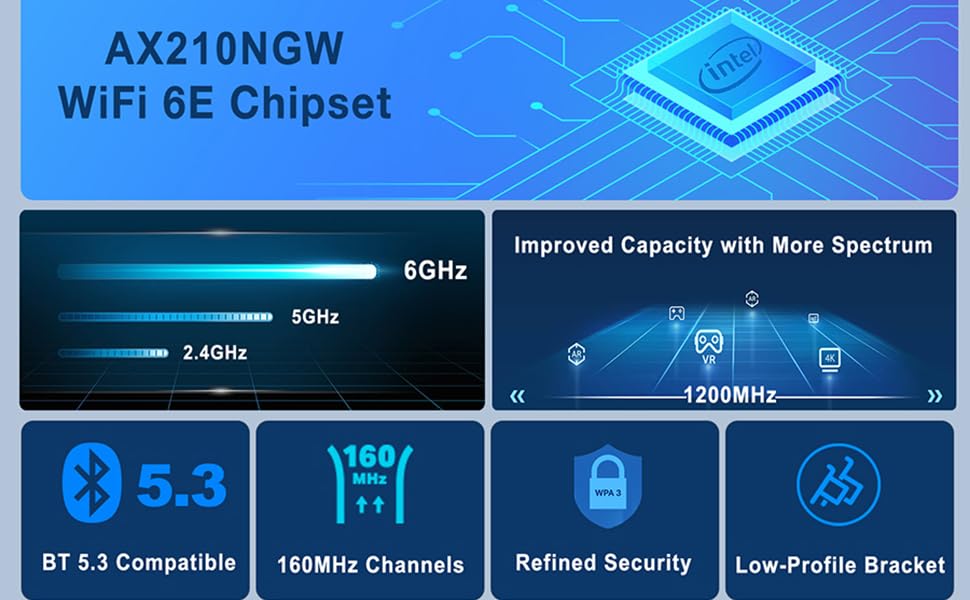

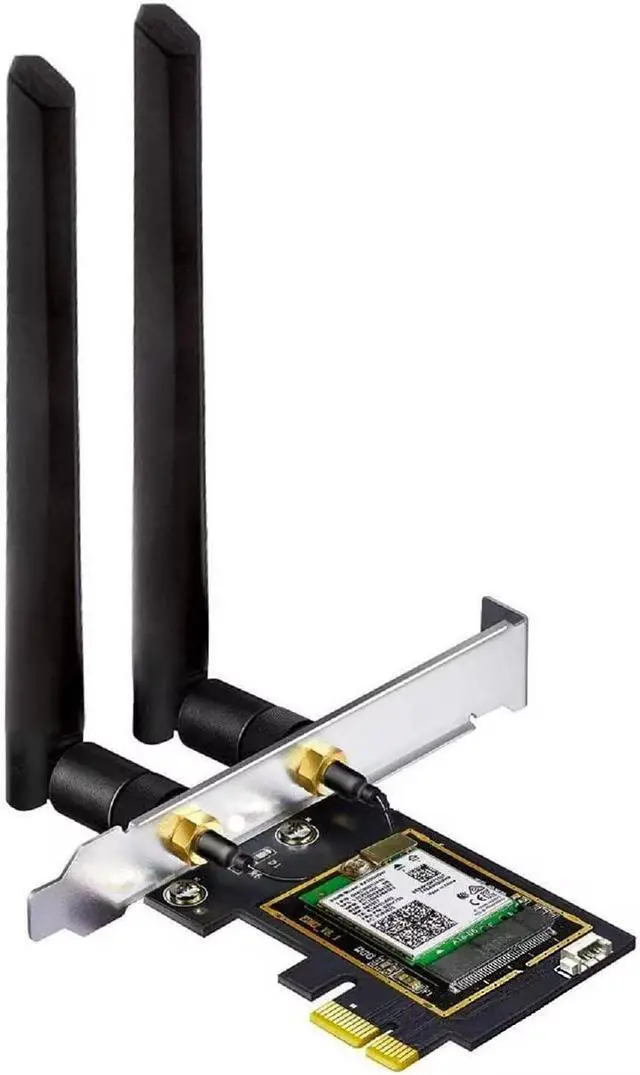
PCIe WiFi card with three bands WiFi offer stronger anti-interference ability, more stable wireless network signal and faster transmission speed.
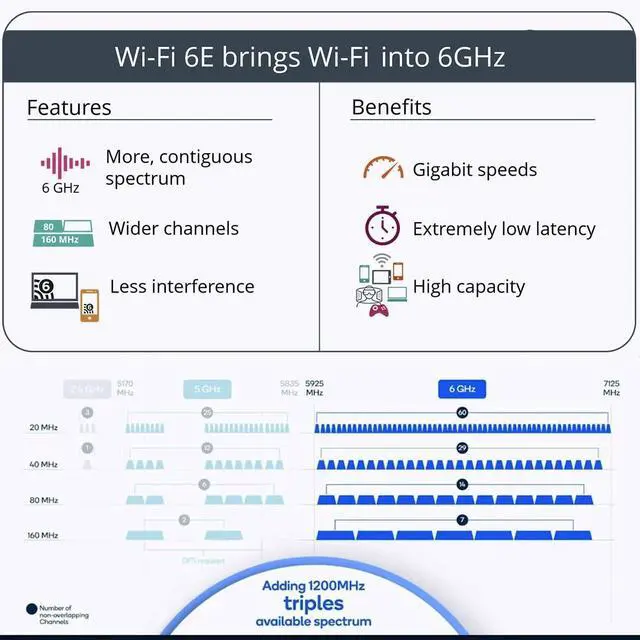
*Please note that to utilize 6GHz band, the user must have Windows 11 or upgrade to Windows 10 Dev version
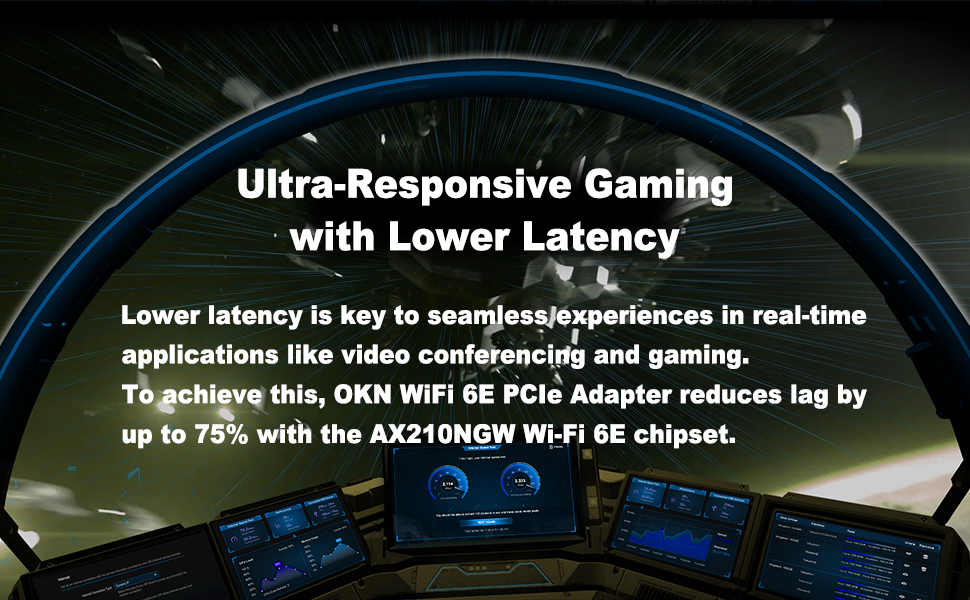

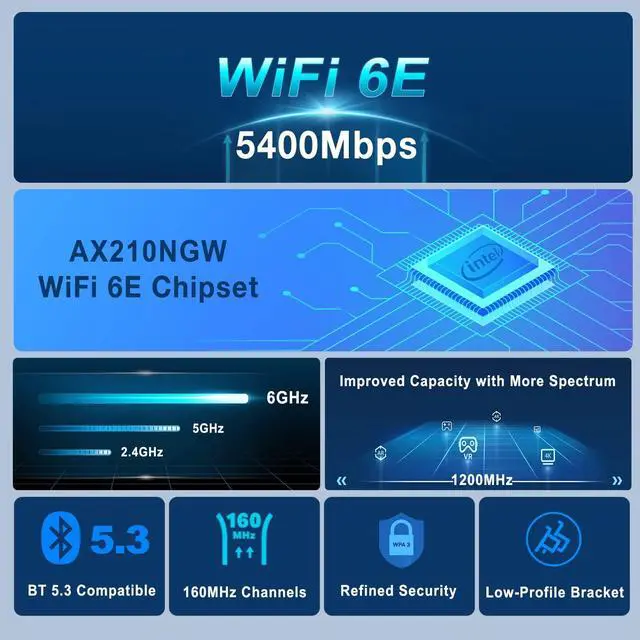
The New-Gen Intel Wi-Fi 6E AX210 reduced latency and improved reliability unlocks your Wi-Fi 6E router’s full potential

Support Windows10/11 64-bit
*Driver CD comes with the package, while if a CD ROM is not convenient for you, you can get the driver download link from the manual or the Intel official website by searching "AX210". It is recommended to download the driver first and then install the network card.

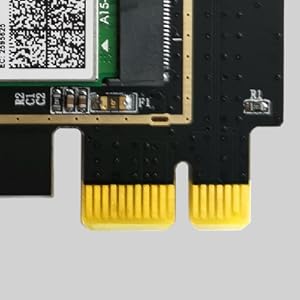
The PCIe gold finger is protected by an anti-oxidation coating to prevent damage to the gold plating during transportation and storage, resulting in poor contact.
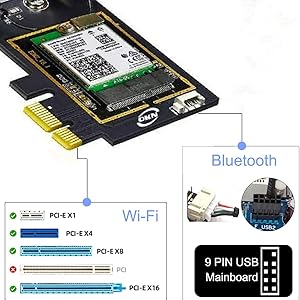
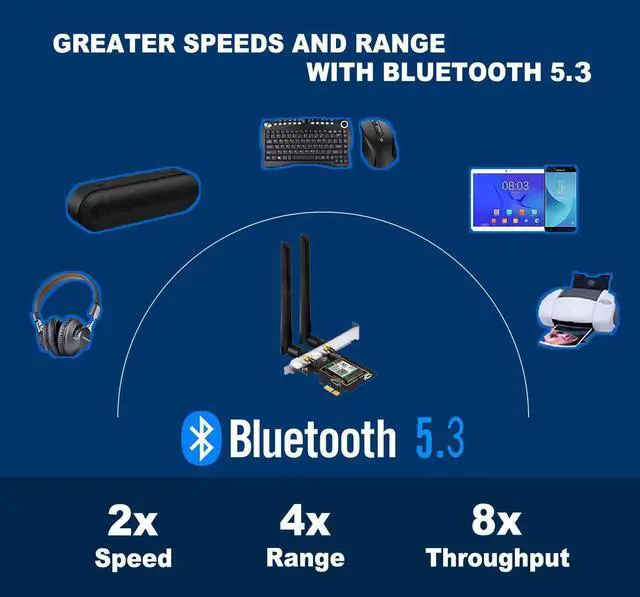
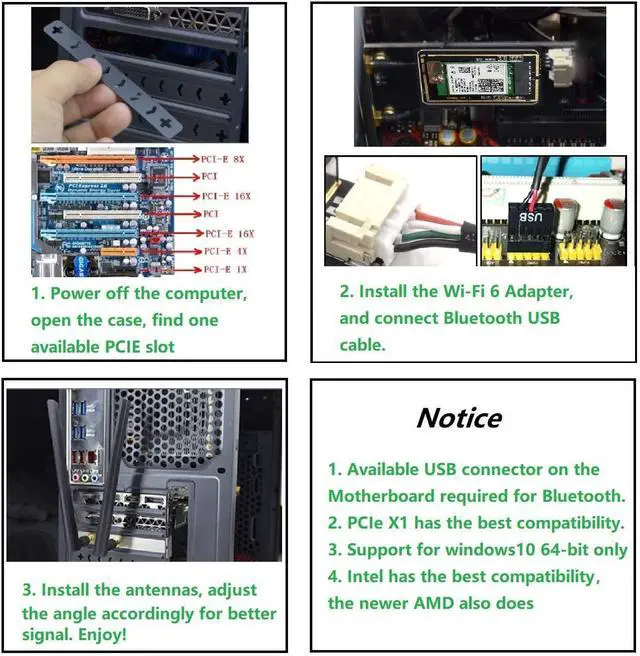
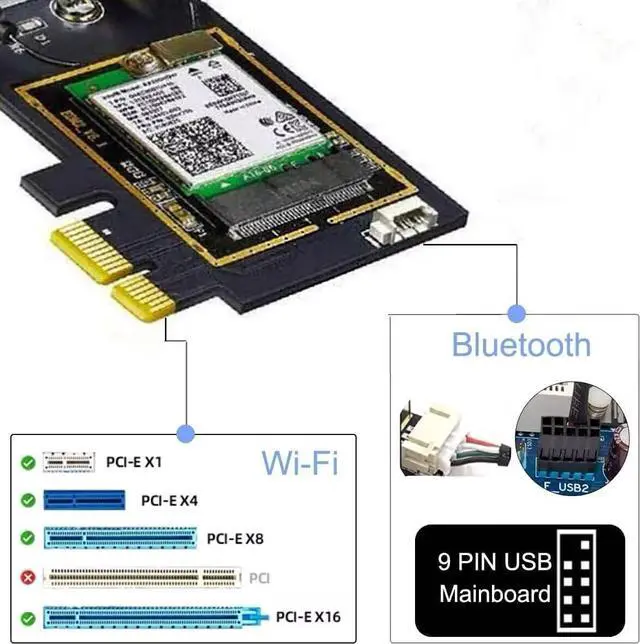
Please connect the USB 9-pin cable(Black) that comes with the package to the USB 9-pin interface on the Motherboard after the installation of step b above,the White end connects to the pcie adapter socket. Then install the Bluetooth driver.

Please Note: The network environment, router, barriers, laptop and PC 's internal memory…the interference of many factors can affect the wifi speed.
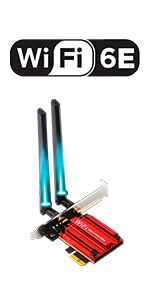 WiFi 6E PCIe Card AX210 | 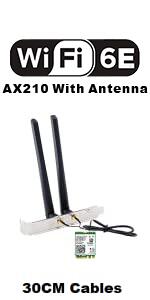 AX210 With 5dBi Antenna | 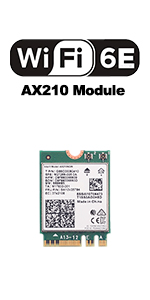 AX210 Module | 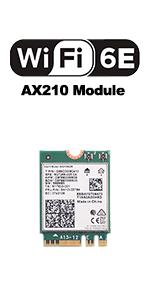 AX210 WiFi Module | |
|---|---|---|---|---|
| Customer Reviews | — | — | — | — |
| Price | — | — | — | — |
| Interface | PCIe | M.2 NGFF | M.2 NGFF | M.2 NGFF |
| Wireless | 11AX WiFi 6E | 11AX WiFi 6E | 11AX WiFi 6E | 11AX WiFi 6E |
| Max Speed | 2400Mbps @ 6G + 2400Mbps @ 5G + 574Mbps @ 2.4G | 2400Mbps @ 6G + 2400Mbps @ 5G + 574Mbps @ 2.4G | 2400Mbps @ 6G + 2400Mbps @ 5G + 574Mbps @ 2.4G | 2400Mbps @ 6G + 2400Mbps @ 5G + 574Mbps @ 2.4G |
| High Gain Antenna | 5dBi | 5dBi with 30cm Extension Cable | Not attached | Not attached |
| Dual Band | 6GHz / 5GHz / 2.4GHz | 6GHz / 5GHz / 2.4GHz | 6GHz / 5GHz / 2.4GHz | 6GHz / 5GHz / 2.4GHz |
| Online Gaming | ? | ? | ? | ? |
| 8K HD Video Streaming | ? | ? | ? | ? |
| MU-MIMO | Up & Down | Up & Down | Up & Down | Up & Down |
| Supported operating systems | Windows 10/11 64-bit | Windows 10/11 64-bit | Windows 10/11 64-bit | Windows 10/11 64-bit |
PCIe WiFi card with three bands WiFi offer stronger anti-interference ability, more stable wireless network signal and faster transmission speed.
*Please note that to utilize 6GHz band, the user must have Windows 11 or upgrade to Windows 10 Dev version
The New-Gen Intel Wi-Fi 6E AX210 reduced latency and improved reliability unlocks your Wi-Fi 6E router’s full potential
Support Windows10/11 64-bit
*Driver CD comes with the package, while if a CD ROM is not convenient for you, you can get the driver download link from the manual or the Intel official website by searching "AX210". It is recommended to download the driver first and then install the network card.
The PCIe gold finger is protected by an anti-oxidation coating to prevent damage to the gold plating during transportation and storage, resulting in poor contact.
Please connect the USB 9-pin cable(Black) that comes with the package to the USB 9-pin interface on the Motherboard after the installation of step b above,the White end connects to the pcie adapter socket. Then install the Bluetooth driver.
Please Note: The network environment, router, barriers, laptop and PC 's internal memory…the interference of many factors can affect the wifi speed.
WiFi 6E PCIe Card AX210 | AX210 With 5dBi Antenna | AX210 Module | AX210 WiFi Module | |
|---|---|---|---|---|
| Customer Reviews | — | — | — | — |
| Price | — | — | — | — |
| Interface | PCIe | M.2 NGFF | M.2 NGFF | M.2 NGFF |
| Wireless | 11AX WiFi 6E | 11AX WiFi 6E | 11AX WiFi 6E | 11AX WiFi 6E |
| Max Speed | 2400Mbps @ 6G + 2400Mbps @ 5G + 574Mbps @ 2.4G | 2400Mbps @ 6G + 2400Mbps @ 5G + 574Mbps @ 2.4G | 2400Mbps @ 6G + 2400Mbps @ 5G + 574Mbps @ 2.4G | 2400Mbps @ 6G + 2400Mbps @ 5G + 574Mbps @ 2.4G |
| High Gain Antenna | 5dBi | 5dBi with 30cm Extension Cable | Not attached | Not attached |
| Dual Band | 6GHz / 5GHz / 2.4GHz | 6GHz / 5GHz / 2.4GHz | 6GHz / 5GHz / 2.4GHz | 6GHz / 5GHz / 2.4GHz |
| Online Gaming | ? | ? | ? | ? |
| 8K HD Video Streaming | ? | ? | ? | ? |
| MU-MIMO | Up & Down | Up & Down | Up & Down | Up & Down |
| Supported operating systems | Windows 10/11 64-bit | Windows 10/11 64-bit | Windows 10/11 64-bit | Windows 10/11 64-bit |
Drive and Install
Follow the "Quick Installation Guide" to install the hardware and drivers, just as easy as ABC.
Specifications, features and advantages
This 11ax WiFi card uses AX210 chipset, supports 2x2 WiFi 6E technology, 6GHz 2402Mbps 5GHz 2402Mbps and 2.4GHz 574Mbps and other new functions, including UL and DL OFDMA and 1024QAM, 160MHz channel, target wake-up time and space reuse. Can provide nearly 40. In dense or congested environments, the peak data rate is increased by %, and the capacity is increased by up to 4 times.
Inside the AX210.
IEEE 802.11 b/g/n/ac/ax
BT 5.3
WPA3
Tri Band 6GHz 2402Mbps / 5GHz 2402Mbps / [email protected]
PCI-Express x1.
External high gain antenna 5dBi
Only supports Windows 10/11 64-bit
Package
1 AX210 WiFi 6 PCI Express card
2 External high gain antennas
1 Low profile bracket
1 BT USB cable
1 Quick installation guide
Precautions
1. Use PCI-E x1 slot. Do not use x16 slots.
2. Do not use on motherboards containing AC9560 CNVi parts
3. Only Windows 10/11 64-bit is supported.
4. AX210 is not compatible with the old AMD cpus, and there may be some unknown problems.
5. Some motherboards do not support two or more wireless network cards operating at the same time, which may cause system failure. Therefore, please only keep 1 wireless network card to work on your computer
If you have any questions, please feel free to contact us
| Brand | OKN |
| Hardware Interface | PCI Express x1, PCI Express x16, PCI Express x4, PCI Express x8 |
| Color | WiFi 6E AX210 PCIE Card |
| Compatible Devices | AMD Ryzen, Desktop, Inrel CPU |
| Product Dimensions | 4.72"L x 3.15"W x 0.79"H |
| Data Link Protocol | 6GHz, BT 5.3 |
| Data Transfer Rate | 5400 Megabits Per Second |
| Item Weight | 90 Grams |
| Compatible Operating System Family | Windows |
| Minimum Required Operating System Version | Windows 10 |
| Item model number | PCE-AX210 |
| Date First Available | August 29, 2019 |
| Manufacturer | UFON |


