





Product description
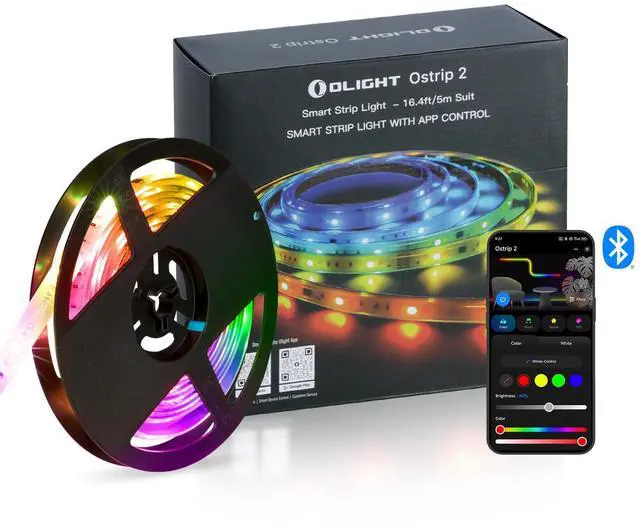
OLIGHT Ostrip 2
Why is the light effect of the light strip I received not fully displayed?
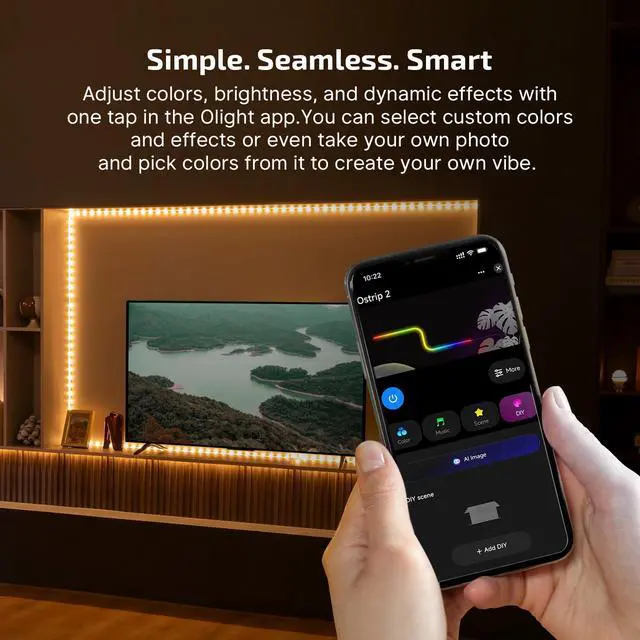
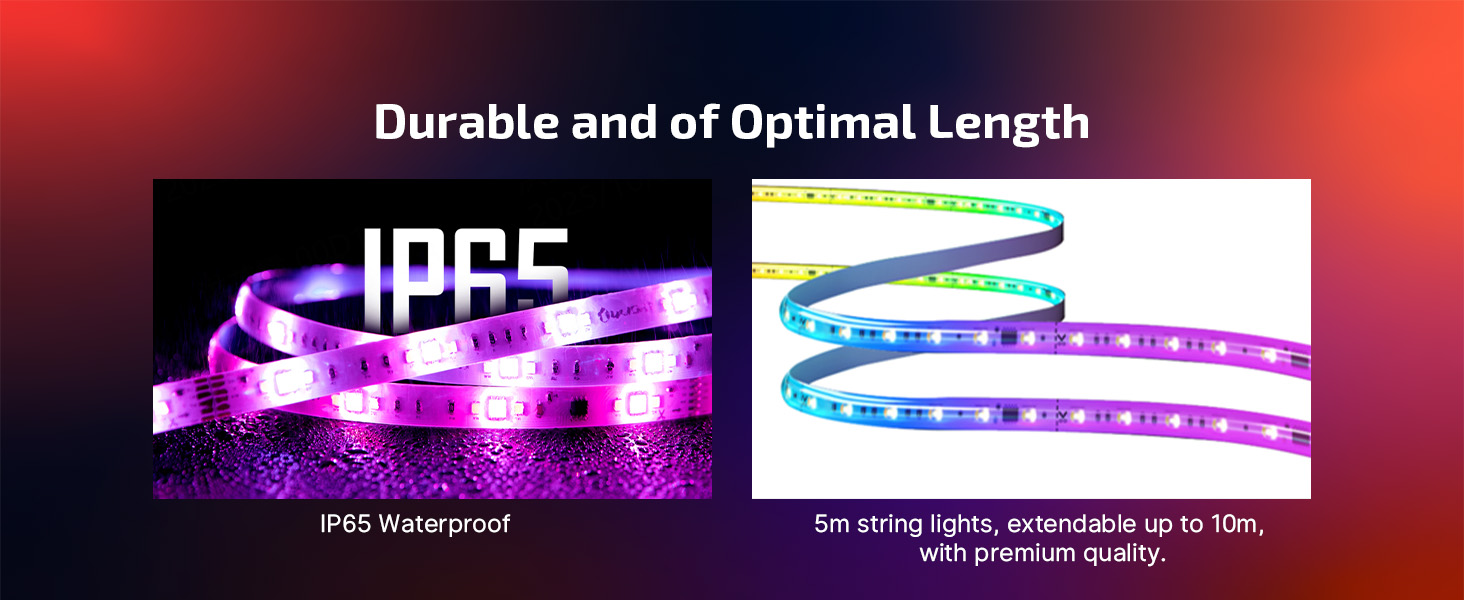
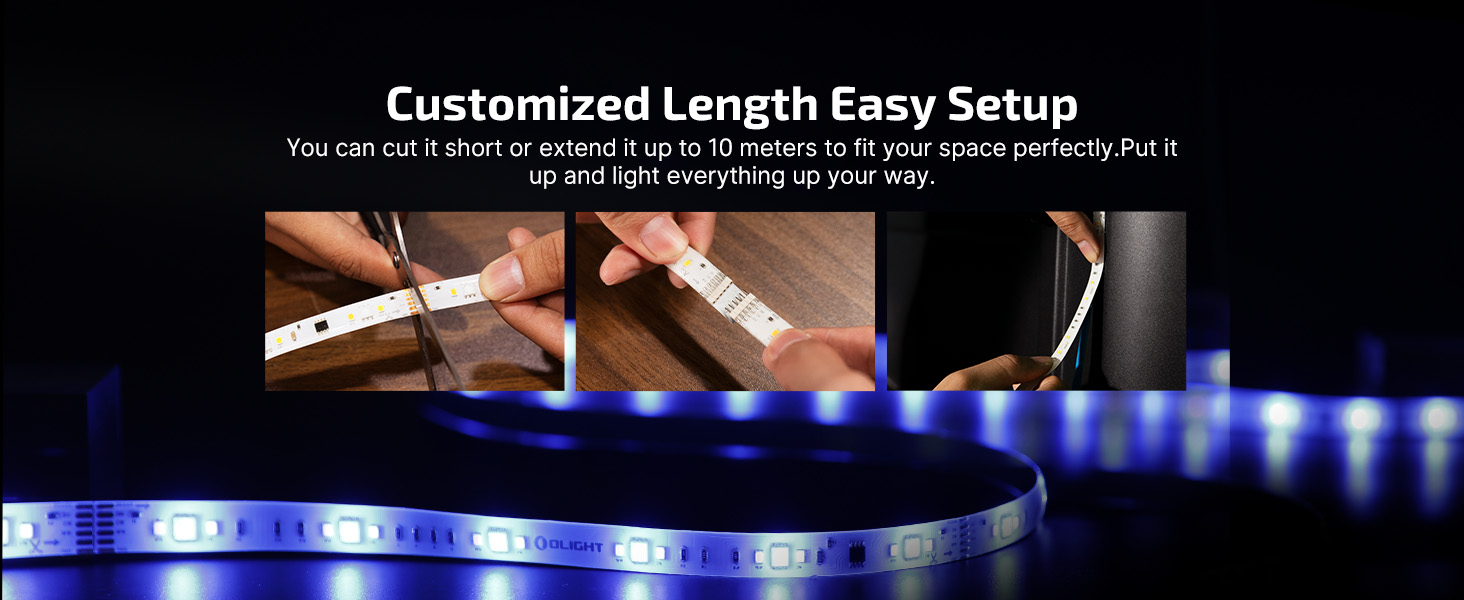
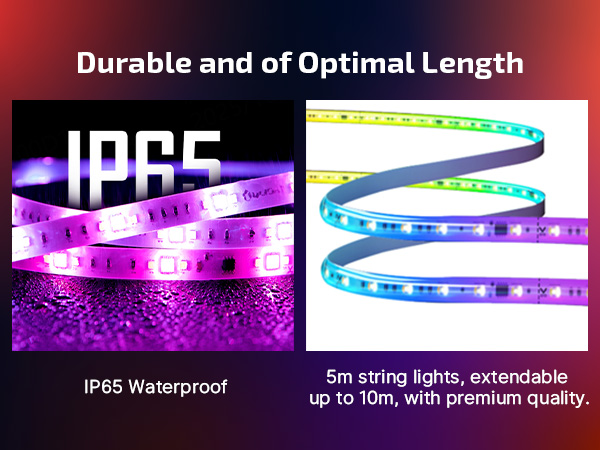
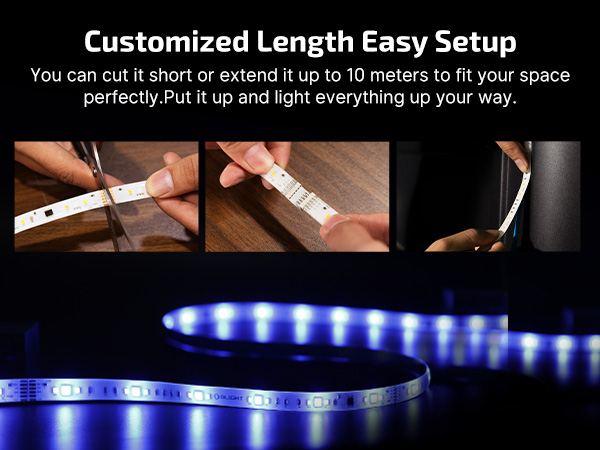
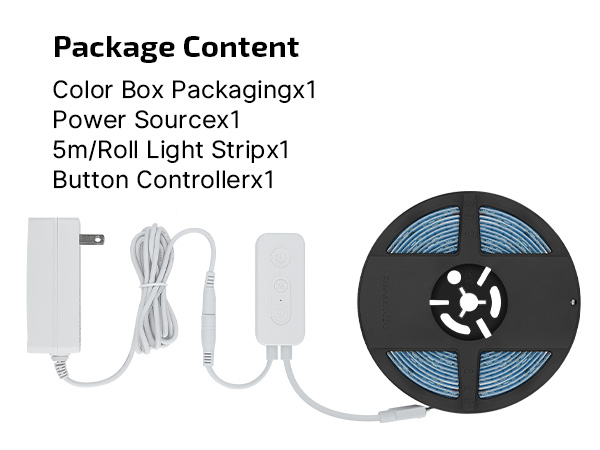
Factory default light strip length: 12m, but actual product is 5m — excess part has no light effect. First use: adjust to actual length in APP > "More Settings" > "Light Strip Length".
Q2:Can the number of light strip segments be changed?
The light strip has a fixed 10 controllable segments. Extending it increases the actual length each segment controls (making each segment’s light effect longer) — the number of segments won’t increase.
How to enter the network configuration mode?
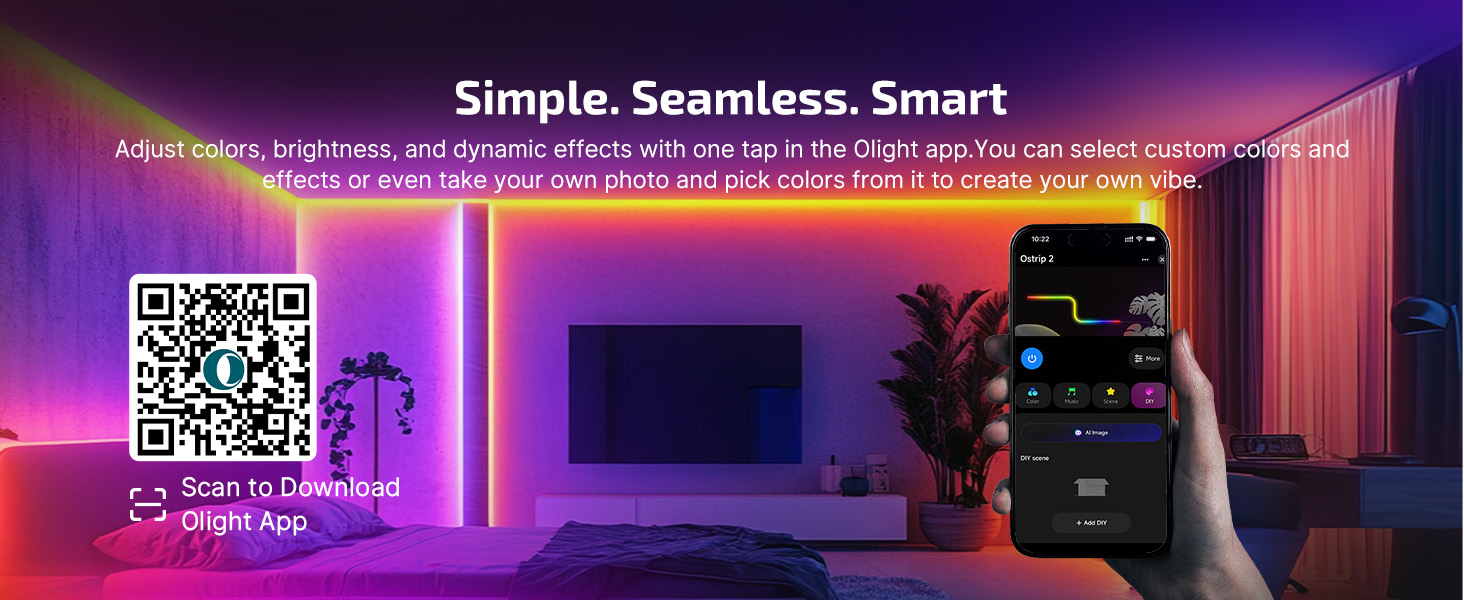
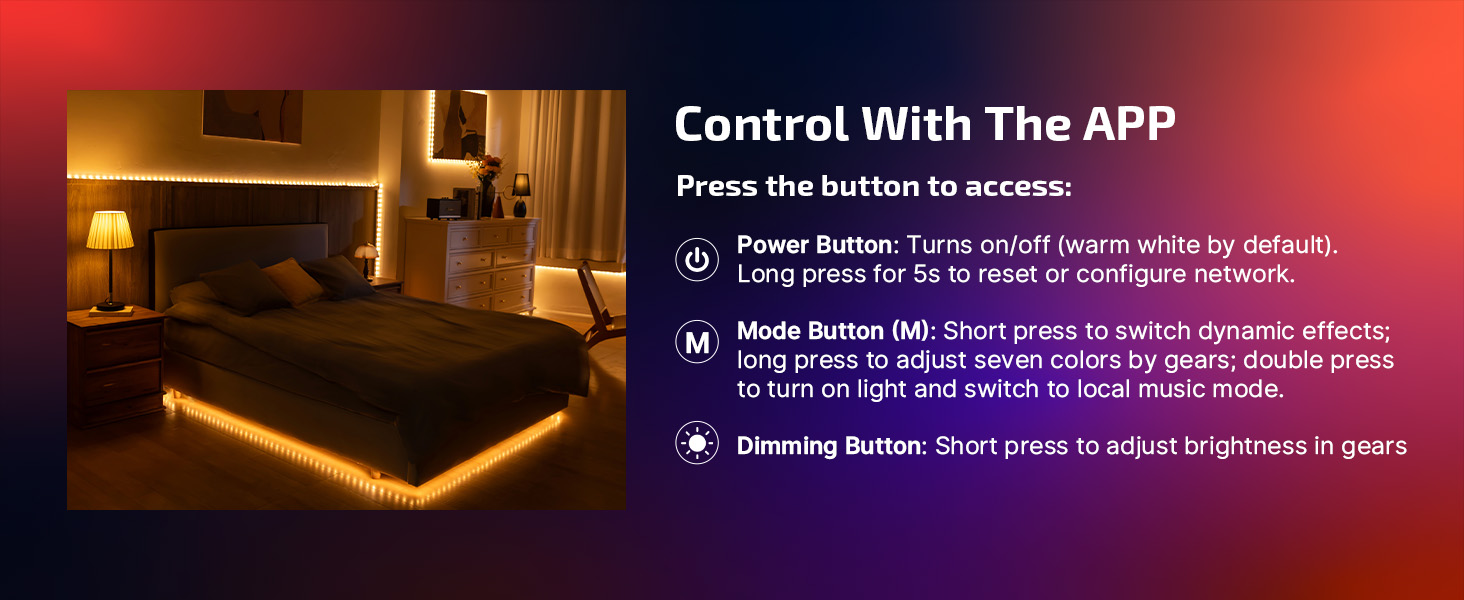
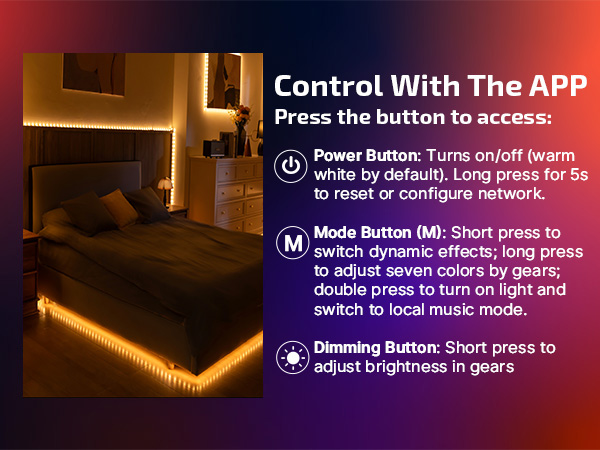
Hold power button for 5 seconds: strip turns warm white, then flashes green (pairing mode). Pair via APP.
Mode lasts ~30s; other button ops invalid. Exit early: power off and restart.
Product description
OLIGHT Ostrip 2

Why is the light effect of the light strip I received not fully displayed?
Factory default light strip length: 12m, but actual product is 5m — excess part has no light effect. First use: adjust to actual length in APP > "More Settings" > "Light Strip Length".
Q2:Can the number of light strip segments be changed?
The light strip has a fixed 10 controllable segments. Extending it increases the actual length each segment controls (making each segment’s light effect longer) — the number of segments won’t increase.
How to enter the network configuration mode?
Hold power button for 5 seconds: strip turns warm white, then flashes green (pairing mode). Pair via APP.
Mode lasts ~30s; other button ops invalid. Exit early: power off and restart.