here!
here!
I’m your shopping assistant for PC builds, upgrades, and everything tech.
Got questions? Ask away!
Start a conversation
here!
I’m your shopping assistant for PC builds, upgrades, and everything tech.
Got questions? Ask away!
Start a conversation



Any questions? Ask CelesteSM will help you find out quickly.
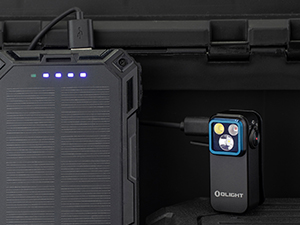
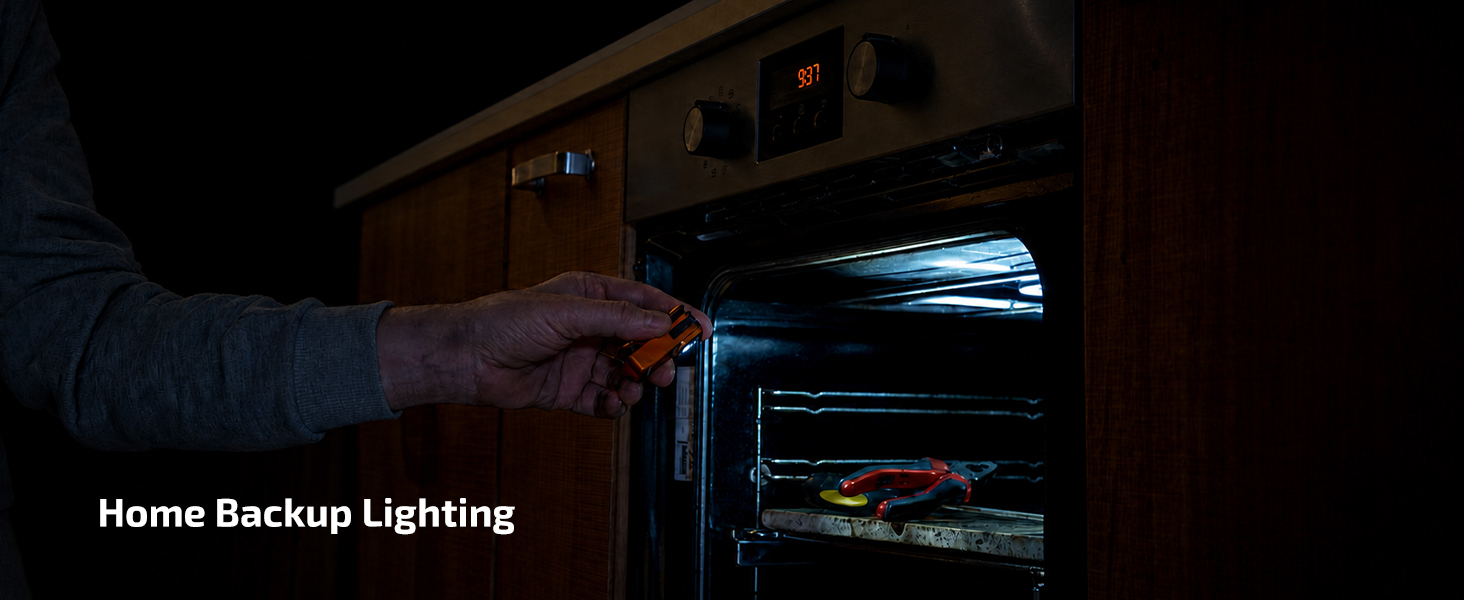
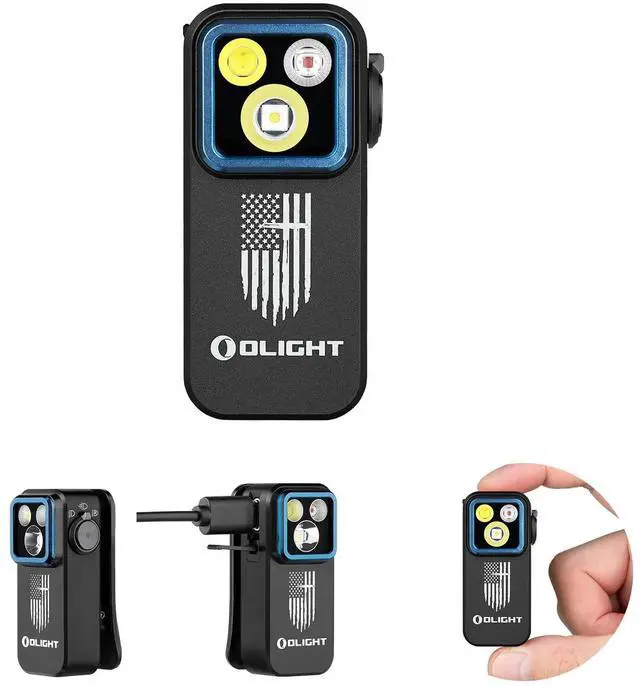
Easy recharging whenever you need, and relieves concerns over low battery. Great for camping, jobsites and home emergencies.
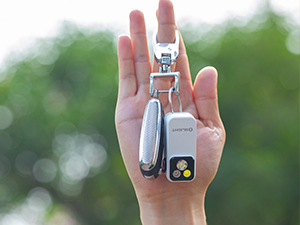
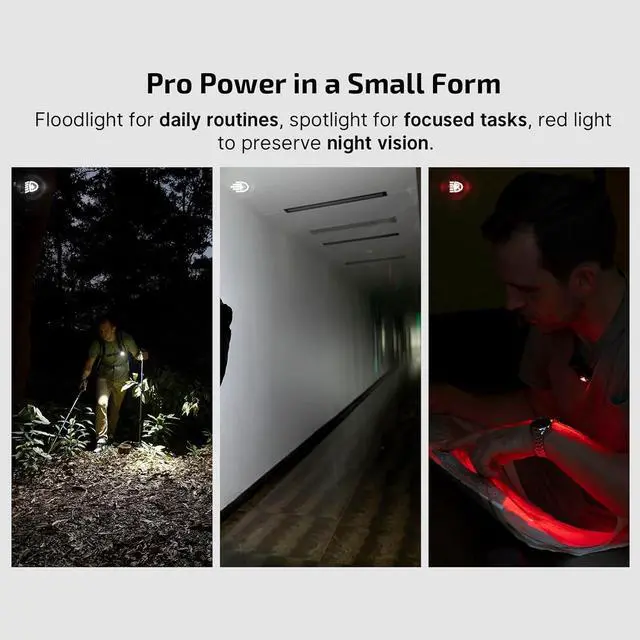
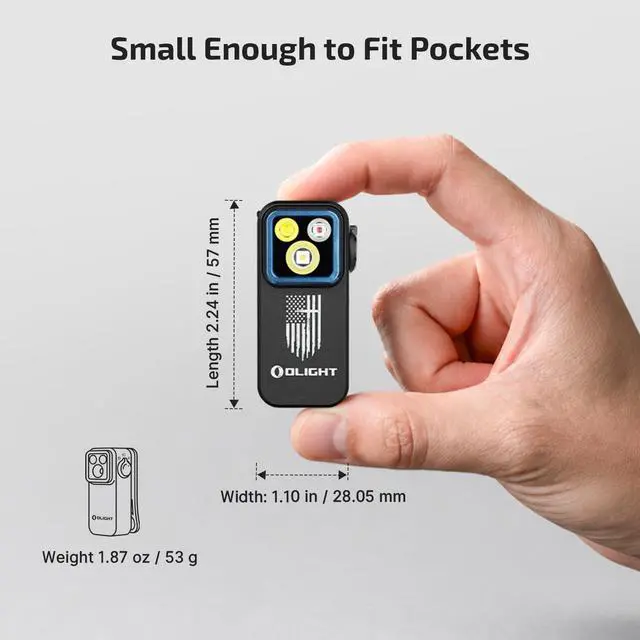
Compact like a keychain, this light is lightweight and highly portable for EDC and outdoor activities. It slips easily into pockets or small bags.
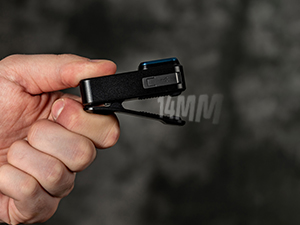
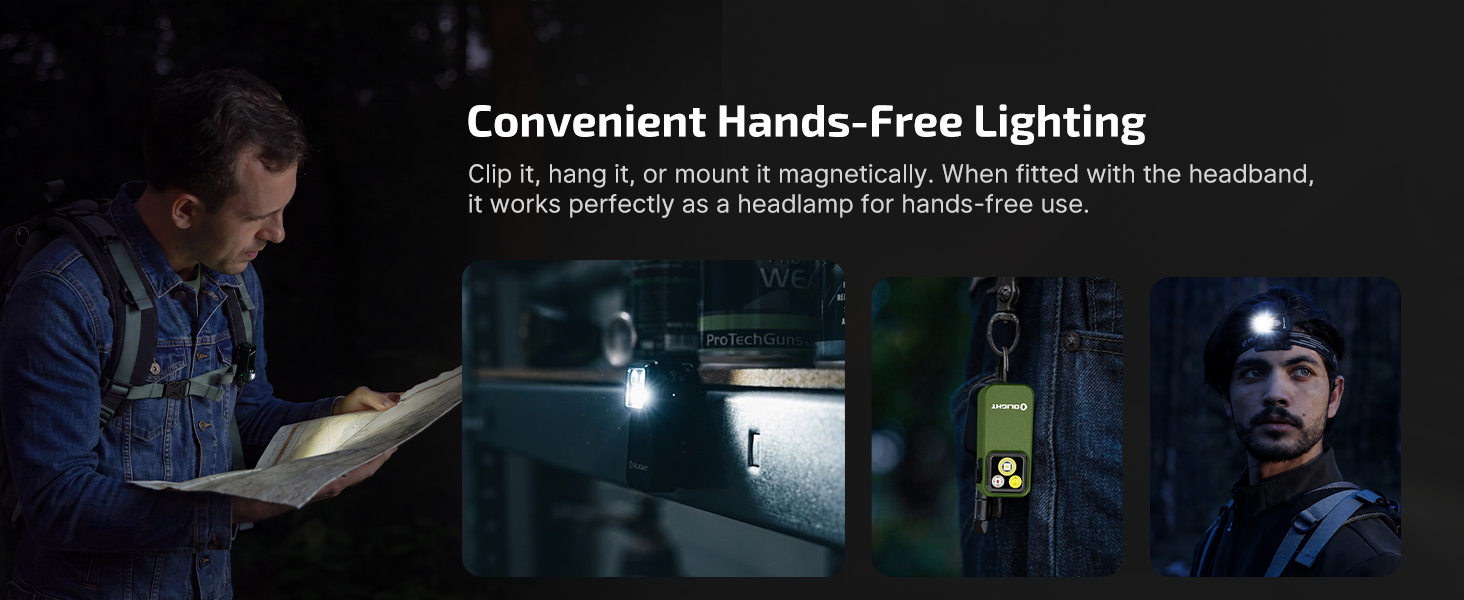
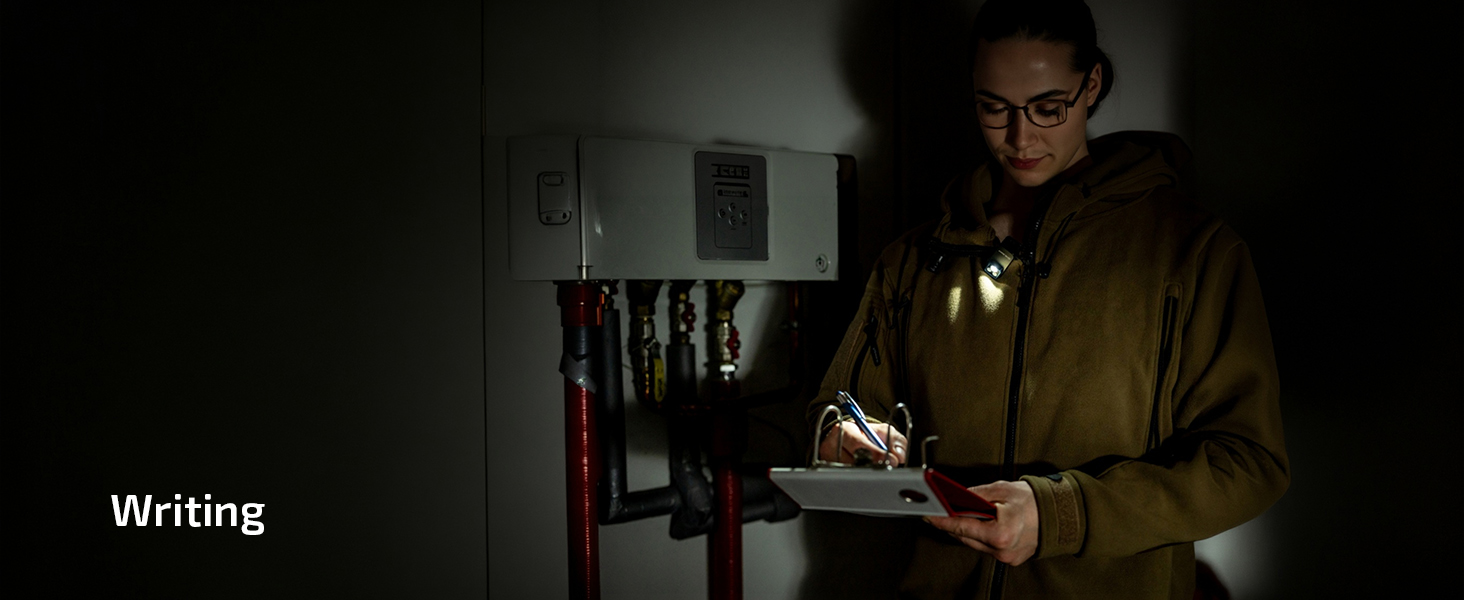
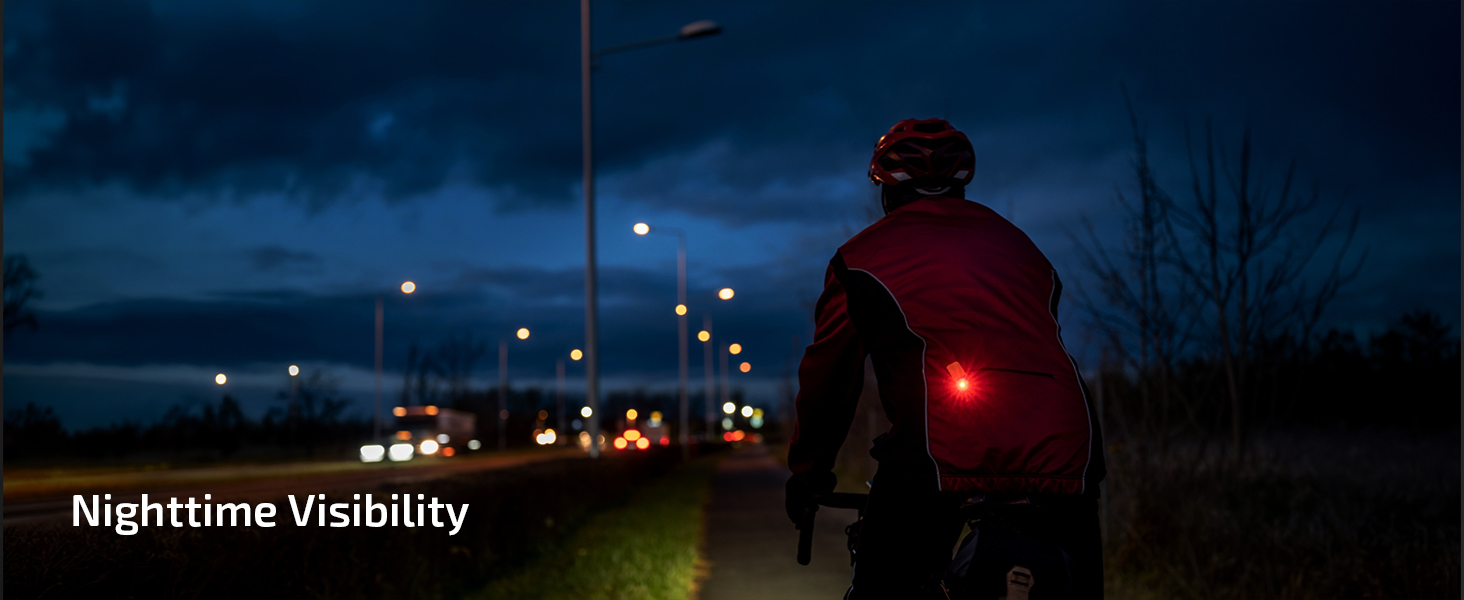
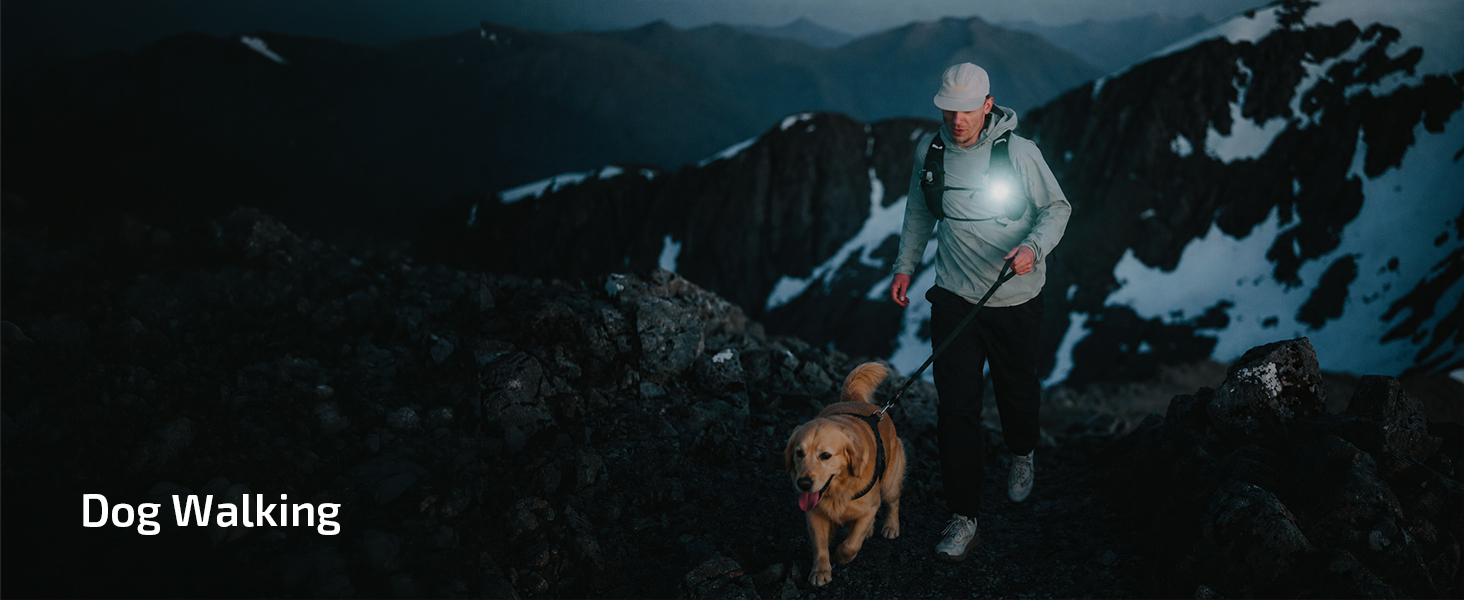
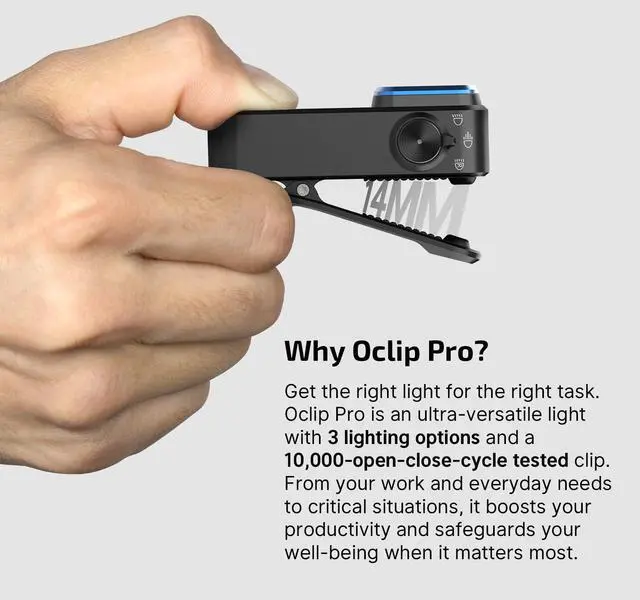
Firmly attaches to sturdy belts, straps, and gear up to 14mm thick. Keeps your hands free for hiking, fishing, garage work, or night walks.
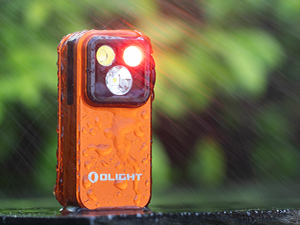
Resists splashes and everyday moisture for reliable outdoor use. Do not fully submerge it in water.
Why the Oclip Pro is not bright enough?
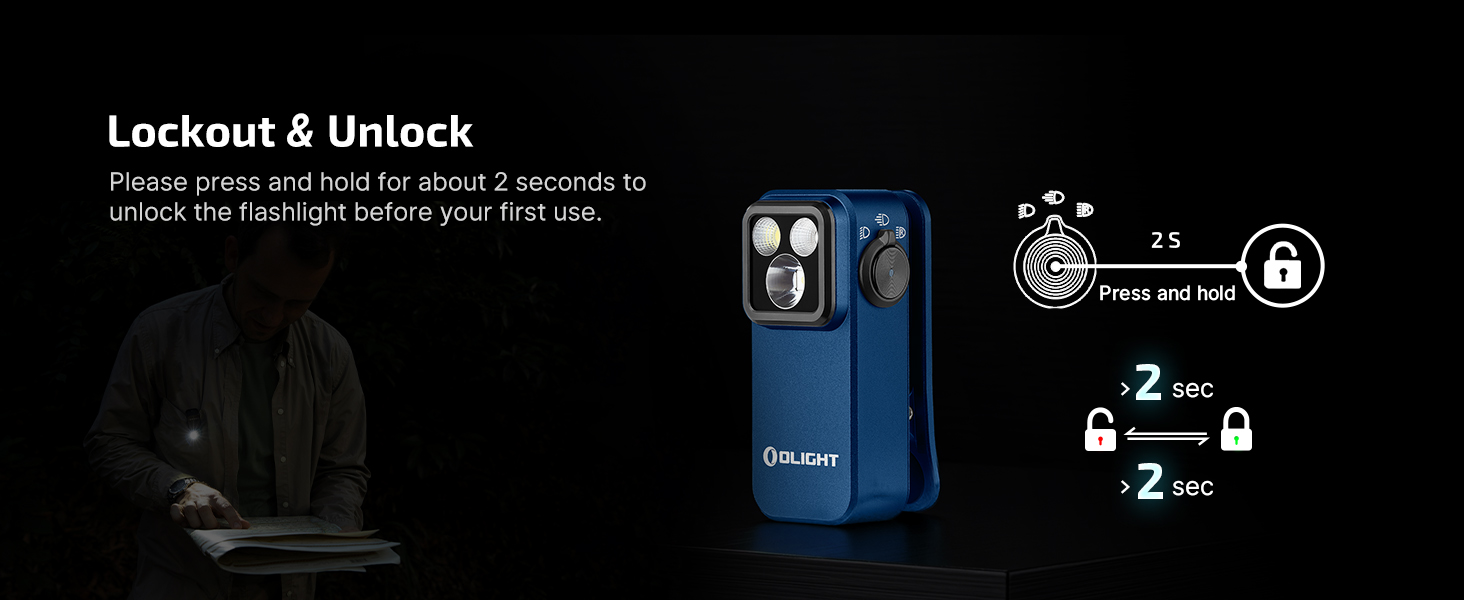
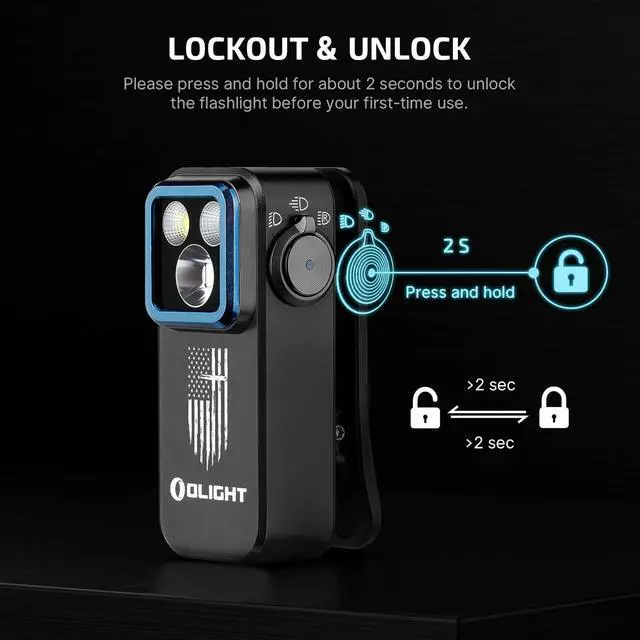
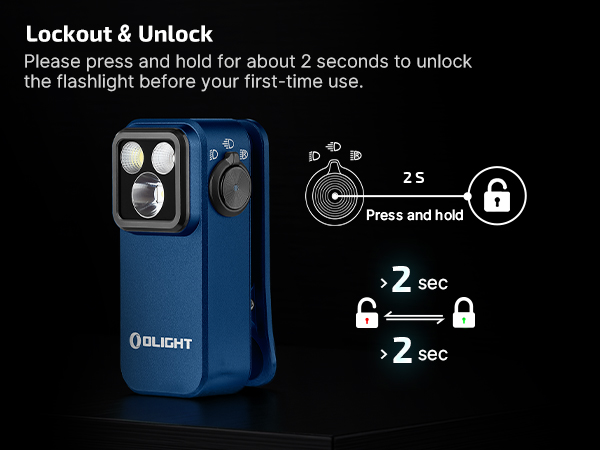
The original mode setting of Oclip Pro is Moonlight mode. Please press and hold the button for 2 seconds or more to change the light mode after you first time unlock it.
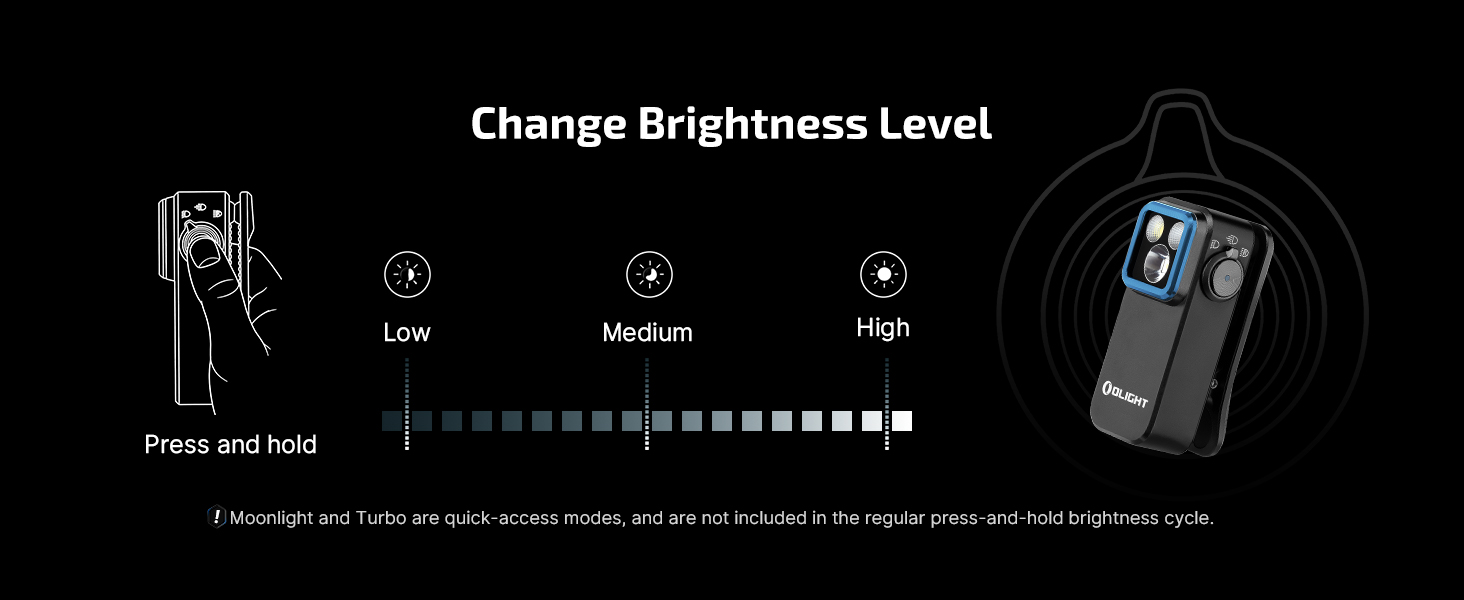
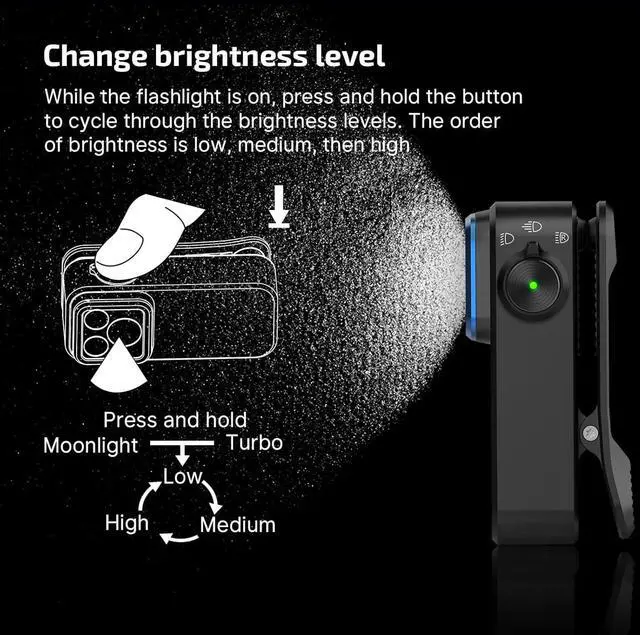
How to change Oclip Pro's brightness?
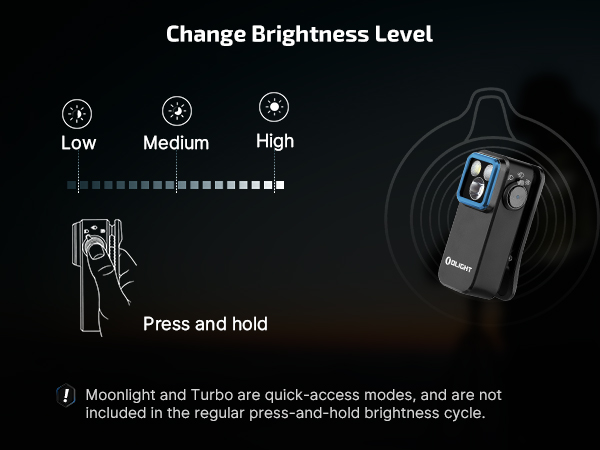
Press and hold the button to adjust the brightness. The light will cycle through Low, Medium, and High, starting from the current setting. Release the button to confirm your choice. (Note: Moonlight and Turbo modes are not included in the cycle.)
How to turn Oclip Pro's Strobe mode on/off?
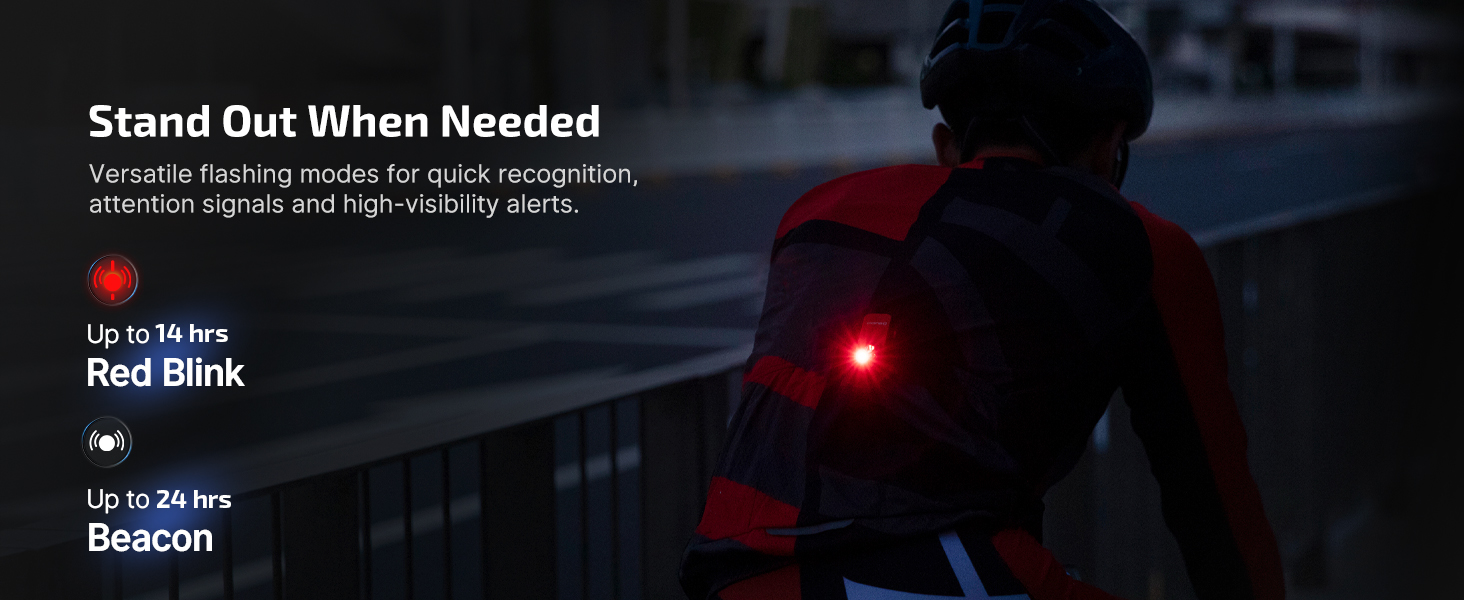
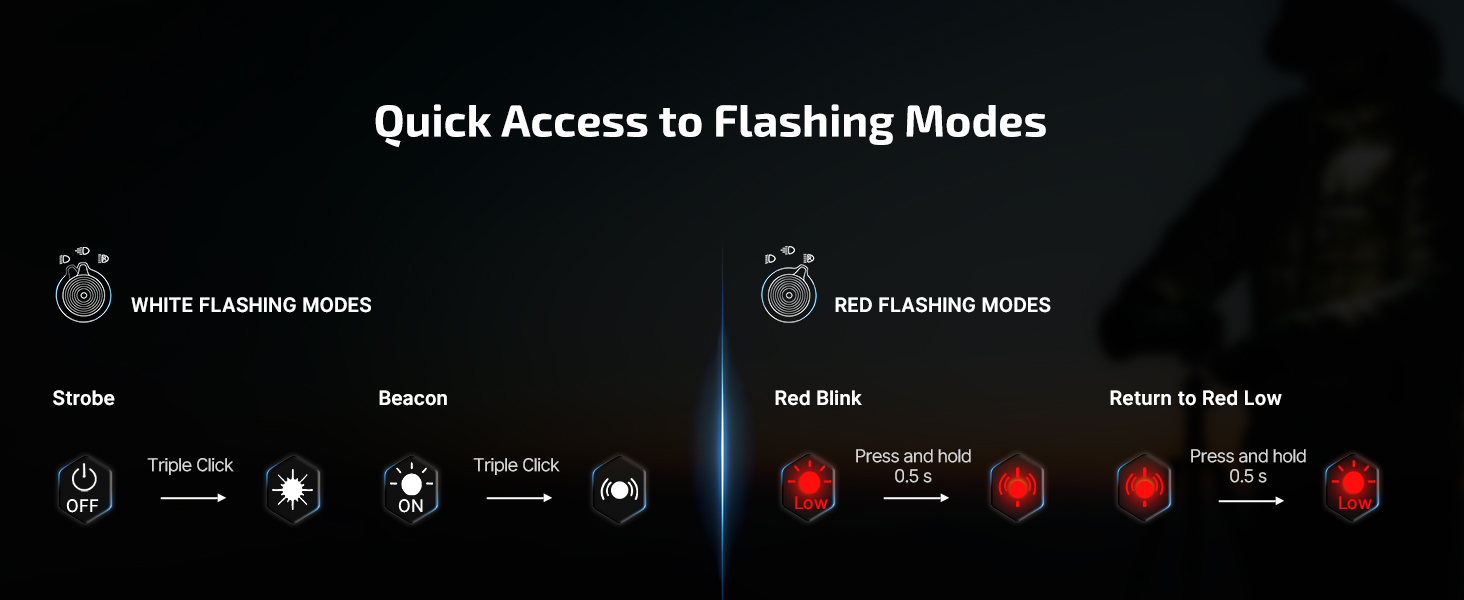
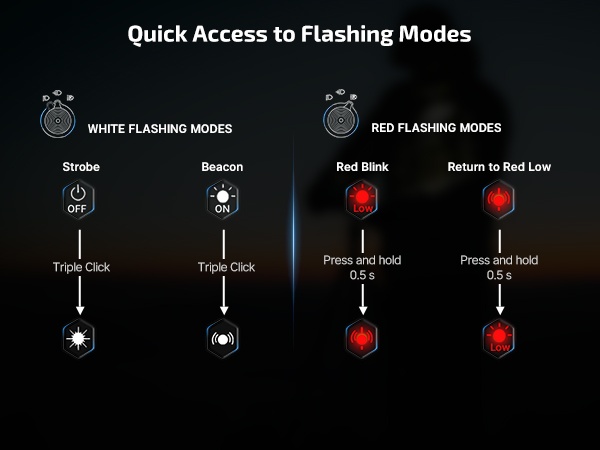
To activate Strobe mode, press the button three times quickly while the light is off. To turn it off, press and hold the button.
How to switch to Turbo mode on the Oclip Pro?
Double press the button swiftly when the light is off.
How to properly maintain Oclip Pro to avoid damage?
1.Do not immerse in water or any other liquid, as this will damage the product.
2.Do not disassemble the product.
Please refer to the instruction manual for full guidelines.
 Oclip Pro |  Oclip Pro S |  Oclip Ultra |  Oclip | |
|---|---|---|---|---|
Price | — | — | — | — |
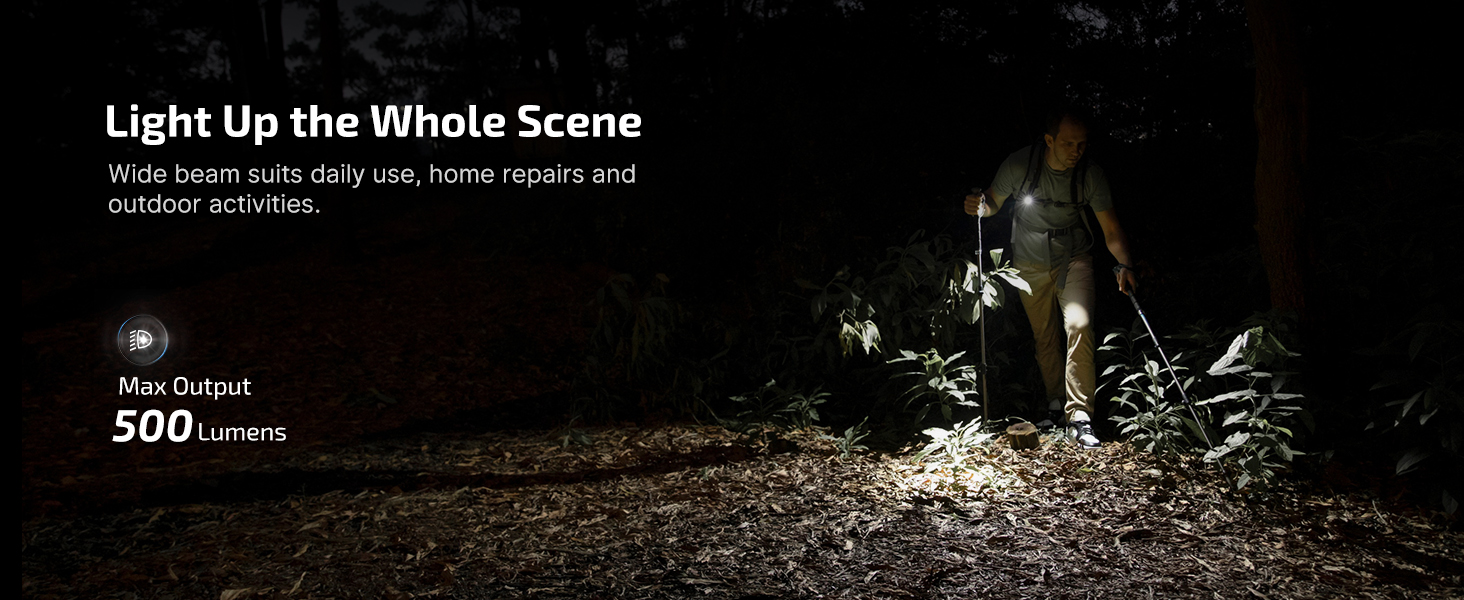
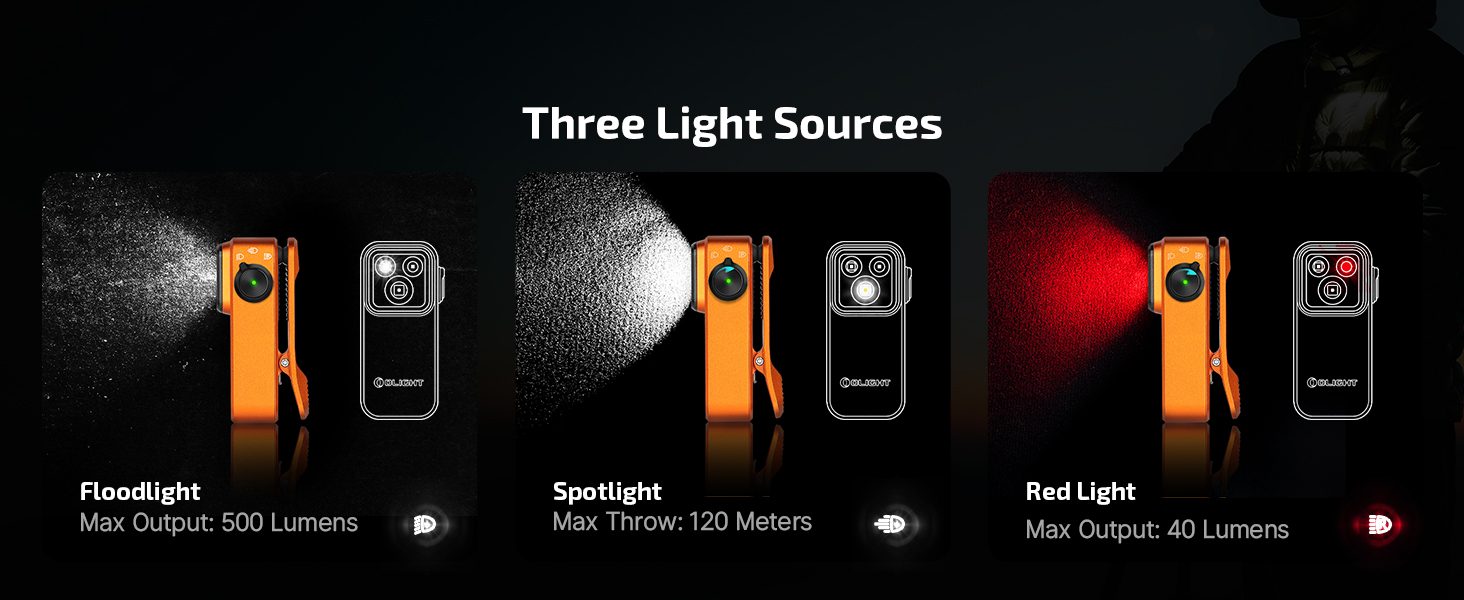
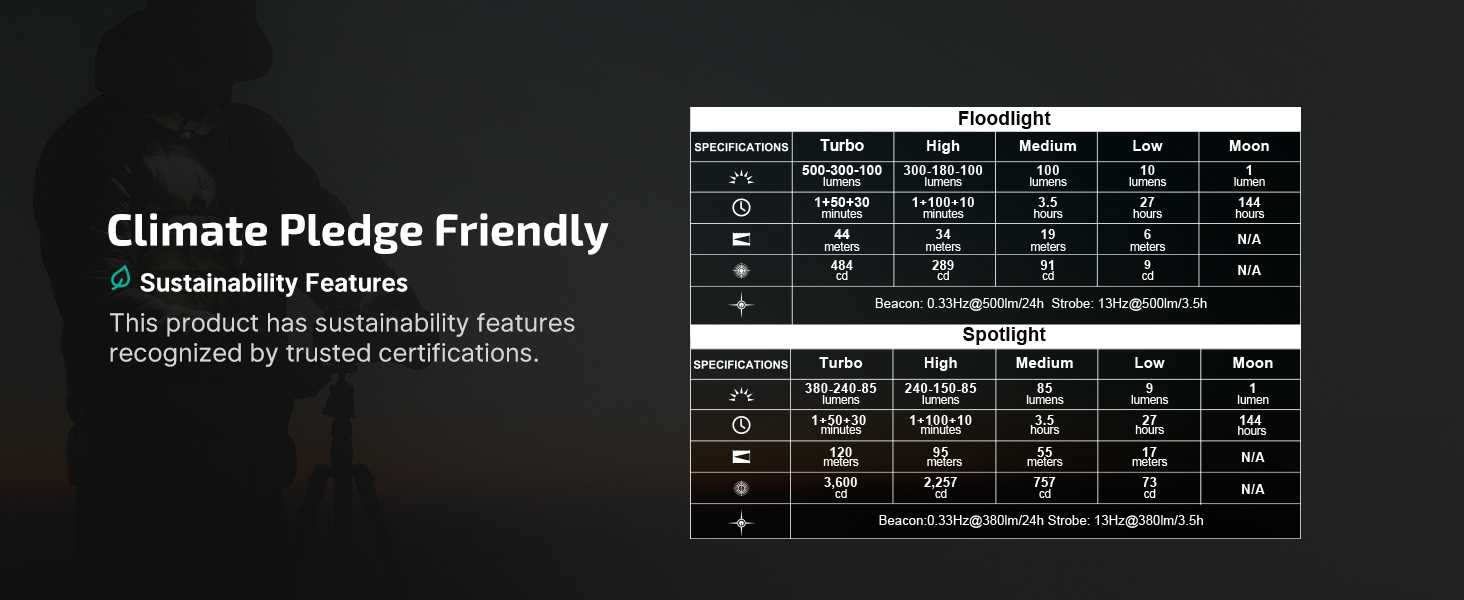
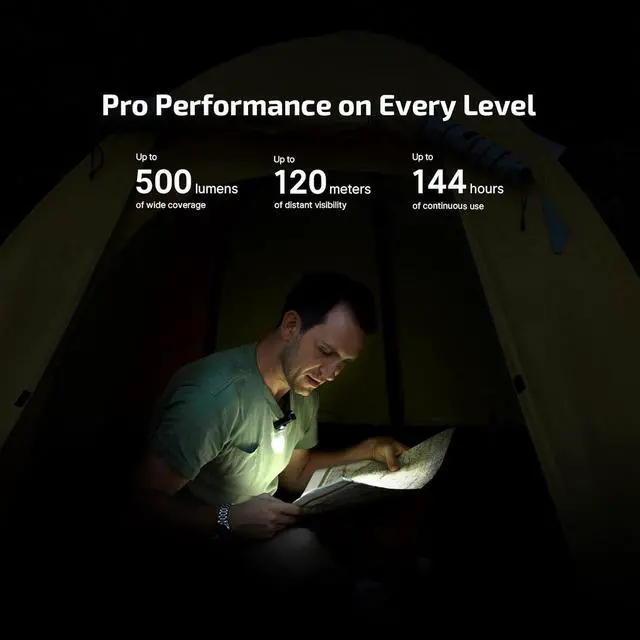
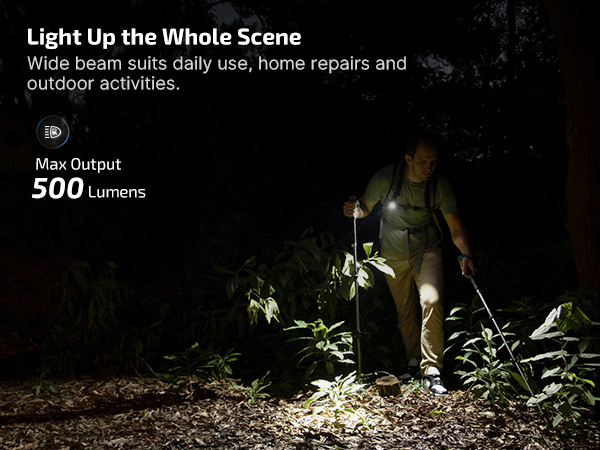
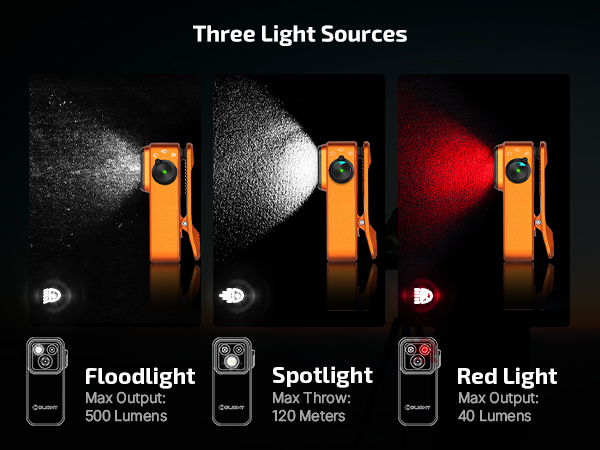
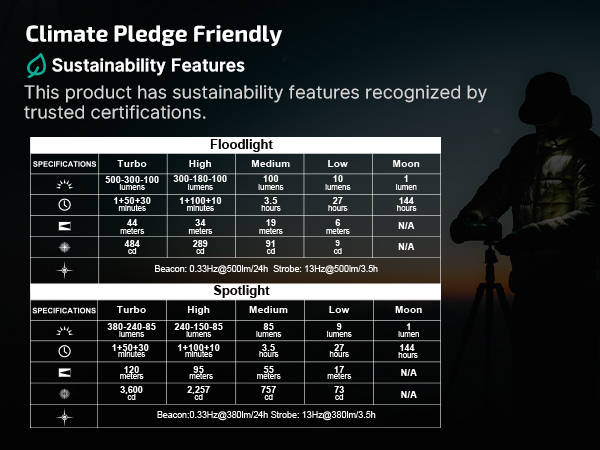
Max Output | 500 lumens | 600 lumens | 530 lumens | 300 lumens |
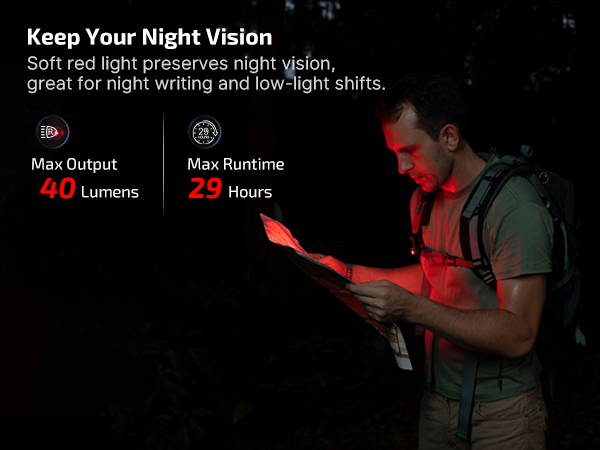
Max Runtime | 144 hours | 144 hours | 144 hours | 30 hours |
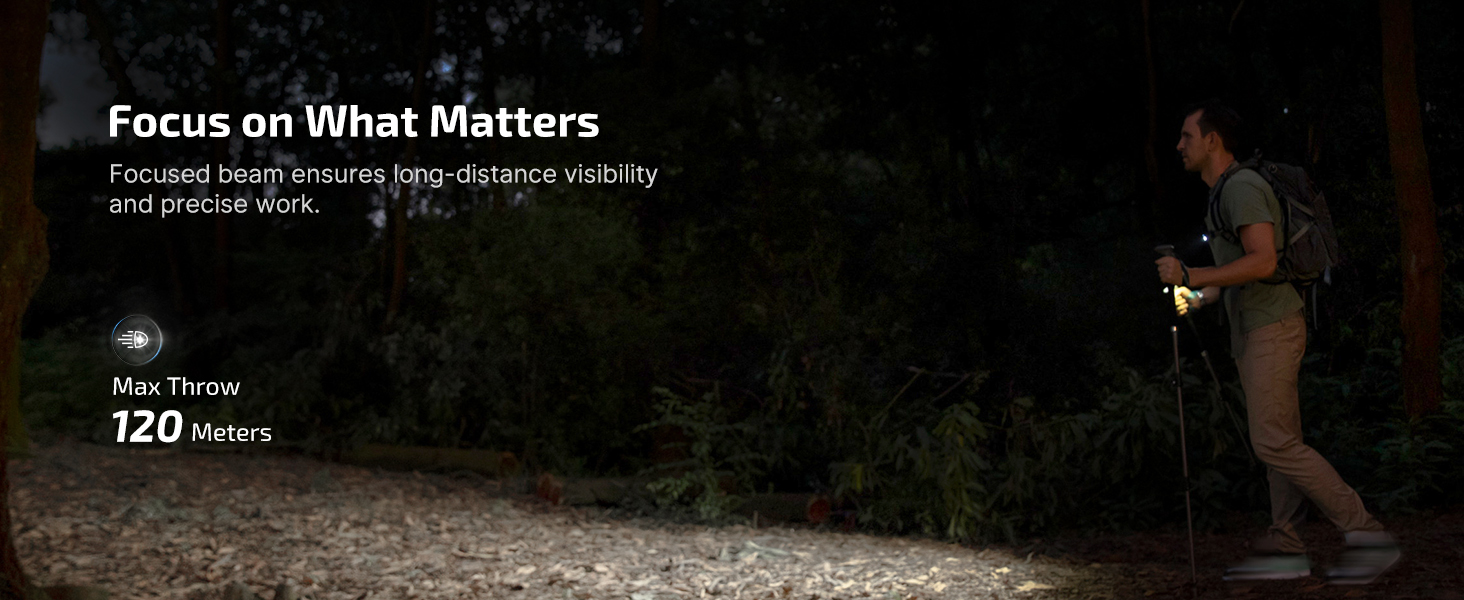
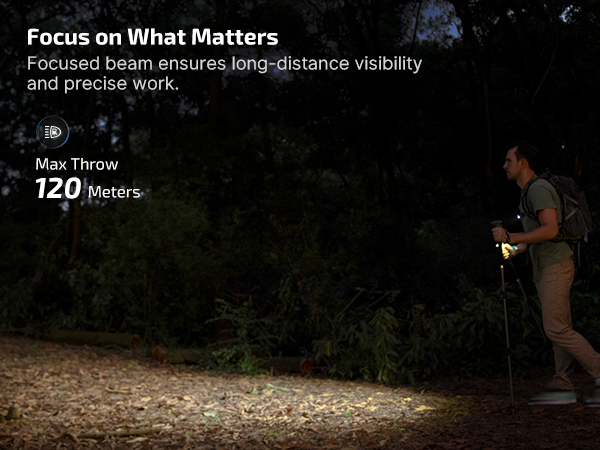
Max Throw | 393 ft/120 m | 262 ft/80 m | 426 ft/130 m | 229 ft/70 m |
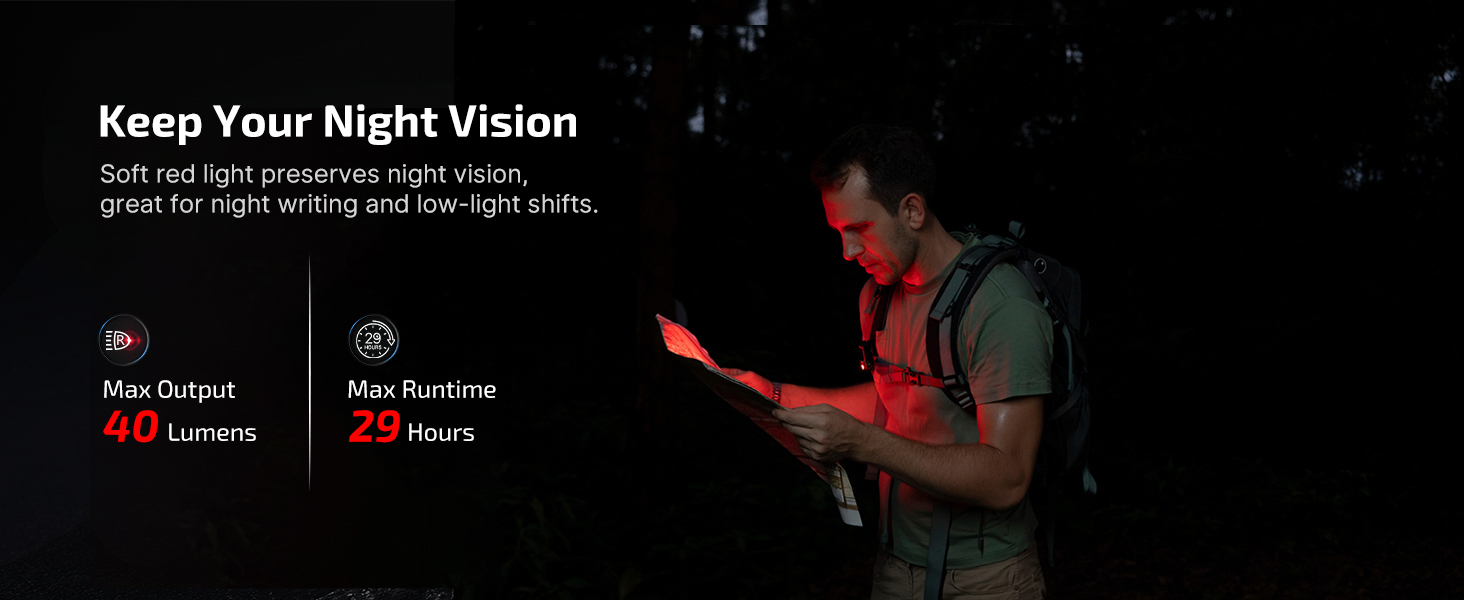
Light Source | Cool White Light & Red Light | White, UV, and RGB Lights | Cool White Light & UV Light | Cool White Light & Red Light |
Operate Mode | Toggling the selector | Toggling the selector | Toggling the selector | Side Switch |
Rechargeable | ? | ? | ? | ? |
Charging Method | Type-C Charging | Type-C Charging | Type-C Charging | Type-C Charging |
Waterproof | IPX6 | IPX6 | IPX6 | IPX5 |
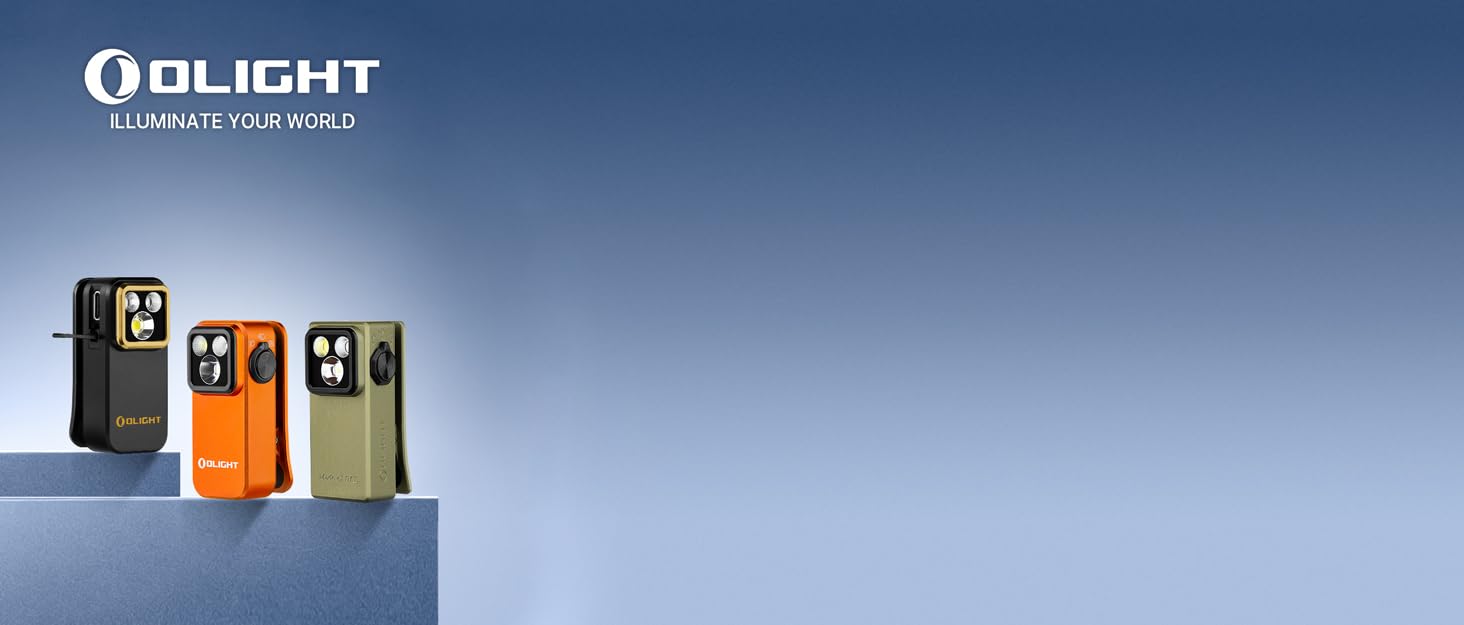
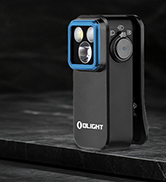
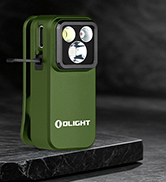


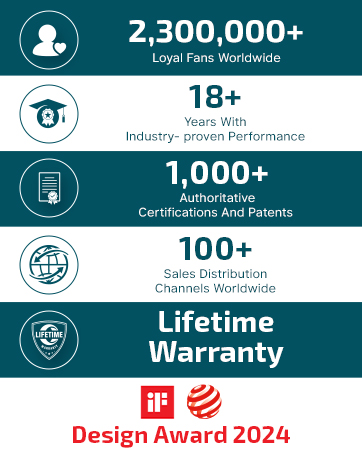
Olight prides itself as a brand that provides high-quality flashlights, including EDC lights, tactical lights, headlamps, bike lights, and camping lights.
Olight is committed to guiding you through the night, enhancing the well-being of society, and most importantly delivering hope and belief to people in need. We hope to make the world brighter with our actions—utilizing everything possible we can to illuminate your world.
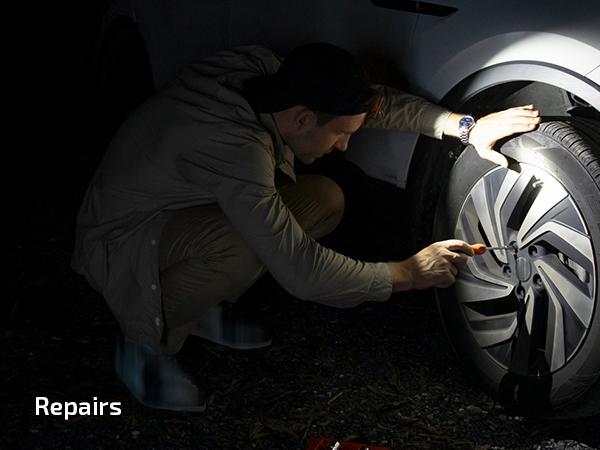
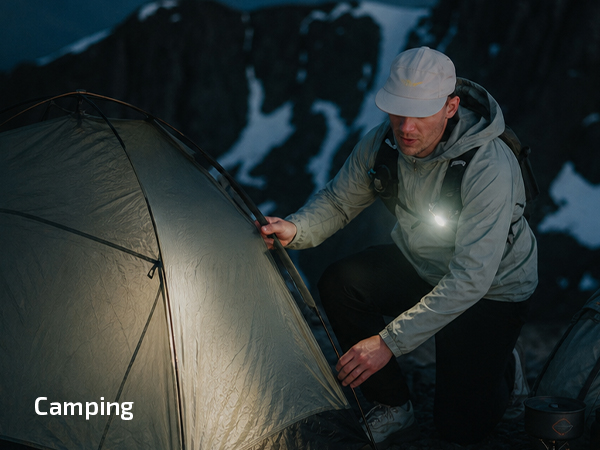
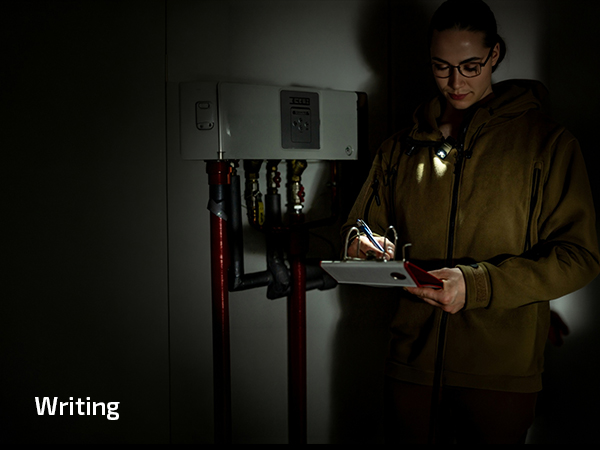
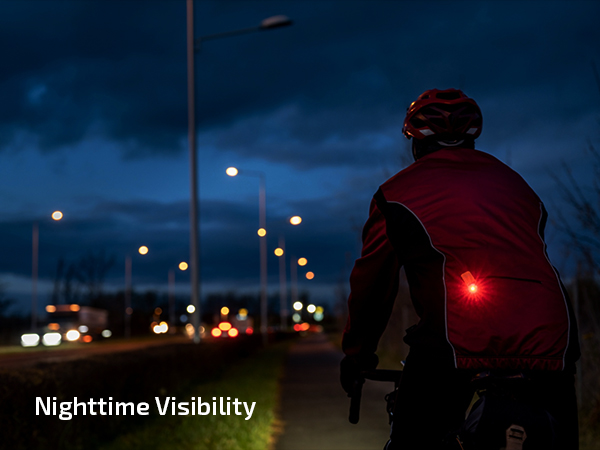

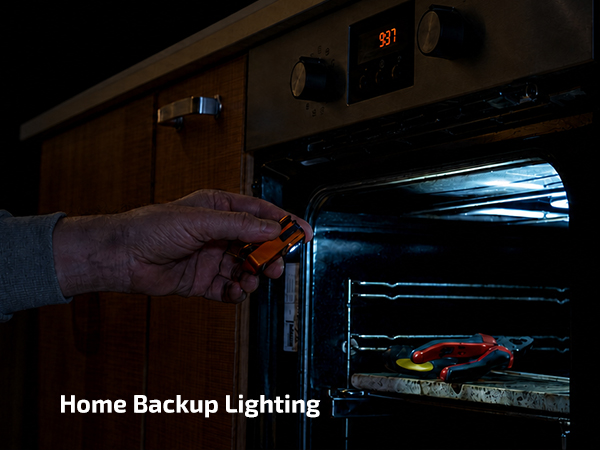
Easy recharging whenever you need, and relieves concerns over low battery. Great for camping, jobsites and home emergencies.
Compact like a keychain, this light is lightweight and highly portable for EDC and outdoor activities. It slips easily into pockets or small bags.
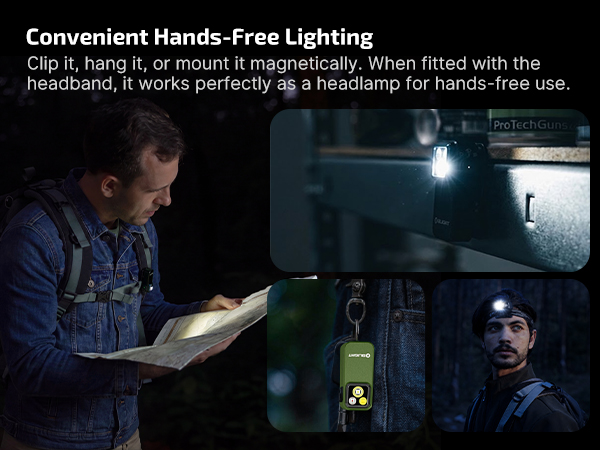
Firmly attaches to sturdy belts, straps, and gear up to 14mm thick. Keeps your hands free for hiking, fishing, garage work, or night walks.
Resists splashes and everyday moisture for reliable outdoor use. Do not fully submerge it in water.
Why the Oclip Pro is not bright enough?
The original mode setting of Oclip Pro is Moonlight mode. Please press and hold the button for 2 seconds or more to change the light mode after you first time unlock it.
How to change Oclip Pro's brightness?
Press and hold the button to adjust the brightness. The light will cycle through Low, Medium, and High, starting from the current setting. Release the button to confirm your choice. (Note: Moonlight and Turbo modes are not included in the cycle.)
How to turn Oclip Pro's Strobe mode on/off?
To activate Strobe mode, press the button three times quickly while the light is off. To turn it off, press and hold the button.
How to switch to Turbo mode on the Oclip Pro?
Double press the button swiftly when the light is off.
How to properly maintain Oclip Pro to avoid damage?
1.Do not immerse in water or any other liquid, as this will damage the product.
2.Do not disassemble the product.
Please refer to the instruction manual for full guidelines.
Oclip Pro | Oclip Pro S | Oclip Ultra | Oclip |
|---|---|---|---|
| Price | |||
| — | — | — | — |
| Max Output | |||
| 500 lumens | 600 lumens | 530 lumens | 300 lumens |
| Max Runtime | |||
| 144 hours | 144 hours | 144 hours | 30 hours |
| Max Throw | |||
| 393 ft/120 m | 262 ft/80 m | 426 ft/130 m | 229 ft/70 m |
| Light Source | |||
| Cool White Light & Red Light | White, UV, and RGB Lights | Cool White Light & UV Light | Cool White Light & Red Light |
| Operate Mode | |||
| Toggling the selector | Toggling the selector | Toggling the selector | Side Switch |
| Rechargeable | |||
| ? | ? | ? | ? |
| Charging Method | |||
| Type-C Charging | Type-C Charging | Type-C Charging | Type-C Charging |
| Waterproof | |||
| IPX6 | IPX6 | IPX6 | IPX5 |
Olight prides itself as a brand that provides high-quality flashlights, including EDC lights, tactical lights, headlamps, bike lights, and camping lights.
Olight is committed to guiding you through the night, enhancing the well-being of society, and most importantly delivering hope and belief to people in need. We hope to make the world brighter with our actions—utilizing everything possible we can to illuminate your world.