


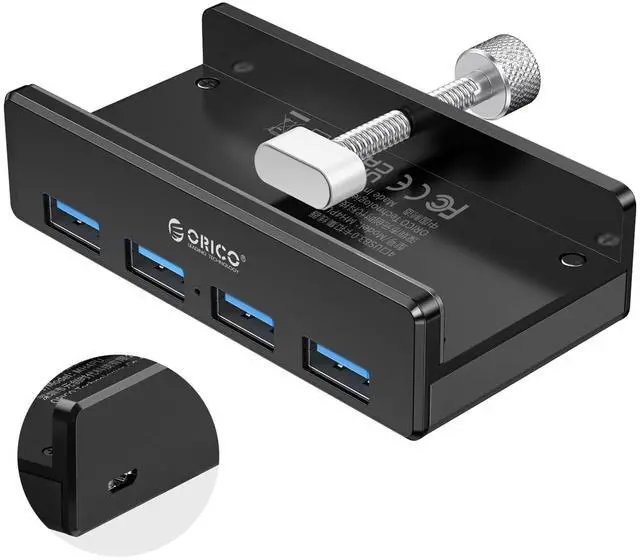

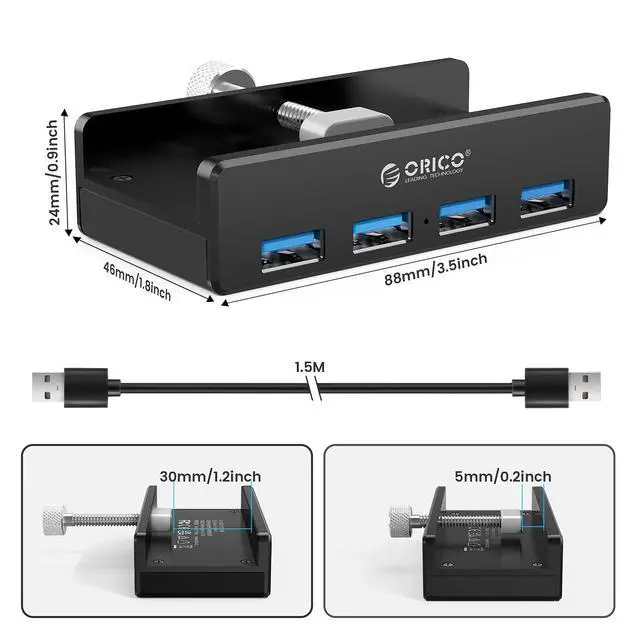
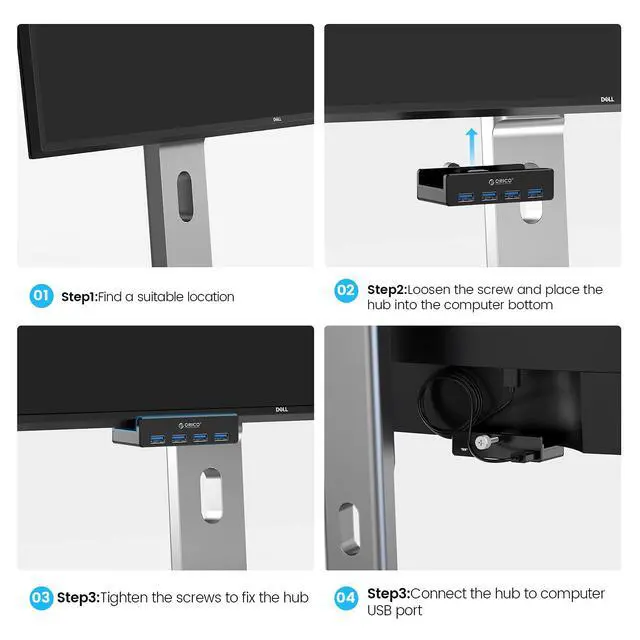


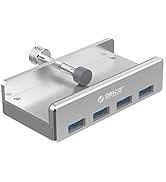
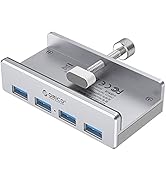
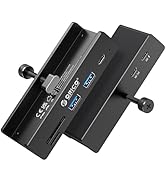
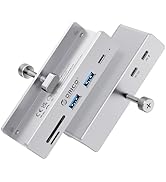
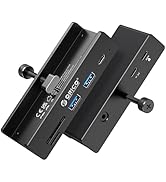
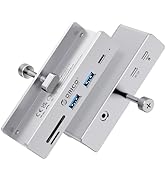
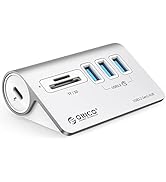
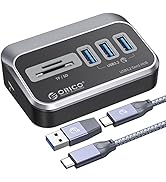
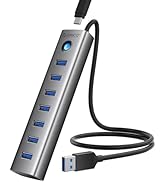
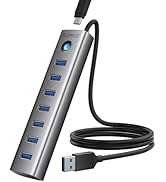
ORICO 4-Port USB 3.0 Clamp Design Mountable Hub
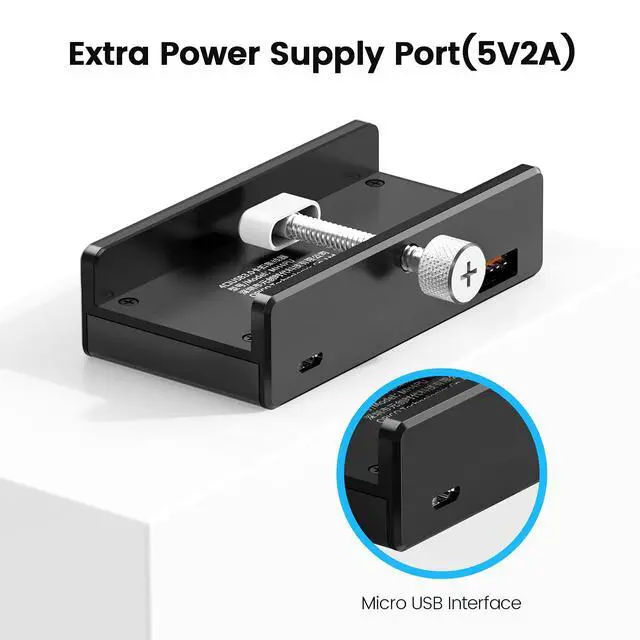
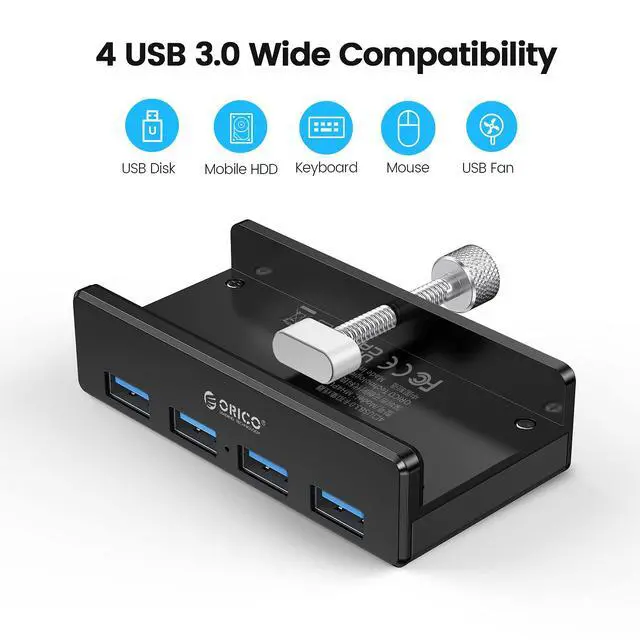
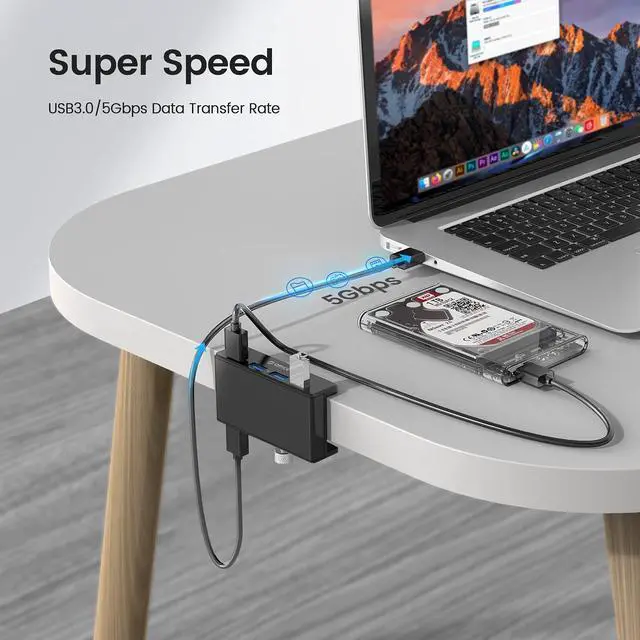
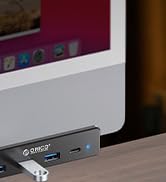
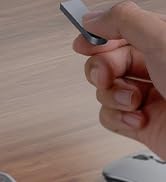
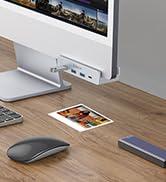
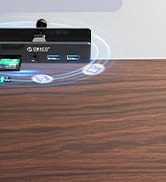
The clamping hub multiples your ports and turns them from the back into the front or onto your desk, so you can plug and use USB devices like digital cameras, phones, and flash drives in one place. Extra power supply port updated allows you to use portable hard drives and other high-power devices.
1. This USB hub does not support charging.
2. 2.4Ghz wireless devices, such as wireless keyboard and mouse adapters, may not work in close proximity to USB 3.0 devices or hubs. Connecting to a USB 2.0 port is recommended.
3. The curved or irregular shape of displayer's back may result in failing installation of clip buckle, but won't affect its expansion function.
4. For a stable connection, avoid connecting devices that exceed a total of 900 mA.


 ORICO USB 3.0 Hub |  ORICO USB C Hub |  ORICO USB C Hub |  ORICO USB 3.0 Hub |  ORICO USB 3.0 Hub | |
|---|---|---|---|---|---|
| Customer Reviews | — | — | — | — | — |
| Price | — | — | — | — | — no data |
| Input Port | USB3.0 Type-A | USB3.0 Type-A | USB3.0 Type-A | USB3.0 Type-A | USB-A+USB-C |
| Output Port | USB 3.0 X 4 | USB C*1, USB 3.0*3, | USB 3.0 X2/AUX/SD TF | USB 3.0 X 4 | USB 3.0 X 4 |
| Power Supply Port | ? | ? | ? | no data | ? |
| Transfer Speed | 5Gbps | 5Gbps | 5Gbps | 5Gbps | 5Gbps |
| Data Cable | A to A, 150cm | 2 in 1,100cm | 2 in 1,100cm | A to A, 150cm | ATA to A, 100cm / A to C, 100cm oA/AToC, 150cm |
| Plug & Play | ? | ? | ? | ? | ? |
| Supported System | Windows 8, 7, Vista Max OS Linux | Windows 8, 7, Vista Max OS Linux | Windows 8, 7, Vista Max OS Linux | Windows 8, 7, Vista Max OS Linux | Windows 8, 7, Vista Max OS Linux |


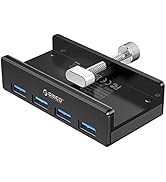
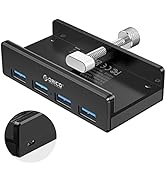
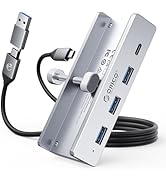
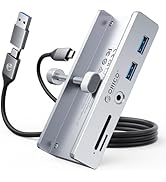


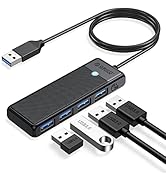
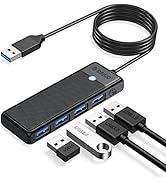
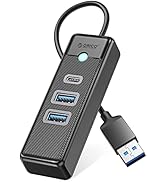
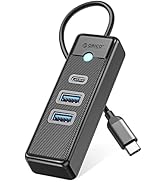
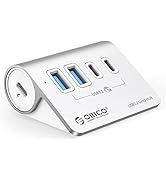
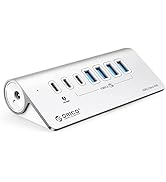
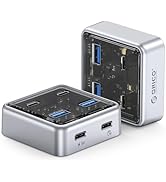
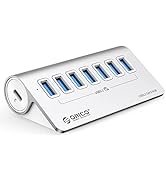



ORICO 4-Port USB 3.0 Clamp Design Mountable Hub
The clamping hub multiples your ports and turns them from the back into the front or onto your desk, so you can plug and use USB devices like digital cameras, phones, and flash drives in one place. Extra power supply port updated allows you to use portable hard drives and other high-power devices.
1. This USB hub does not support charging.
2. 2.4Ghz wireless devices, such as wireless keyboard and mouse adapters, may not work in close proximity to USB 3.0 devices or hubs. Connecting to a USB 2.0 port is recommended.
3. The curved or irregular shape of displayer's back may result in failing installation of clip buckle, but won't affect its expansion function.
4. For a stable connection, avoid connecting devices that exceed a total of 900 mA.
ORICO USB 3.0 Hub | ORICO USB C Hub | ORICO USB C Hub | ORICO USB 3.0 Hub | ORICO USB 3.0 Hub | |
|---|---|---|---|---|---|
| Customer Reviews | — | — | — | — | — |
| Price | — | — | — | — | — no data |
| Input Port | USB3.0 Type-A | USB3.0 Type-A | USB3.0 Type-A | USB3.0 Type-A | USB-A+USB-C |
| Output Port | USB 3.0 X 4 | USB C*1, USB 3.0*3, | USB 3.0 X2/AUX/SD TF | USB 3.0 X 4 | USB 3.0 X 4 |
| Power Supply Port | ? | ? | ? | no data | ? |
| Transfer Speed | 5Gbps | 5Gbps | 5Gbps | 5Gbps | 5Gbps |
| Data Cable | A to A, 150cm | 2 in 1,100cm | 2 in 1,100cm | A to A, 150cm | ATA to A, 100cm / A to C, 100cm oA/AToC, 150cm |
| Plug & Play | ? | ? | ? | ? | ? |
| Supported System | Windows 8, 7, Vista Max OS Linux | Windows 8, 7, Vista Max OS Linux | Windows 8, 7, Vista Max OS Linux | Windows 8, 7, Vista Max OS Linux | Windows 8, 7, Vista Max OS Linux |
ORICO USB 3.0 Hub Clamp-Black
ORICO USB 3.0 Hub Clamp-Sliver
ORICO 10Gbps USB Hub Clamp
ORICO USB 3.0 Hub for Desk
Aluminum 4-Port USB Hub
ORICO USB 3.0 Hub
ORICO USB 3.2 Hub for Desk
Desktop Powered USB Hub
Desktop Hub, SD/TF Card Reader