
Your Browsing History




Any questions? Our AI beta will help you find out quickly.
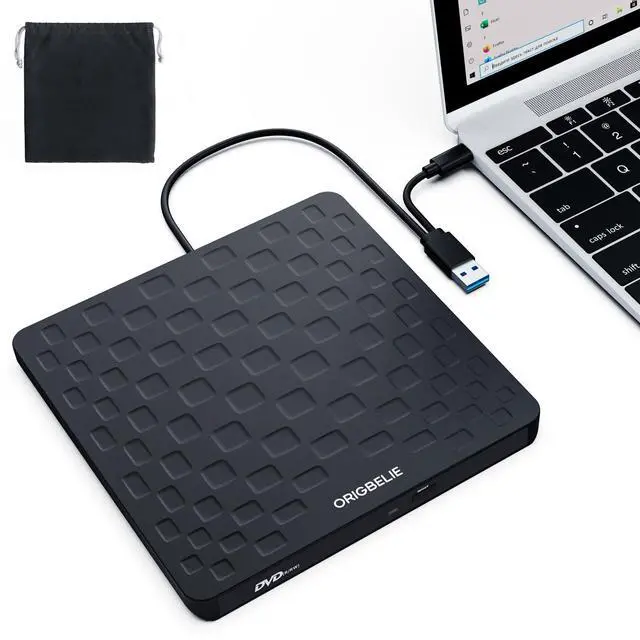
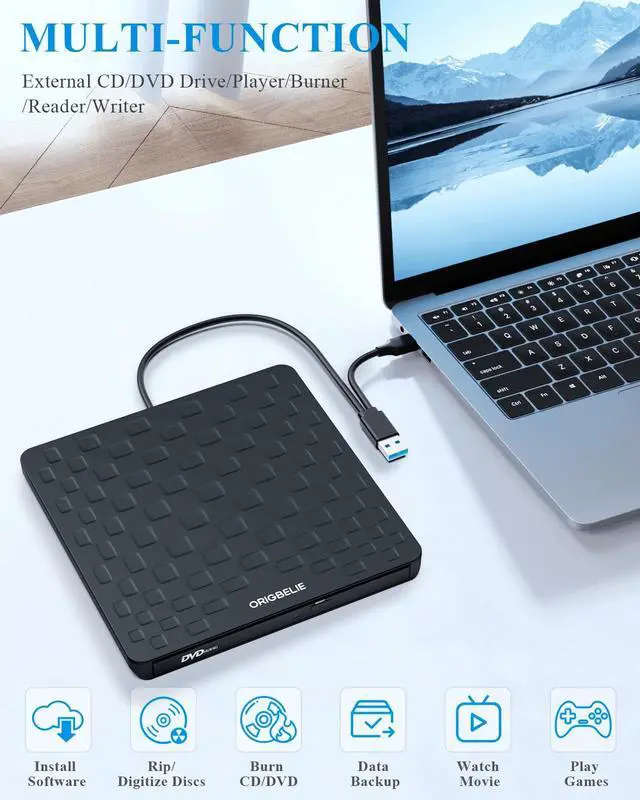
ORIGBELIE External CD Drive for Laptop
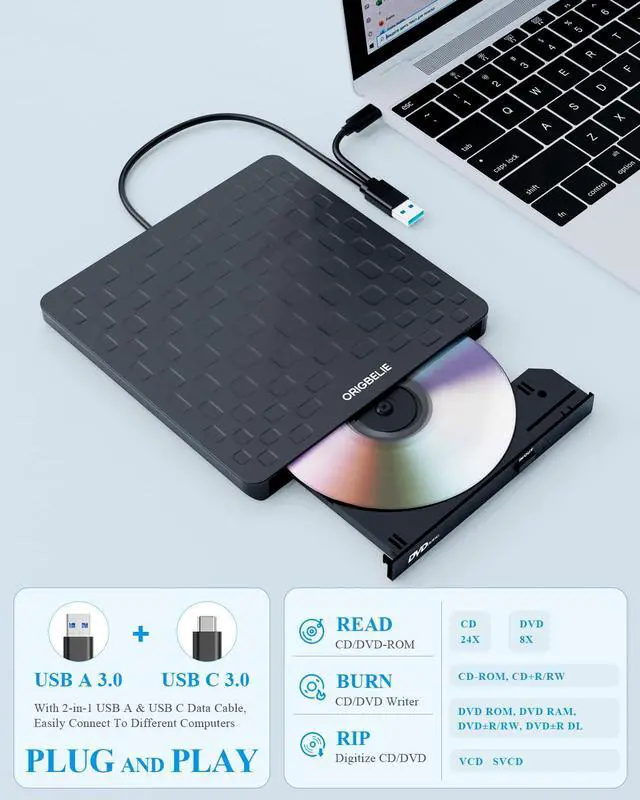
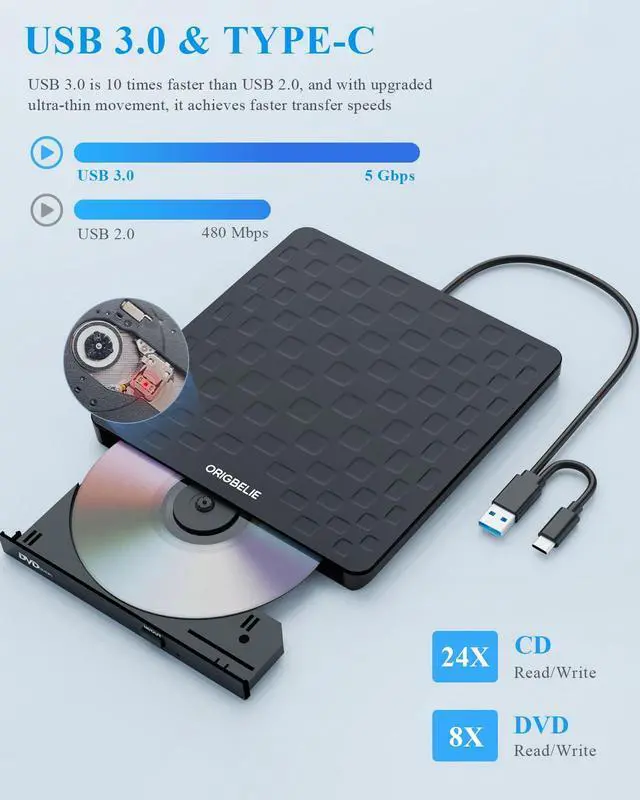
This multi-function 2 in 1 USB A/USB C CD burner for laptop that we launched is not only a CD/DVD reader, but also it has the function of CD/DVD burner.
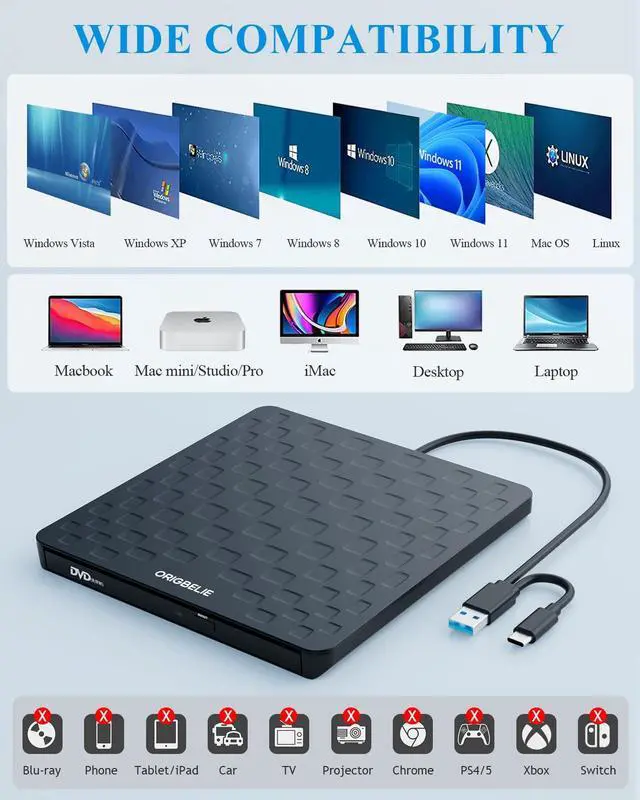
This external CD & DVD drives can only start its job after it is connected to a laptop or a desktop, so it is not compatible with TVs, cars, trucks, projectors, tablets, iPads, phones, PS4/5, Xbox, Nintendo Switch, etc. In addition, it is compatible with Windows11/10/8/7/XP/Vista, Mac OS and Linux. Not compatible with Chrome OS and Blu-ray disc.
Product Specification
Model: external disc drive for laptop
Color: Black
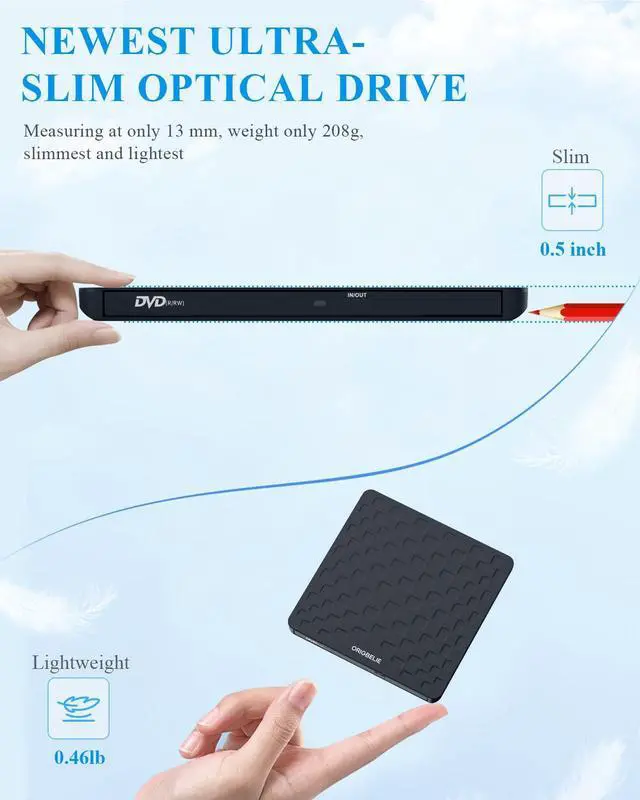
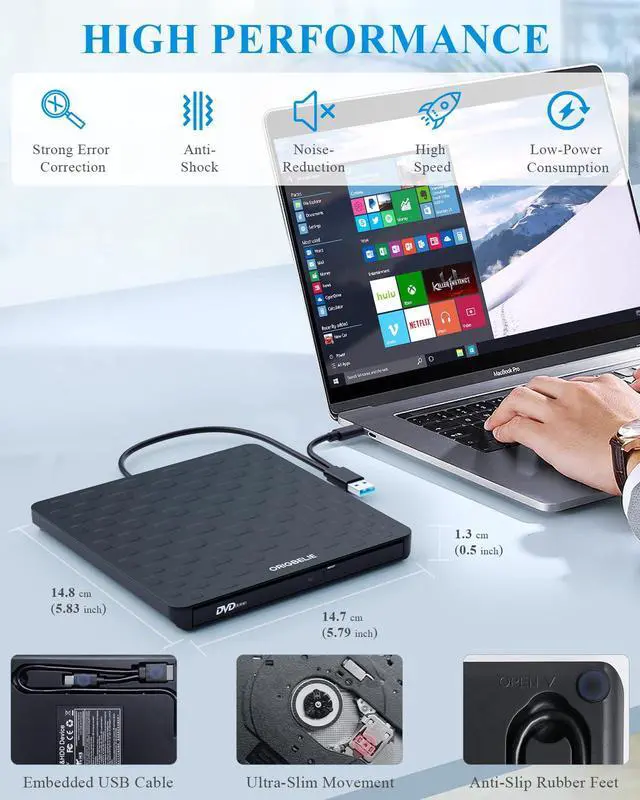
Weight: 206.8g/0.46lb
Size: 148*147*13
2.Make sure the CD/DVD driver of your computer is intact before using an external DVD player for laptop. The computer operating system comes with a CD/DVD driver. If the program is damaged or removed, the CD/DVD driver needs to be updated or reinstalled.
3.Setting the DVD Region to United States on the "DVD RW Drive" - Properties - click Hardware Tab - click Properties button - then choose country Region (US is 1) and click OK to apply. Note: You are only allowed to change the region code 4-5 times.
4.It's better to use the 5V charger/power bank to increase the power if your devices don't have enough power to support the CD drive external USB.
5.Insert the USB CD/DVD external drive into the computer. After the Windows system recognizes the optical drive, the "DVD RW Drive" icon will be displayed. The Mac OS computer will not display the device icon until the disc is placed in the optical drive and the disc is read successfully.
7.WINDOWS 11 needs a media player (such as VLC ) and a network connection.
8.Computers often do not natively support DVD movie playing, so a third-party media player (such as VLC) must be downloaded and installed to watch DVDs using this CD/DVD player. You can download and install a playing/burning software you like. You can also refer to the following software:
DVD player software: Any Media Player, Any DVD
Burning software for Windows operating systems: InfraRecorder, Ones, Express Disc Burner
Burning software for Mac OS: Burn for mac
Burning software for Linux OS/Unix OS: K3b (KDE Burn Baby Burn)
9.Because the video formats of most computers and mobile phones are not compatible with DVD, you need third-party software to convert the file format to a format that can be displayed on the disc, otherwise, even if you burn the file to a disc, it will not work.
10.The Mac OS system comes with a burning function:
Connect the optical drive and put the disc into it - click "File" on the top menu bar - click on the new "Burn Folder" - drag the files to be burned into the "Burn Folder" - click "Burn to Disc" - and then You can eject the disc. But one thing to note is that Mac OS computers can only burn blank discs, and a disc can only be burned once.
11.For the Mac OS, you need to eject the disc through the Mac OS command. At this time, pressing the eject key of the external DVD drive for PC will not work.