




 here!
here!
I’m your shopping assistant for PC builds, upgrades, and everything tech.
Got questions? Ask away!
Start a conversation
here!
I’m your shopping assistant for PC builds, upgrades, and everything tech.
Got questions? Ask away!
Start a conversation
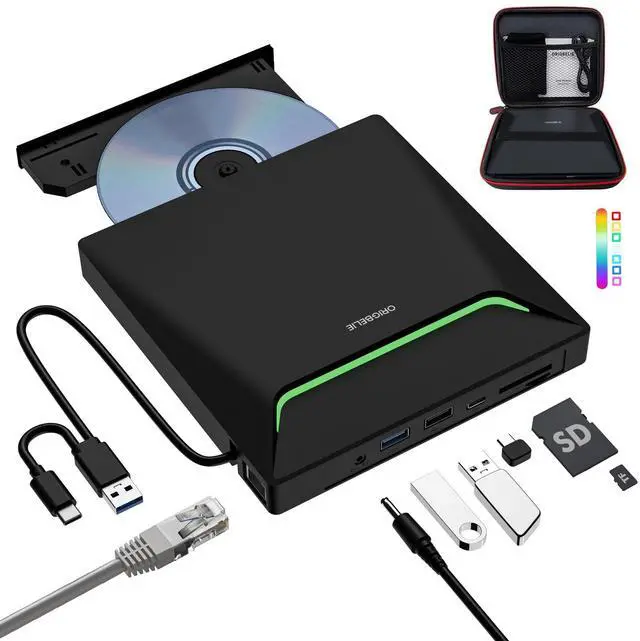
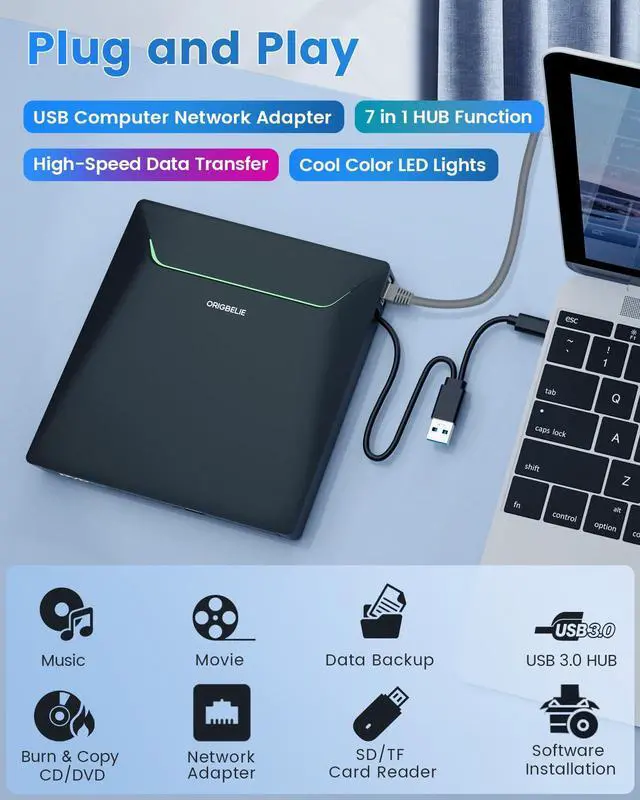

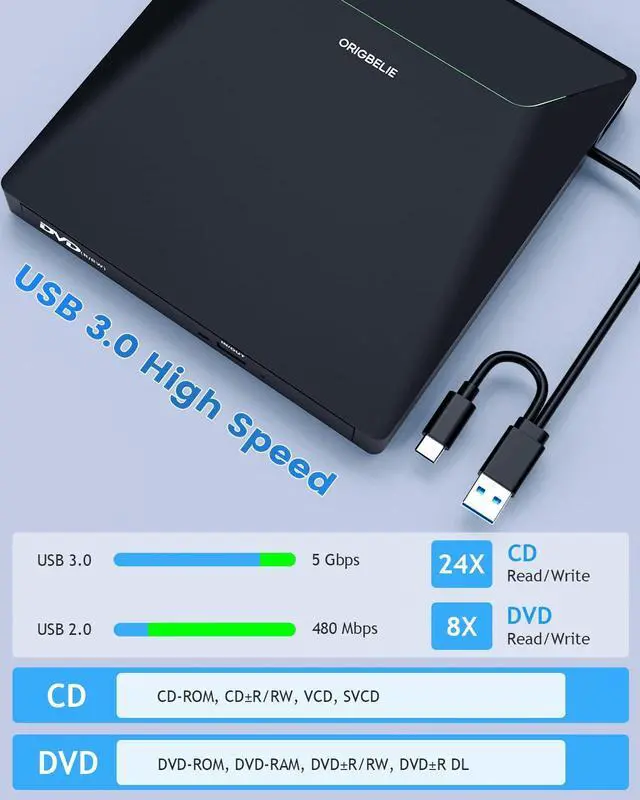
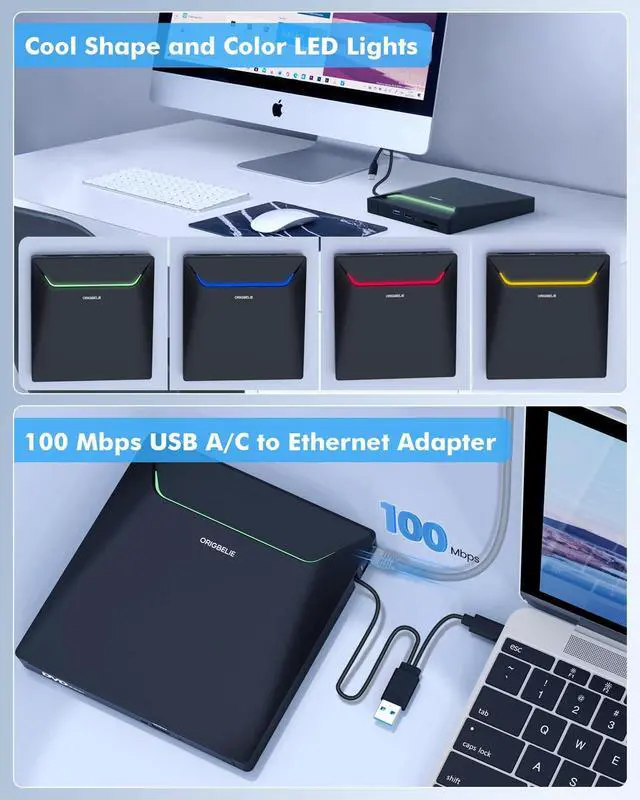
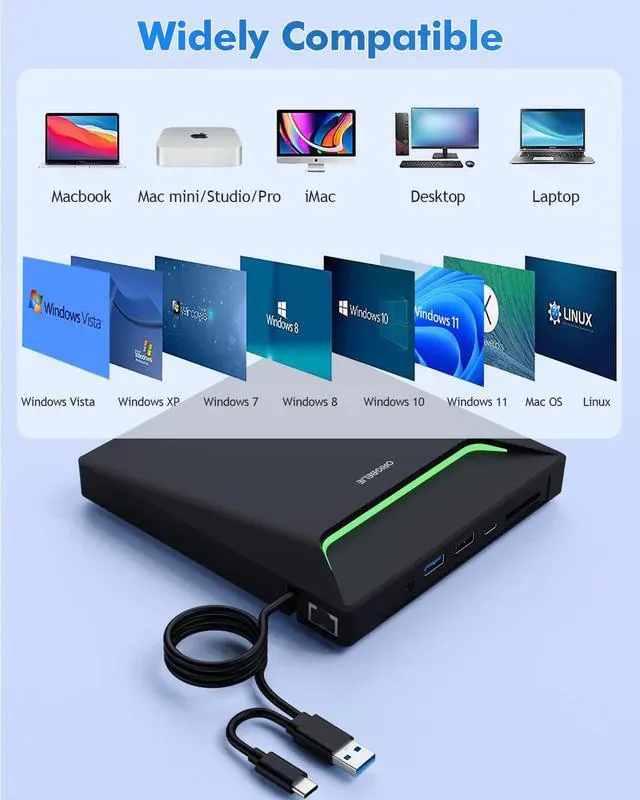
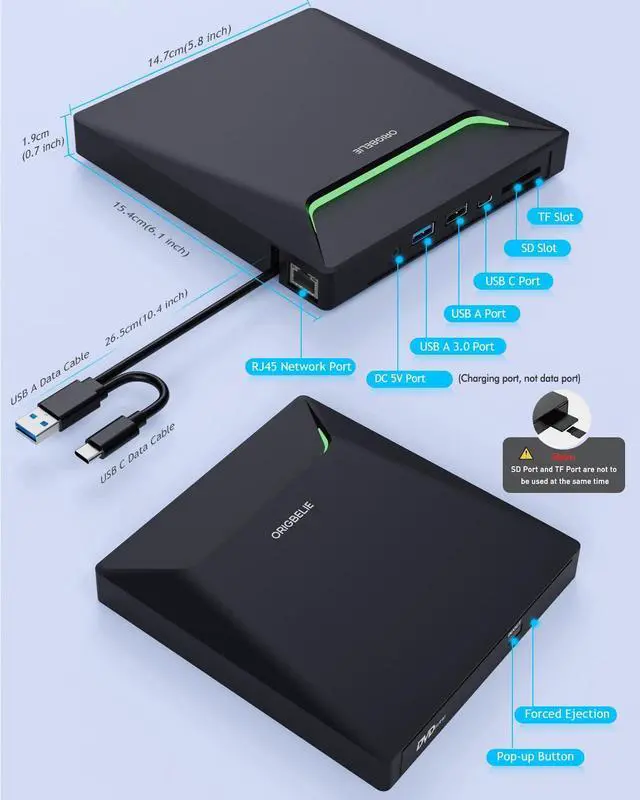



Any questions? Ask CelesteSM will help you find out quickly.
Some things to note about this USB 3.0 CD ROM external drive
1.The dvd drive should be connected with USB port on laptop rather than connect with USB HUB. In addition, please connect the item with USB port behind of computer host if you use a desktop.
2.Ensure CDs is placed well and not scratched. The raised fixing post in the middle of the CD drive tray has three spring buckles. You need to gently press the CD disc into the spring buckles to secure the disc.
3.Make sure your computer's CD/DVD driver is intact before using an external optical drive. The computer operating system comes with a CD/DVD driver. If the program is damaged or removed, the CD/DVD driver needs to be updated or reinstalled.
4.Setting the DVD Region to United States on the "DVD RW Drive" - Properties - click Hardware Tab - click Properties button - then choose country Region (US is 1) and click OK to apply. Note: You are only allowed to change the region code 4-5 times.
5.It's better to use the 5V charger/power bank to increase the power if your devices don't have enough power to support the external drive.
6.Insert the external optical drive into the computer. After the Windows system recognizes the optical drive, the "DVD RW Drive" icon will be displayed. The Mac OS computer will not display the device icon until the disc is placed in the optical drive and the disc is read successfully.
7.WINDOWS 11 needs a media player (such as VLC ) and a network connection.
8.Computers often do not natively support DVD movie playing, so a third-party media player (such as VLC) must be downloaded and installed to watch DVDs using this CD/DVD player. You can download and install a playing/burning software you like. You can also refer to the following software:
Free DVD player software: Any Media Player, Any DVD
Free burning software for Windows operating systems: InfraRecorder, Ones, Express Disc Burner
Free burning software for Mac OS: Burn for mac
Free burning software for Linux OS/Unix OS: K3b (KDE Burn Baby Burn)
9.Because the video formats of most computers and mobile phones are not compatible with DVD, you need third-party software to convert the file format to a format that can be displayed on the disc, otherwise, even if you burn the file to a disc, it will not work.
Tips
1.Internal laser light source may be harmful to the eyes of the face, please do not look directly.
2.Do not have the machine on a strong magnetic object nearby.
3.Keep the machines steady on the desktop, do not put it unstable items.
4.Do not put the machines on the vulnerable to squeeze place, to ensure normal machine use.
5.Data transfer speed is also affected by computer and system environment.
6.Do not support TV / car / truck / projector / tablet / iPad / smartphone / PS 5 / Xbox / Nintendo Switch / Chromebook / surface (some models) / Ubuntu system / blu ray disk.


