




 here!
here!
I’m your shopping assistant for PC builds, upgrades, and everything tech.
Got questions? Ask away!
Start a conversation
here!
I’m your shopping assistant for PC builds, upgrades, and everything tech.
Got questions? Ask away!
Start a conversation



Any questions? Ask CelesteSM will help you find out quickly.

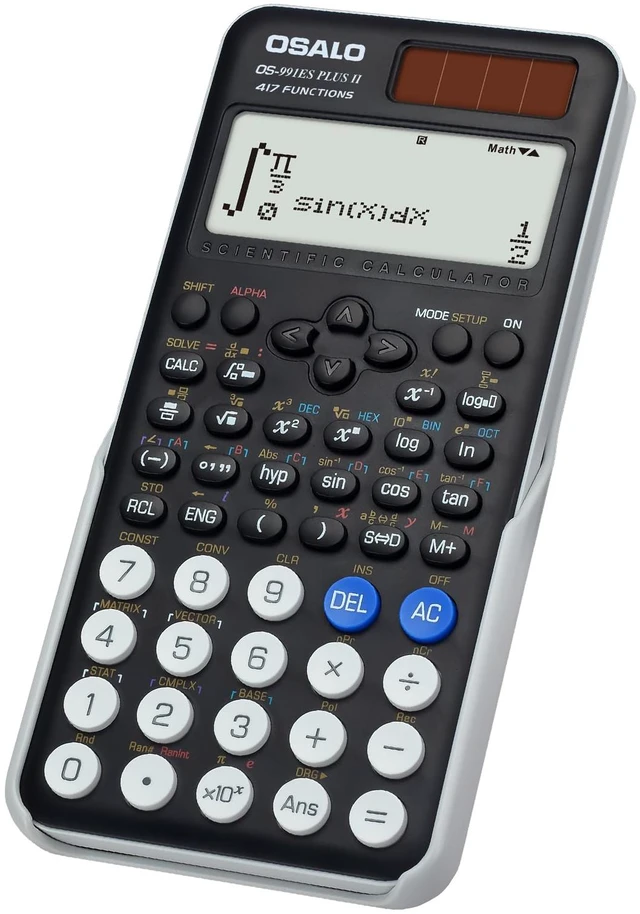
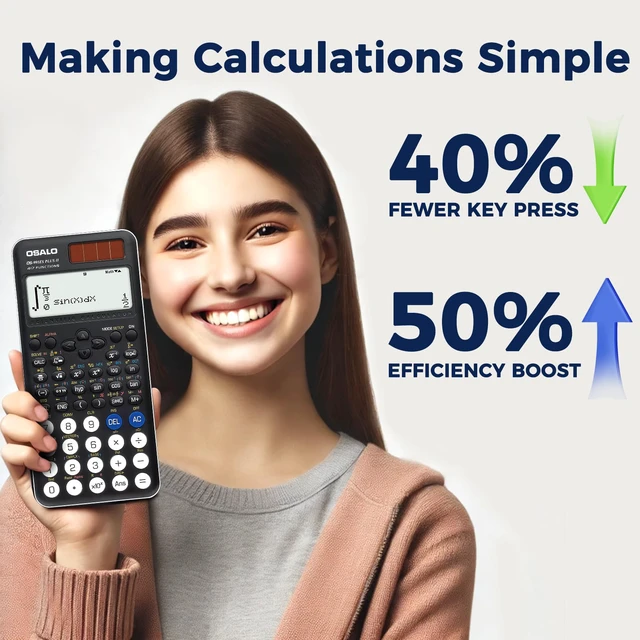
"Effortlessly Crunch Numbers with Precision: Introducing the Ultimate OSALO Calculator!"
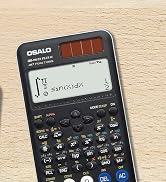

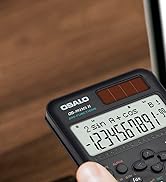



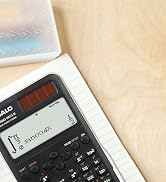


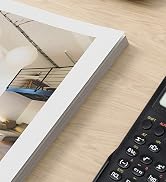
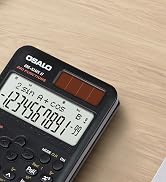
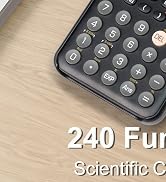
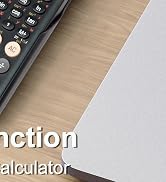
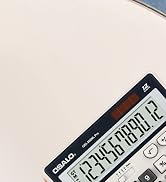
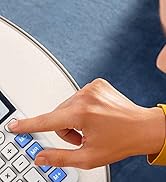

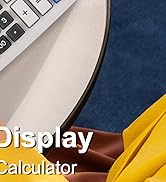
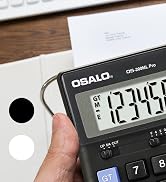
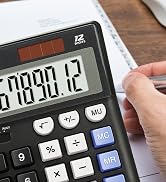
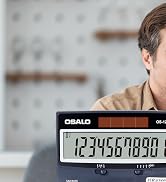

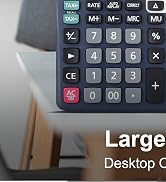
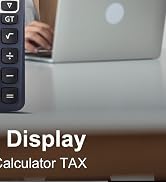
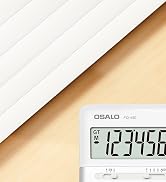


OSALO is a brand that is all about functionality and design. It was founded by a team of engineers who wanted to create high-quality calculators that are both stylish and easy to use. Whether you are a student, a professional, or just need a calculator for everyday use, OSALO has the perfect product for your needs.
OSALO calculator brand is focused on innovation, quality, and reliability. Our brand philosophy is inspired by the idea of "Simplicity in Complexity."
OSALO embraces innovation as a core value in our products. We are constantly developing new technologies and features that provide improved functionality and convenience to users. Some of these innovations include touchscreen displays, ergonomic designs, and advanced mathematical functions.
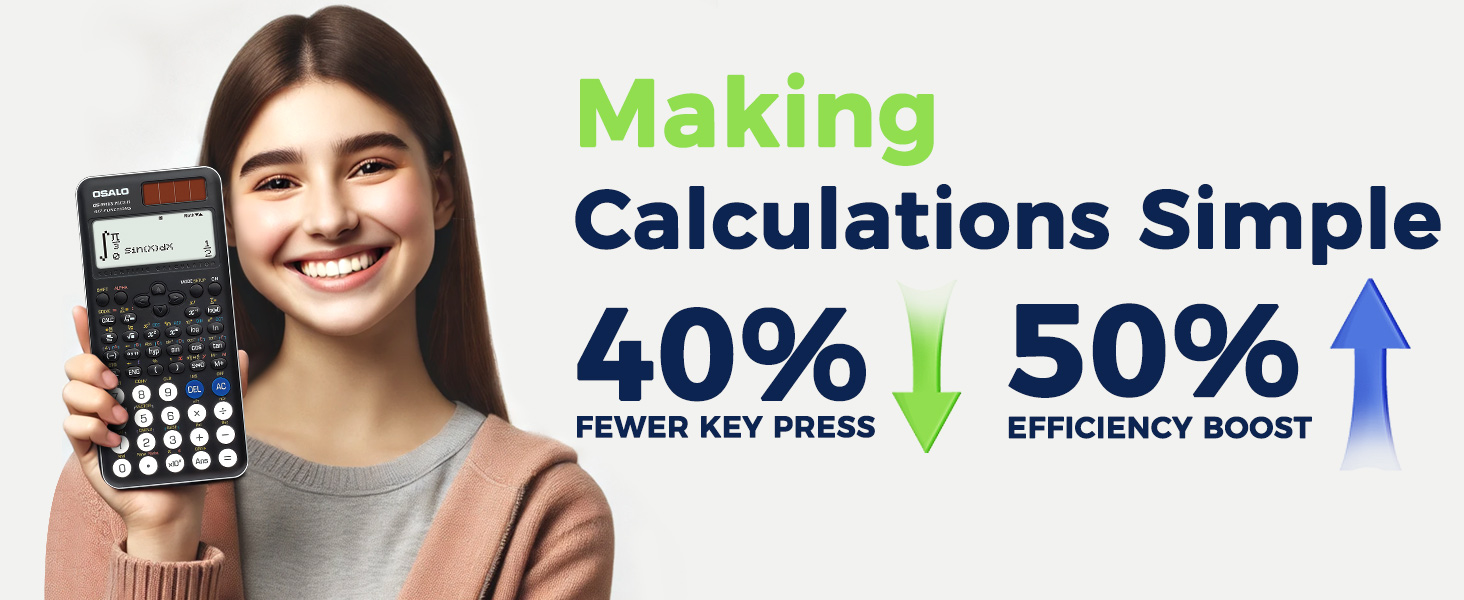
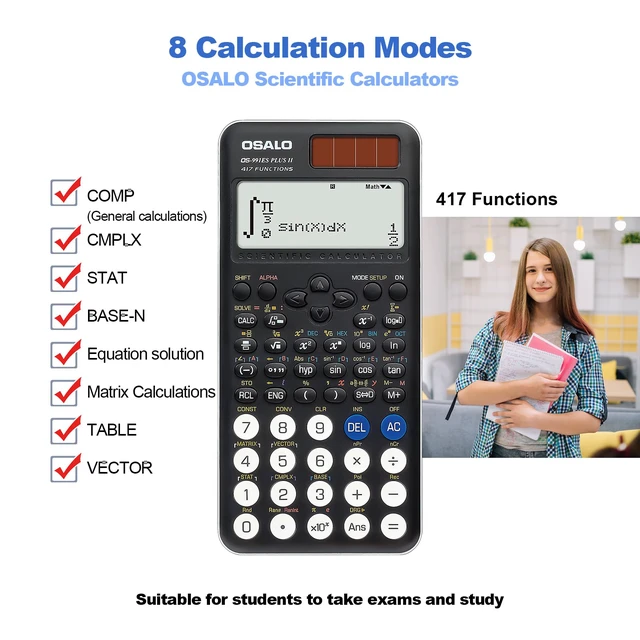
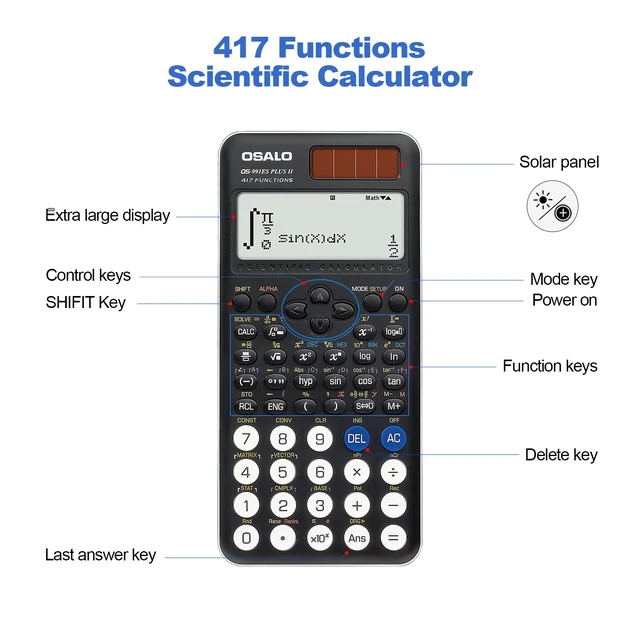
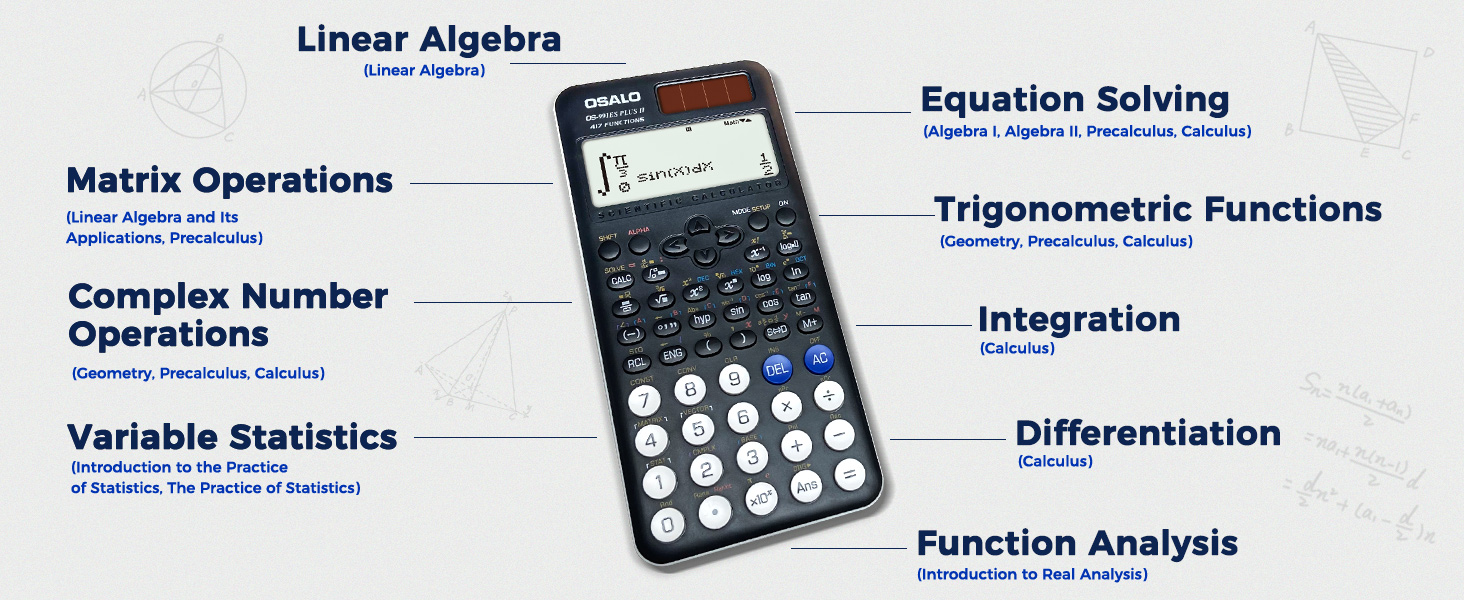
Shortcut Keys/One-Touch Function: Instantly access common mathematical constants like p, sin, cos, e and more.
Editable Expressions: When editing a complex formula, you can move the cursor to directly edit specific parts, minimizing the need for re-entering entire sections.
History Recall: Avoid repeating complex multi-step calculations by recalling recent formulas.
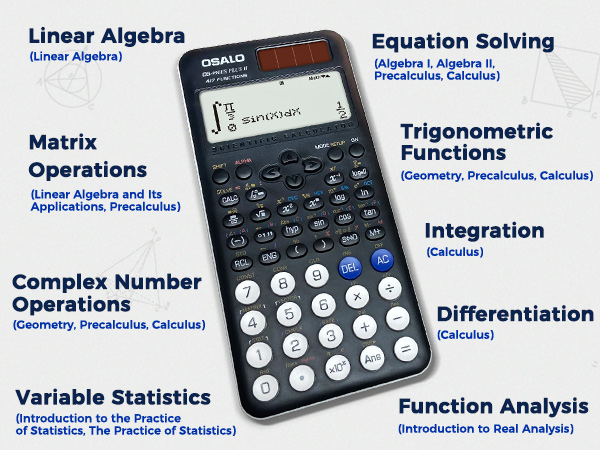
Matrix Operations: Support table-like input and viewing; automatically recognize and populate rows and columns when inputting matrices.
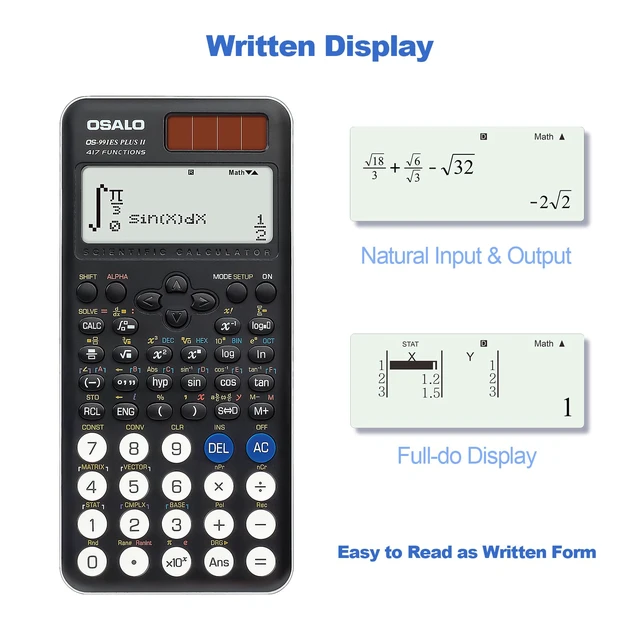
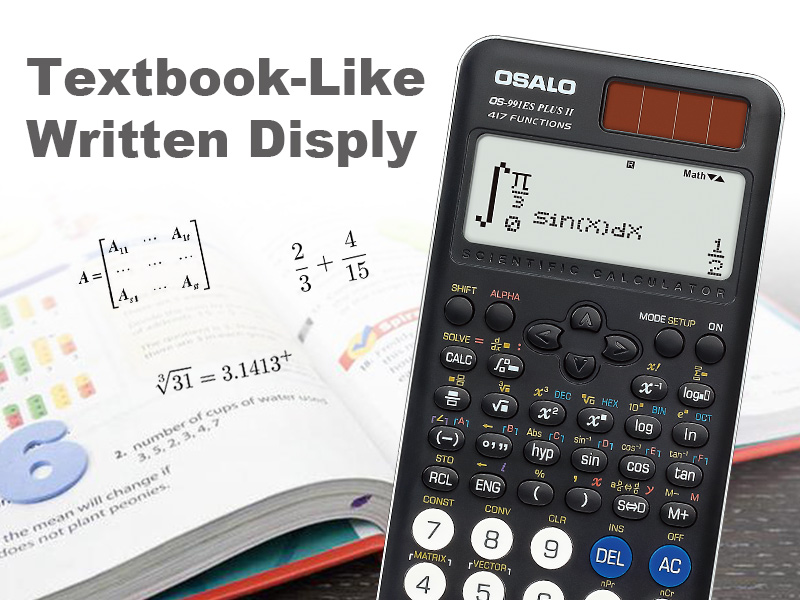
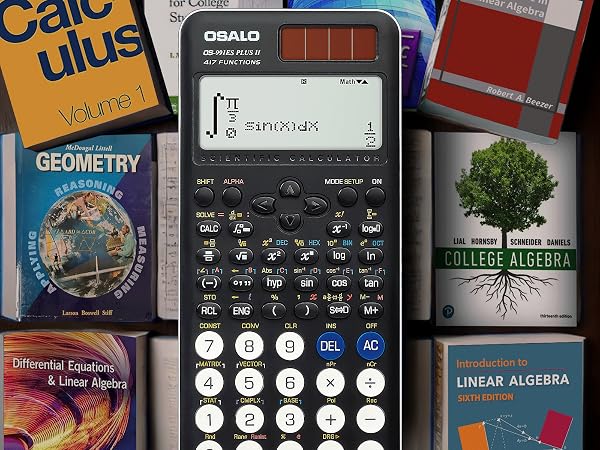
Our scientific calculator utilizes textbook-like written display technology to enhance the readability of mathematical symbols and ease of operation.
Fractions are displayed in a vertical format, and square roots and higher-order radicals are shown in their natural mathematical form on the screen. This approach is user-friendly and aids in learning and understanding mathematics.
Additionally, it supports matrix input and viewing in a clear tabular format.
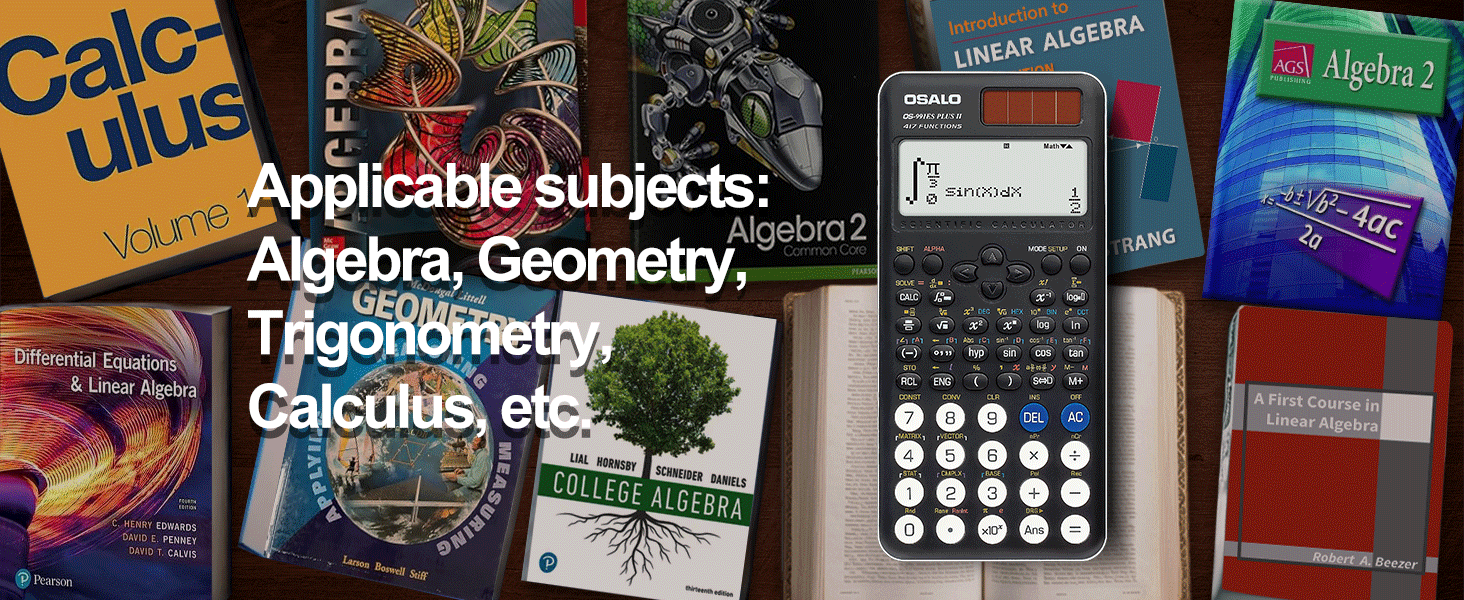
Applicable Tests: SAT, ACT, PSAT/NMSQT, IB, Praxis, High School and College Daily Tests.
How do I change the setting from fractions to decimal answers?
You can change the result with the ‘S?D’ key; or you can configure the calculator settings:
1. Press the ‘SHIFT’ key.
2. Press the ‘MODE’ key.
3. Select 1 or 2 to set the mode for fractions or decimals. MthIO for fraction and LineIO for decimal.
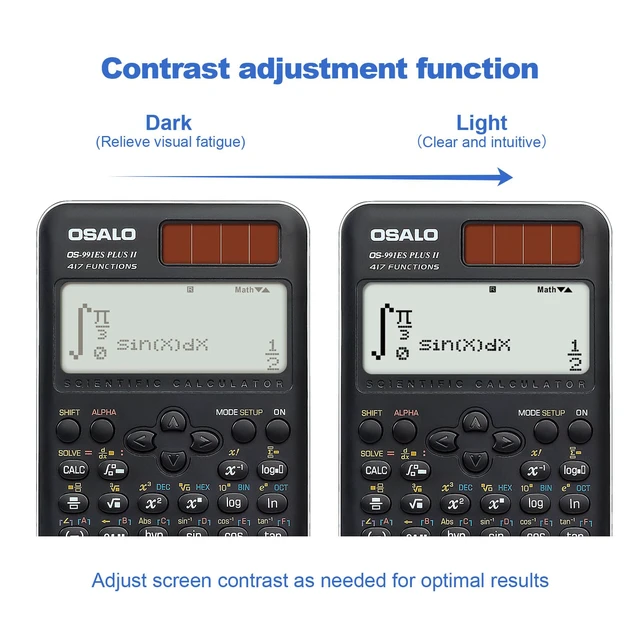
How to adjust display contrast?
1. Press the ‘SHIFT’ key
2. Press the ‘MODE’ key
3. Press the ‘ ? ’ key
4. Press the 6: < CONT >
5. Press ‘ ? ’ and ‘ ? ’ key to adjust contract
How to replace the battery?(Removing the battery will cause all of the calculator's memory contents to be deleted)
1. Press ‘SHIFT’ ‘AC’ (OFF) to turn off the calculator
2. Unscrew the screw on the top right corner of the backside
3. Replace the battery, taking care that its plus (+) and minus (-) ends are facing correctly
4. Initialize the calculator
 Desktop Calculators |  Calculator 401 Function | 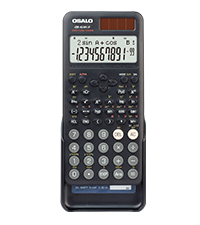 240 Function New Version | 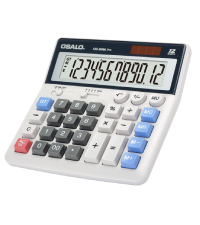 Desktop Calculator | 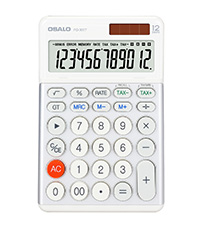 Tax Calculator | |
|---|---|---|---|---|---|
Customer Reviews | — | — | — | — | — |
Price | — | — | — | — | — |
Model Type | FQ-450 | OS-991MS ? | OS-82ms ? | OS-200ML Pro | FQ-300T |
Function | Accounting Calculator | 401 Function | 240 Function | Accounting Calculator | Tax Desk Calculator |
Solar & Battery | Solar & Battery | Solar & Battery | Solar & Battery | Solar & Battery | Solar & Battery |
Battery Type | L1154F | L1154F | L1154F | AAA | L1154F |
Color | White & Silver | Black | Black | White | White & Silver |
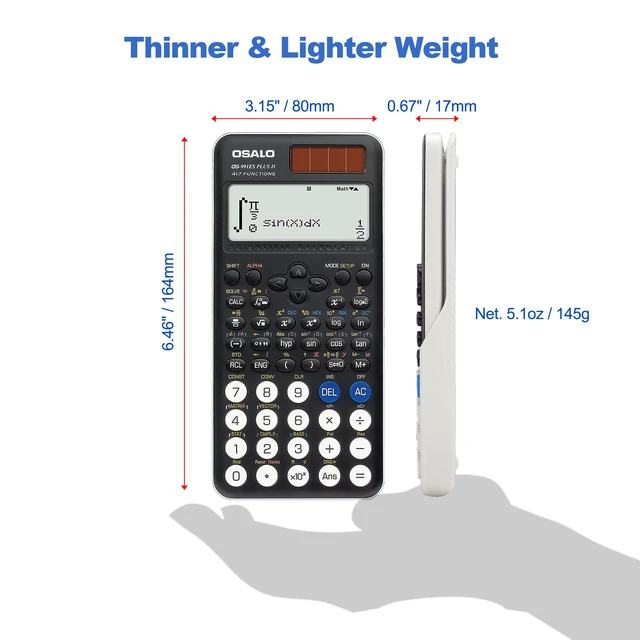
Dimensions | 6.6 x 6.7 x 1.5 inches | 6.46 x 3.15 x 0.67 inches | 6.46 x 3.15 x 0.67 inches | 6.5 x 6.3 x 1.45 (inches) | 6.9 x 4.4 x 1.1 (inches) |
Weight | 9.5 ounces (270g) | 5 ounces (141g) | 4.9 ounces (139g) | 8.04 ounces (228g) | 6.35 ounces (180g) |
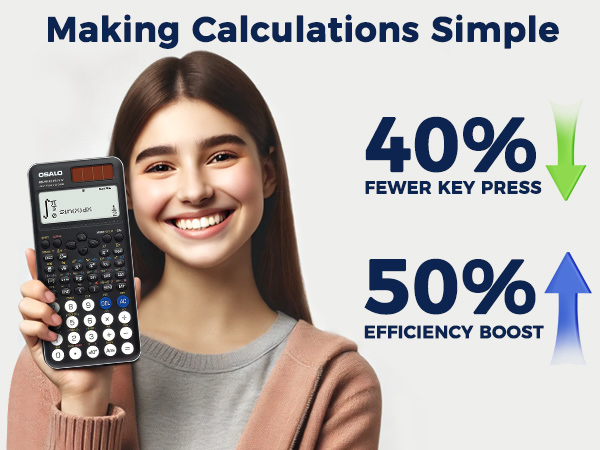
Shortcut Keys/One-Touch Function: Instantly access common mathematical constants like p, sin, cos, e and more.
Editable Expressions: When editing a complex formula, you can move the cursor to directly edit specific parts, minimizing the need for re-entering entire sections.
History Recall: Avoid repeating complex multi-step calculations by recalling recent formulas.
Matrix Operations: Support table-like input and viewing; automatically recognize and populate rows and columns when inputting matrices.
OS-991es Plus 2nd Edition
Our scientific calculator utilizes textbook-like written display technology to enhance the readability of mathematical symbols and ease of operation.
Fractions are displayed in a vertical format, and square roots and higher-order radicals are shown in their natural mathematical form on the screen. This approach is user-friendly and aids in learning and understanding mathematics.
Additionally, it supports matrix input and viewing in a clear tabular format.
Applicable Tests: SAT, ACT, PSAT/NMSQT, IB, Praxis, High School and College Daily Tests.
How do I change the setting from fractions to decimal answers?
You can change the result with the ‘S?D’ key; or you can configure the calculator settings:
1. Press the ‘SHIFT’ key.
2. Press the ‘MODE’ key.
3. Select 1 or 2 to set the mode for fractions or decimals. MthIO for fraction and LineIO for decimal.
How to adjust display contrast?
1. Press the ‘SHIFT’ key
2. Press the ‘MODE’ key
3. Press the ‘ ? ’ key
4. Press the 6: < CONT >
5. Press ‘ ? ’ and ‘ ? ’ key to adjust contract
How to replace the battery?(Removing the battery will cause all of the calculator's memory contents to be deleted)
1. Press ‘SHIFT’ ‘AC’ (OFF) to turn off the calculator
2. Unscrew the screw on the top right corner of the backside
3. Replace the battery, taking care that its plus (+) and minus (-) ends are facing correctly
4. Initialize the calculator
Desktop Calculators | Calculator 401 Function | 240 Function New Version | Desktop Calculator | Tax Calculator |
|---|---|---|---|---|
| Customer Reviews | ||||
| — | — | — | — | — |
| Price | ||||
| — | — | — | — | — |
| Model Type | ||||
| FQ-450 | OS-991MS ? | OS-82ms ? | OS-200ML Pro | FQ-300T |
| Function | ||||
| Accounting Calculator | 401 Function | 240 Function | Accounting Calculator | Tax Desk Calculator |
| Solar & Battery | ||||
| Solar & Battery | Solar & Battery | Solar & Battery | Solar & Battery | Solar & Battery |
| Battery Type | ||||
| L1154F | L1154F | L1154F | AAA | L1154F |
| Color | ||||
| White & Silver | Black | Black | White | White & Silver |
| Dimensions | ||||
| 6.6 x 6.7 x 1.5 inches | 6.46 x 3.15 x 0.67 inches | 6.46 x 3.15 x 0.67 inches | 6.5 x 6.3 x 1.45 (inches) | 6.9 x 4.4 x 1.1 (inches) |
| Weight | ||||
| 9.5 ounces (270g) | 5 ounces (141g) | 4.9 ounces (139g) | 8.04 ounces (228g) | 6.35 ounces (180g) |
"Effortlessly Crunch Numbers with Precision: Introducing the Ultimate OSALO Calculator!"

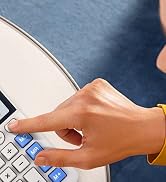
OSALO is a brand that is all about functionality and design. It was founded by a team of engineers who wanted to create high-quality calculators that are both stylish and easy to use. Whether you are a student, a professional, or just need a calculator for everyday use, OSALO has the perfect product for your needs.
OSALO calculator brand is focused on innovation, quality, and reliability. Our brand philosophy is inspired by the idea of "Simplicity in Complexity."
OSALO embraces innovation as a core value in our products. We are constantly developing new technologies and features that provide improved functionality and convenience to users. Some of these innovations include touchscreen displays, ergonomic designs, and advanced mathematical functions.



