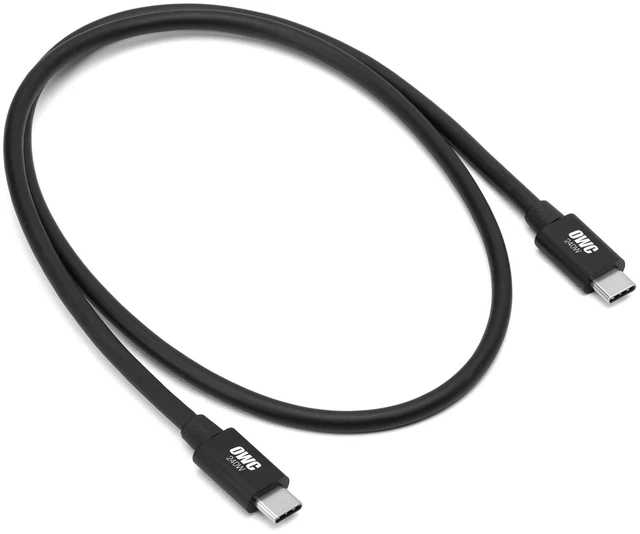
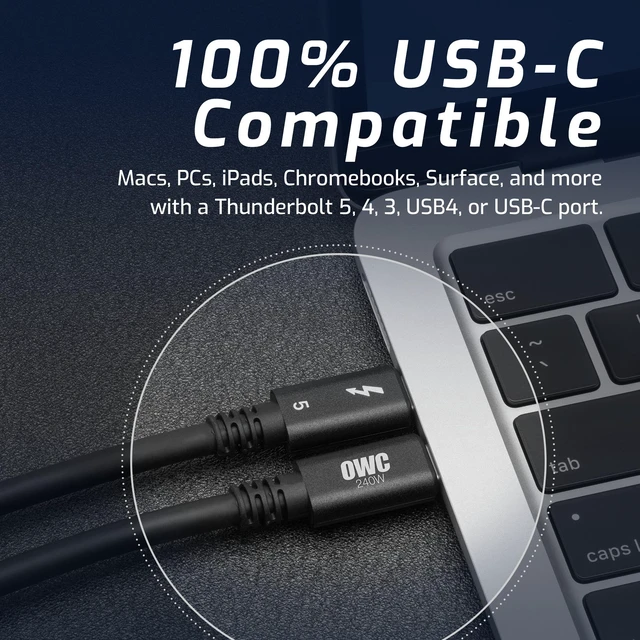
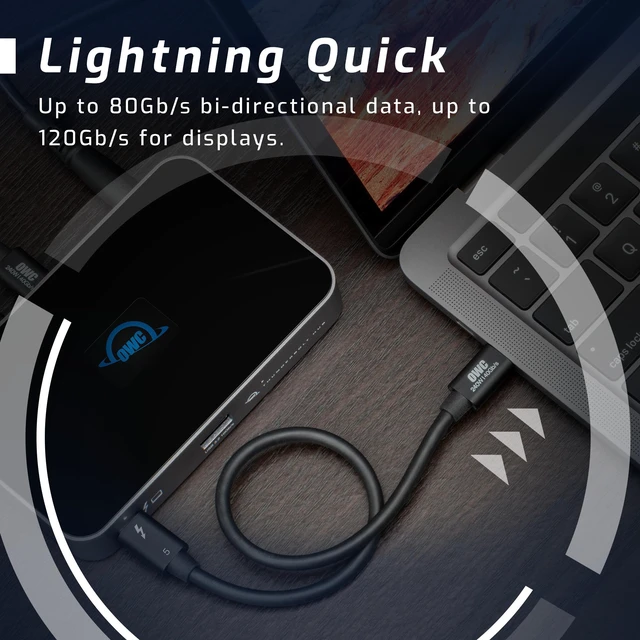
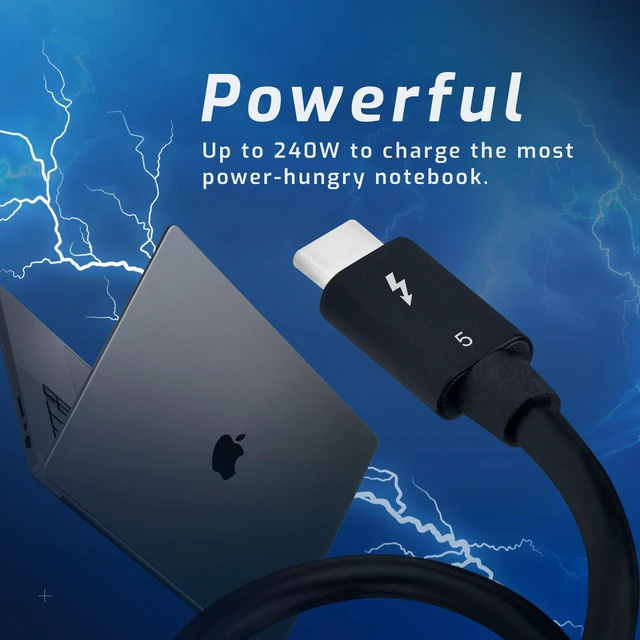
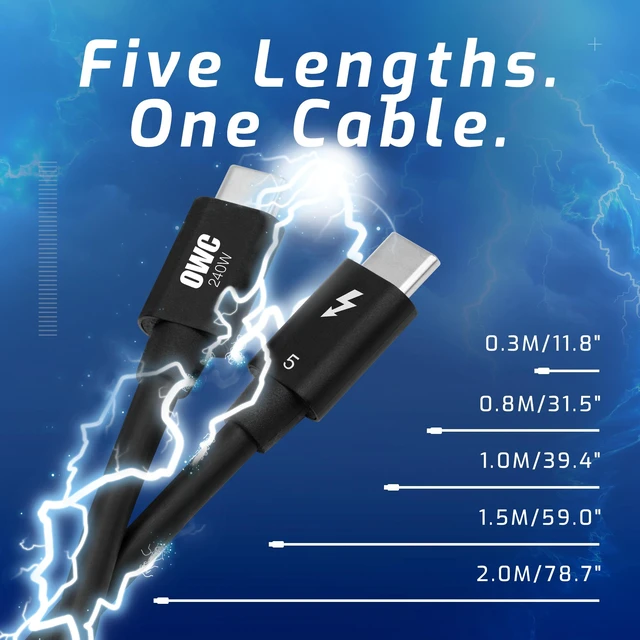
The OWC 0.8 m Thunderbolt 5 USB-C cable is for users connecting compatible laptops to fast docks, SSDs, or other peripherals, with up to 80 Gb/s bidirectional data, up to 120 Gb/s display bandwidth, and up to 240 W power delivery.
Recommended For
- Mac or PC creators who edit large video projects, work from fast external Thunderbolt SSDs, or move large files regularly; a Thunderbolt 5 host and storage device can make the cable’s higher bandwidth useful.
- Users building a Thunderbolt 5 desk setup with multiple high-resolution displays and other connected devices, where video bandwidth and fast peripherals share one laptop connection.
- Laptop users who want one short USB-C cable for a nearby Thunderbolt dock, display, or storage device—and whose laptop and connected equipment support the features they need.
- People replacing a cable for compatible Thunderbolt, USB4, or USB-C devices who want one cable that can also serve newer hardware; actual speed and charging depend on the connected devices.
Real-World Use Scenarios
- When moving large video, photo, or project files between a Thunderbolt 5 computer and a compatible external SSD or RAID, this cable provides a high-bandwidth link that can reduce transfer and backup waits; actual speeds depend on the computer, storage device, and workload.
- At a desk, use it to connect a laptop to a Thunderbolt dock for displays, external storage, and other peripherals, while also carrying power to the laptop when the dock supports charging. The dock and computer determine which ports and features are available.
- For a multi-monitor workstation, connect a compatible computer to a Thunderbolt dock or display setup to run high-resolution screens through one cable. The computer, dock, and displays must all support the desired number of screens and resolutions.
- When a compatible high-wattage laptop needs charging at a desk, use the cable with a suitable USB-C charger or powered dock; the cable supports up to 240W, but the power source and laptop set the actual charging rate.
- Keep one cable for a mix of newer and older Thunderbolt or USB-C devices, such as switching between a laptop and tablet or connecting older peripherals. Each connection runs at the capabilities of the devices and port involved, not automatically at Thunderbolt 5 speeds.




 here!