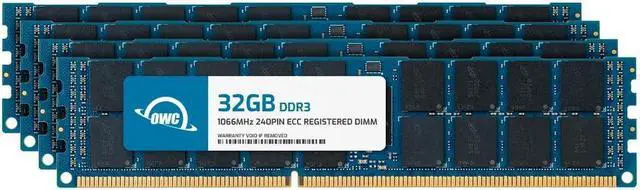
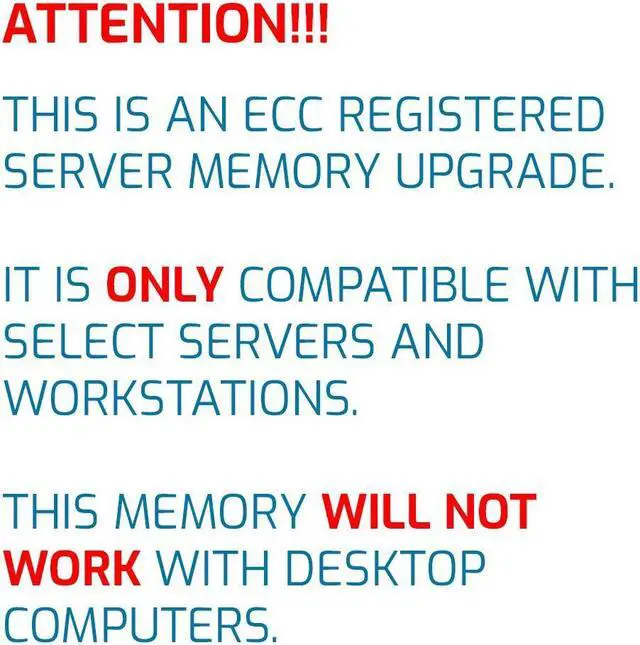
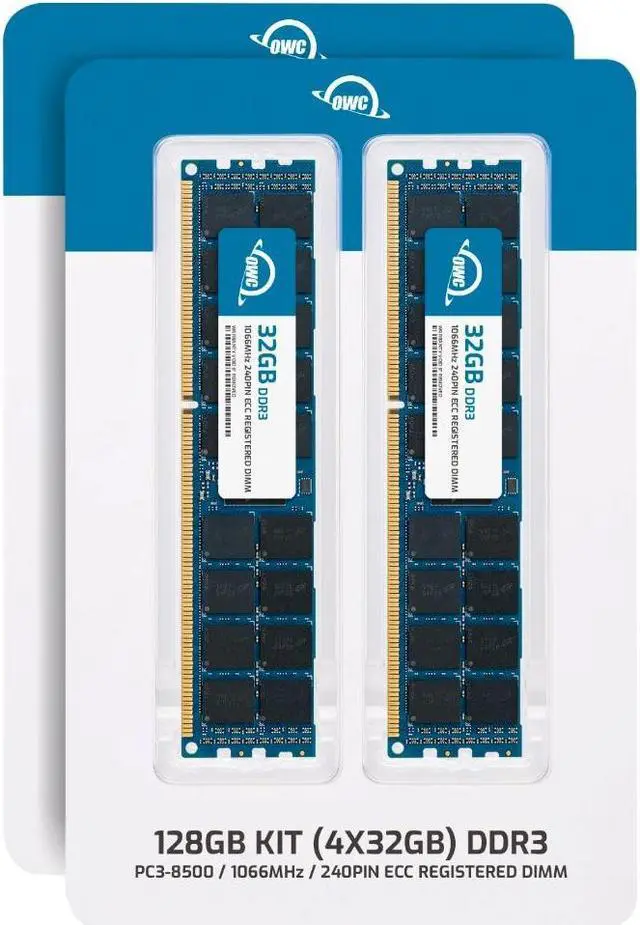
The OWC 128GB DDR3 ECC Registered memory kit includes four 32GB, 1066MHz modules for compatible workstations and servers that support 240-pin, 1.5V 4Rx4 RDIMMs.
Recommended For
- Owners of a DDR3-era server or workstation that explicitly supports 32GB 4Rx4 ECC RDIMMs and needs a 128GB memory upgrade for heavier workloads or to extend the system’s useful life.
- Homelab operators upgrading a compatible older DDR3 server to host more virtual machines, containers, or self-managed services without replacing the platform.
- Operators of a compatible legacy NAS, backup server, or file server who want more memory for their existing system rather than a platform-generation upgrade.
- Workstation users running memory-hungry jobs on a supported DDR3 platform who need ECC Registered memory and have verified the system supports this kit’s capacity, rank, and speed.
Real-World Use Scenarios
- On a compatible DDR3 RDIMM virtualization host that is running short on memory, use the kit to give more RAM to existing virtual machines or run additional guests; the benefit depends on the host’s CPU, storage, and memory configuration.
- For a compatible TrueNAS or other ZFS storage server, additional RAM can give ZFS more room for its in-memory read cache; frequently accessed data may benefit, though results depend on the workload and available memory.
- When a compatible home lab or small server runs virtual machines alongside storage and other services, extra memory provides more capacity to allocate among those workloads instead of forcing the operator to scale them back.
- In a compatible older workstation used for large projects or several memory-intensive applications, the added capacity can reduce memory pressure when RAM is the bottleneck; it will not address limits caused by the processor, graphics, or storage.
- For an organization keeping an older compatible server in service, this kit can add memory capacity for existing workloads and defer a platform replacement when RAM is the limiting factor; check the server’s supported RDIMM type and population rules before installing.




 here!