




 here!
I’m your shopping assistant for PC builds, upgrades, and everything tech.
Got questions? Ask away!
Start a conversation
here!
I’m your shopping assistant for PC builds, upgrades, and everything tech.
Got questions? Ask away!
Start a conversation








Any questions? Ask CelesteSM will help you find out quickly.
| Technology | DDR4 |
|---|---|
| Speed | PC4-21300 2666MHz CL19 |
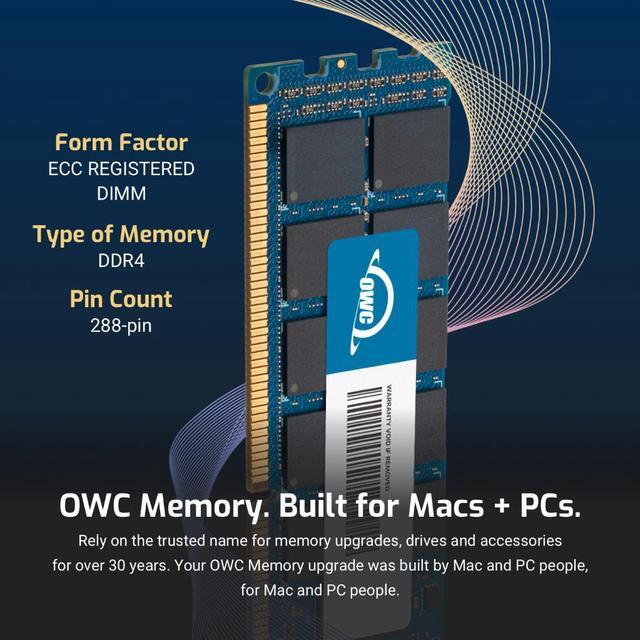
| Form Factor | 288PIN ECC REGISTERED DIMM |
| ECC Type | ECC REGISTERED |
| Voltage | 1.2v |
| Compatibility | Server, Workstation, NAS System |
| Backward Compatibility | Also Compatible with 2133MHz, 2400MHz |
















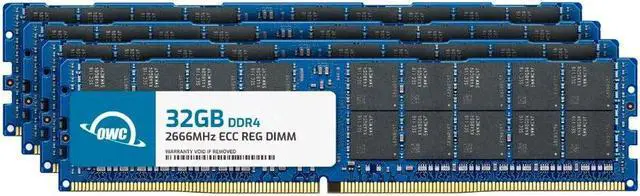
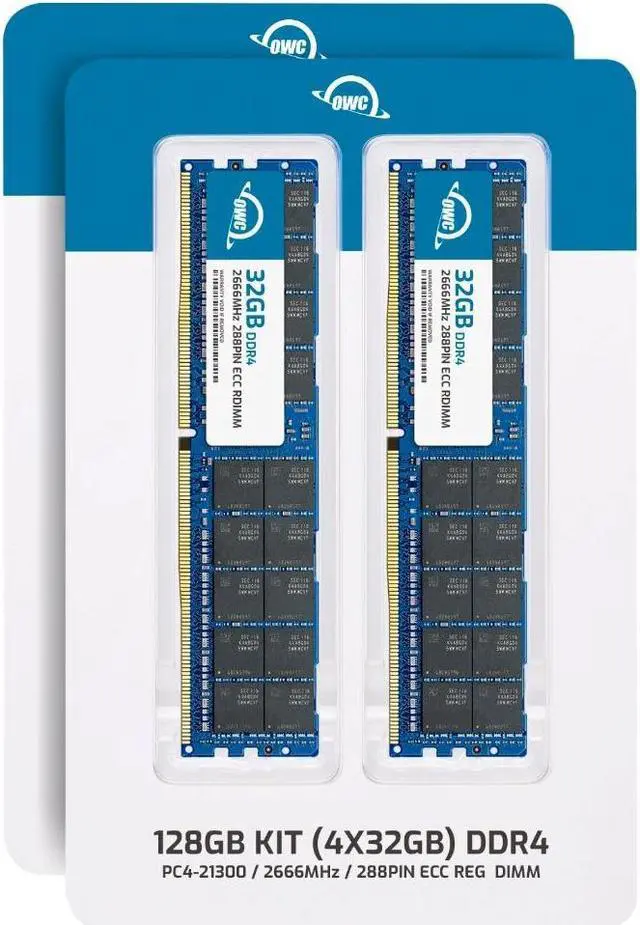
The OWC 128GB kit is four 32GB DDR4-2666 ECC Registered RDIMMs designed as a memory upgrade for compatible Synology NAS models, including the SA3400, SA410, SA3600, and SA3610.
| Attribute | Value |
|---|---|
| Best For | ECC registered memory upgrades for compatible Synology NAS devices, including the listed FS, HD, and SA series |
| Capacity And Kit | 128GB total as a four-module kit of 32GB each |
| Memory Type And Form Factor | DDR4 SDRAM DIMM with a 288-pin form factor |
| Speed And Timing | 2666 MHz (PC4-21300) with CL19 latency |
| Error Correction And Registration | ECC registered memory |
| Memory Configuration | 2Rx4 rank configuration; dual-channel kit |
| Power And Cooling | 1.2V operating voltage; no heat spreader |
| Model Identifiers | OWC part number 2R6D42R4128S; model number OWC2R6D42R4128S |
Q: Does this OWC 128GB kit or the OWC 64GB kit bring an SA3400 to its 128GB memory maximum?
A: Choose the OWC 128GB kit for that target: its four 32GB modules total 128GB, matching the SA3400’s listed maximum. The OWC 64GB kit contains two 32GB modules and totals 64GB.
Q: Should I choose the OWC 128GB or 64GB kit for a Synology SA3400?
A: Choose the 128GB kit if your target is 128GB total memory; choose the 64GB kit for a 64GB target. Both are OWC DDR4-2666 ECC registered RDIMM kits, with the 128GB kit containing four 32GB modules and the 64GB kit containing two.
Q: Is the OWC 128GB kit faster than the OWC 64GB kit?
A: Both kits are rated DDR4-2666. The main difference is capacity and module count: the 128GB kit has four 32GB modules, while the 64GB kit has two 32GB modules.
Q: Will this RAM work in a standard desktop PC?
A: No. This is ECC Registered DDR4 RDIMM server memory, not standard unbuffered desktop RAM. Use it only in a system that supports registered ECC DIMMs.
Q: Can I mix this kit with the RAM already in my NAS?
A: Check the NAS memory configuration before mixing modules. This kit is registered ECC RDIMM and should not be mixed with unbuffered or load-reduced memory. The kit contains four 32GB modules, for 128GB total.
Q: Is this kit suitable for a Synology SA-series NAS?
A: It is listed as compatible with the SA3400, SA410, SA3600, and SA3610. Before buying, confirm your exact NAS model supports DDR4-2666 ECC Registered RDIMMs and this four-module configuration.
Q: Will the memory run at 2666 MHz in my NAS?
A: The modules are rated DDR4-2666 (PC4-21300), but the system’s processor and memory configuration determine the operating speed. A 2666 MHz rating does not guarantee that every compatible system will run them at that speed.
Q: Will this 128GB kit work in my Synology SA3400, SA410, SA3600, or SA3610?
A: The product listing identifies those NAS models as compatible and specifies four 32GB DDR4-2666 ECC Registered RDIMMs. Reddit users discuss upgrading the SA3400’s memory, but those posts do not confirm this exact OWC kit. Before buying, check your NAS model’s memory requirements and supported configuration.
Q: Do I need 128GB, or would a smaller upgrade be enough?
A: This kit provides 128GB total, but the discussion of SA3400 upgrades includes a 64GB configuration, so 128GB is not shown as necessary for every use. Choose capacity based on your NAS’s memory use and workload; the kit’s stated capacity alone does not establish that it will improve performance.
Q: Can I mix this kit with the RAM already in my Synology?
A: The product information says not to mix registered memory with unbuffered or load-reduced memory. Check your existing modules and NAS requirements before combining memory; the listing does not confirm which mixed-capacity configurations are supported.
Q: Could third-party RAM cause a warning in DSM?
A: It may. Synology users and a RAM-upgrade video report third-party memory notices, but experiences vary by NAS model and those sources do not confirm how this exact OWC kit will be reported on the listed models.


