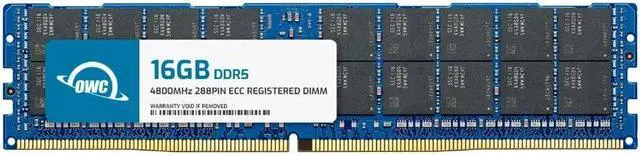
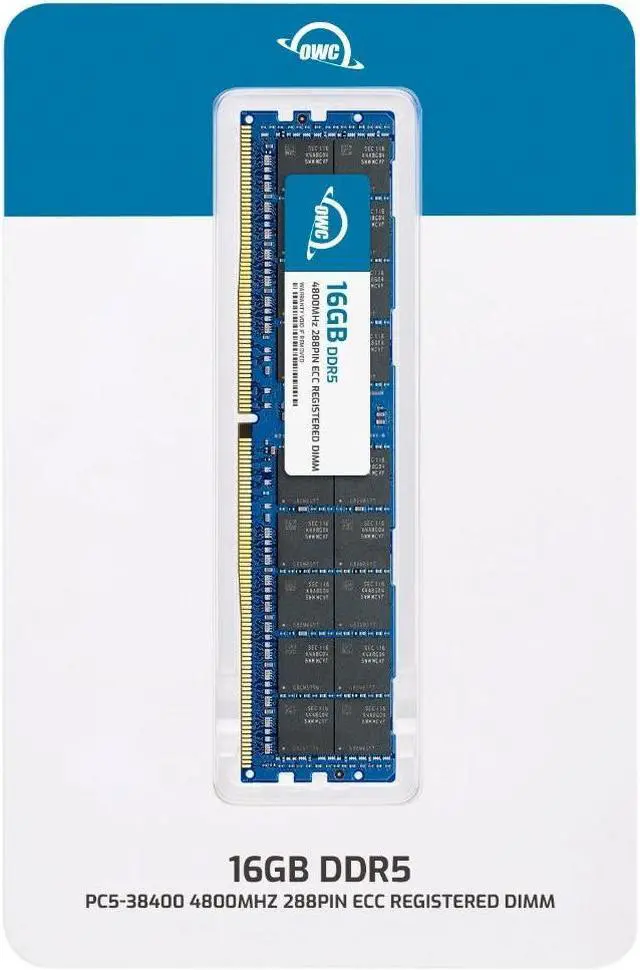
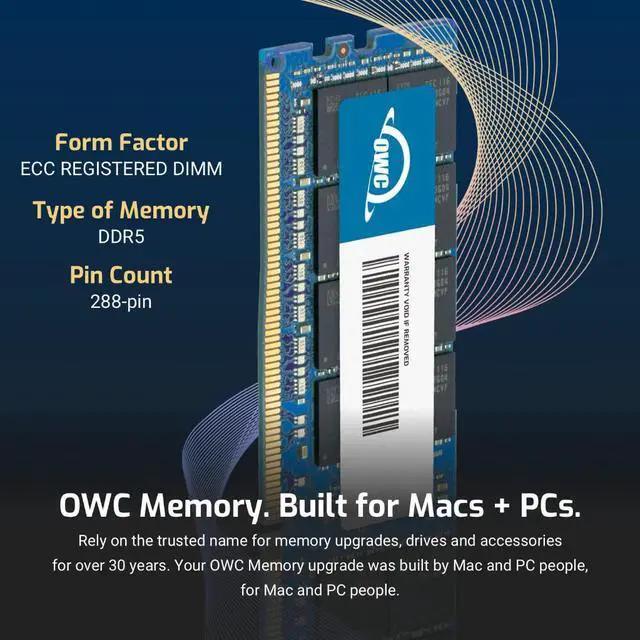
The OWC 16GB DDR5-4800 ECC Registered RDIMM is a single 288-pin, 1.1V memory module for compatible workstations and servers that use registered ECC DDR5 memory; it is not intended for standard desktop computers.
Recommended For
- Server administrators adding a 16GB module to a system that explicitly supports DDR5-4800 ECC RDIMMs and this module’s 1Rx4 configuration; check the server’s memory population rules before installing it.
- Workstation owners replacing a failed DIMM or making a modest memory increase in a platform designed for DDR5 ECC registered memory.
- Homelab builders running a DDR5 RDIMM-compatible server who need a single 16GB module for a small, incremental memory upgrade.
- IT technicians matching a replacement module to a system that calls for 16GB DDR5-4800 ECC RDIMM memory; verify rank, chip organization, and system support rather than matching speed alone.
Real-World Use Scenarios
- When a compatible DDR5 RDIMM server is short on memory for its current workload, adding this 16GB module can provide more headroom for running services and reduce memory pressure; performance gains depend on whether RAM was the bottleneck.
- For a virtualization host running several lightweight virtual machines, adding memory can give those guests more room to run together and help avoid memory-related slowdowns, provided the host supports DDR5 ECC RDIMMs and has compatible free capacity.
- On a small database or application server whose working set is pressing against installed RAM, this module can add capacity for cached data and active processes; it is a capacity upgrade, not a guaranteed database-speed boost.
- For a long-running server or supported workstation handling important jobs, ECC memory is intended to detect and correct certain memory errors, helping reduce the risk that those errors disrupt processing; it does not replace backups or other reliability measures.
- When maintaining an older compatible server or workstation, using this module as a replacement or capacity addition may help keep the system in service without replacing the whole platform; check the system’s supported memory configuration before installing it.




 here!