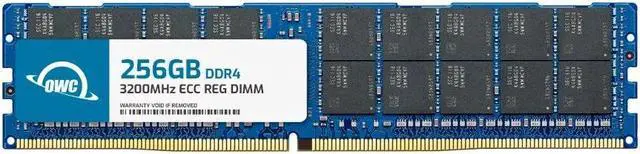
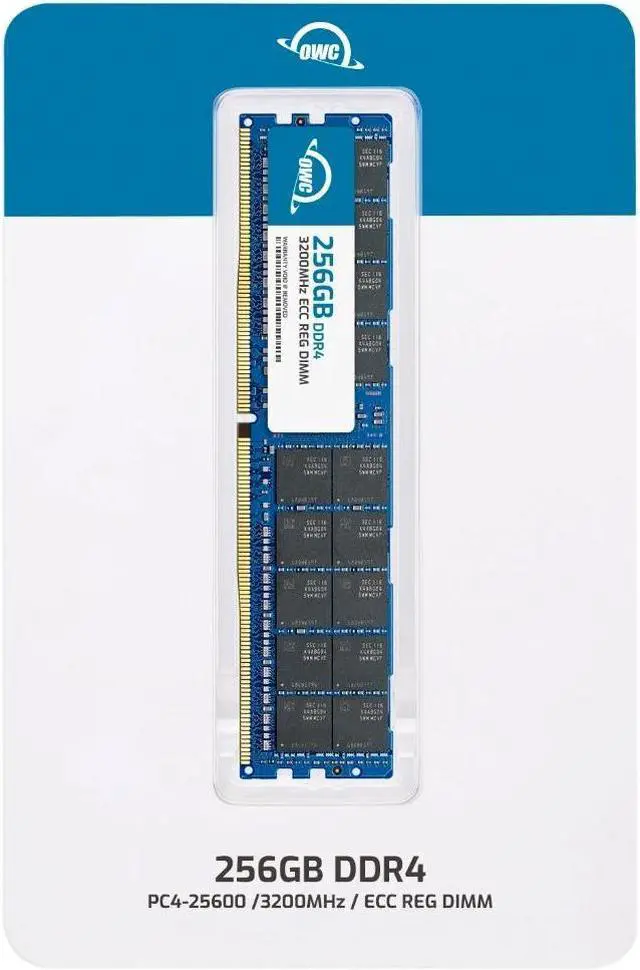
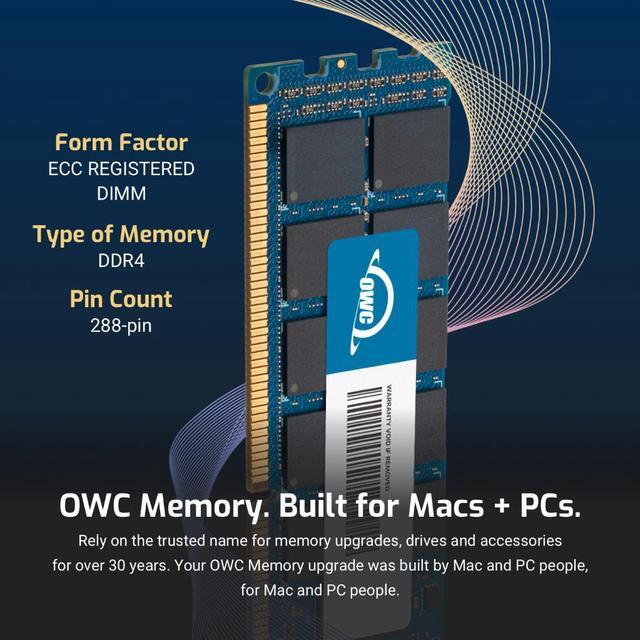
The OWC 256GB DDR4-3200 ECC Registered RDIMM is a high-capacity memory module for compatible servers, workstations, and NAS systems, with 288-pin design, CL22 timing, and 1.2V operation; it is not intended for standard desktop computers.
Recommended For
- Virtualization administrators running multiple memory-heavy VMs on a compatible DDR4 server who want to add substantial capacity with one DIMM.
- Server or workstation operators replacing a supported Samsung M393ABG40M52-CAE or equivalent module who need a single 256GB ECC registered DIMM.
- Homelab builders running memory-intensive test environments, such as several concurrently active virtual machines, on server hardware validated for this 256GB 8Rx4 RDIMM.
- Operators expanding a compatible server or enterprise NAS for workloads that benefit from a larger memory working set, provided the system’s CPU and memory guide support this module’s capacity and rank.
Real-World Use Scenarios
- Running several virtual machines on a compatible server? Adding memory can give those VMs more room to run together and reduce memory contention when RAM is the bottleneck; the benefit depends on the host and workload.
- Consolidating services from multiple machines onto one server? More available memory can let a compatible host run a denser mix of workloads, such as virtual servers and databases, before memory capacity becomes a limiting factor.
- Hosting a memory-hungry database or database VMs? Extra RAM can accommodate larger active working sets and reduce reliance on disk paging when the workload is memory-constrained; it does not guarantee faster database performance on its own.
- Building a virtualization homelab or development test server? The added capacity can support several memory-heavy environments at once, such as full-size virtual machines, databases, and test systems, provided the server supports this RDIMM type.
- Extending the useful life of a compatible server or workstation that is short on memory? A capacity upgrade may let it handle larger workloads without replacing the whole system, but check the platform’s supported DIMM type, capacity, and configuration first.




 here!