Your Browsing History
Meet Your Seller
Visit OWC Store
FOLLOW
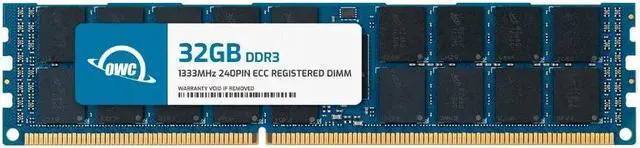
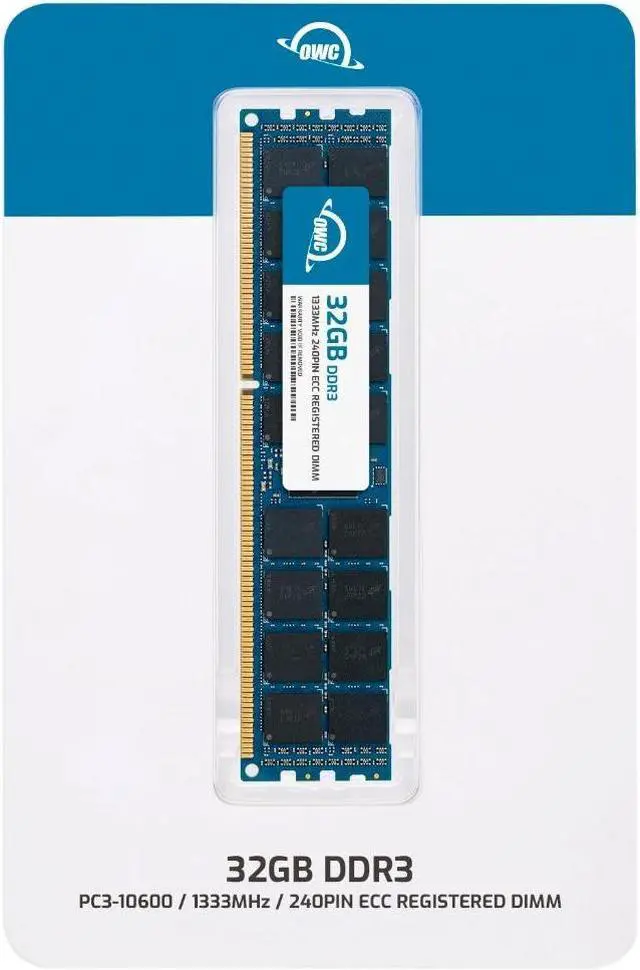
OWC 32GB DDR3 1333 PC3-10600 CL9 4Rx4 240-pin 1.5V ECC Registered RDIMM Memory RAM Module Upgrade for Select Workstations or Servers
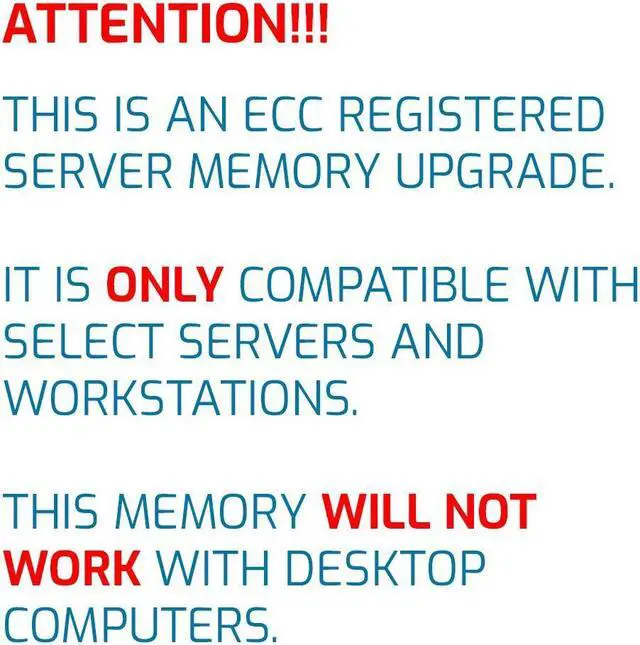
- ECC REGISTERED UPGRADE: This type of memory is used in Workstations and Servers. It will NOT be compatible with standard desktop computers. Also, it cannot be mixed with UNBUFFERED memory.
- OWC 32GB UPGRADE: Consists of a single 32GB DDR3 1333 PC3-10600 CL9 4Rx4 240-pin 1.5V ECC Registered DIMM Memory RAM Module Upgrade for Select Workstations or Servers memory module.
- 100% COMPLIANT: JEDEC-Standard and ROHS Compliant. Warranty-Safe Upgrade. Designed and Tested to Meet or Exceed all Manufacturer OEM Specs.
- MAXIMIZE YOUR SERVER: With OWC's ECC Registered Server Memory, you will extend the life of your old infrastructure or save money when building a new one.
- INDUSTRY LEADING: Consumer-friendly Advanced Replacement Program and Limited Lifetime Warranty, which includes Free Tech Support by Other World Computing.
+
+
Overview
Specs
Reviews
Any questions? Ask CelesteSM will help you find out quickly.
Try me now
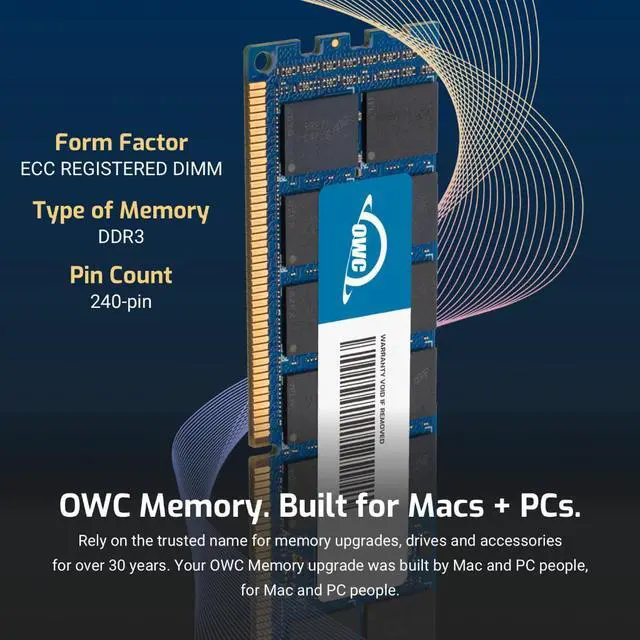
OWC DDR3 memory is Fully compliant with JEDEC specifications, ROHS compliant, providing a warranty safe upgrade. OWC Memory is the most cost effective and simple DIY upgrade you can install to unleash your Mac or PC's full potential and speed up overall responsiveness. Become a multitasking maven when you upgrade your Mac or PC with OWC Memory. Open more apps. Open larger files. Plus, work with multiple files all at the same time. We test every OWC memory module at our in house lab so you can upgrade with the confidence that your memory is built to last.
We built your OWC Memory upgrade to meet or exceed the toughest industry specs to provide years of worry-free service. OWC recommends that all DIMMs be the same capacity, speed, and manufacturer to ensure optimal memory performance.
Warranty & Returns
Warranty, Returns, And Additional Information
Warranty
- Please contact the Seller directly for warranty information. Warranty information may also be found on the Manufacturer's website.
- CONTACT
Return Policies
- Return for refund within: 30 days
- Return for replacement within: 60 days
- This item is covered by OWC Return Policy
Manufacturer Contact Info
- For a directory of all our manufacturers, please click below.
- Manufacturers Directory
LOADING...
The OWC 1R3D34R432GB is a single 32GB DDR3-1333 ECC registered RDIMM for compatible workstations and servers that support 240-pin, 1.5V 4Rx4 memory; it is intended for registered-memory systems, not standard desktops or systems using unbuffered memory.
Recommended For
- Owners of a compatible DDR3-era server or workstation who need to add 32GB with one ECC registered DIMM; verify that the system supports 4Rx4, 32GB modules, 1.5V, and this memory type before buying.
- Homelab operators maintaining an older server who want to expand memory for virtual machines, containers, or multiple services, provided the server’s CPU, motherboard, and memory population rules support this 32GB 4Rx4 RDIMM.
- IT maintainers extending the useful life of a compatible legacy server or workstation and seeking a single-module capacity increase rather than replacing the platform.
- Users of supported systems who need ECC registered memory for server or workstation workloads and have confirmed the system accepts 1.5V DDR3-1333 4Rx4 modules.
Real-World Use Scenarios
- In a compatible legacy server used for virtualization, add memory to give the host and its virtual machines more room to run; the practical benefit depends on the server’s supported configuration and total installed RAM.
- For a home lab running containers and self-hosted services, use the module in a compatible DDR3 server or workstation to increase memory capacity and leave more headroom for services running together.
- In a small-office server handling file and print sharing, email, or media streaming, add compatible memory to support those services running on the same machine; memory alone does not guarantee faster service.
- For a NAS or backup server built from supported DDR3-era hardware, add memory while keeping the system in service for storage and related home-server tasks; check the system’s DIMM compatibility before installing.
- When a compatible server runs memory-dependent database or data-collection services, adding RAM can provide more working space for those workloads; the resulting performance depends on the application, existing memory, and system configuration.