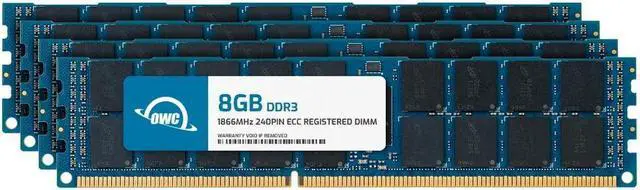
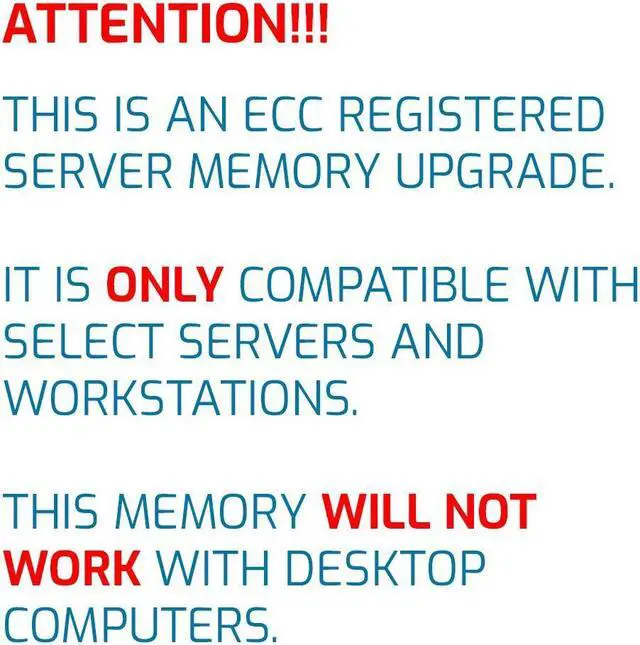
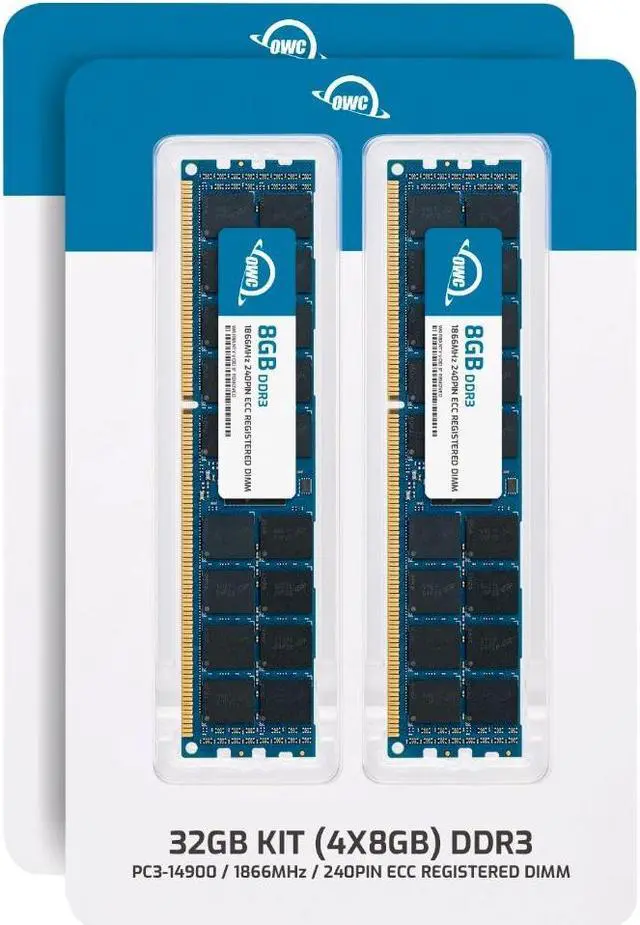
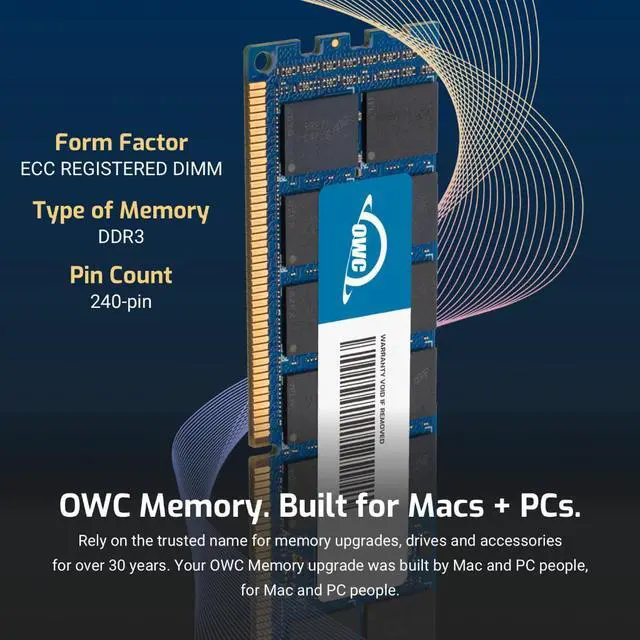
The OWC 32GB DDR3-1866 ECC Registered RDIMM kit includes four 8GB modules for compatible servers and workstations that use 240-pin, 1.5V DDR3 RDIMM memory; it is not intended for standard desktops or systems using unbuffered memory.
Recommended For
- Administrators extending the life of a DDR3 server that specifically supports 8GB 1Rx4 ECC registered DIMMs and DDR3-1866 memory; the four-module kit adds 32GB of matched RDIMMs.
- Workstation owners doing memory-intensive, sustained work who have a motherboard and processor that explicitly support DDR3 ECC RDIMMs; ECC and registered memory are intended for compatible workstation and server platforms.
- Home-lab or NAS builders upgrading a compatible legacy server platform for services such as file storage or virtualization, where 32GB of RAM and ECC are useful only if the system’s documentation specifies registered DDR3 support.
- IT teams or refurbishers replacing a matching set in an older workstation or server; the four 8GB modules provide a consistent kit when the platform supports this DIMM type, capacity, speed, and voltage.
Real-World Use Scenarios
- On a compatible DDR3 RDIMM server, add this kit to a Proxmox or similar virtualization host when memory is limiting how many virtual machines can run together; the extra capacity can give those workloads more room, though it does not make the processor faster.
- For a home lab built around a supported older server, use the 32GB kit to expand memory for self-hosted services and test environments; it can help keep concurrent workloads in memory when the existing setup is short on capacity.
- In a compatible server used as a NAS, expand memory for storage services and related applications; ECC is intended to detect and correct certain memory errors, but it does not replace backups or protect against every cause of data loss.
- When a compatible older workstation or server is still meeting its compute needs, use the kit as a memory upgrade rather than replacing the whole system; the practical benefit is more installed RAM for workloads that need it, not a guaranteed performance increase.
- For a small server running several services alongside file storage, add memory when concurrent applications are competing for the host’s available RAM; the experience may be smoother if memory pressure was the bottleneck, but storage and CPU performance still depend on the rest of the system.




 here!