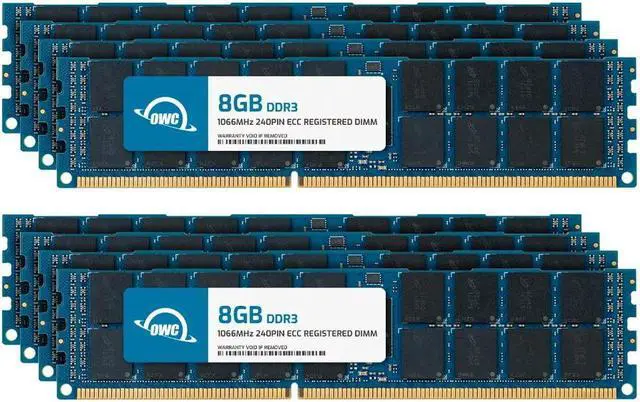
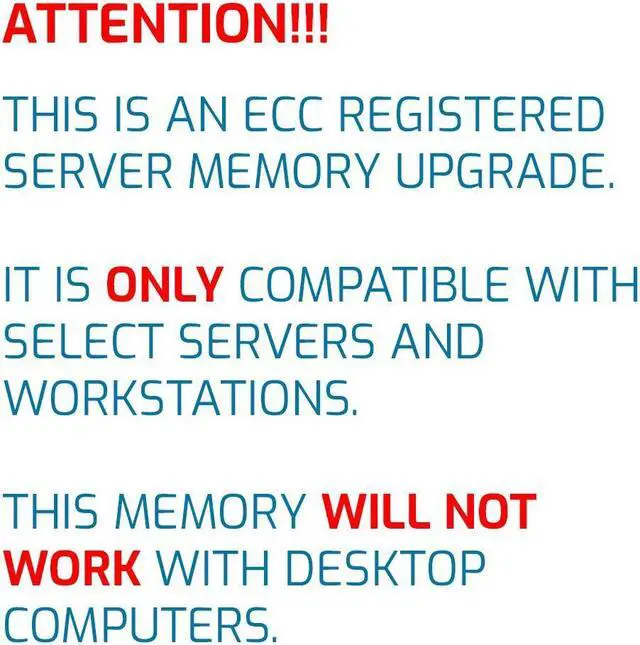
The OWC 64GB DDR3 ECC Registered RDIMM kit includes eight 8GB, 1066MHz modules for compatible workstations and servers that support 240-pin, 1.5V registered memory.
Recommended For
- Owners of a compatible legacy server or workstation who want to install a full 64GB kit: the system must support 240-pin DDR3-1066 ECC registered 2Rx4 DIMMs and the eight-module configuration.
- Home-lab users running several virtual machines or server services on a compatible DDR3 RDIMM platform who need a 64GB memory upgrade; community discussions describe 64GB DDR3 RDIMMs as a potential VM-host upgrade, subject to platform support.
- NAS and file-server operators whose system specifically supports registered ECC DDR3 memory and can use this kit’s eight DIMMs; OWC positions this kit for NAS systems, but compatibility depends on the system’s memory specifications.
- Administrators maintaining older infrastructure who want to expand memory in a compatible DDR3 server or workstation rather than replace its platform.
Real-World Use Scenarios
- An operator upgrading a compatible older server for virtualization can use the 64GB kit to give the host and its virtual machines more memory to share, which may reduce memory pressure when running several VMs at once.
- A homelab user running a compatible DDR3 server can allocate memory across test VMs and self-hosted services; the extra capacity can make it easier to run more workloads together, subject to the host’s own limits.
- A small business keeping a compatible older server in service can replace or upgrade its memory with this kit rather than replace the whole system; the practical benefit is more installed RAM for existing workloads, not a guaranteed increase in compute speed.
- On a compatible workstation used for large projects or several memory-heavy applications at once, additional RAM can let more working data stay in memory, reducing slowdowns caused by running short of RAM; it will not make every application faster.
- A home or office file server that also runs other services can use the added capacity to give those concurrent workloads more room in memory; this is a memory-capacity upgrade, not a direct upgrade to storage or network speed.




 here!