Your Browsing History
Meet Your Seller
Visit OWC Store
FOLLOW
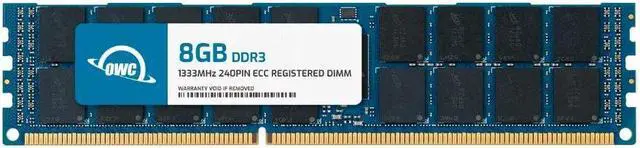
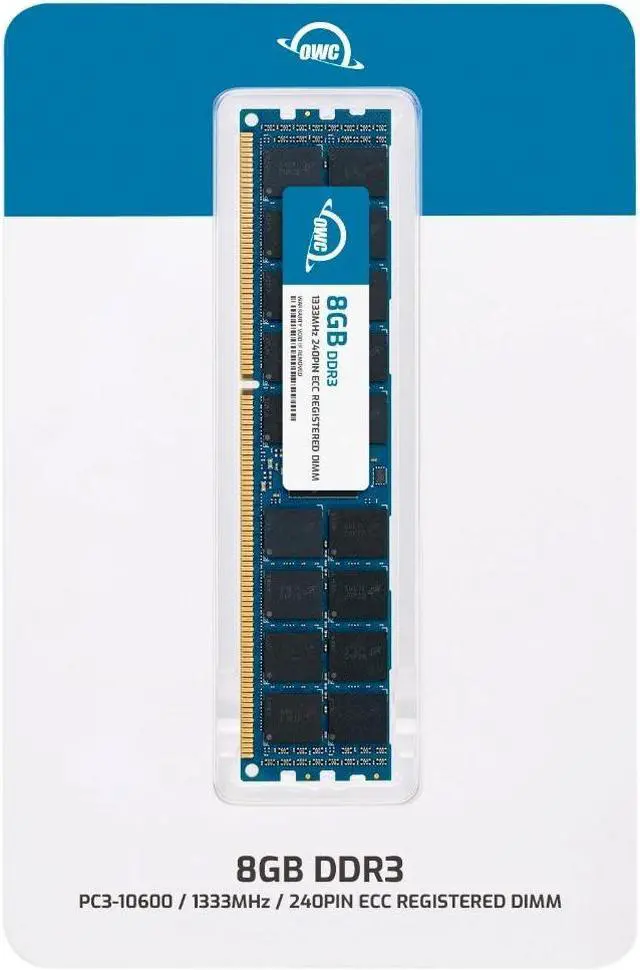
OWC 8GB Replacement for Supermicro MEM?DR380L?SL06?ER13 - DDR3 1333 PC3-10600 CL9 2Rx4 240-pin 1.5V ECC Registered RDIMM Memory RAM Module Upgrade
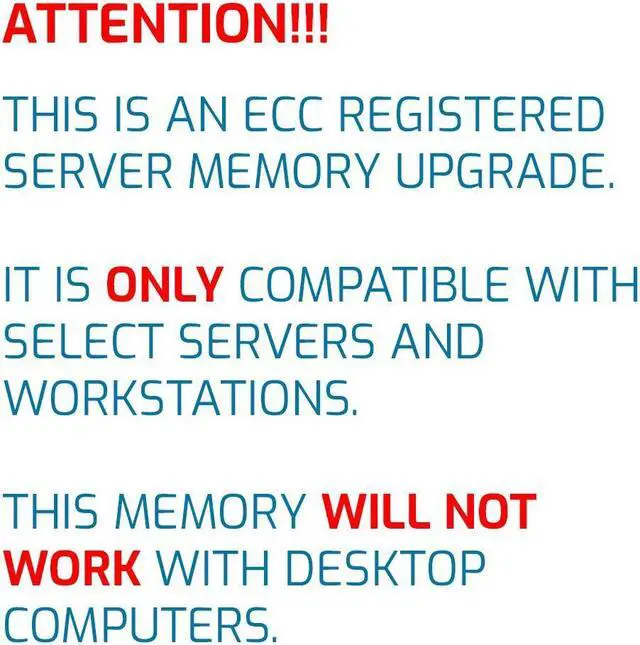
- ECC REGISTERED UPGRADE: This type of memory is used in Workstations and Servers. It will NOT be compatible with standard desktop computers. Also, it cannot be mixed with UNBUFFERED memory.
- OWC 8GB DDR3 1333 PC3-10600 CL9 2Rx4 240-pin 1.5V ECC Registered DIMM Memory RAM Module Upgrade, with the exact same specifications as Supermicro part number MEMDR380LSL06ER13.
- 100% COMPLIANT: JEDEC-Standard and ROHS Compliant. Warranty-Safe Upgrade. Designed and Tested to Meet or Exceed all Manufacturer OEM Specs.
- MAXIMIZE YOUR SERVER: With OWC's ECC Registered Server Memory, you will extend the life of your old infrastructure or save money when building a new one.
- INDUSTRY LEADING: Consumer-friendly Advanced Replacement Program and Limited Lifetime Warranty, which includes Free Tech Support by Other World Computing.
+
+
Overview
Specs
Reviews
Any questions? Ask CelesteSM will help you find out quickly.
Try me now
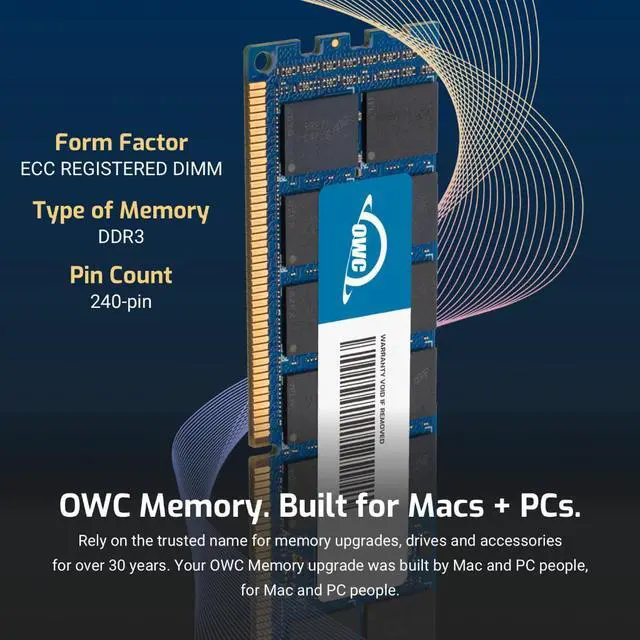
OWC DDR3 memory is Fully compliant with JEDEC specifications, ROHS compliant, providing a warranty safe upgrade. OWC Memory is the most cost effective and simple DIY upgrade you can install to unleash your Mac or PC's full potential and speed up overall responsiveness. Become a multitasking maven when you upgrade your Mac or PC with OWC Memory. Open more apps. Open larger files. Plus, work with multiple files all at the same time. We test every OWC memory module at our in house lab so you can upgrade with the confidence that your memory is built to last.
We built your OWC Memory upgrade to meet or exceed the toughest industry specs to provide years of worry-free service. OWC recommends that all DIMMs be the same capacity, speed, and manufacturer to ensure optimal memory performance.
Warranty & Returns
Warranty, Returns, And Additional Information
Warranty
- Please contact the Seller directly for warranty information. Warranty information may also be found on the Manufacturer's website.
- CONTACT
Return Policies
- Return for refund within: 30 days
- Return for replacement within: 60 days
- This item is covered by OWC Return Policy
Manufacturer Contact Info
- For a directory of all our manufacturers, please click below.
- Manufacturers Directory
LOADING...
The OWC 1R3D32R408GB is an 8GB DDR3-1333 ECC Registered RDIMM designed as a replacement for Supermicro part MEM-DR380L-SL06-ER13; it suits servers or workstations that support 240-pin, 1.5V, 2Rx4 registered memory.
Recommended For
- Owners of a compatible legacy Supermicro server replacing a failed DIMM or adding an 8GB module to a system specified for DDR3-1333 ECC registered memory.
- Operators maintaining older servers, workstations, or NAS systems that specifically support 240-pin DDR3 ECC RDIMMs and need a compatible memory replacement.
- Home-lab builders repurposing a supported DDR3 server platform who want to expand memory for self-hosted services or virtualization without replacing the existing system.
- IT staff keeping an existing server in service who need an ECC registered module matching a supported 8GB, DDR3-1333 configuration.
Real-World Use Scenarios
- On a compatible legacy Supermicro server that is short on memory, use this module to replace a matching DIMM or add 8GB of capacity. The result is more available memory while keeping the system on ECC registered RAM; confirm the server’s supported memory type and DIMM population rules first.
- For a DDR3 homelab host running Proxmox or similar virtualization software, adding this module can provide more memory for the host and its virtual machines when RAM is the limiting resource. The extra 8GB may allow more VM memory to be allocated, subject to the server’s total capacity and configuration.
- In a compatible legacy NAS or file server, use the module to replace a failed stick or add memory for storage services and other background tasks. It increases installed RAM capacity, but does not by itself make disks or network transfers faster.
- For an older server running several services at once, add this module when memory pressure is limiting the workload. The additional capacity can give applications more room to run concurrently; any improvement depends on whether the server was actually running short of RAM.