here!
here!
I’m your shopping assistant for PC builds, upgrades, and everything tech.
Got questions? Ask away!
Start a conversation
here!
I’m your shopping assistant for PC builds, upgrades, and everything tech.
Got questions? Ask away!
Start a conversation



Any questions? Ask CelesteSM will help you find out quickly.
Ready to use? Follow this 3-step quick setup?
1. Orientation: Go to General > Orientation. Set both Wrist and Digital Crown to Left.
2. Wrist Detection: Go to Passcode and turn Wrist Detection OFF.
3. Display: Go to Display & Brightness. Turn Wake on Wrist Raise OFF (Always On is up to you).
How do I choose the right size for my Apple Watch?
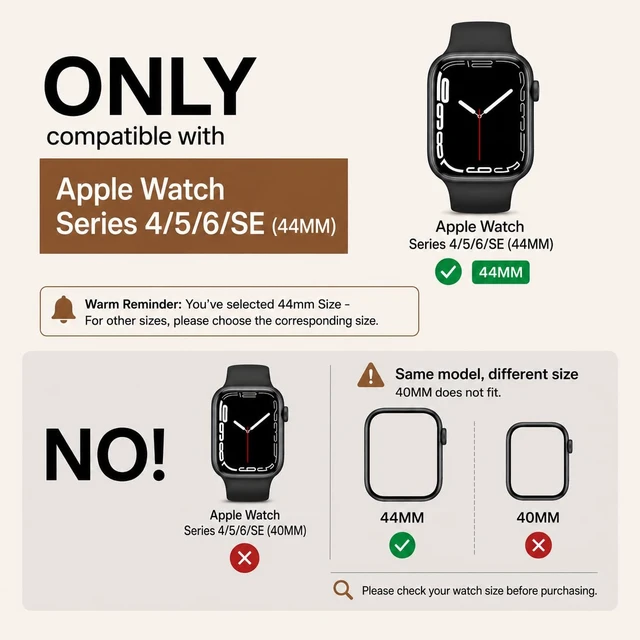
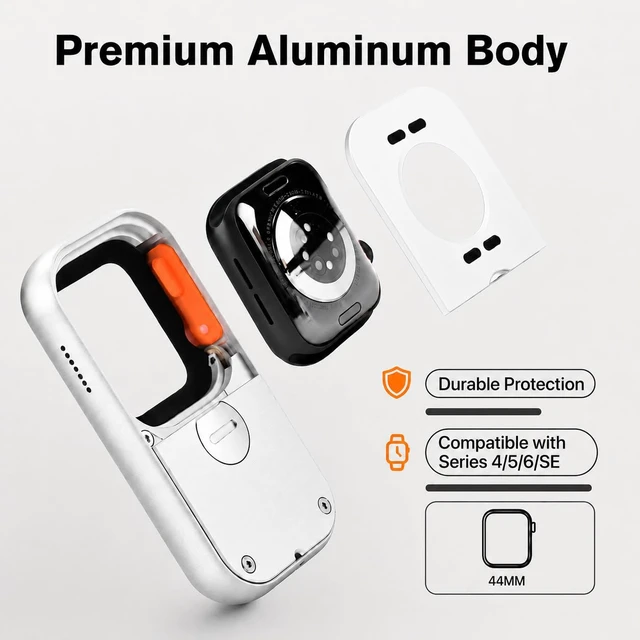
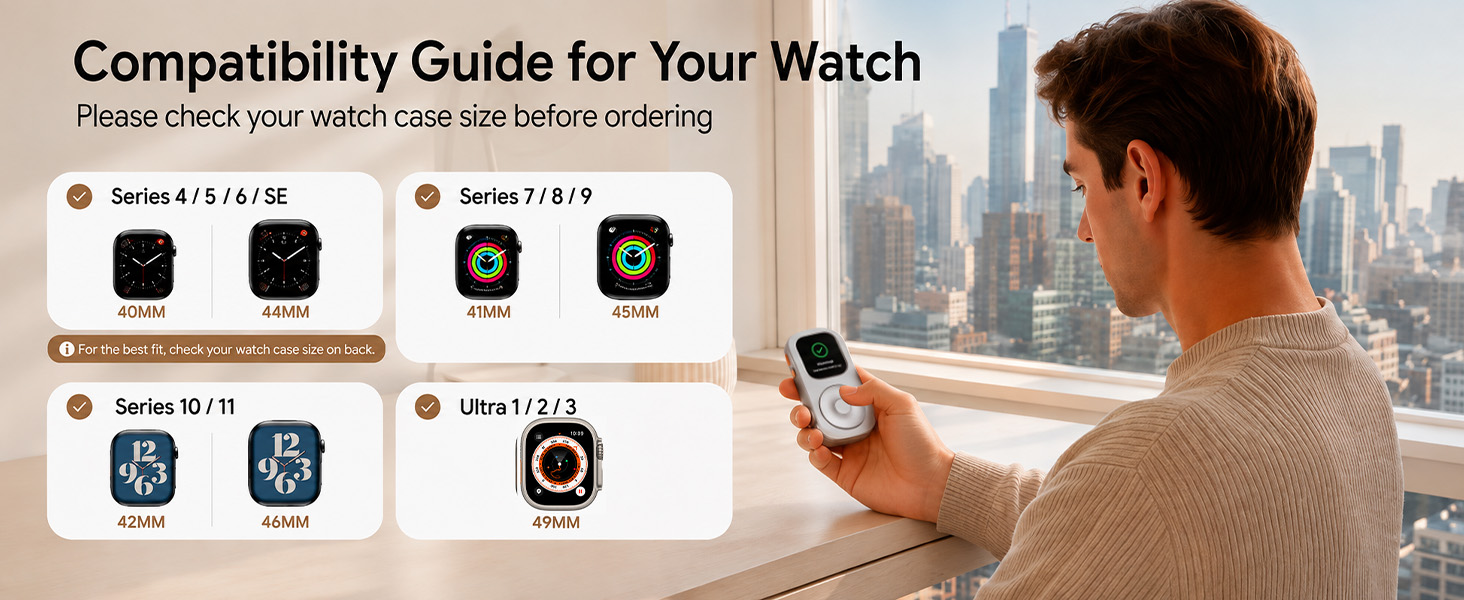
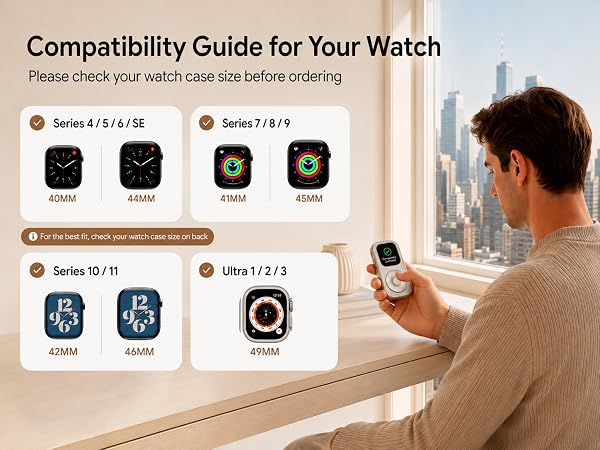
Check your watch series and case size before ordering: select 40mm/44mm for Series 4/5/6/SE, 41mm/45mm for Series 7/8/9. 42mm/46mm for Series 10/11, 49mm for Ultra 1/2/3. For the best fit, match your watch case size exactly.
Does the scroll wheel actually work to control the watch?
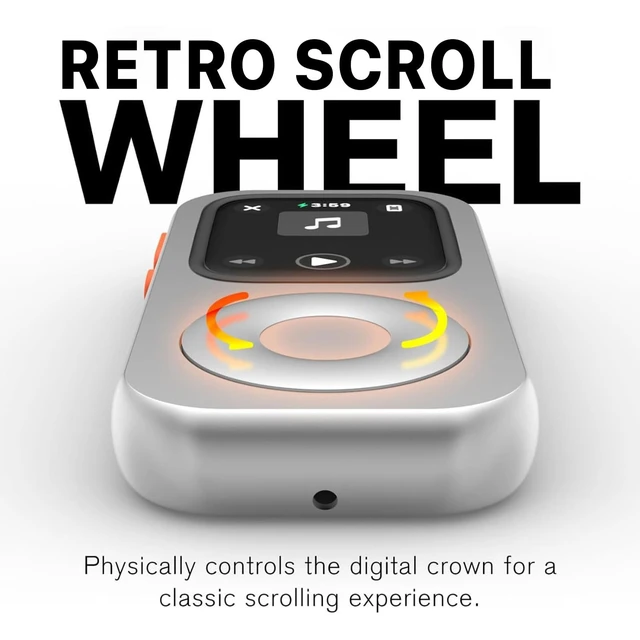
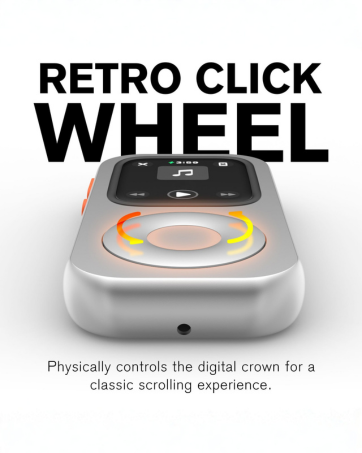
Yes! It features a fully functional tactile click wheel that syncs with your watch's Digital Crown. You can physically scroll through playlists, adjust volume, and navigate seamlessly
How can I get the best response from the scroll wheel?
1. Grip Ring: If the silicone grip ring has slipped, reinstall it.
2. First Use: After inserting the watch, rotate the wheel 7–8 clicks.
3. Wheel Fit Pad: For 40/41/44/45mm models only, use the included pad if the wheel feels loose or spins freely.
What is the core lifestyle concept behind TechPod RePod?
TechPod redefines minimalist digital detox lifestyle.
We bring back the classic retro vibe, helping you break phone addiction, escape endless social media scrolling, and return to a pure, focused music life.
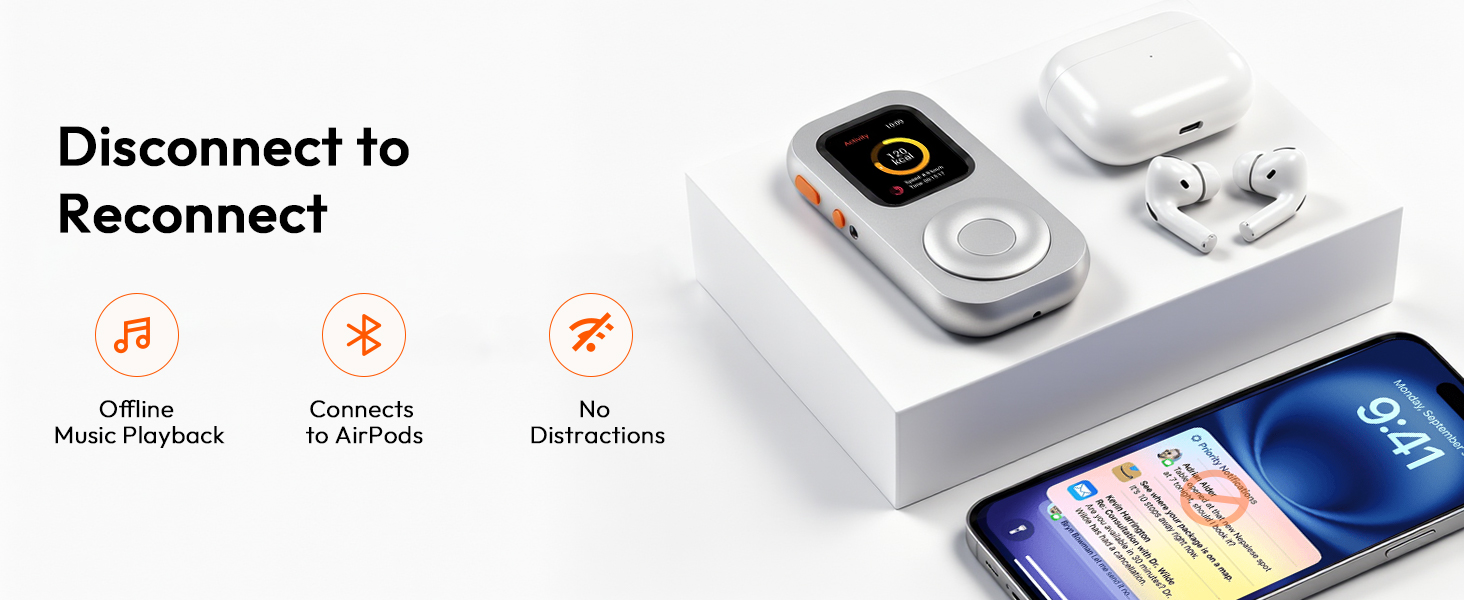
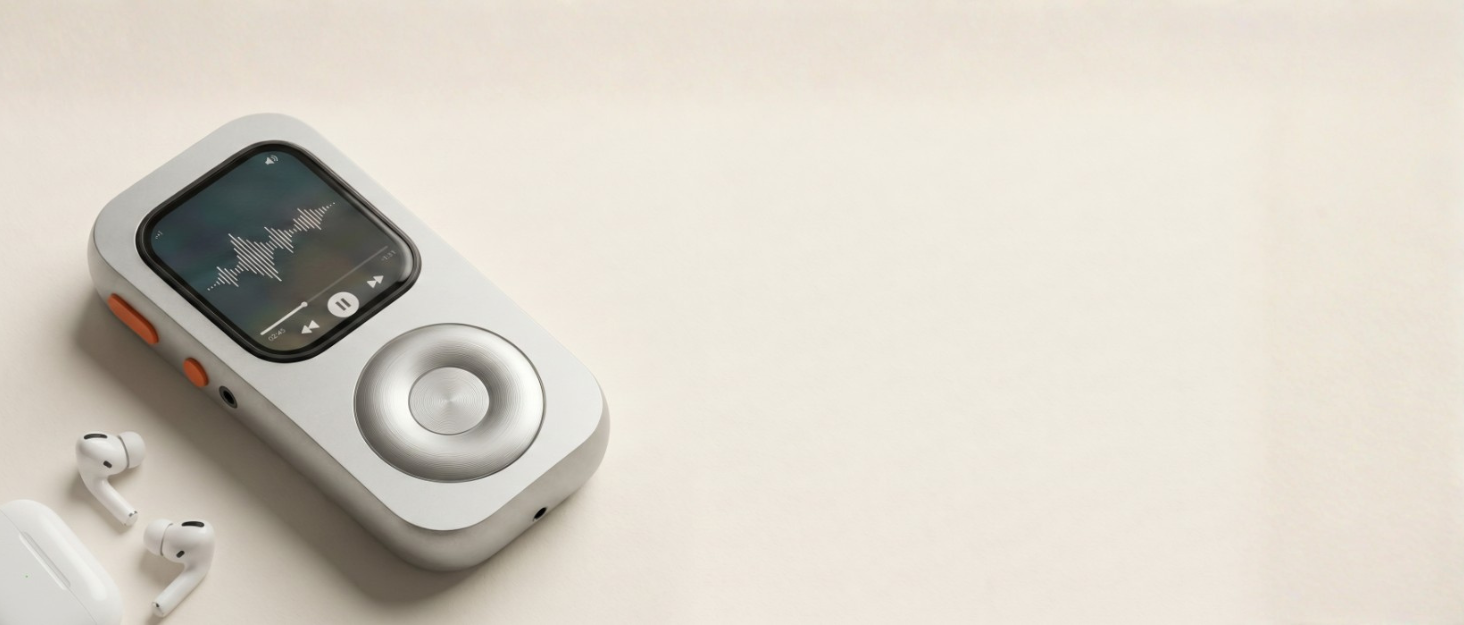
Inspired by the classic iPod feel, the smooth scroll wheel brings a more playful and satisfying way to interact with your Apple Watch

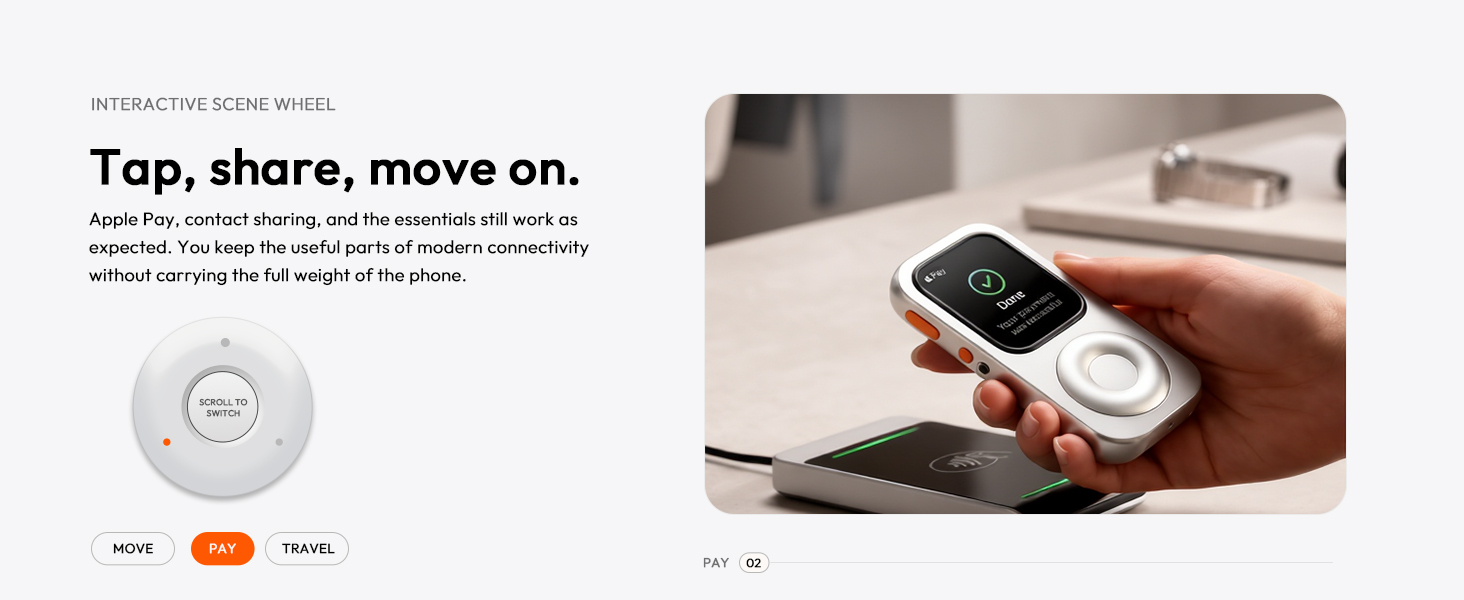
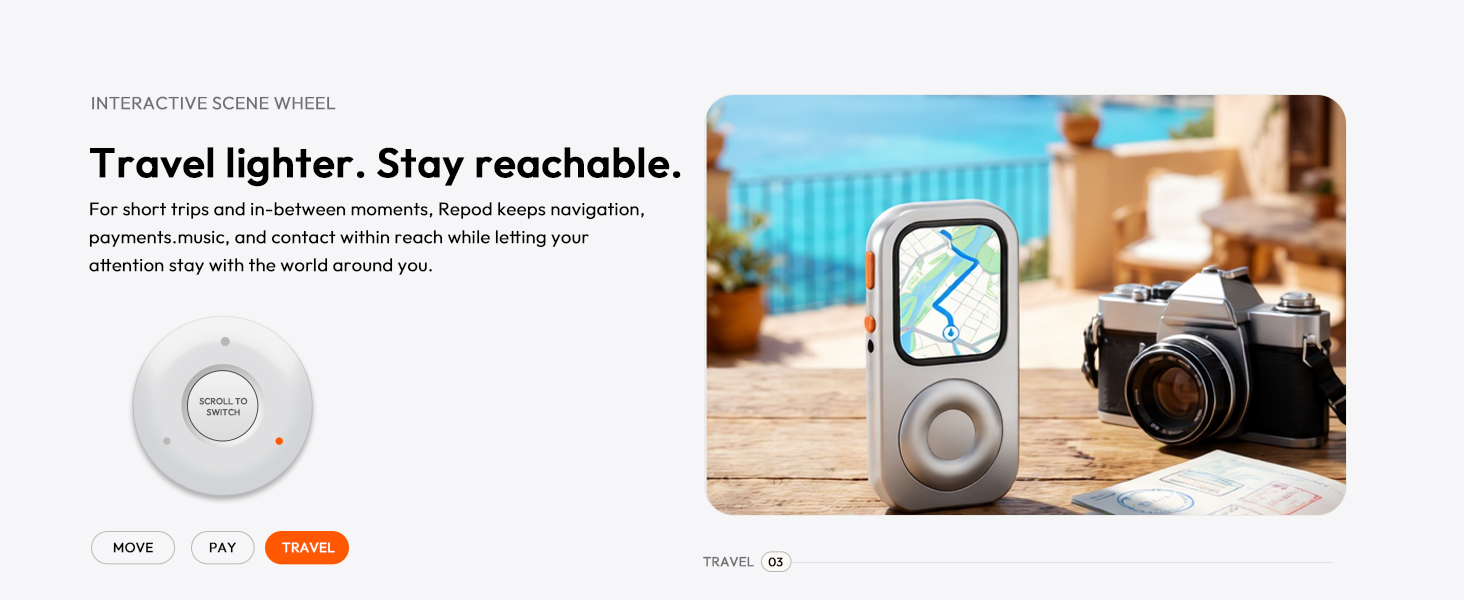
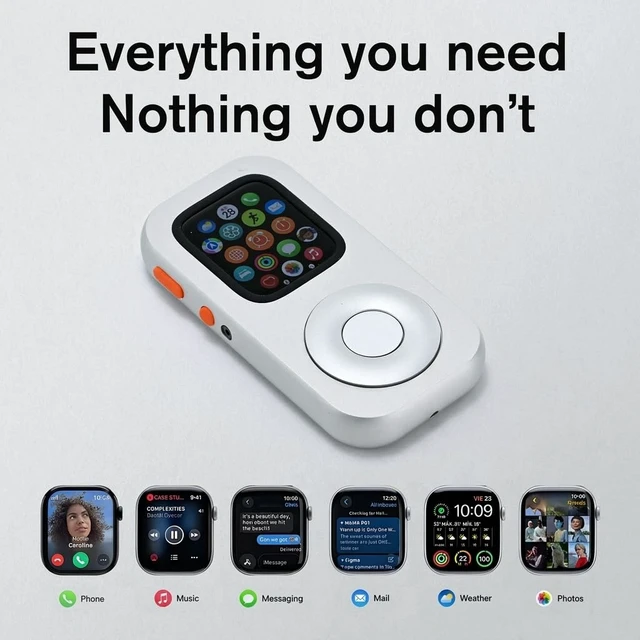
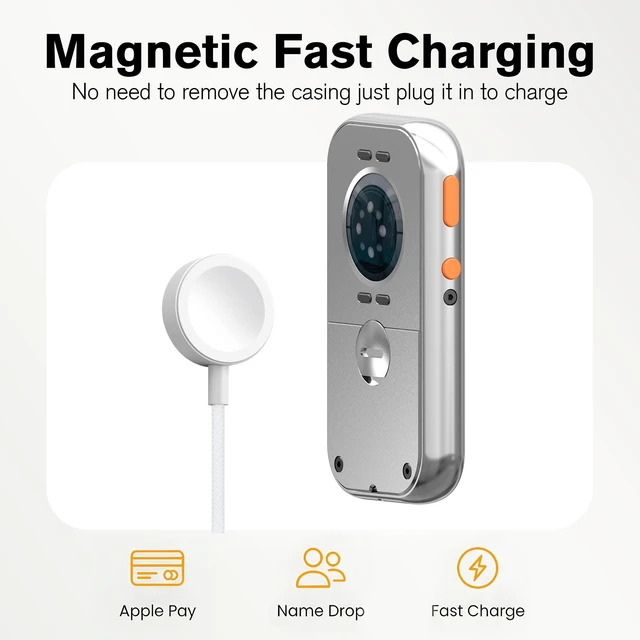
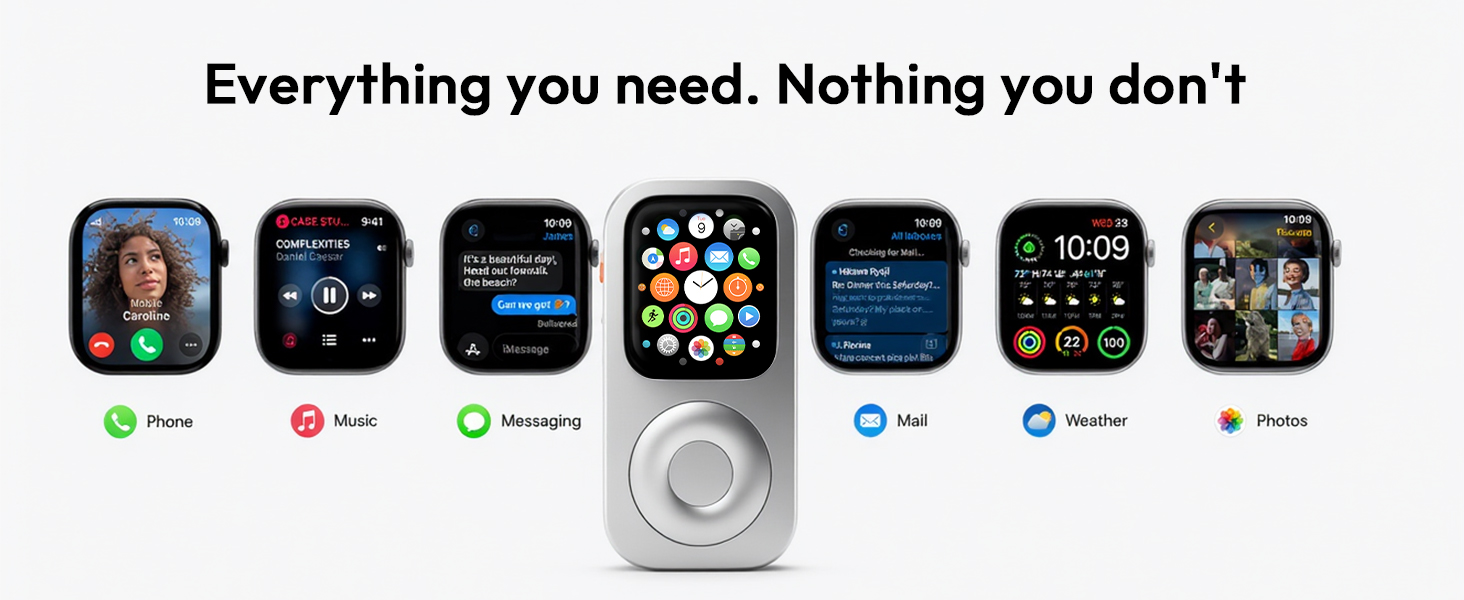
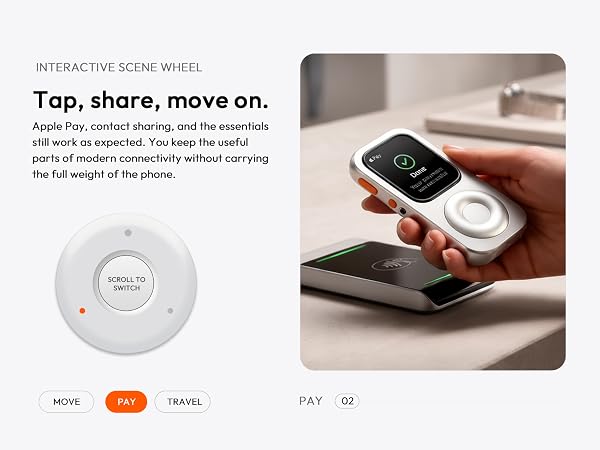
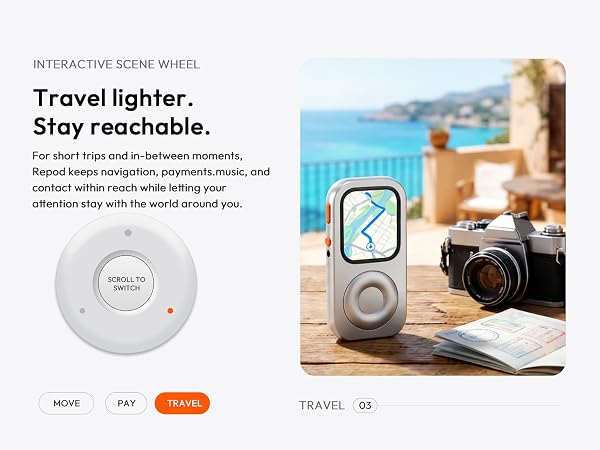
What if you could leave your phone at home and still stay connected? Repod revives your old Watch with music, GPS, payments, and more.
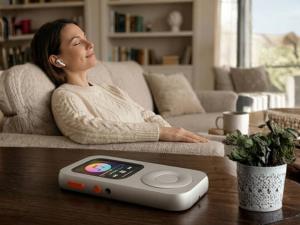
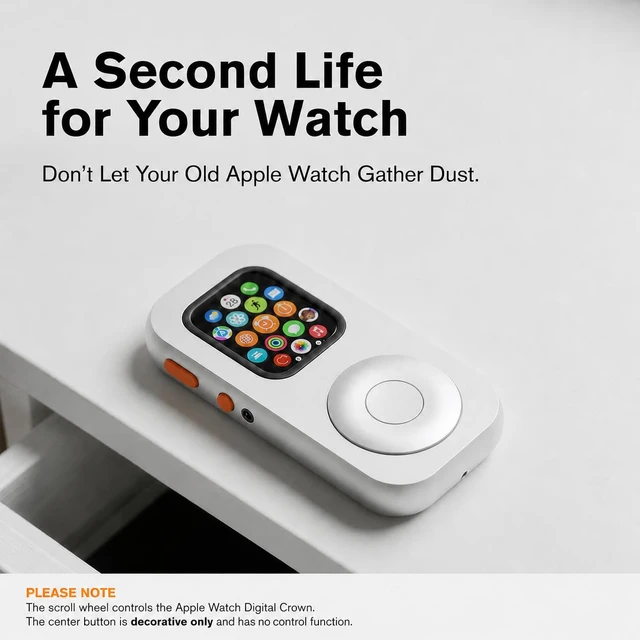
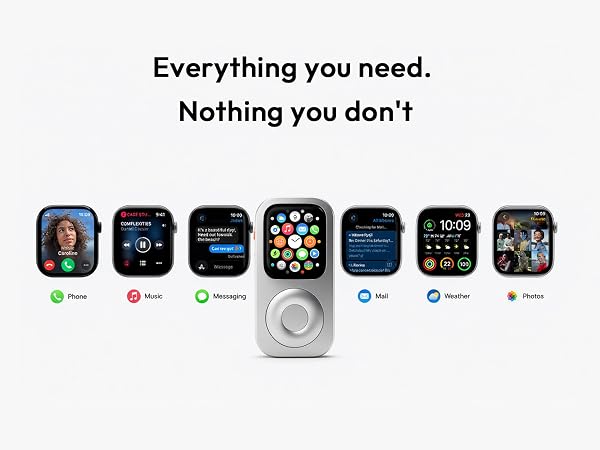
Your old Watch was never meant to be forgotten. Repod transforms it into a standalone companion for music, fitness, payments, and everyday freedom
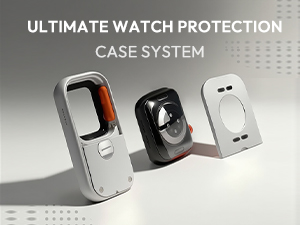
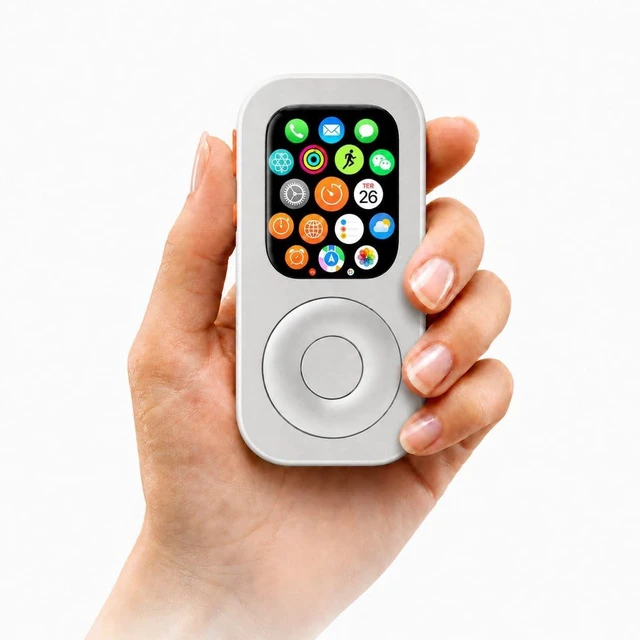
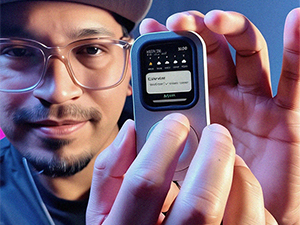
A quick first look at Repod in hand. Snap it on in seconds and turn your Apple Watch into a modern iPod.
Don't Throw Your Apple Watch Away!

In the heart of the digital age, we’ve lost something essential. We live in a world of endless swipes, fractured attention, and the constant hum of notifications. Our technology was supposed to set us free, yet we find ourselves tethered to screens. At Techpod, we believe there is a more intentional way to coexist with our devices.
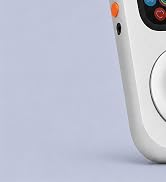
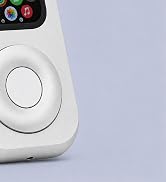
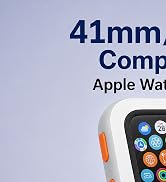
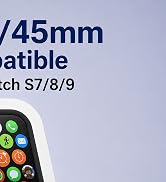
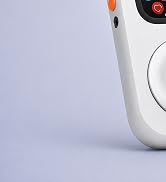
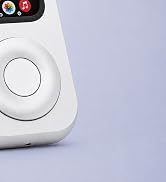
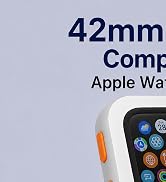
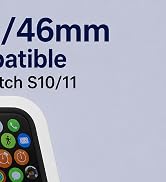
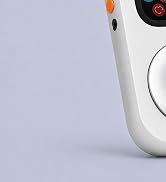
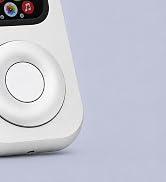
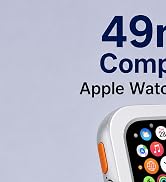
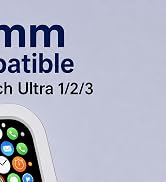
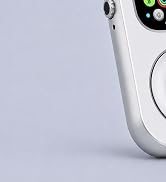
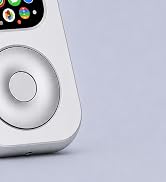
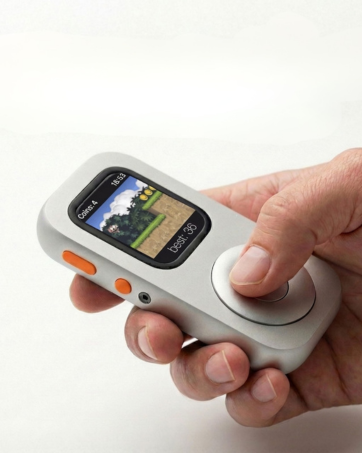
Inspired by the classic iPod feel, the smooth scroll wheel brings a more playful and satisfying way to interact with your Watch
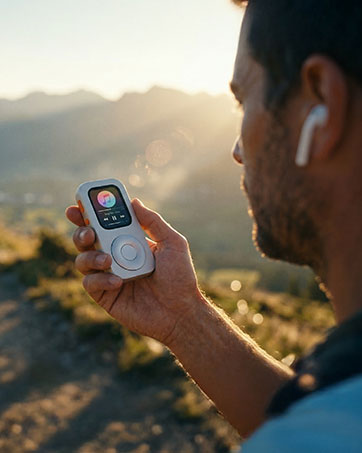
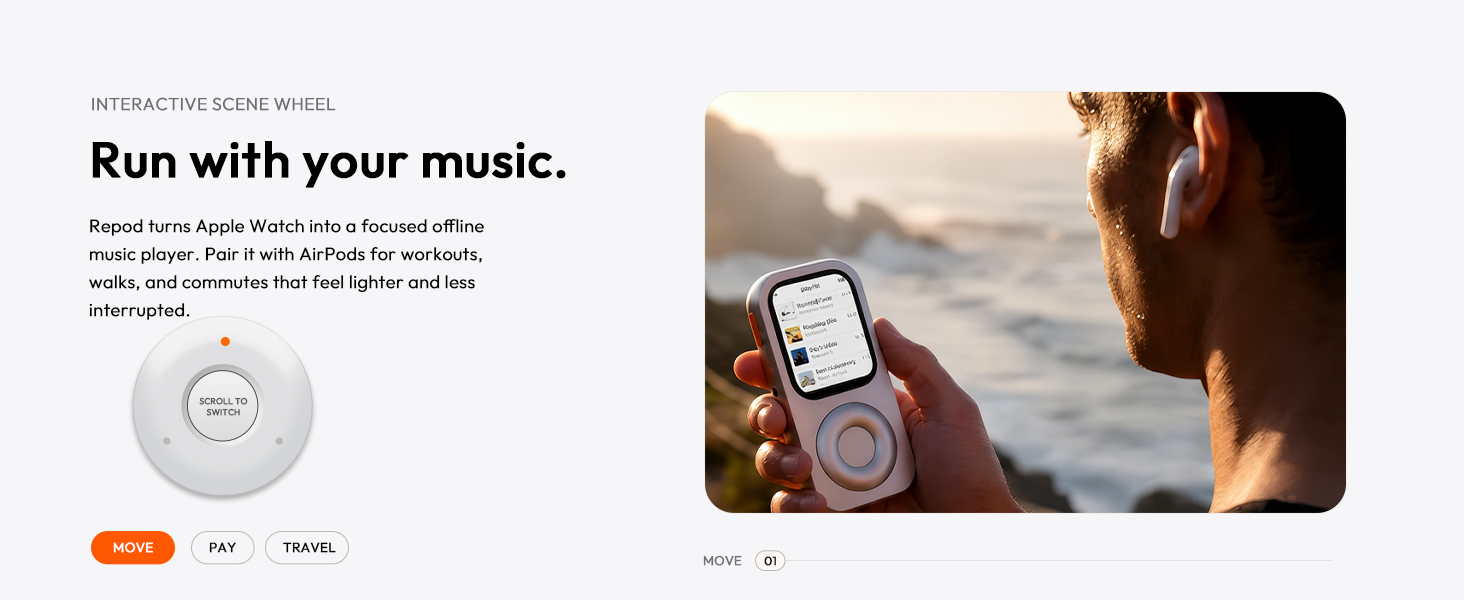
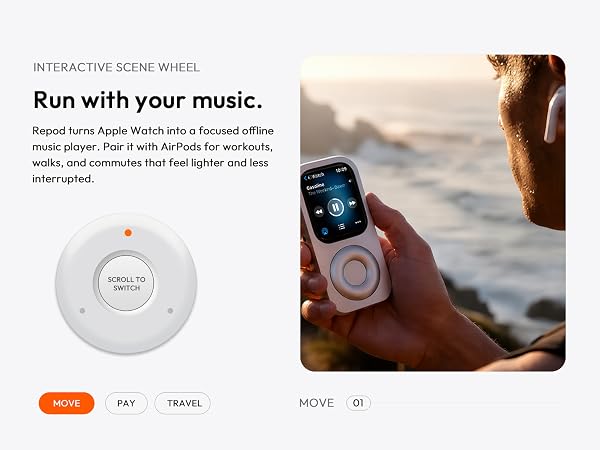
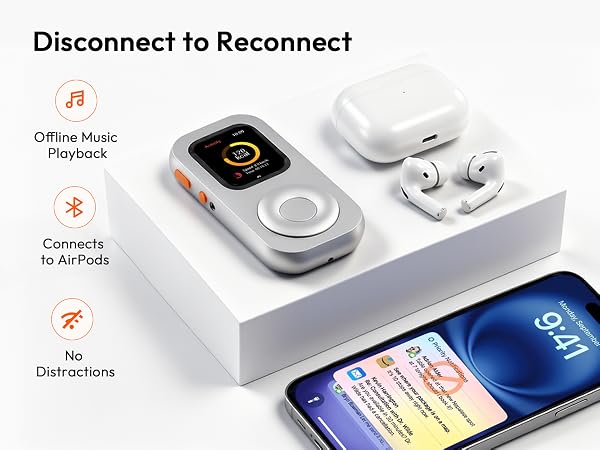
Repod turns your Watch into a focused offline music player. Pair it with Headphone for workouts, walks, and commutes
Ready to use? Follow this 3-step quick setup?
1. Orientation: Go to General > Orientation. Set both Wrist and Digital Crown to Left.
2. Wrist Detection: Go to Passcode and turn Wrist Detection OFF.
3. Display: Go to Display & Brightness. Turn Wake on Wrist Raise OFF (Always On is up to you).
How do I choose the right size for my Apple Watch?
Check your watch series and case size before ordering: select 40mm/44mm for Series 4/5/6/SE, 41mm/45mm for Series 7/8/9. 42mm/46mm for Series 10/11, 49mm for Ultra 1/2/3. For the best fit, match your watch case size exactly.
Does the scroll wheel actually work to control the watch?
Yes! It features a fully functional tactile click wheel that syncs with your watch's Digital Crown. You can physically scroll through playlists, adjust volume, and navigate seamlessly
How can I get the best response from the scroll wheel?
1. Grip Ring: If the silicone grip ring has slipped, reinstall it.
2. First Use: After inserting the watch, rotate the wheel 7–8 clicks.
3. Wheel Fit Pad: For 40/41/44/45mm models only, use the included pad if the wheel feels loose or spins freely.
What is the core lifestyle concept behind TechPod RePod?
TechPod redefines minimalist digital detox lifestyle.
We bring back the classic retro vibe, helping you break phone addiction, escape endless social media scrolling, and return to a pure, focused music life.
Inspired by the classic iPod feel, the smooth scroll wheel brings a more playful and satisfying way to interact with your Apple Watch
What if you could leave your phone at home and still stay connected? Repod revives your old Watch with music, GPS, payments, and more.
Your old Watch was never meant to be forgotten. Repod transforms it into a standalone companion for music, fitness, payments, and everyday freedom
A quick first look at Repod in hand. Snap it on in seconds and turn your Apple Watch into a modern iPod.
Don't Throw Your Apple Watch Away!
In the heart of the digital age, we’ve lost something essential. We live in a world of endless swipes, fractured attention, and the constant hum of notifications. Our technology was supposed to set us free, yet we find ourselves tethered to screens. At Techpod, we believe there is a more intentional way to coexist with our devices.
Inspired by the classic iPod feel, the smooth scroll wheel brings a more playful and satisfying way to interact with your Watch
Repod turns your Watch into a focused offline music player. Pair it with Headphone for workouts, walks, and commutes