Your Browsing History
Meet Your Seller
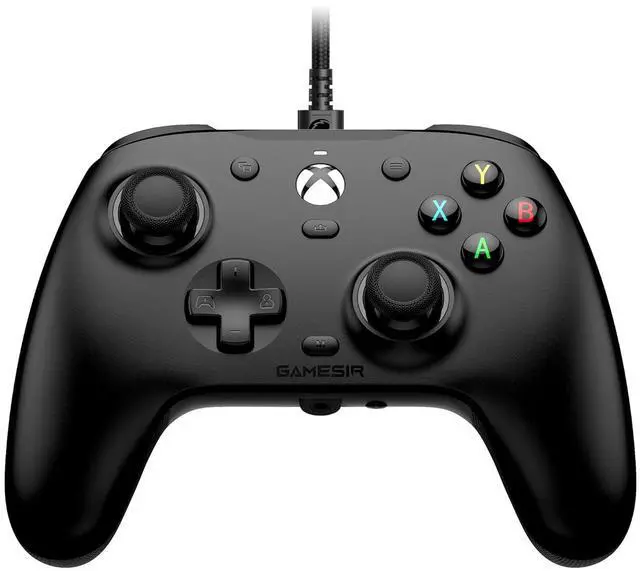
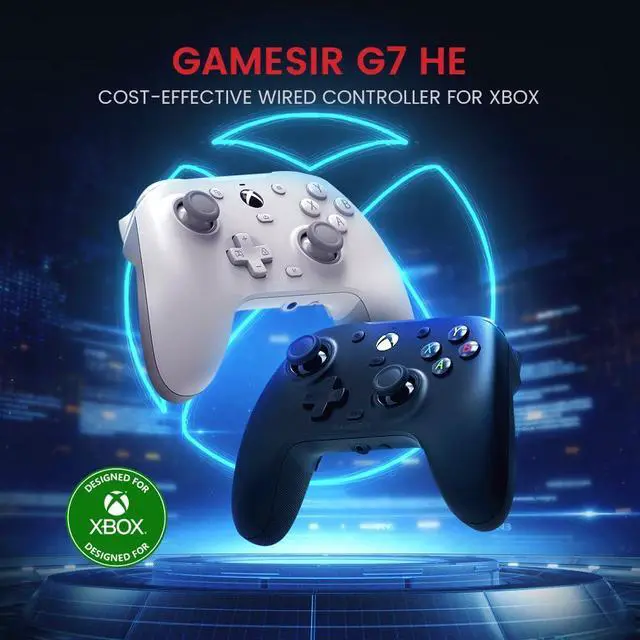
G7 HE Wired XBOX Controller, Officially licensed Controller for XBOX Series X|S, XBOX One, Windows 10|11, PC, Video Game Controller with Hall Effect Sticks (Black)
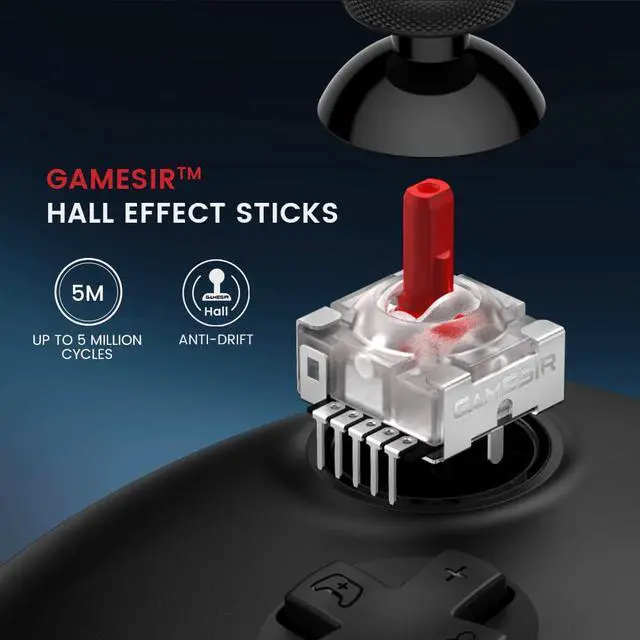
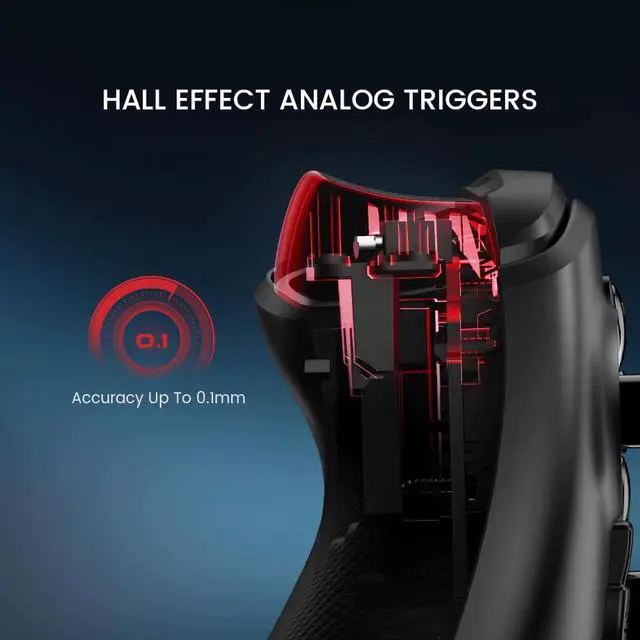
- Officially Licensed - GameSir G7 HE for XBOX Series X|S and works on XBOX ox One, Windows 10/11 and Steam.Press the XBOX button for 3 seconds to power on the controller.Ensure the USB-C cable is fully inserted until it clicks into place.; Microswitch Face Buttons - A new upgrade for GameSir G7 SE. GameSir G7 HE is equipped with face buttons that can withstand up to 3 million clicks. Upgrade your XBOX controller with our high-precision micro switches! Enjoy fast, accurate response and long-lasting durability; Non-Slip Silicone Grip - We've taken our previous GameSir G7 SE to the next level. Elevate your gaming experience with our silicone grip! The soft silicone material makes long gaming sessions more comfortable, while the textured surface improves your grip and control; Hall Effect Stick - The GameSir Hall Effect sensing stick delivers a durable lifespan of up to 5 million cycles, precise and responsive feedback, plus the wear-resistant rings, ensuring anti-drift performance. k, gamers can also toggle the trigger mode to hair trigger by holding the M + LT/RT buttons for 2 seconds; Hall Effect Magnetic Trigger - Whether accelerating or braking in racing games, these triggers provide reliable, smooth, and precise control. For FPS and action games requiring responsive feedback, gamers can also toggle the trigger mode to hair trigger by holding the M + LT/RT buttons for 2 seconds
+
+
Overview
Specs
Reviews
Any questions? Our AI beta will help you find out quickly.
Try me now
Product description If you encounter a controller that does not turn on, check
it as follows: 1. Due to the deeper Type-C port of the controller, the cable may not be fully inserted, please check if it is fully inserted; 2. Xbox host may have a bug, connecting to the device can not be recognized, you need to re-cold start the host, can be restored; 3. It is possible that the input mode has been changed to unauthorized Xinput or Dinput because of mistakenly touching the key combination, resulting in unrecognized, please check whether the input mode is correct; 4. Please try to use a different USB cable to connect.
Warranty & Returns
Warranty, Returns, And Additional Information
Warranty
- Please contact the Seller directly for warranty information. Warranty information may also be found on the Manufacturer's website.
- CONTACT
Return Policies
- Return for refund within: 30 days
- Return for replacement within: non-replaceable
- This item is covered by Glovibe Tech Return Policy
Manufacturer Contact Info
- For a directory of all our manufacturers, please click below.
- Manufacturers Directory
LOADING...