

Your Browsing History



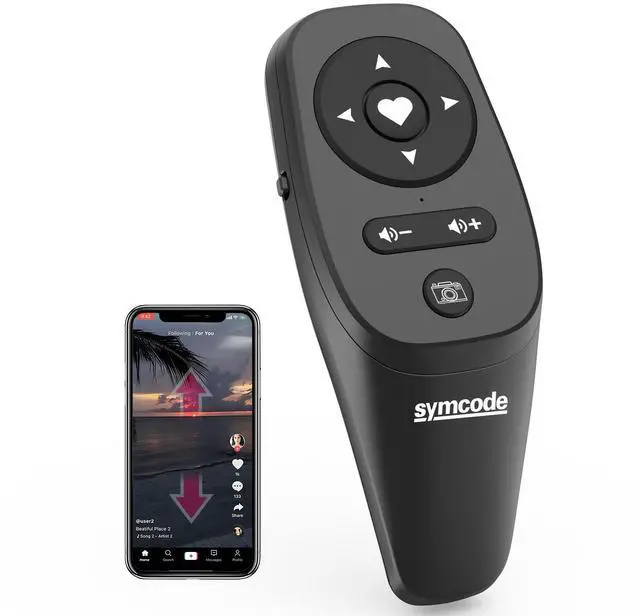


Smartphone Remote Control Kindle App Page Turner TikTok Remote Control Cell Phone Camera Remote Shutter TIKTok Page Turner Play/Pause Send Like Volume Control Black
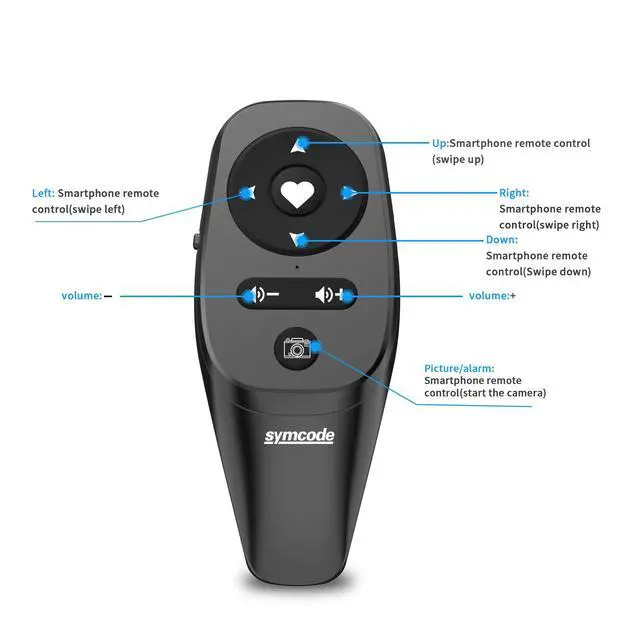
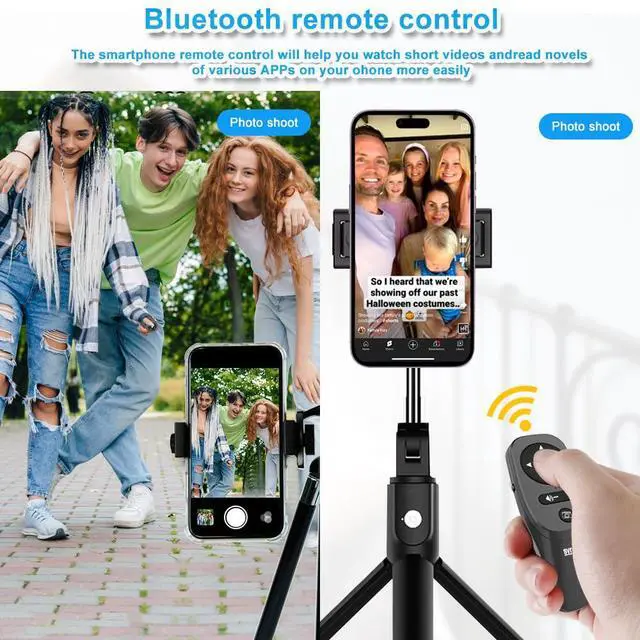
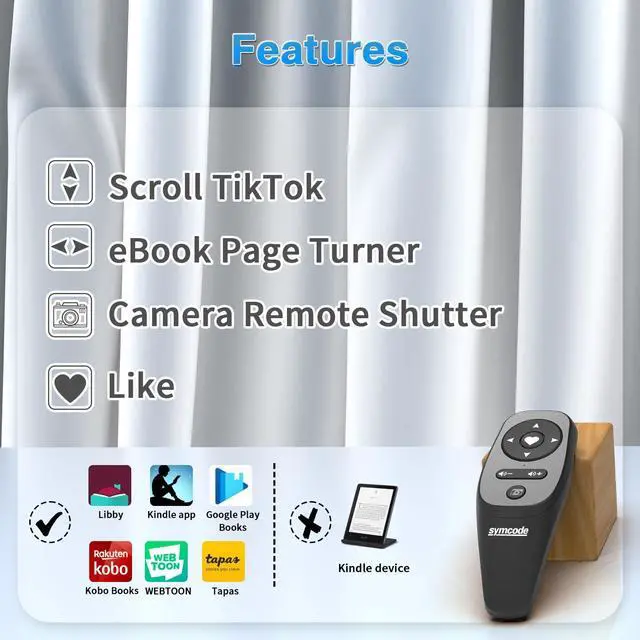
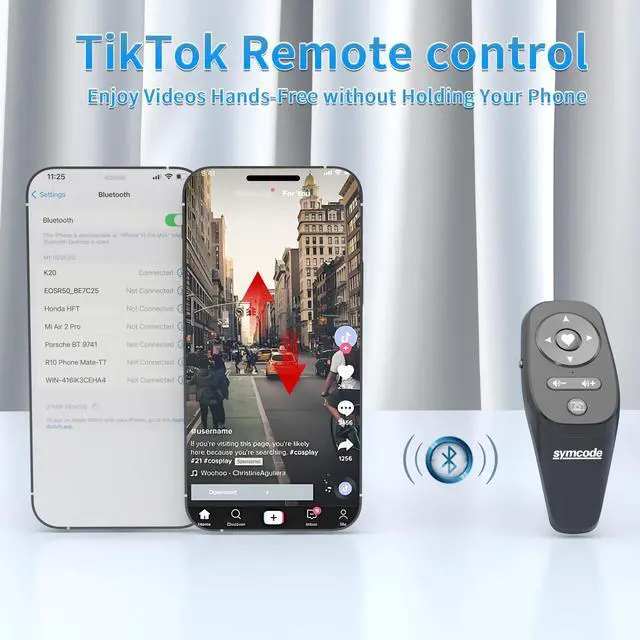
- Wireless Remote Control for short videoyou can use the Bluetooth Scrolling Remote Control to Swipe the next/previous video, give a like, Volume +/-, left and right Swipe.Taking TikTok videos will be easier, use with a mobile phone holder or just fix your phone where you want, No need to ever to touch your phone again, free your hands!
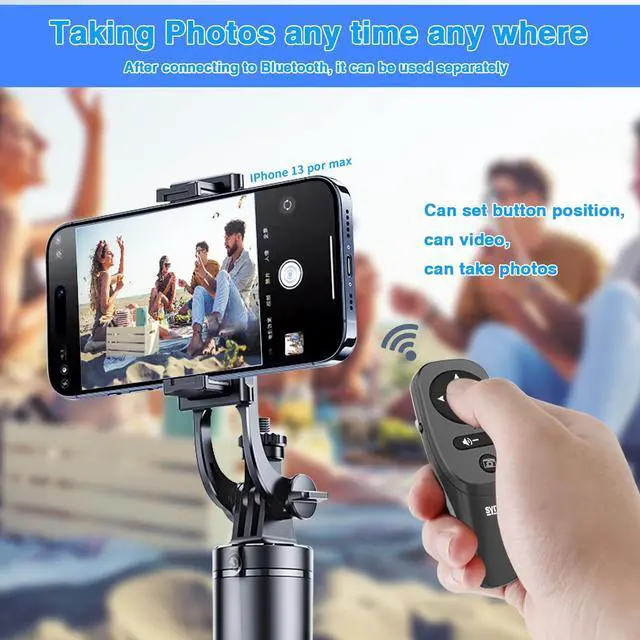
- Camera and Video Recording RemoteThis camera remote controller lets you trigger image or video recording within 33 feet, which enable you to take family photos, selfie or video by yourself no matter where you are.Touch point setting: Press and hold the camera button adjust the up, down, left, and right direction keys adjust the position of the touch point, which can be used for taking pictures, photography, Media Play/Pause.
- E-Book App Page TurnerThis wireless remote can help you control the page-turning of the E-book APP, and enjoy a comfortable reading experience. Note: ONLY available for e-book APP on Smartphone, not work for Kindle devices or any E-reader device.
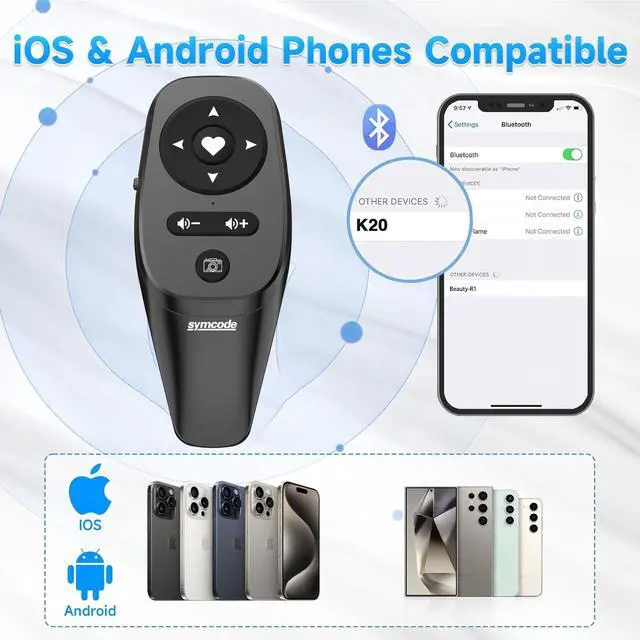
- Bluetooth Connection,compatible with iPhone/iPad/Android smartphones and tablets. Record wonderful moments with this handy little gadget. {SMALL TIPS: iOS System needs to open Settings>Accessibility>touch>turn on Assistive touch before it can be used normally.}.
+
+
Overview
Specs
Reviews

Any questions? Our AI mode will help you find out quickly.
Try me now
Specification:
1. Package Include: 1pack
2. Bluetooth Wirless Distance: 30ft
3. Compatible Cellphone System: Andriod 8.0+ and iOS 6.0+
Bluetooth Pairing:
1. Turn on this Bluetooth Remote,Press the right switch to the up or down position.
2. Turn on Bluetooth on your cellphone, Scan to find "R10 Phone Mate-FM",then pairing with it.
Page Turner for eBook:
1. Open an eBook on cellphone.
2. Press "Left"/"Right" button on this Bluetooth Remote to slide/turn page.
NOTE: For some eBook Reader apps, you need to press "Up"/"Down" button to turn page.
Camera Remote:
1. Open "Camera" on cellphone.
2. Hold on "Down" or "Left" Button for 3 seconds to ake photos/take videos.
Bluetooth Remote to TikTok app:
1. Open "TikTok" on cellphone.
2. Press "Up"/"Down" button on this Bluetooth Remote to scroll up/ down videos.
3. Press "Function Button" to Play/Pause videos. Double-Click this button can save a video to Favorite.
Note:
for Iphone or Ipad, please turn On the AssistiveTouch--IMPORTANT!!
Please turn on the AissistiveTouch on Iphone/Ipad. It is very important to take this step.
Settings & ;Accessibility & ;Touch & ;AssistiveTouch & ;TRACKING SENSITIVITY Ajust the TRACKING SENSITIVITY to 35%~50%.
Warranty & Returns
Warranty, Returns, And Additional Information
Warranty
- Please contact the Seller directly for warranty information. Warranty information may also be found on the Manufacturer's website.
- CONTACT
Return Policies
- Return for refund within: 30 days
- Return for replacement within: 30 days
- This item is covered by YiManYunDongZhuangBeiSHOP Return Policy
Manufacturer Contact Info
- For a directory of all our manufacturers, please click below.
- Manufacturers Directory
LOADING...