

Your Browsing History
- Free 30-day Returns
$38.99
Ships from China.

Meet Your Seller

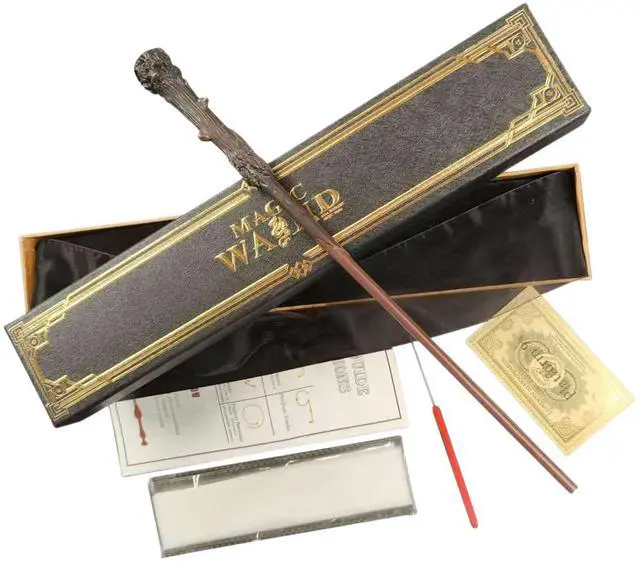

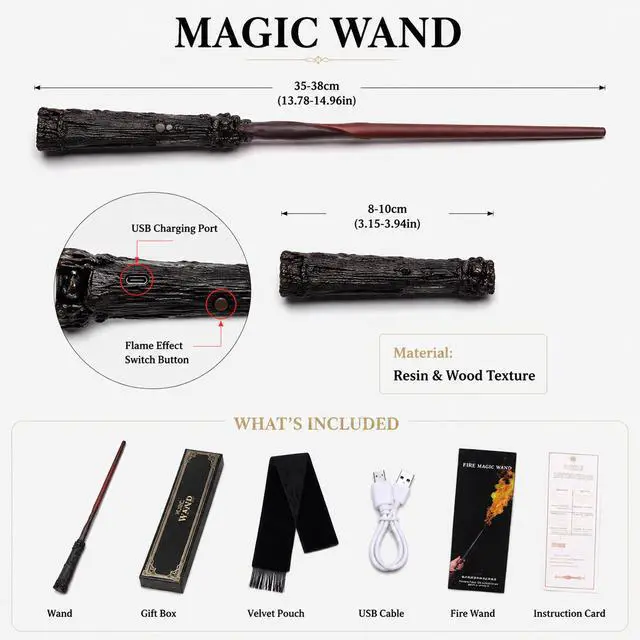

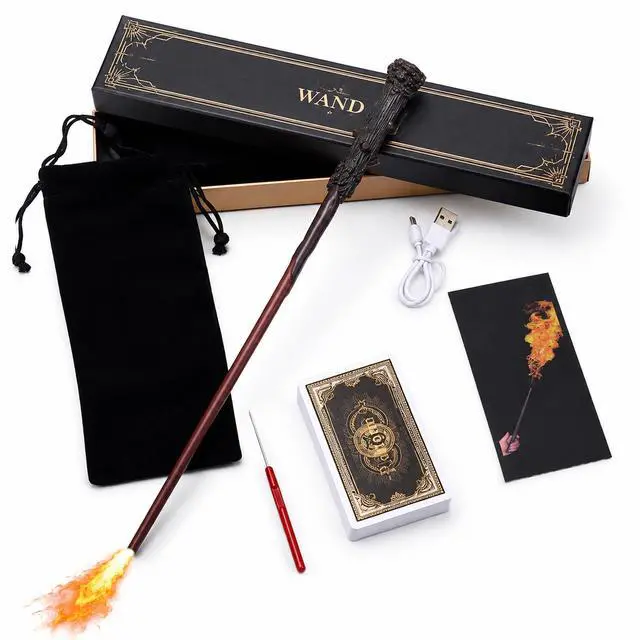

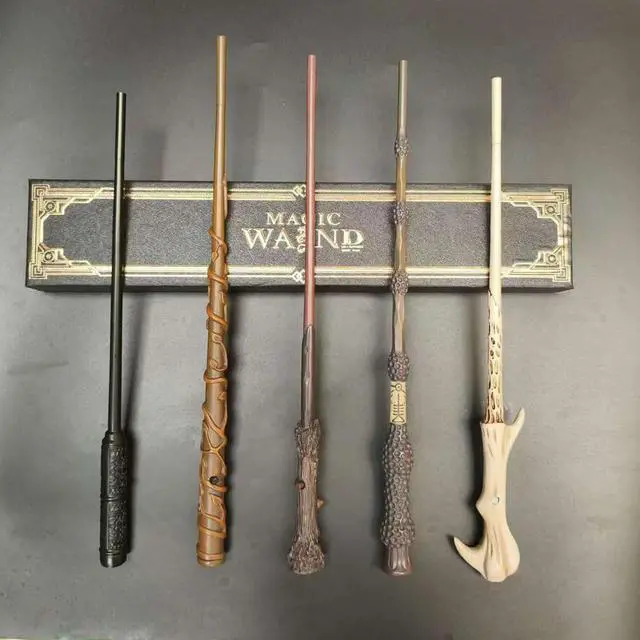


The Noble Collection Harry Potter Illuminating Wand
Limited time offer, ends 09/19 By Dazan Technology
- Officially authorized by Warner Brothers. Wand measures 14 inches in length.
- Wave the wand and the light goes on - Wave it again, and it turns off!
- Using the key that was included in the wand tray, insert key into the bottom of the wand and rotate counter-clockwise to remove battery cap
- Insert 2 AAA batteries (not included) with the '+' sides facing into the wand and the '+' sides facing the battery cap for both batteries. Both batteries are facing the same direction.
- Once the batteries are properly installed, replace the battery cap by rotating the cap in a clockwise direction by hand. You will need to use the key to tighten the cap until snug. Be careful not to overtighten or strip the key slot
- Light on Wand is activated and deactivated with a quick flick of the wrist or a tap on a surface
- Once the light is on, press and hold down the button to increase or decrease light intensity. If the light does not dim or illuminate when pressing the button, release and try again. Be sure to hold the button down. Once you reach the desired setting, release the button. The wand will remember the setting you leave it at whenever you turn it off and back on again. This can be adjusted at any time by repeating the process
+
+
Overview
Specs
Reviews

Any questions? Our AI mode will help you find out quickly.
Try me now
- Officially authorized by Warner Brothers. Wand measures 14 inches in length.
- Wave the wand and the light goes on - Wave it again, and it turns off!
- Using the key that was included in the wand tray, insert key into the bottom of the wand and rotate counter-clockwise to remove battery cap
- Insert 2 AAA batteries (not included) with the '+' sides facing into the wand and the '+' sides facing the battery cap for both batteries. Both batteries are facing the same direction.
- Once the batteries are properly installed, replace the battery cap by rotating the cap in a clockwise direction by hand. You will need to use the key to tighten the cap until snug. Be careful not to overtighten or strip the key slot
- Light on Wand is activated and deactivated with a quick flick of the wrist or a tap on a surface
- Once the light is on, press and hold down the button to increase or decrease light intensity. If the light does not dim or illuminate when pressing the button, release and try again. Be sure to hold the button down. Once you reach the desired setting, release the button. The wand will remember the setting you leave it at whenever you turn it off and back on again. This can be adjusted at any time by repeating the process
Warranty & Returns
Warranty, Returns, And Additional Information
Warranty
- Please contact the Seller directly for warranty information. Warranty information may also be found on the Manufacturer's website.
- CONTACT
Return Policies
- Return for refund within: 30 days
- Return for replacement within: 30 days
- This item is covered by Dazan Technology Return Policy
Manufacturer Contact Info
- For a directory of all our manufacturers, please click below.
- Manufacturers Directory
LOADING...