





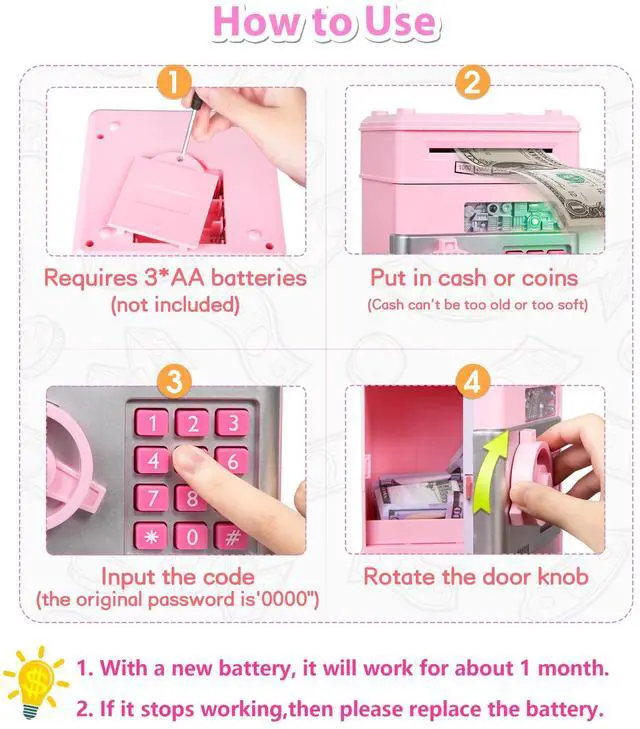



How to use?
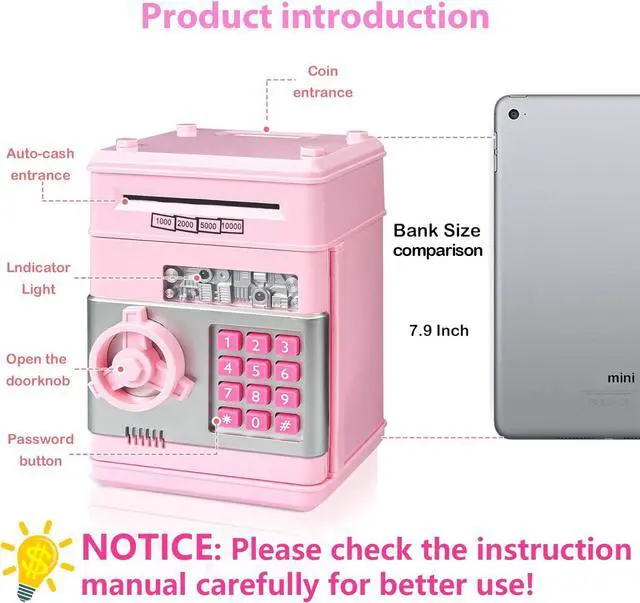
1. Enter the 4-digit password (default is 0000), after done, a green light turns out. If you enter the wrong password, the red light will be illuminated. The Money Bank will remind you "Please try again".
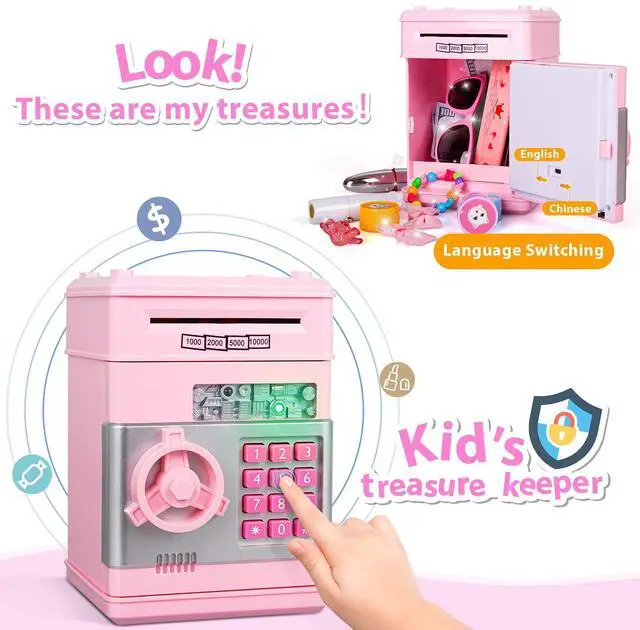
2. Rotate the knob clockwise to open the door. Green light shines for about 10 seconds, and you will hear a squeaking sound. If the door is open for more than 10 seconds, the green light stops flashing and keeps a beeping sound every 20 seconds. Close the door to stop the beeping sound.
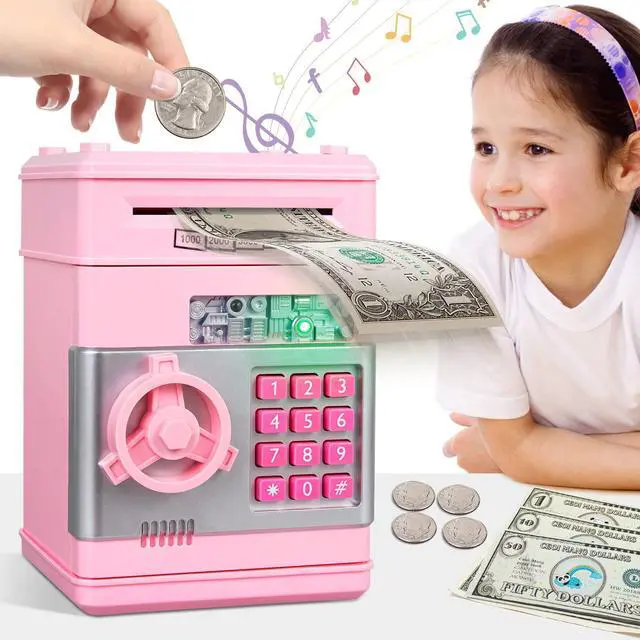
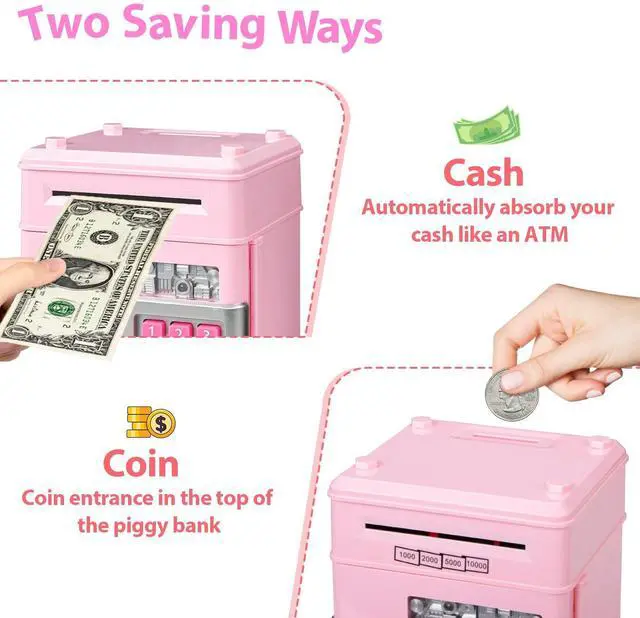
3. Insert the coins from the coin slot on top of the bank and when you deposit banknotes, it will suck the money instead of sliding it in. Then press the password to withdraw money.
Tips:
1. When the piggy bank is in "voice mode", when you enter a number, please wait for the voice to end before entering the next number, otherwise the machine cannot recognize the password and the door cannot be opened.
2. Please replace batteries regularly. The piggy bank usually works for about 1 month when new batteries are installed.

Mode Switching

Automatic Banknote Reel

Large Capacity Piggy Bank

How to change password?

Step 1:
Enter the four-digit password (default 0000), and the green light will turn on. Turn the knob clockwise to open the door.

Step 2:
Press and hold the * button while keeping the door open, the indicator light will flash.

Step 3:
Enter the new 4-digit password within 15 seconds, then press the # button. The indicator light will stop flashing.

Step 4:
Release the "*" button and the password is changed successfully. The new password can be used after closing the door.

How to use?
1. Enter the 4-digit password (default is 0000), after done, a green light turns out. If you enter the wrong password, the red light will be illuminated. The Money Bank will remind you "Please try again".
2. Rotate the knob clockwise to open the door. Green light shines for about 10 seconds, and you will hear a squeaking sound. If the door is open for more than 10 seconds, the green light stops flashing and keeps a beeping sound every 20 seconds. Close the door to stop the beeping sound.
3. Insert the coins from the coin slot on top of the bank and when you deposit banknotes, it will suck the money instead of sliding it in. Then press the password to withdraw money.
Tips:
1. When the piggy bank is in "voice mode", when you enter a number, please wait for the voice to end before entering the next number, otherwise the machine cannot recognize the password and the door cannot be opened.
2. Please replace batteries regularly. The piggy bank usually works for about 1 month when new batteries are installed.
Mode Switching
Automatic Banknote Reel
Large Capacity Piggy Bank
How to change password?
Step 1:
Enter the four-digit password (default 0000), and the green light will turn on. Turn the knob clockwise to open the door.
Step 2:
Press and hold the * button while keeping the door open, the indicator light will flash.
Step 3:
Enter the new 4-digit password within 15 seconds, then press the # button. The indicator light will stop flashing.
Step 4:
Release the "*" button and the password is changed successfully. The new password can be used after closing the door.