


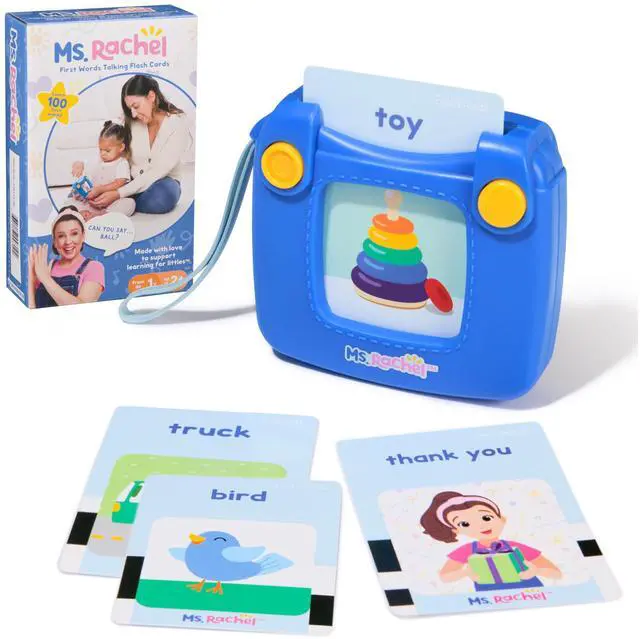
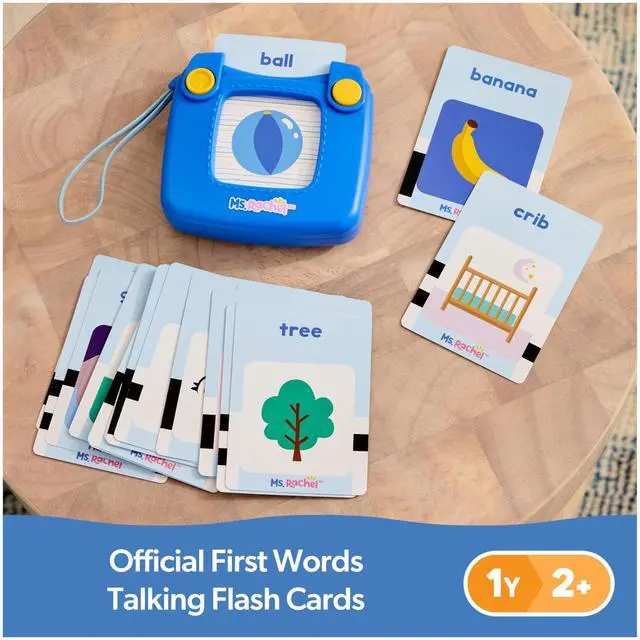
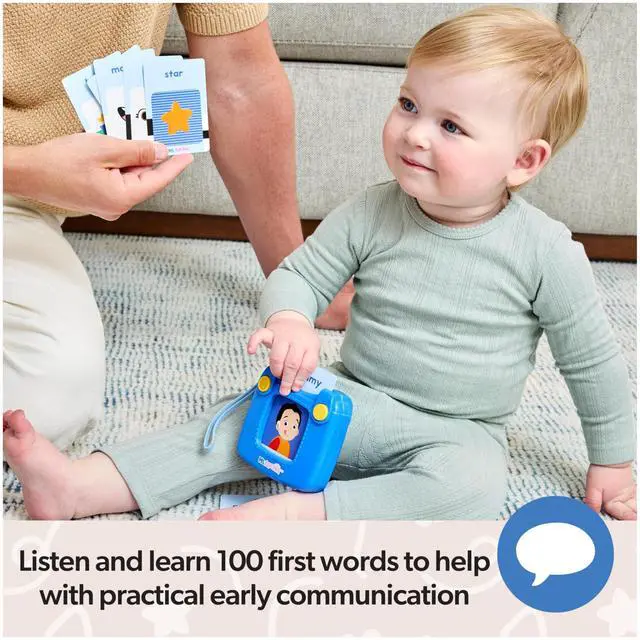
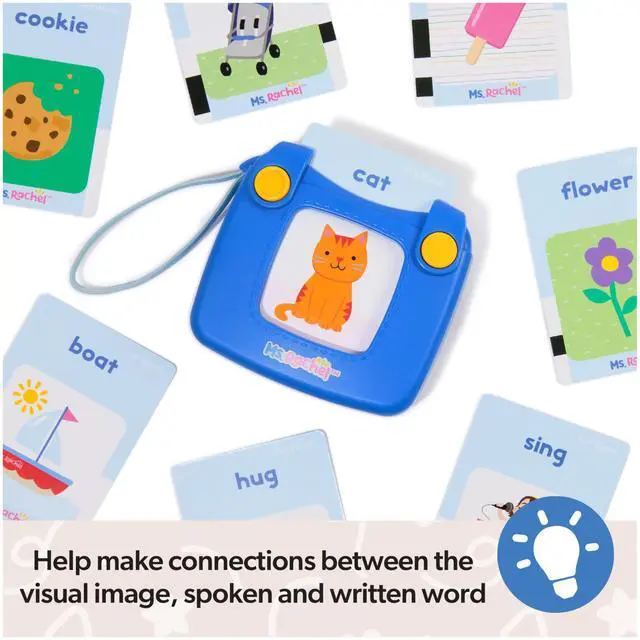
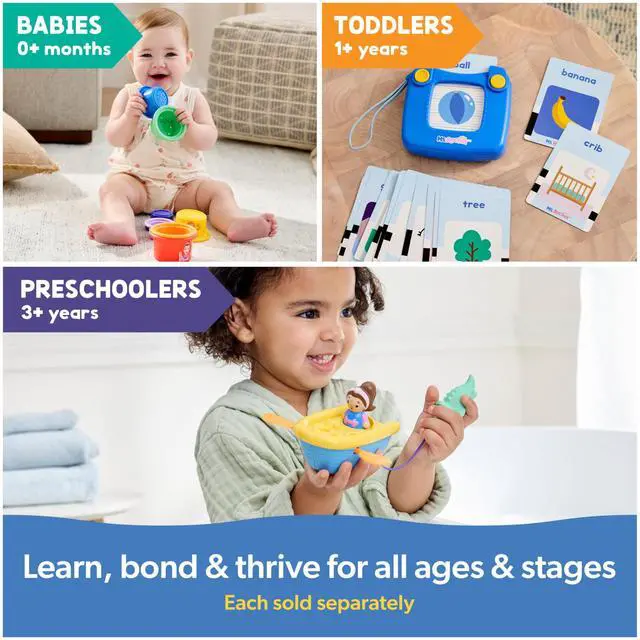
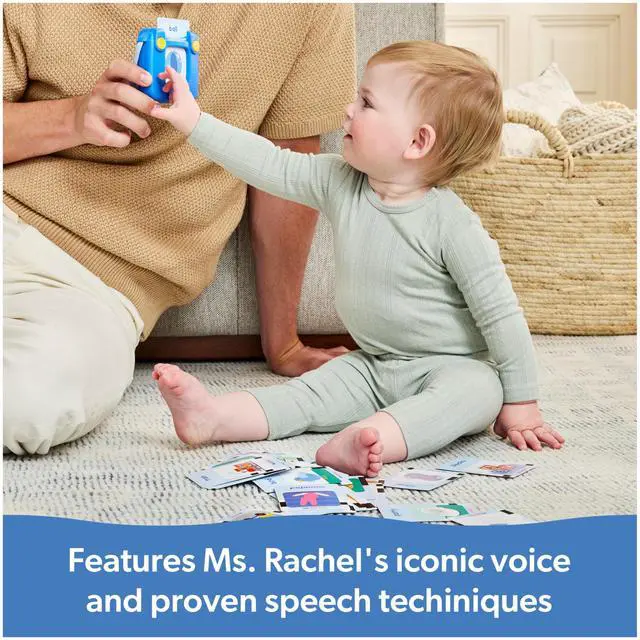


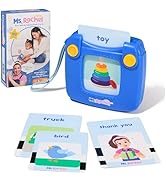




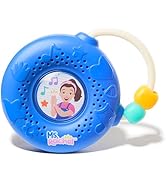
Ms Rachel First Words Talking Flashcards
Merchant Video


FAQ/Troubleshooting
How do I exit out of Try Me mode on my Ms Rachel First Words Talking Flash Cards?
- Upon opening the Ms Rachel First Words Talking Flash Cards, turn the power switch to the OFF position and then either to quiet mode or loud mode.
How do I play with my Ms Rachel First Words Talking Flashcards?
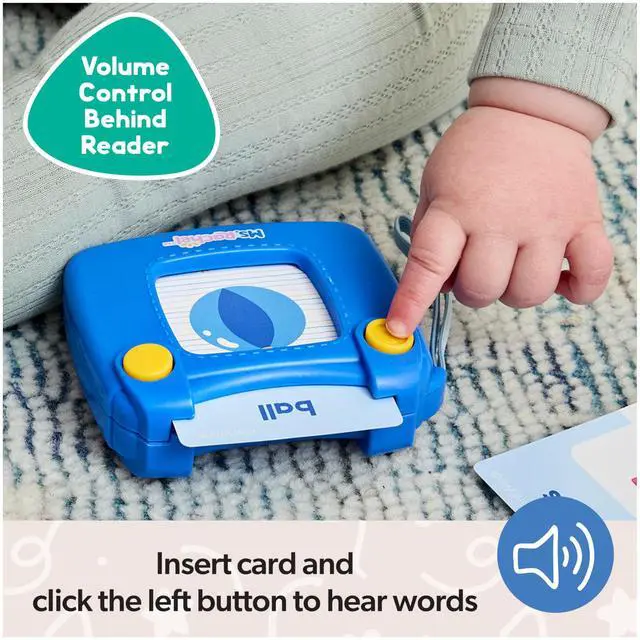
- To play with your Ms Rachel First Words Talking Flash Cards, first turn on the card reader by using the power switch on the back to quiet mode or loud mode. Insert a card into card reader to activate pronunciation. Press the top left yellow button to repeat the word.
What do I do if there are no sounds playing on my Ms Rachel First Words Talking Flash Cards?
- Ensure that the power switch is turned to quiet mode or loud mode or try changing the batteries. Insert a card into the card reader and press the top left yellow button.
What do I do if my Ms Rachel First Words Talking Flash Cards does not recognize the card I inserted?
- Try removing the card and sliding the card back into the card reader. Ensure that the power switch is turned to quiet mode or loud mode or try changing the batteries. Insert a card into the card reader and press the top left yellow button.
What do I do if my Ms Rachel First Words Talking Flash Cards keeps saying “put it in”?
- The Ms Rachel First Words Talking Flash Cards plays this song if the top left yellow button is pressed with no card inserted. If this plays while a card is inserted, remove the card and slide it back in, ensuring that the card is slid all the way into the bottom of the card reader.

 First Words Talking Flash Cards with Electronic Reader |  Spin Along Learning Wheel with 3 Learning Play Modes |  My First Learning Electronic School Bus with 2 Figures |  Electronic Rainbow Color Sorter with Lights, Music & Sounds |  Farm Friends Baby Registry Gift Set |  Electronic Talk with Me Learning Phone | |
|---|---|---|---|---|---|---|
| Customer Reviews | — | — | — | — | — | — |
| Price | — | — | — | — | — | — |
| Age Range | 1-2+ Years | 1-3+ Years | 1-3+ Years | 3 Months - 2+ Years | 0-1+ Years | 1-3+ Years |
| GUND Baby | - no data | - no data | - no data | - no data | ? | - no data |
| Developmental Skills | Cognitive & Commuinication | Communication, Cognitive, Motor | Communication, Cognitive, Motor | Communication, Cognitive, Motor | Sensory, Communication | Communication, Life Skills |
Ms Rachel First Words Talking Flashcards
Merchant VideoFAQ/Troubleshooting
How do I exit out of Try Me mode on my Ms Rachel First Words Talking Flash Cards?
- Upon opening the Ms Rachel First Words Talking Flash Cards, turn the power switch to the OFF position and then either to quiet mode or loud mode.
How do I play with my Ms Rachel First Words Talking Flashcards?
- To play with your Ms Rachel First Words Talking Flash Cards, first turn on the card reader by using the power switch on the back to quiet mode or loud mode. Insert a card into card reader to activate pronunciation. Press the top left yellow button to repeat the word.
What do I do if there are no sounds playing on my Ms Rachel First Words Talking Flash Cards?
- Ensure that the power switch is turned to quiet mode or loud mode or try changing the batteries. Insert a card into the card reader and press the top left yellow button.
What do I do if my Ms Rachel First Words Talking Flash Cards does not recognize the card I inserted?
- Try removing the card and sliding the card back into the card reader. Ensure that the power switch is turned to quiet mode or loud mode or try changing the batteries. Insert a card into the card reader and press the top left yellow button.
What do I do if my Ms Rachel First Words Talking Flash Cards keeps saying “put it in”?
- The Ms Rachel First Words Talking Flash Cards plays this song if the top left yellow button is pressed with no card inserted. If this plays while a card is inserted, remove the card and slide it back in, ensuring that the card is slid all the way into the bottom of the card reader.
First Words Talking Flash Cards with Electronic Reader | Spin Along Learning Wheel with 3 Learning Play Modes | My First Learning Electronic School Bus with 2 Figures | Electronic Rainbow Color Sorter with Lights, Music & Sounds | Farm Friends Baby Registry Gift Set | Electronic Talk with Me Learning Phone | |
|---|---|---|---|---|---|---|
| Customer Reviews | — | — | — | — | — | — |
| Price | — | — | — | — | — | — |
| Age Range | 1-2+ Years | 1-3+ Years | 1-3+ Years | 3 Months - 2+ Years | 0-1+ Years | 1-3+ Years |
| GUND Baby | - no data | - no data | - no data | - no data | ? | - no data |
| Developmental Skills | Cognitive & Commuinication | Communication, Cognitive, Motor | Communication, Cognitive, Motor | Communication, Cognitive, Motor | Sensory, Communication | Communication, Life Skills |
Most Loved
Shop By Age
Shop By Activity
Shop By Skill
