here!
here!
I’m your shopping assistant for PC builds, upgrades, and everything tech.
Got questions? Ask away!
Start a conversation
here!
I’m your shopping assistant for PC builds, upgrades, and everything tech.
Got questions? Ask away!
Start a conversation
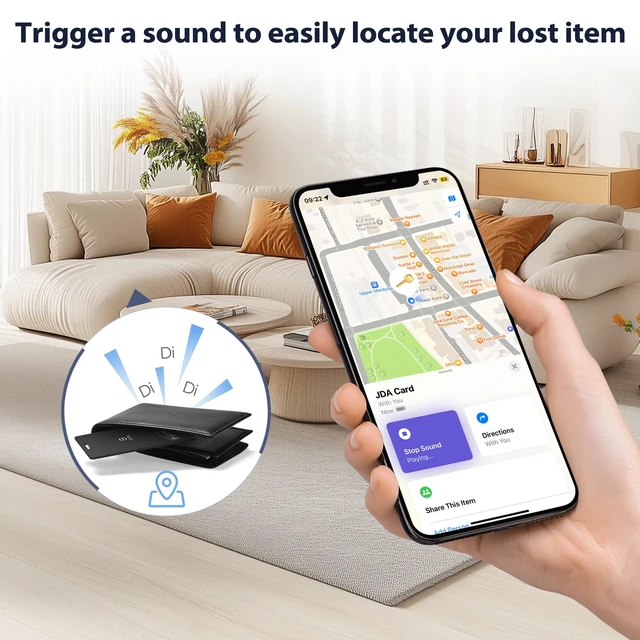
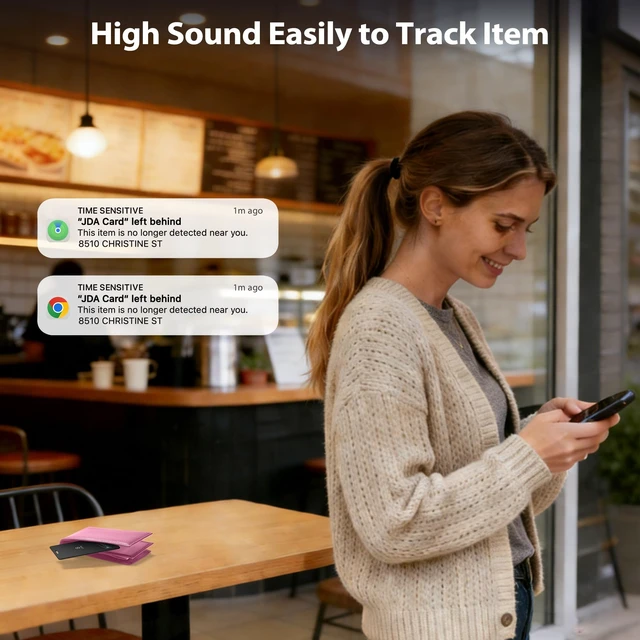
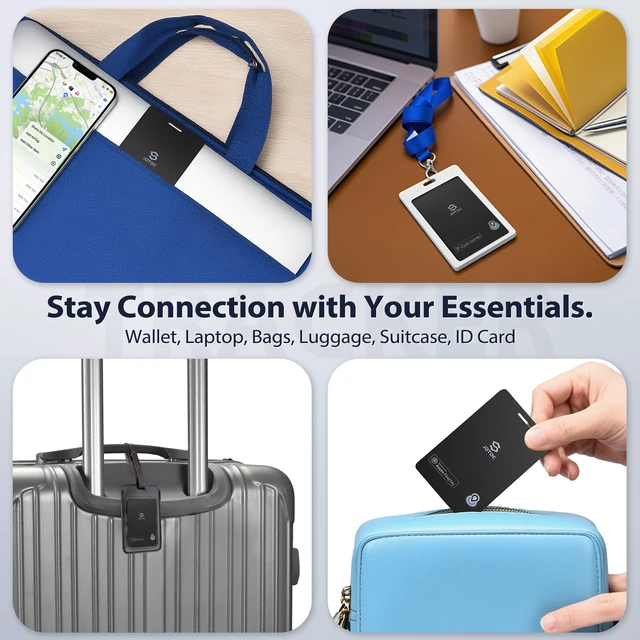
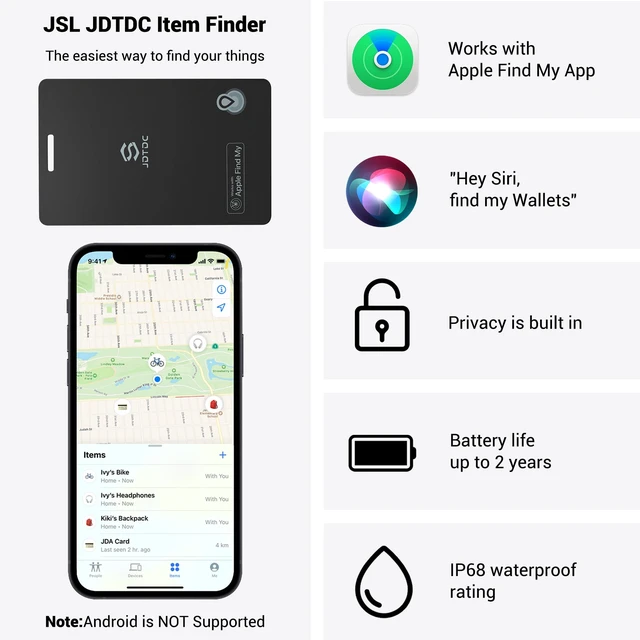



Any questions? Ask CelesteSM will help you find out quickly.
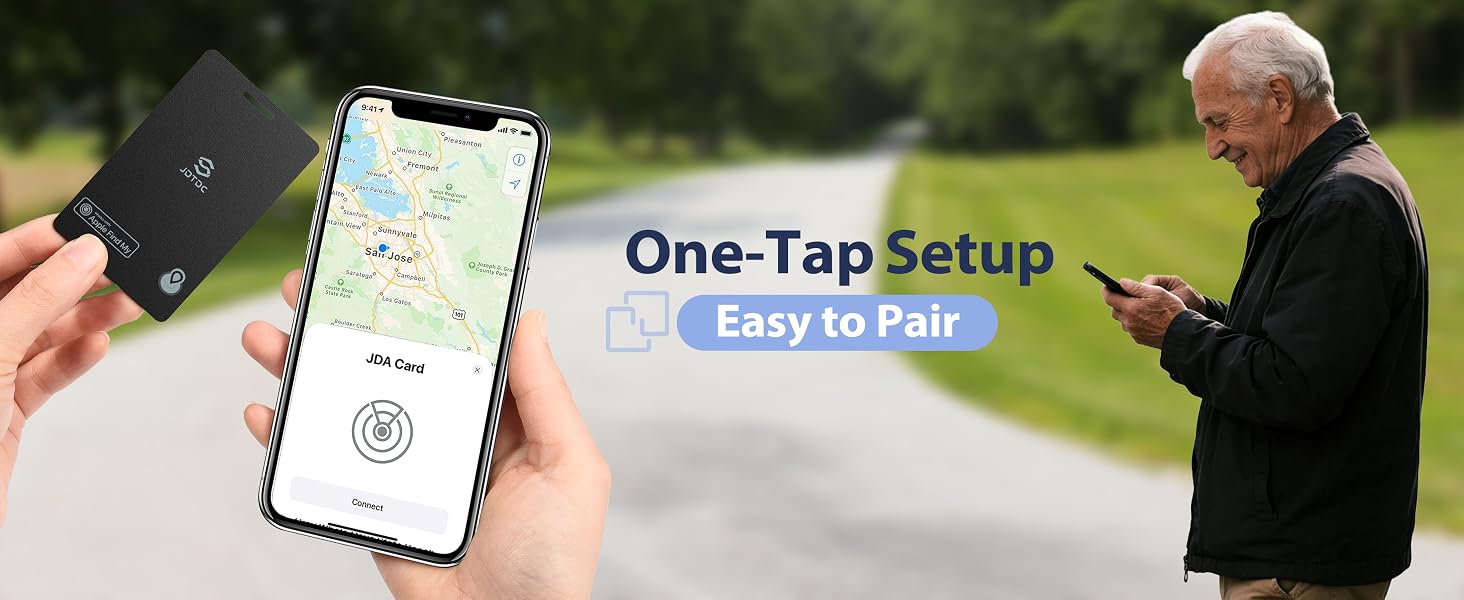
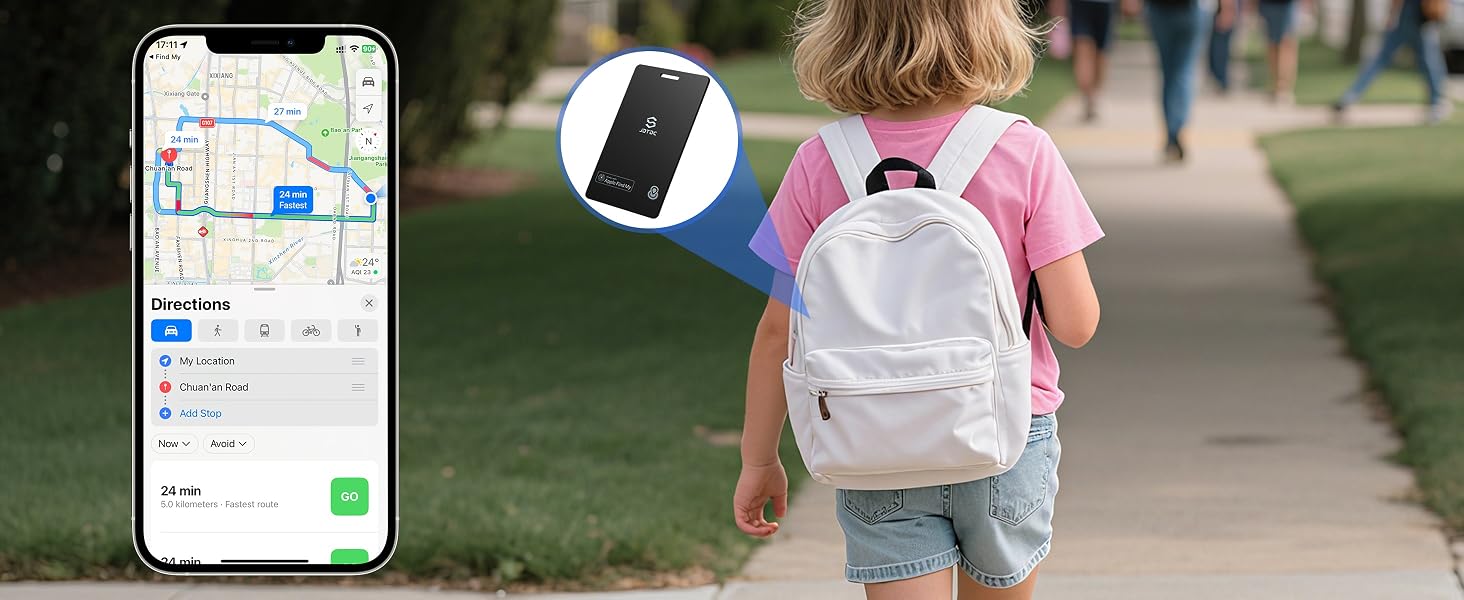
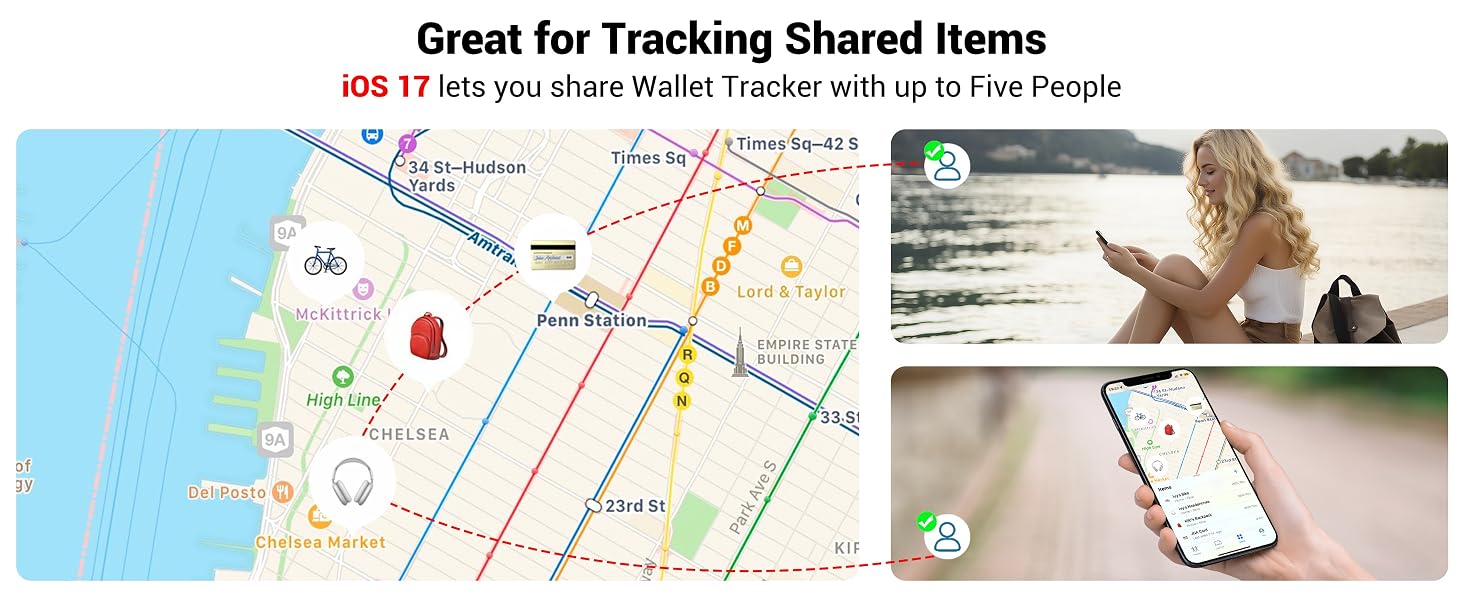
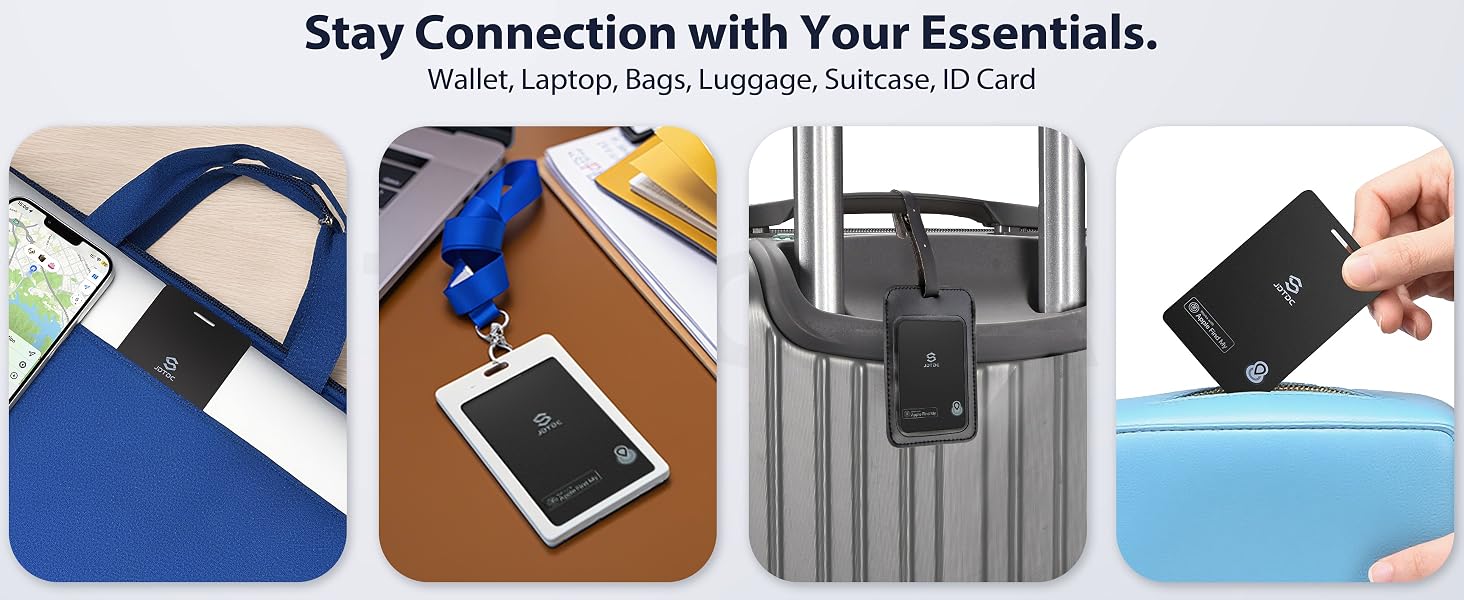
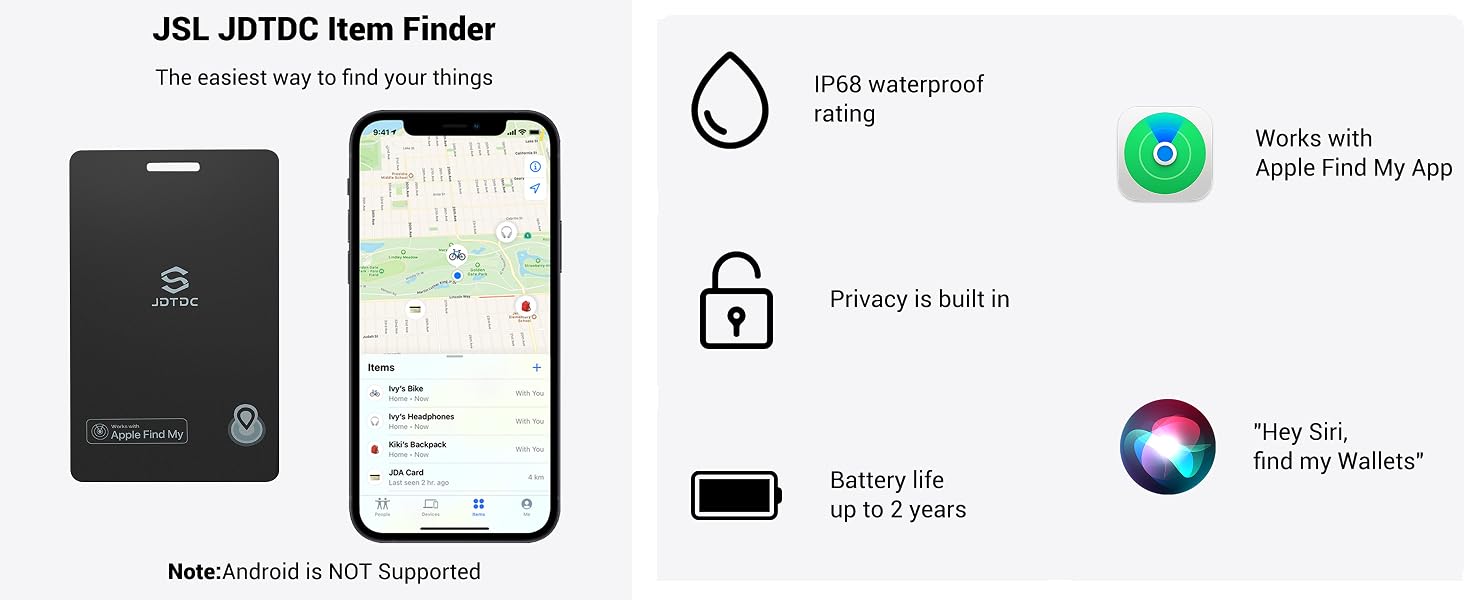
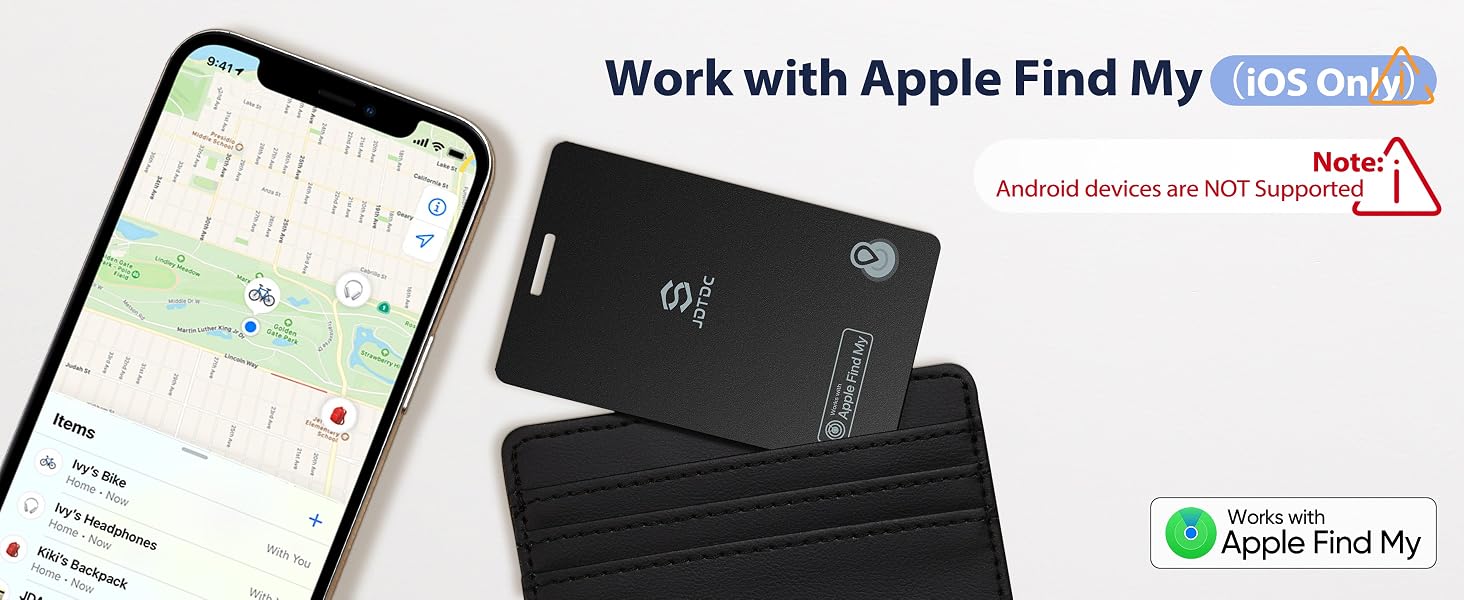
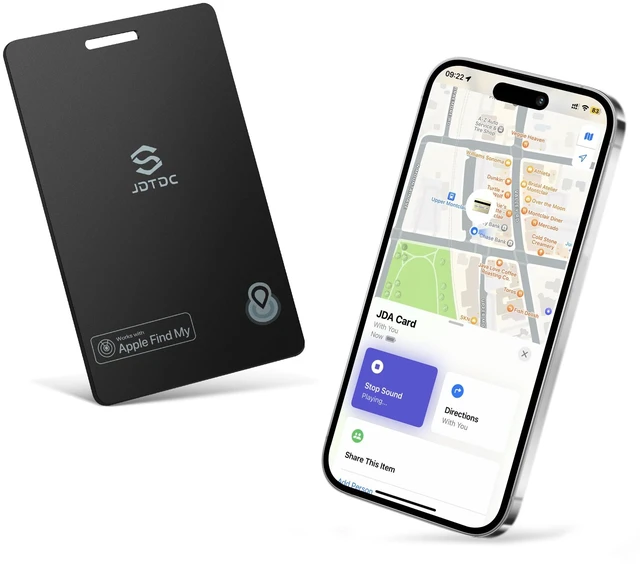
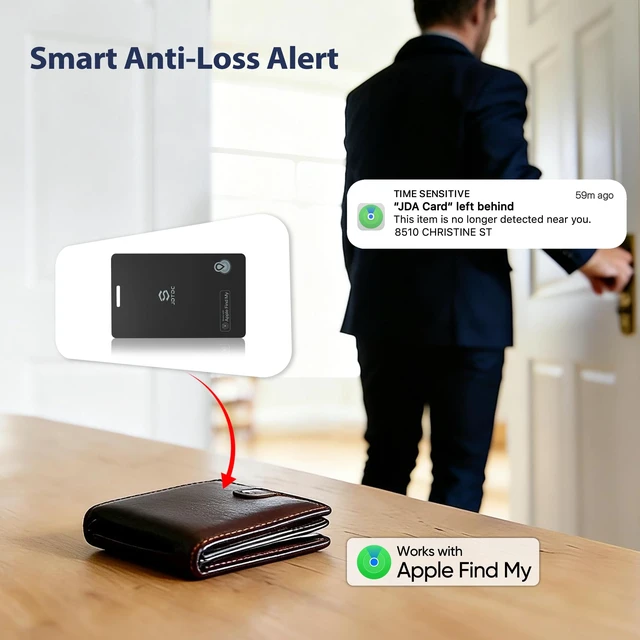
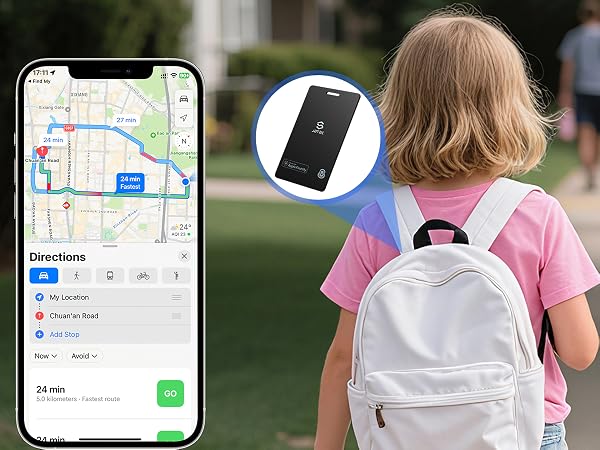
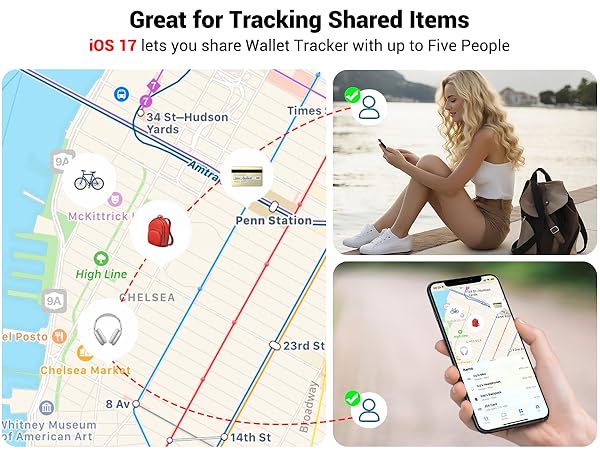
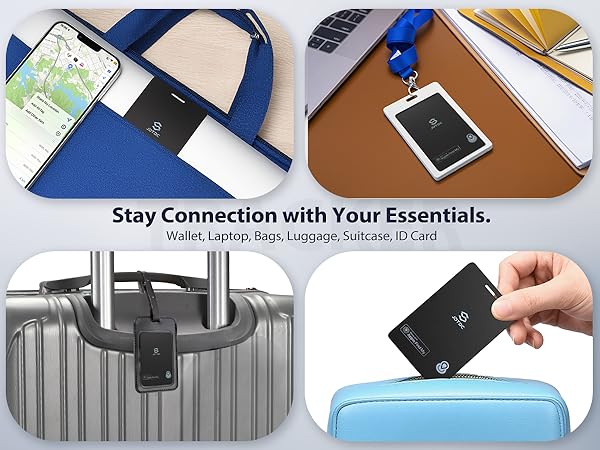
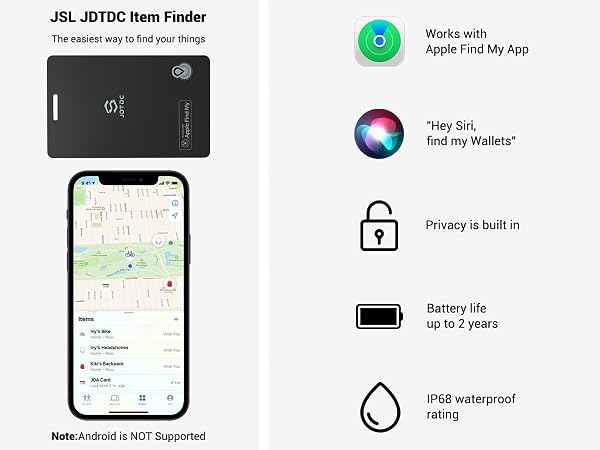
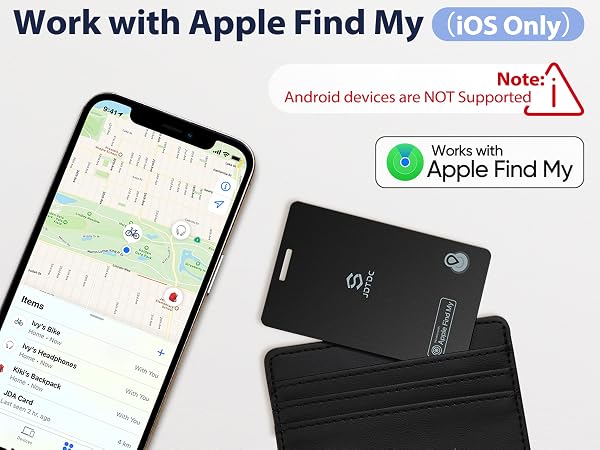
Smart wallet tracking card equires iOS 14.5 or later on an iPhone 6s or above. Not compatible with Android devices. With our Apple MFi Certified Bluetooth Tracker Smart Finder, you'll never lose your belongings again.
![Wallet Tracking Card[Apple MFi Certified], Wallet Find My Card Works with Apple](http://c1.neweggimages.com/sellingpilot/modules/product/a-plus/2aec100c9eb939e17734ca0cbdc37f00a8b9924cd34f25d3238a545150c63f4e.jpg)
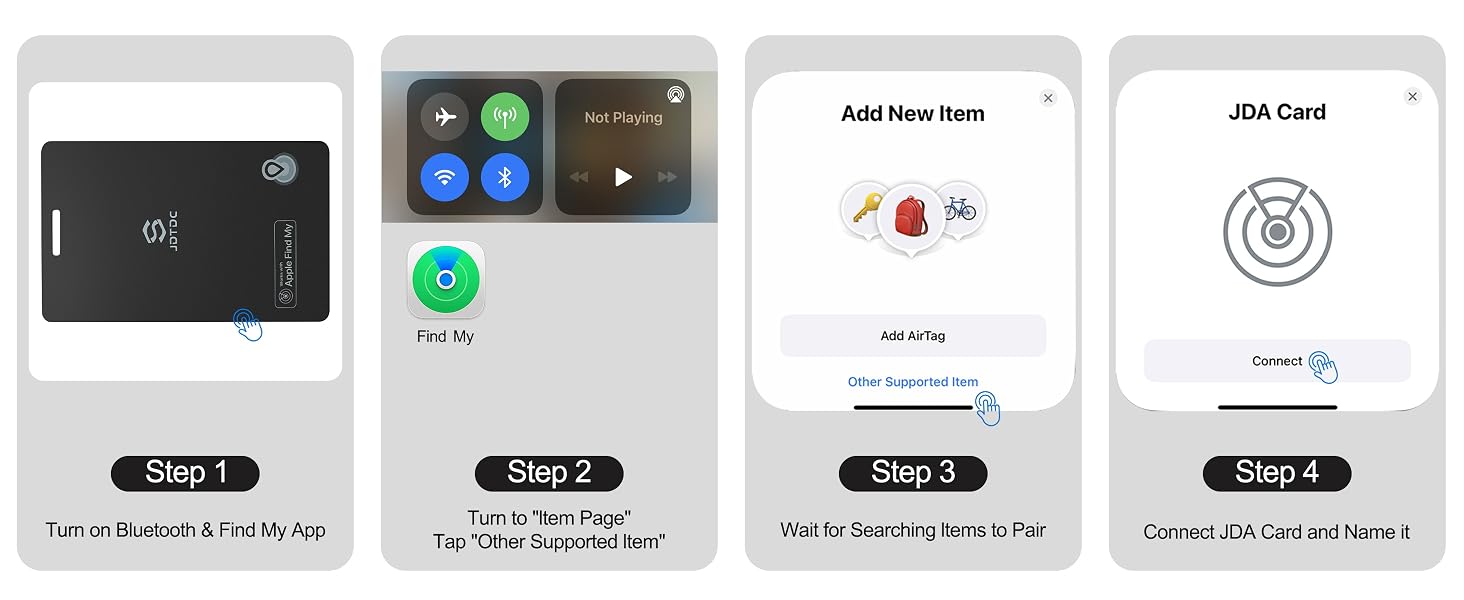
Step 1: Enable Bluetooth and open the Find My app on your iPhone.
Step 2: Power on your tracker by pressing and holding its button for 3 seconds until you hear an audible tone.
Step 3: In the app, tap "Items" > "Other Supported Item".
Step 4: Your phone will automatically find your JDA Card Tracker.Tap "Connect" and assign it a name.
1. Is this wallet tracking device certified by Apple MFi?
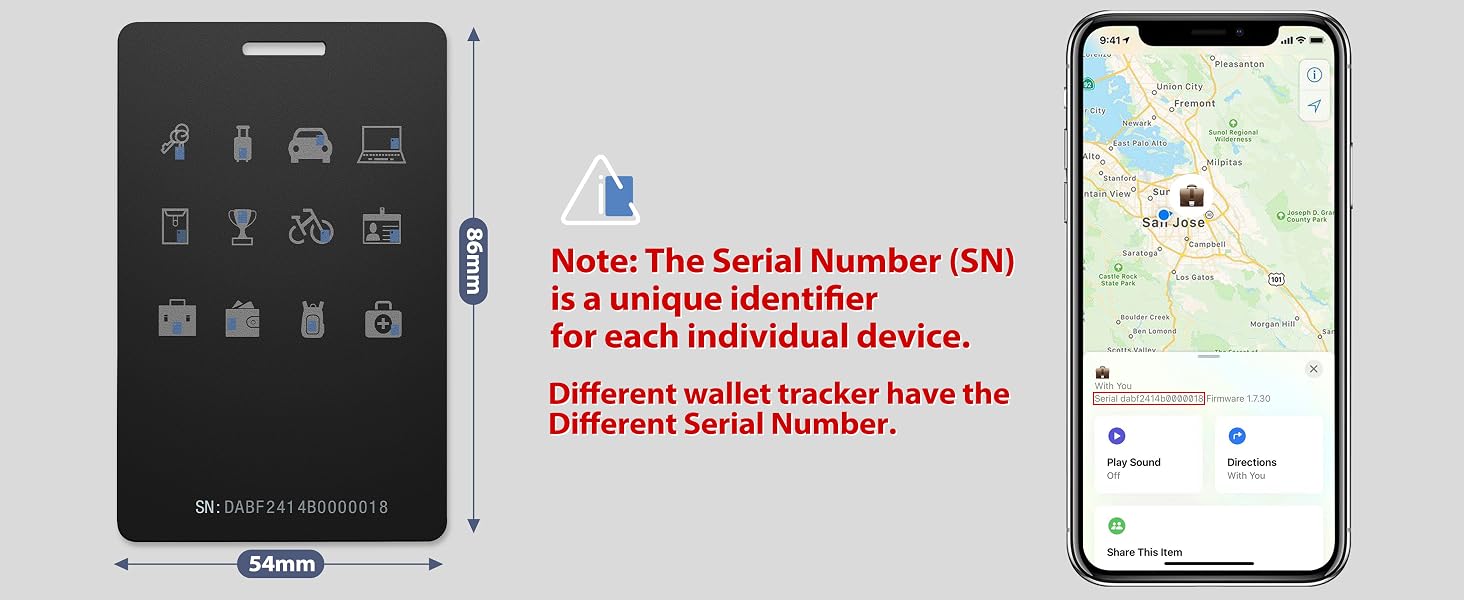
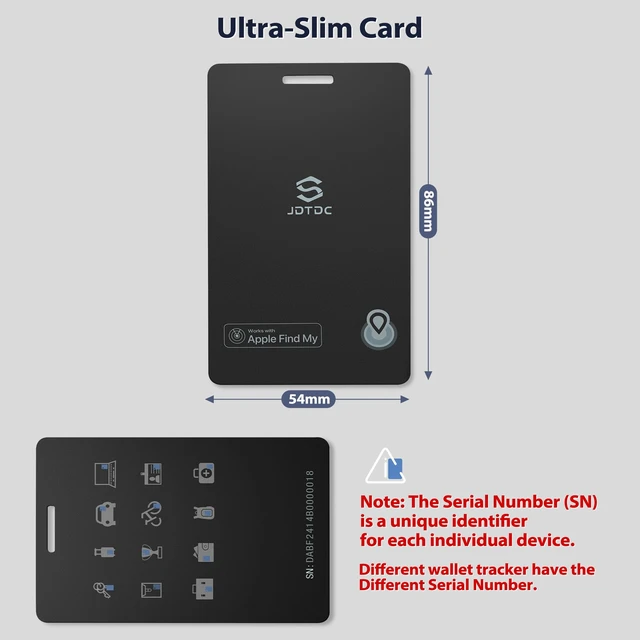
Yes! This wallet finder is Apple MFi Certified, and each MFI Certified card has its own unique serial number. The serial number (SN) is the unique identifier of each individual device.
2. Is this credit card tracker compatible with Android phones?
No, this JSL TDTDC bluetooth wallet finder tracker doesn’t work with Android devices. This wallet finder tag is ONLY applicable with iOS 14.5 or above iPhone and iPad.
3. Is it easy to connect the Apple wallet tracker card to my iPhone?
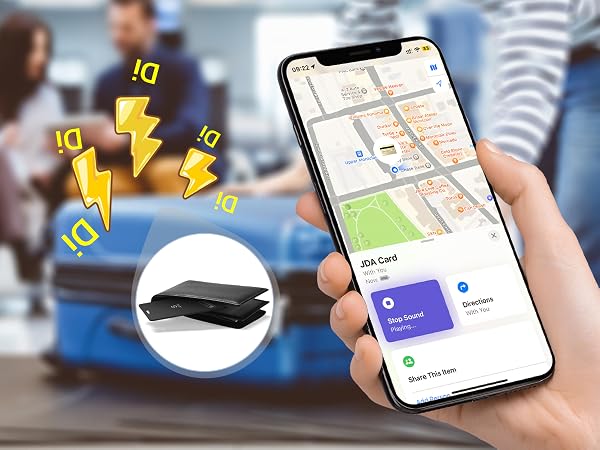
Yes, it's easy to pair and use a card tracker. Open Bluetooth, find my applications. Press and hold the button on the device for 3 seconds, you will hear a ringtone. Tap “Item” ->Tap “Add Item”Tap “Other Supported Item” ->Connect JDA Card & Name it.
4. Does this wallet card finder have the GPS function?
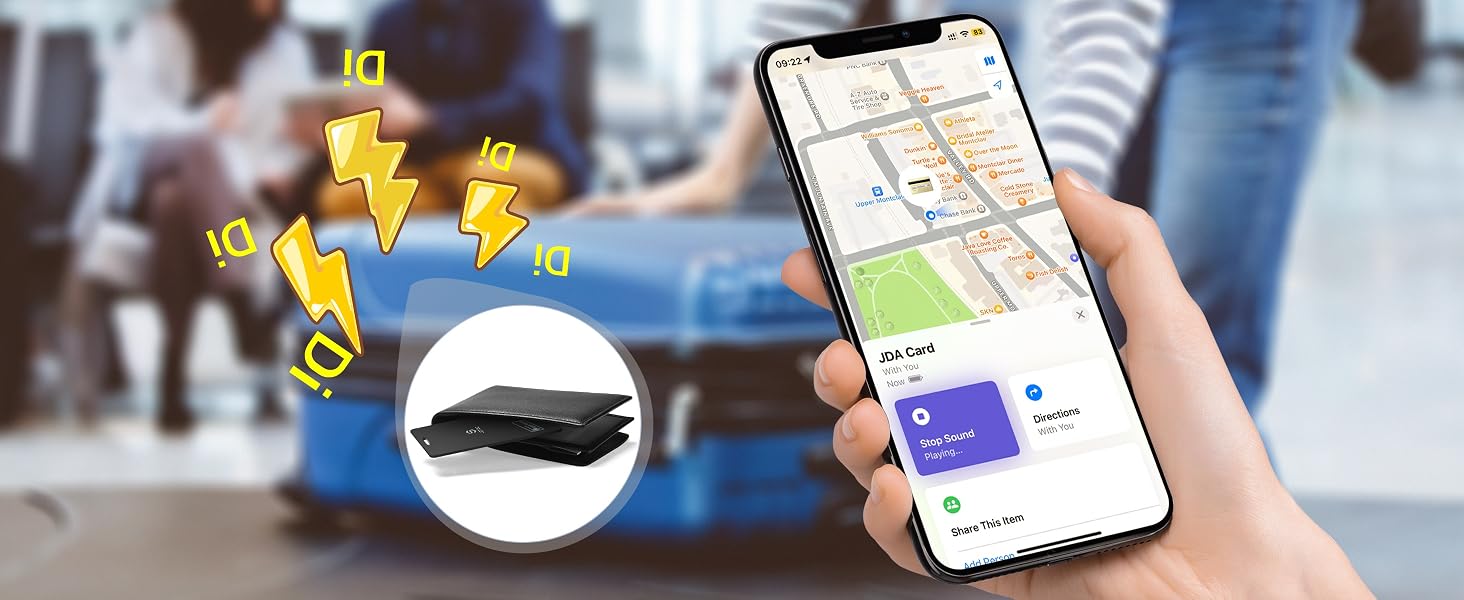
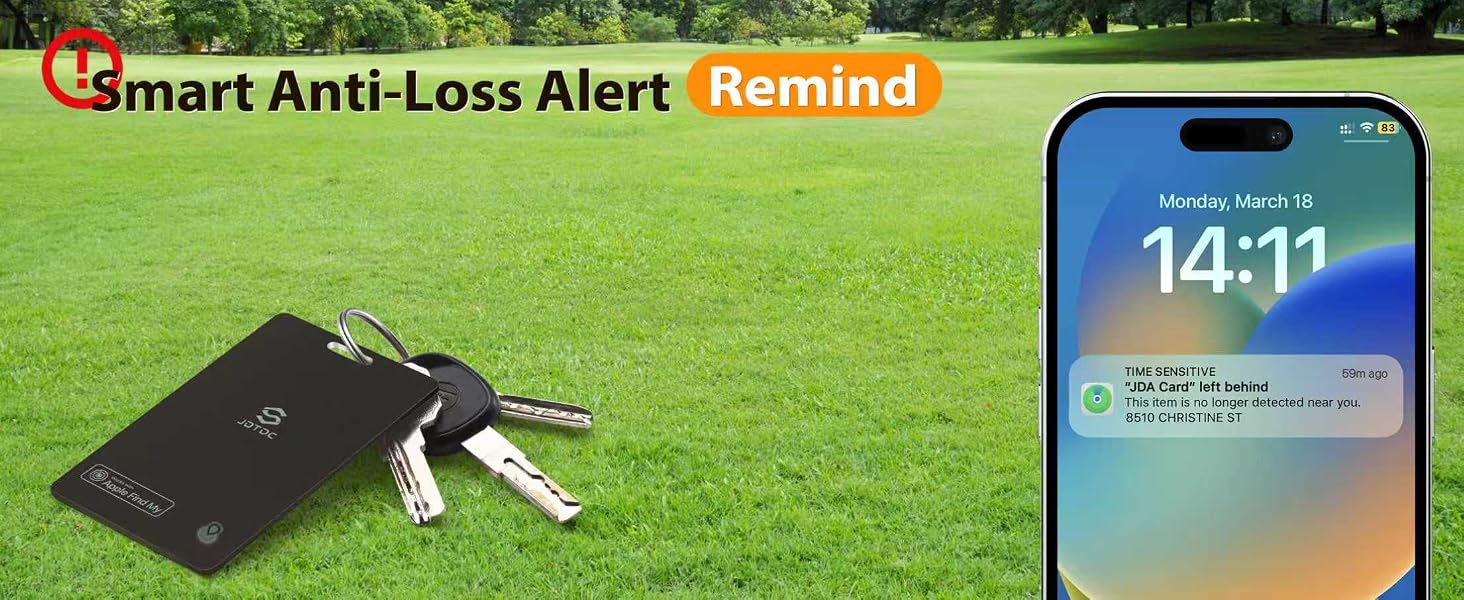
No. The wallet tracker connects devices via Bluetooth and utilizes Apple's Find My network to accurately locate your items, whether they are nearby or several miles away.
5. Can the battery be replaced or rechargeable?
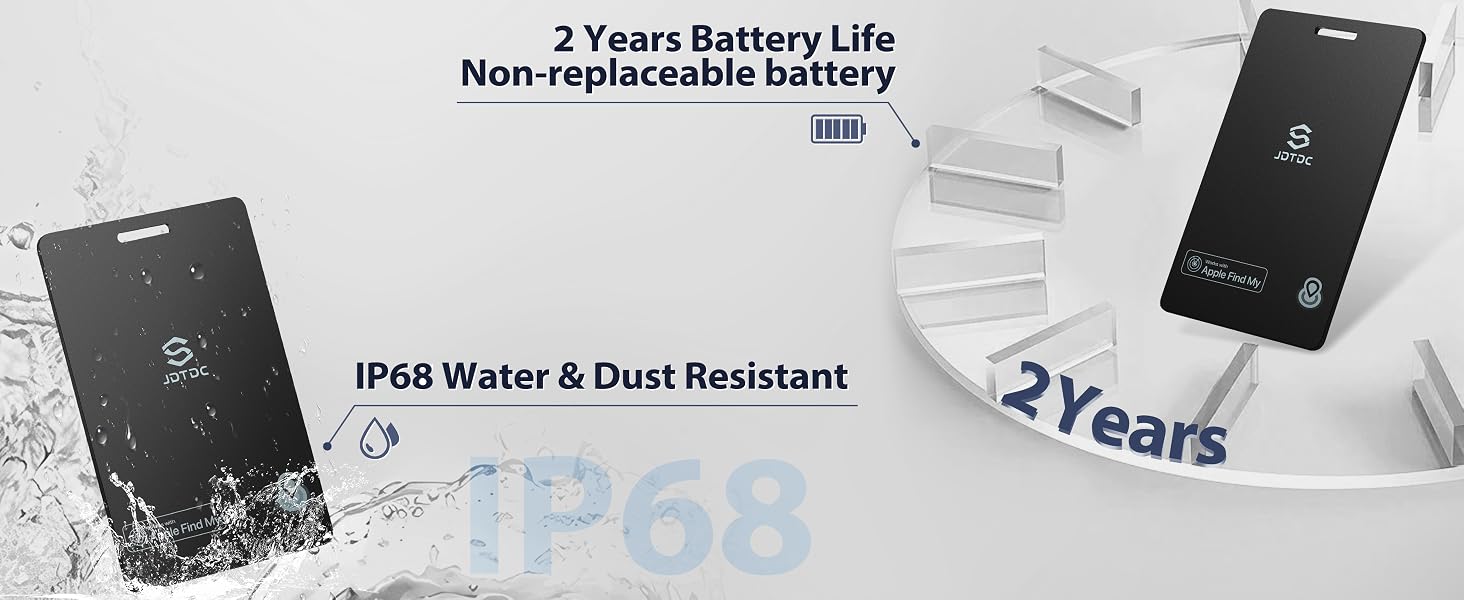
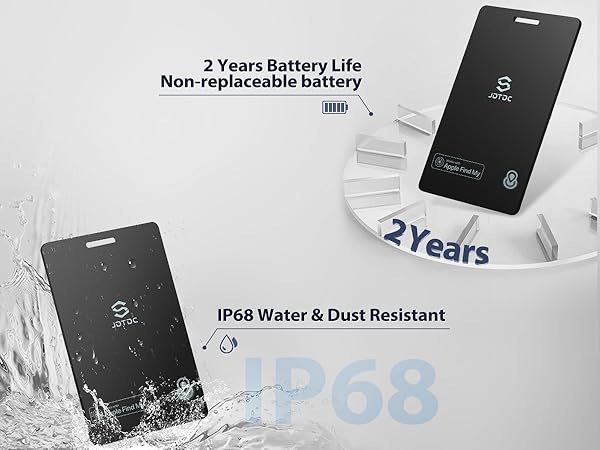
No. This wallet finder is designed with a non replaceable and non rechargeable battery that can be used for up to 2 years.
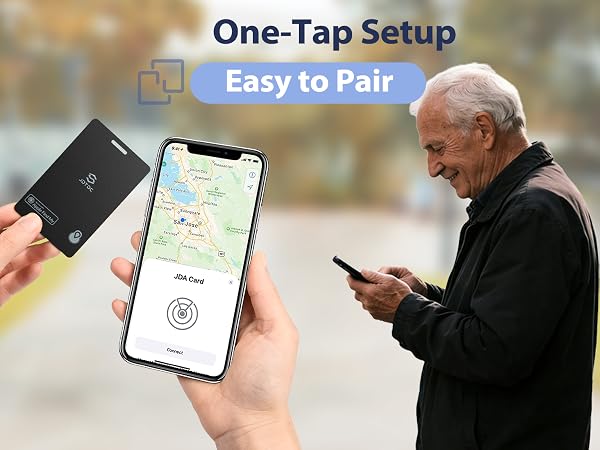
Smart wallet tracking card equires iOS 14.5 or later on an iPhone 6s or above. Not compatible with Android devices. With our Apple MFi Certified Bluetooth Tracker Smart Finder, you'll never lose your belongings again.
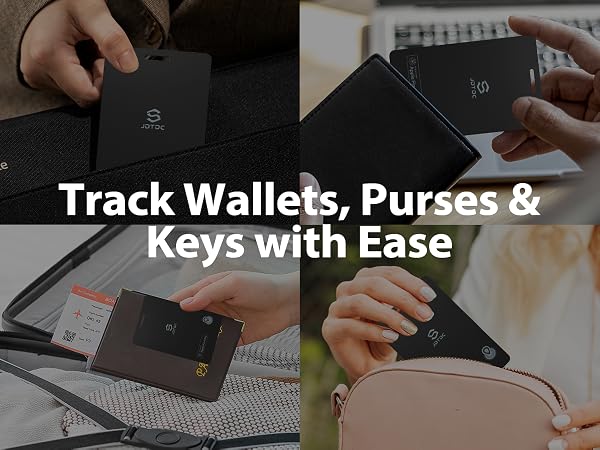
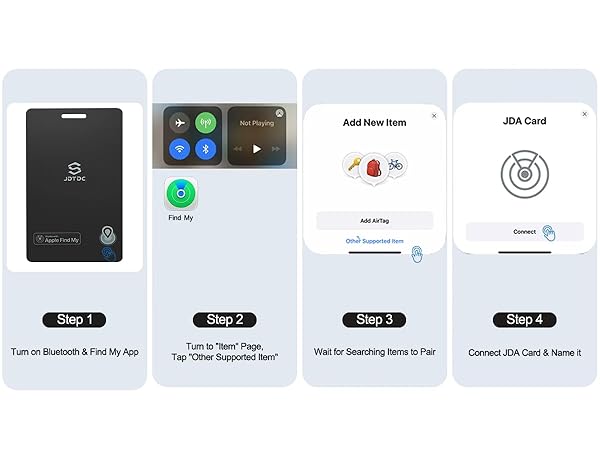
Step 1: Enable Bluetooth and open the Find My app on your iPhone.
Step 2: Power on your tracker by pressing and holding its button for 3 seconds until you hear an audible tone.
Step 3: In the app, tap "Items" > "Other Supported Item".
Step 4: Your phone will automatically find your JDA Card Tracker.Tap "Connect" and assign it a name.
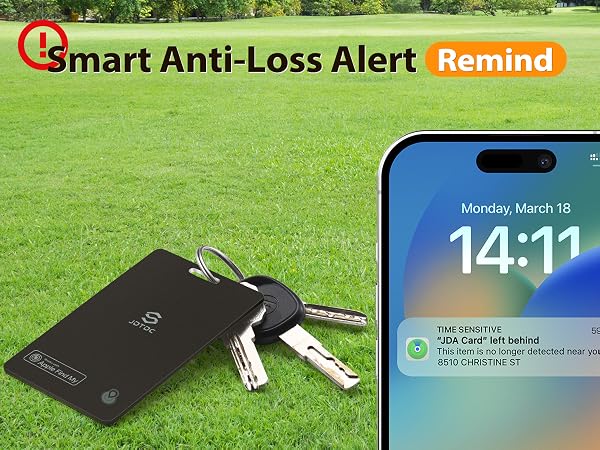
1. Is this wallet tracking device certified by Apple MFi?
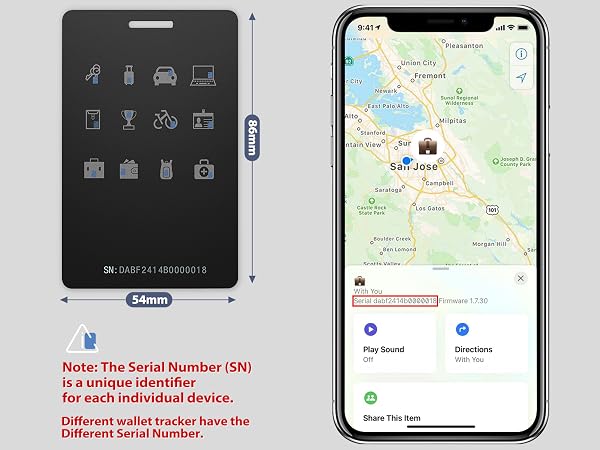
Yes! This wallet finder is Apple MFi Certified, and each MFI Certified card has its own unique serial number. The serial number (SN) is the unique identifier of each individual device.
2. Is this credit card tracker compatible with Android phones?
No, this JSL TDTDC bluetooth wallet finder tracker doesn’t work with Android devices. This wallet finder tag is ONLY applicable with iOS 14.5 or above iPhone and iPad.
3. Is it easy to connect the Apple wallet tracker card to my iPhone?
Yes, it's easy to pair and use a card tracker. Open Bluetooth, find my applications. Press and hold the button on the device for 3 seconds, you will hear a ringtone. Tap “Item” ->Tap “Add Item”Tap “Other Supported Item” ->Connect JDA Card & Name it.
4. Does this wallet card finder have the GPS function?
No. The wallet tracker connects devices via Bluetooth and utilizes Apple's Find My network to accurately locate your items, whether they are nearby or several miles away.
5. Can the battery be replaced or rechargeable?
No. This wallet finder is designed with a non replaceable and non rechargeable battery that can be used for up to 2 years.


![Tracking-Card-for-Wallet [Apple MFi Certified], Tracking Card Works with Apple-Find-My (iOS Only)...](http://c1.neweggimages.com/sellingpilot/modules/product/a-plus/2e01585e37c84fd83b567b8c65ad9acb78c864a47a5eafaab409fe58baf7b1dc.jpg)
![JSL JDTDC Wallet-Tracker-Card [Apple MFi Certified], Bluetooth-Tracker-Smart-Card Works with Appl...](http://c1.neweggimages.com/sellingpilot/modules/product/a-plus/18321ac17ab2a499cef9626bdf1071a92e3447ba157159fe43b4bdb1f4a739b3.jpg)
![JSL JDTDC Smart-Tags-Wallet-Tracker-Card[Apple MFi Certified], Bluetooth-Smart-Card-Finder Works ...](http://c1.neweggimages.com/sellingpilot/modules/product/a-plus/41af1ebbebaf6931dc33f28e9c6291561bdfe1a5caad55e50888ca3aa2abddd7.jpg)