



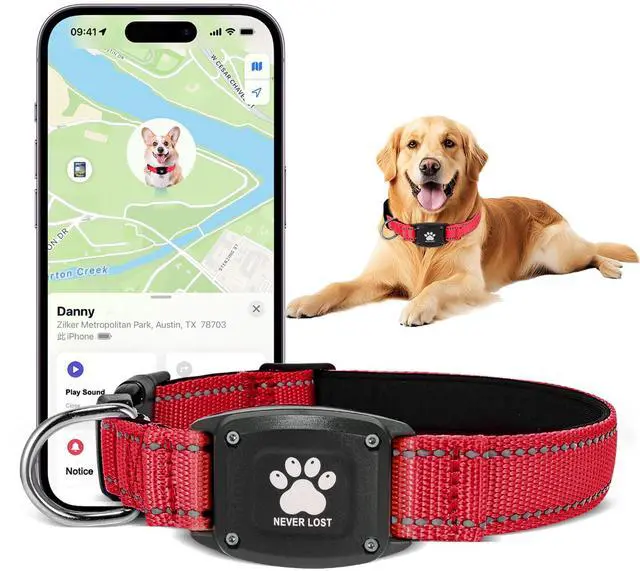
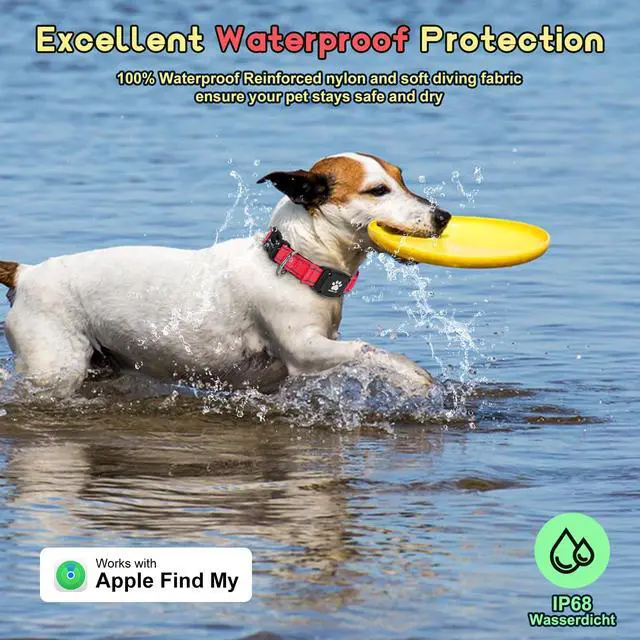
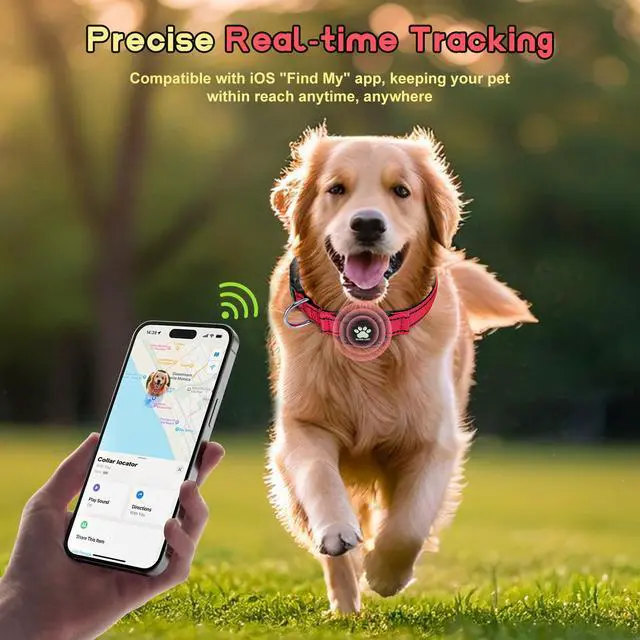
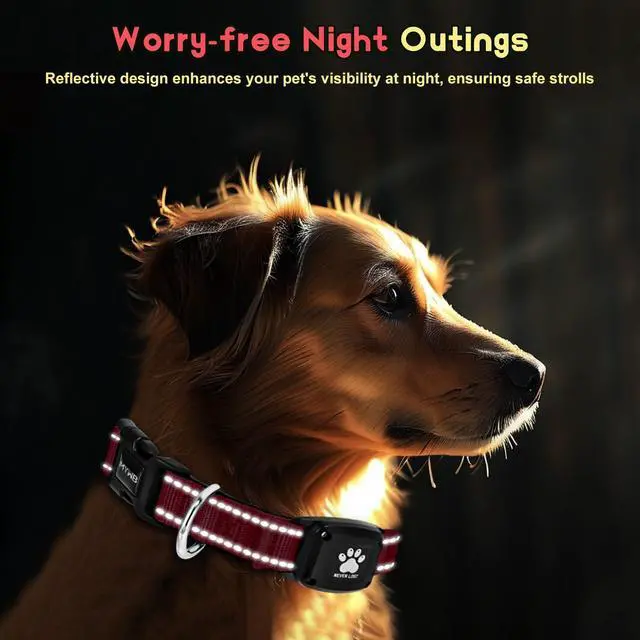


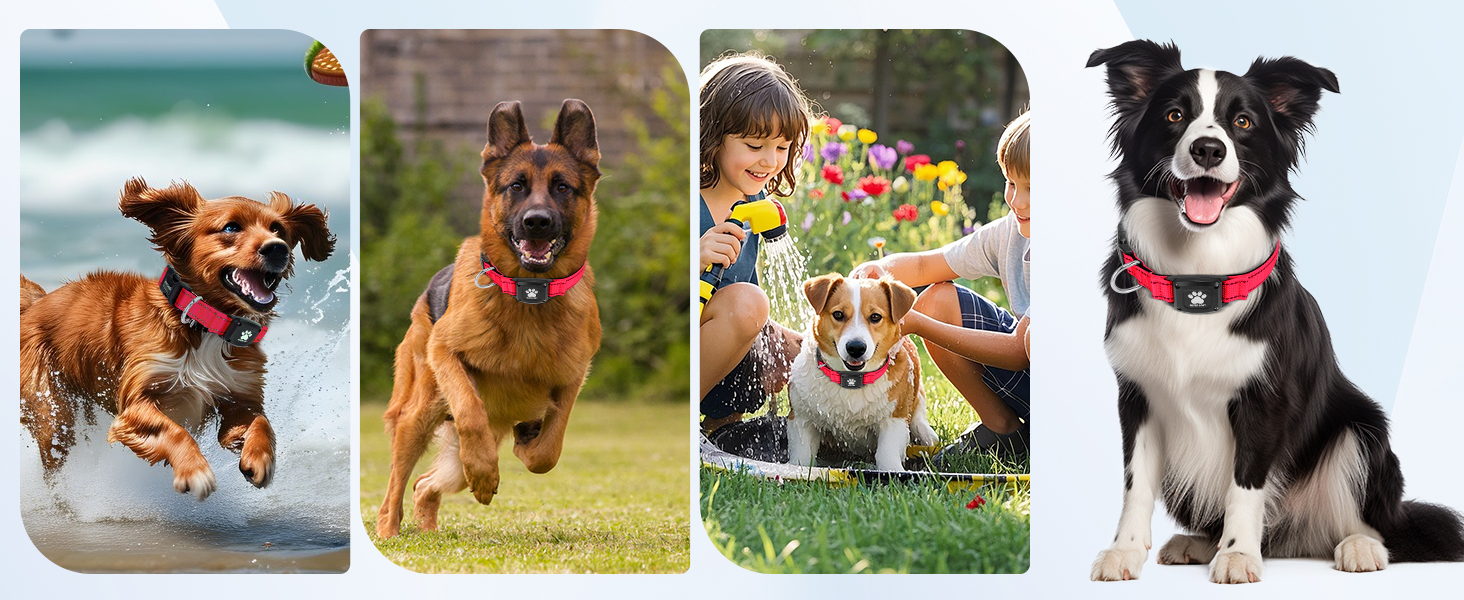
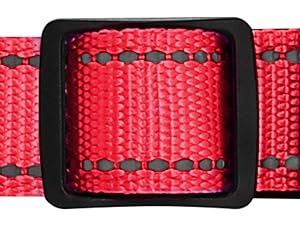
Adjustable & Heavy-Duty Fit
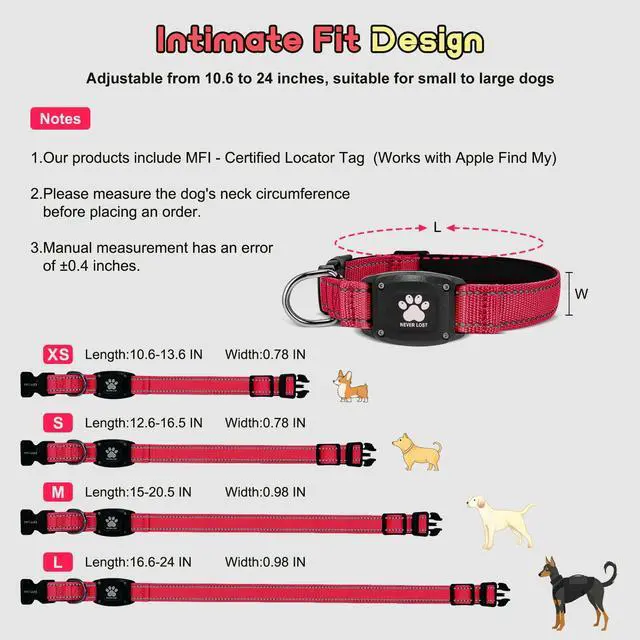
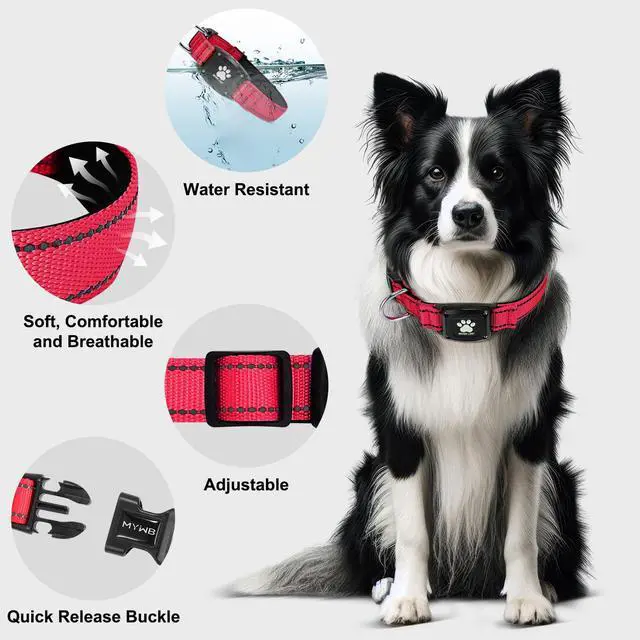
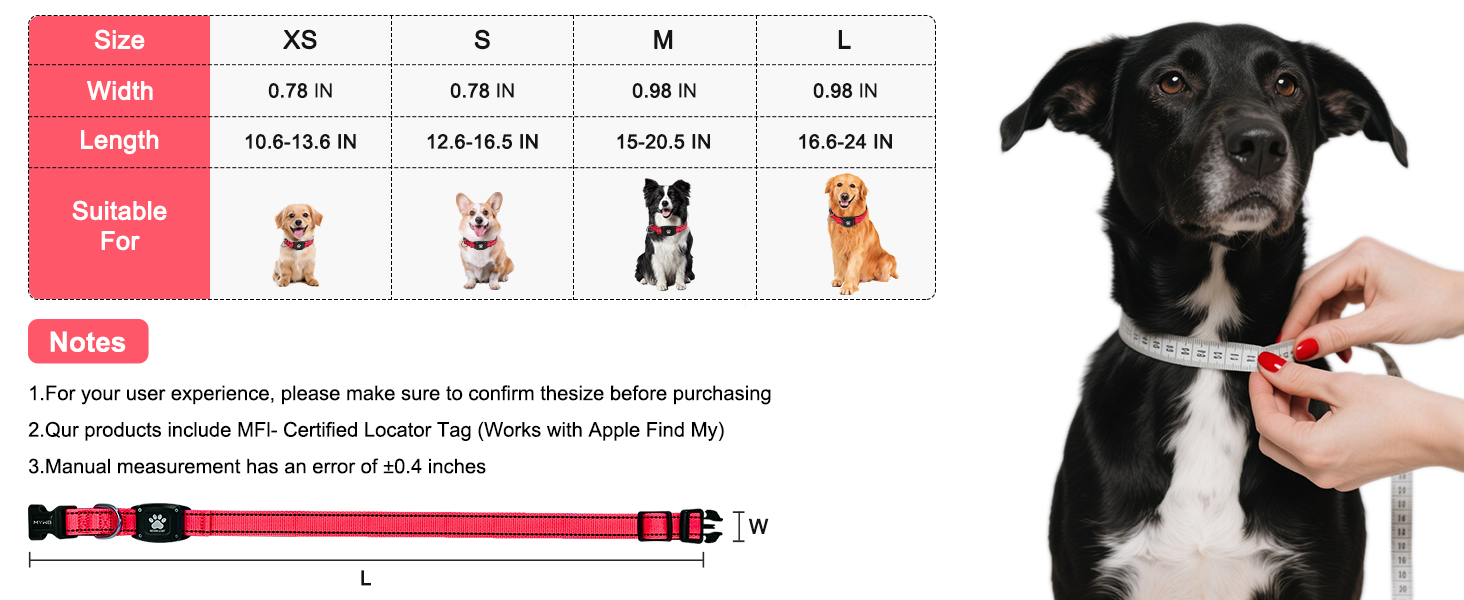
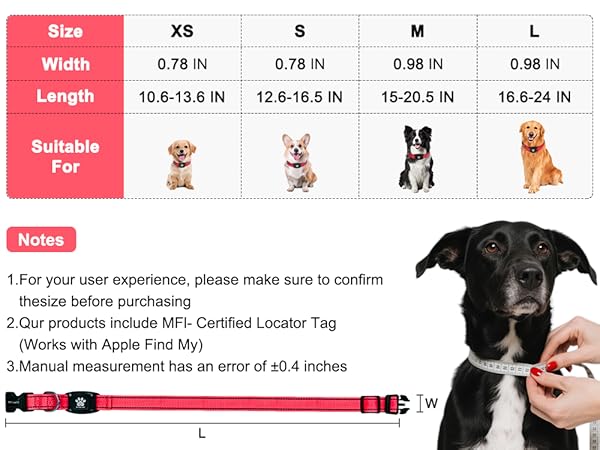
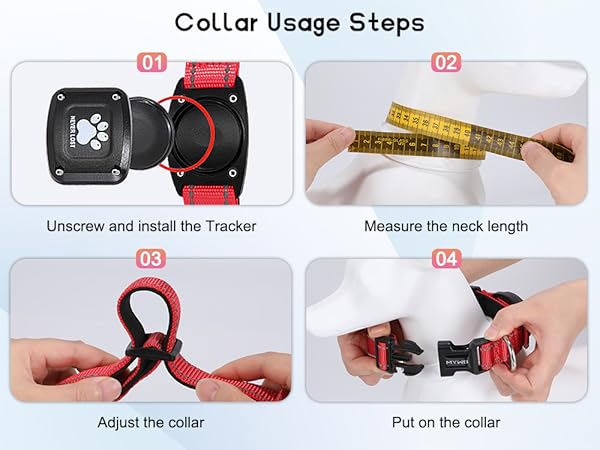
Adjust length (10.6”–24”) with a 286-lbs tensile-tested buckle—ideal for active dogs.
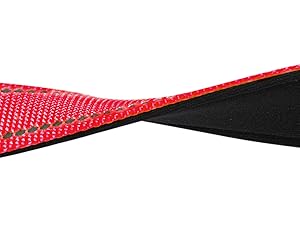
Breathable Soft Padding
Breathable cotton padding prevents chafing AND overheating—even during intense activity.
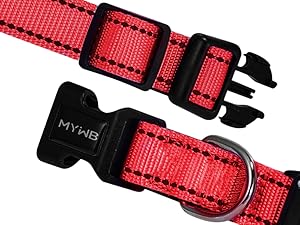
Secure Quick-Release Buckle
Quick-release buckle with corrosion-resistant D-ring—tested to 286-lbs, no accidental opening.
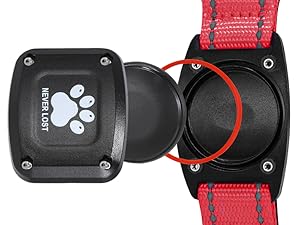
Hassle - Free Tracker Setup
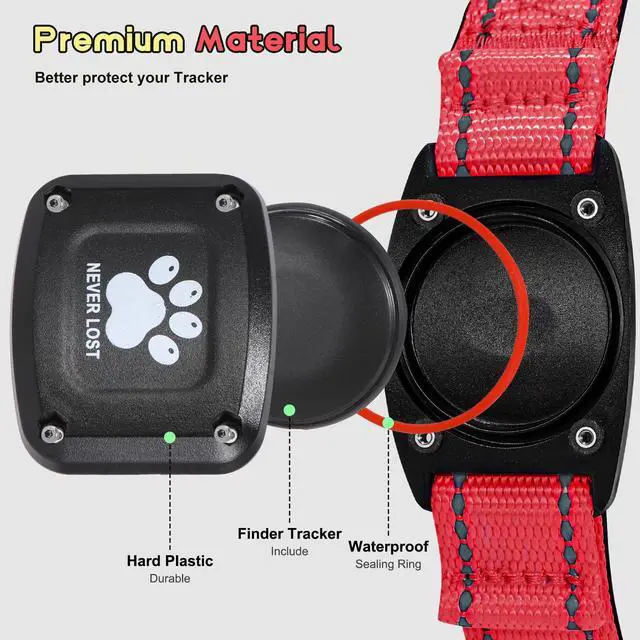
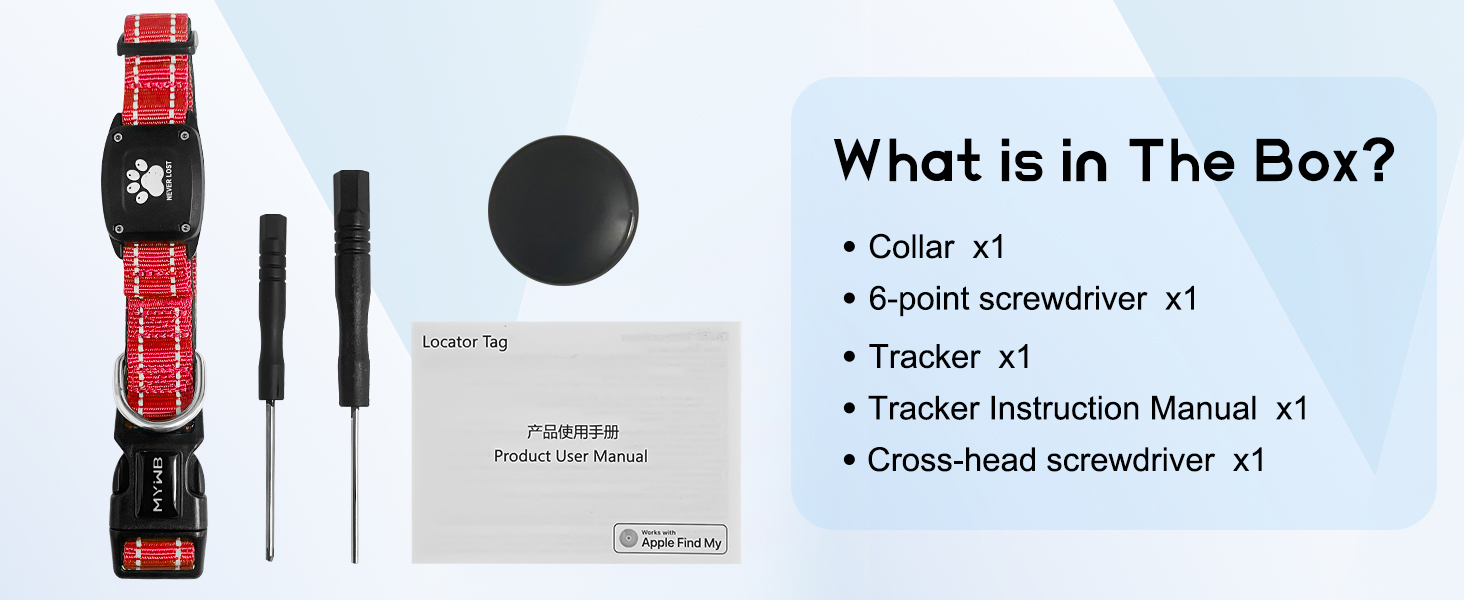
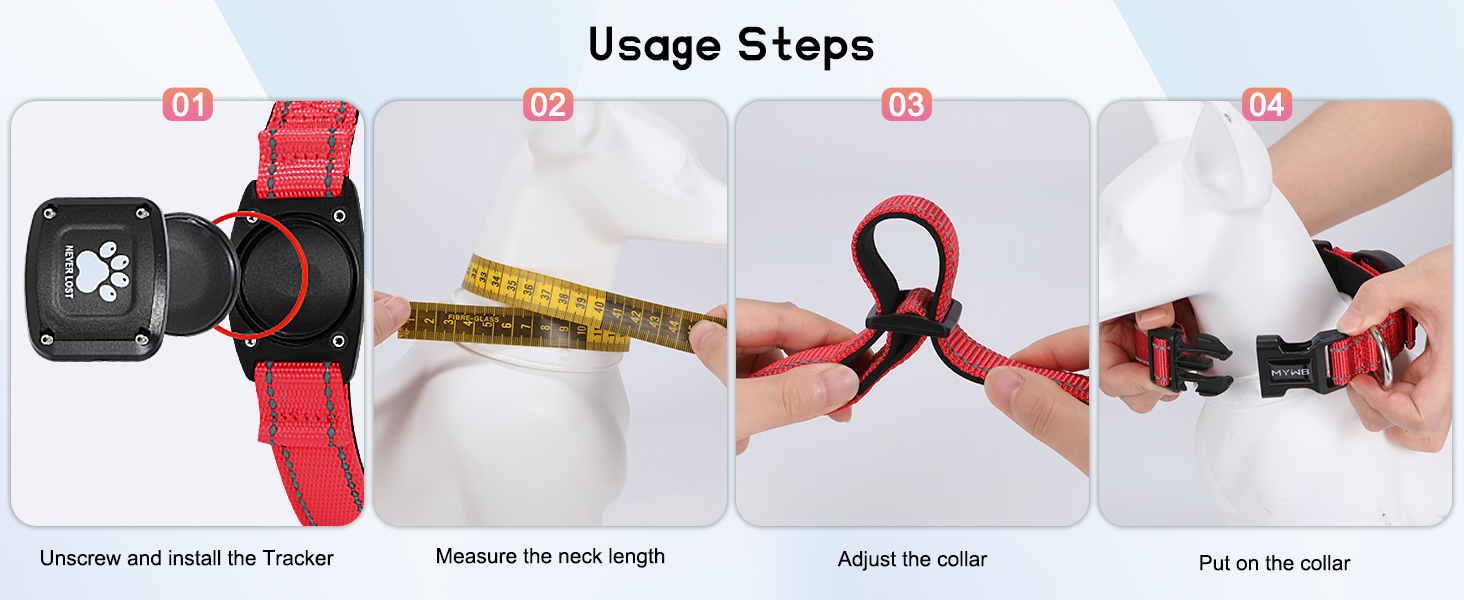
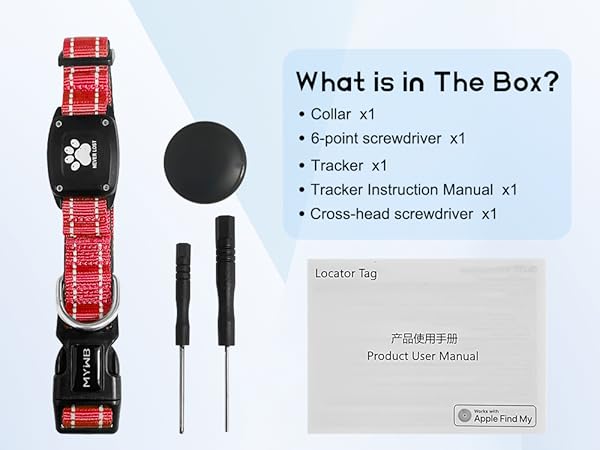
Comes with a screwdriver and screws for quick tracker installation. The secure mount keeps the tracker in place.
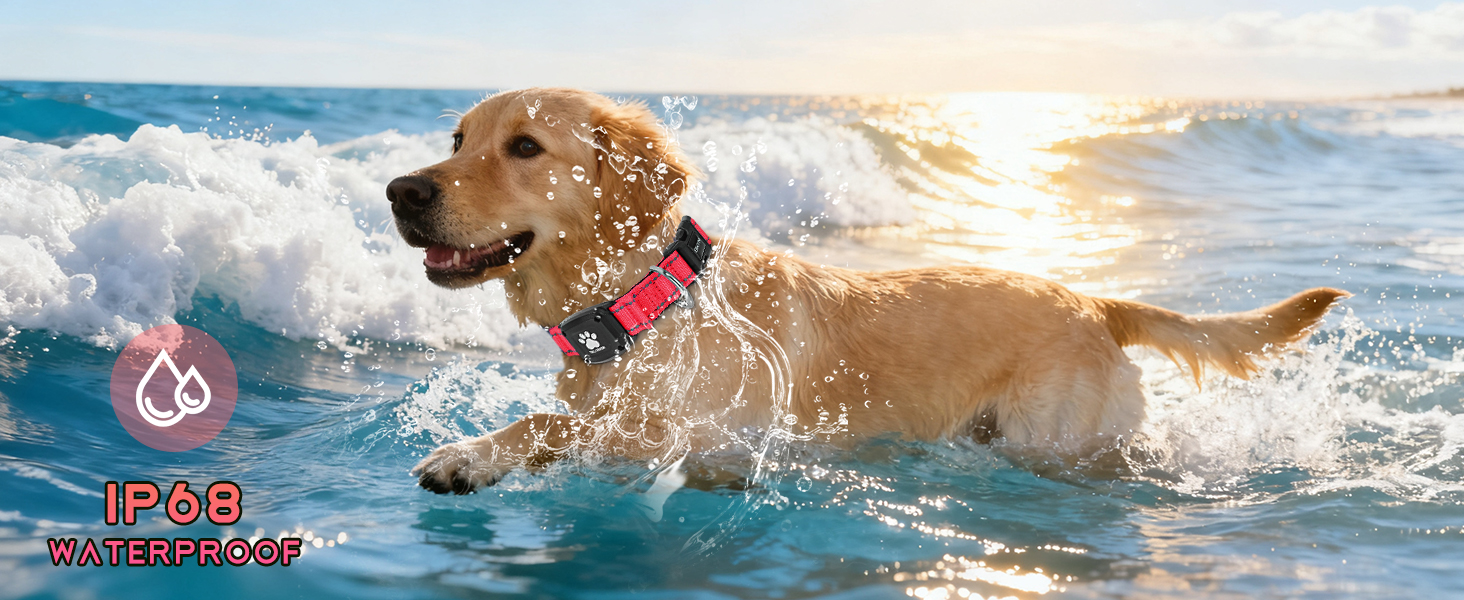
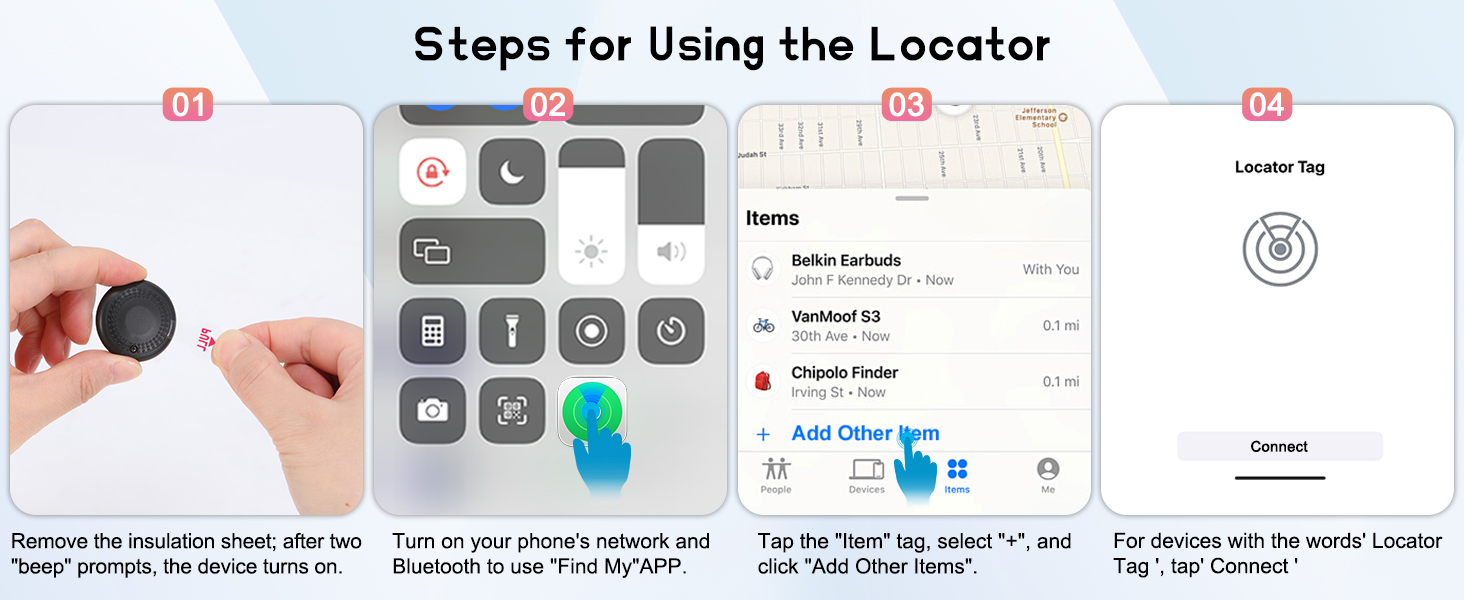
The tracker enters sleep mode during pairing. How to exit and re-pair?
If it’s not connected within 2 minutes after removing the insulation sheet, the device will enter sleep mode. Reinstall the battery to exit, then re-enter the pairing broadcast state.
How to correctly restore the tracker to factory settings?
Remove and reinstall the battery 3 times consecutively (interval = 3 seconds). After a long “beep”, the product is restored to factory settings and enters pairing mode.
Can I replace the tracker’s battery?
Yes. It uses a CR2032 battery. Use the included screwdriver to remove the back cover, replace the old battery with a new one (ensure the “+” side faces up), and then screw the back cover tightly.
Why does pairing with Apple Find My fail, and how to fix it?
It usually fails due to temporary network glitches or device connectivity issues. Solutions: 1. Switch your phone’s network (WiFi/mobile data); 2. Restore the tracker to factory settings; 3. Re-pair with the Find My app; 4. Restart your phone.
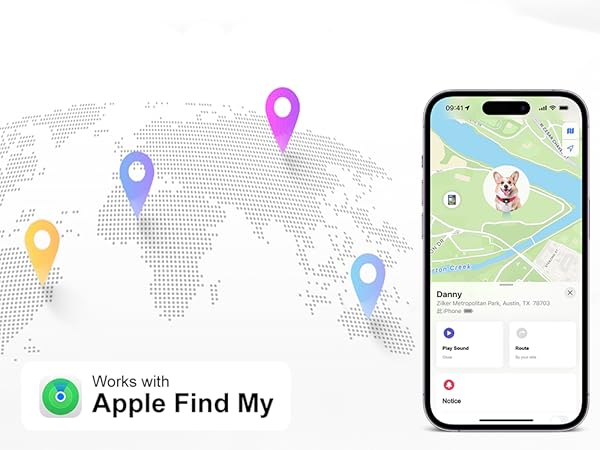
What is Apple Find My app and Find My network?
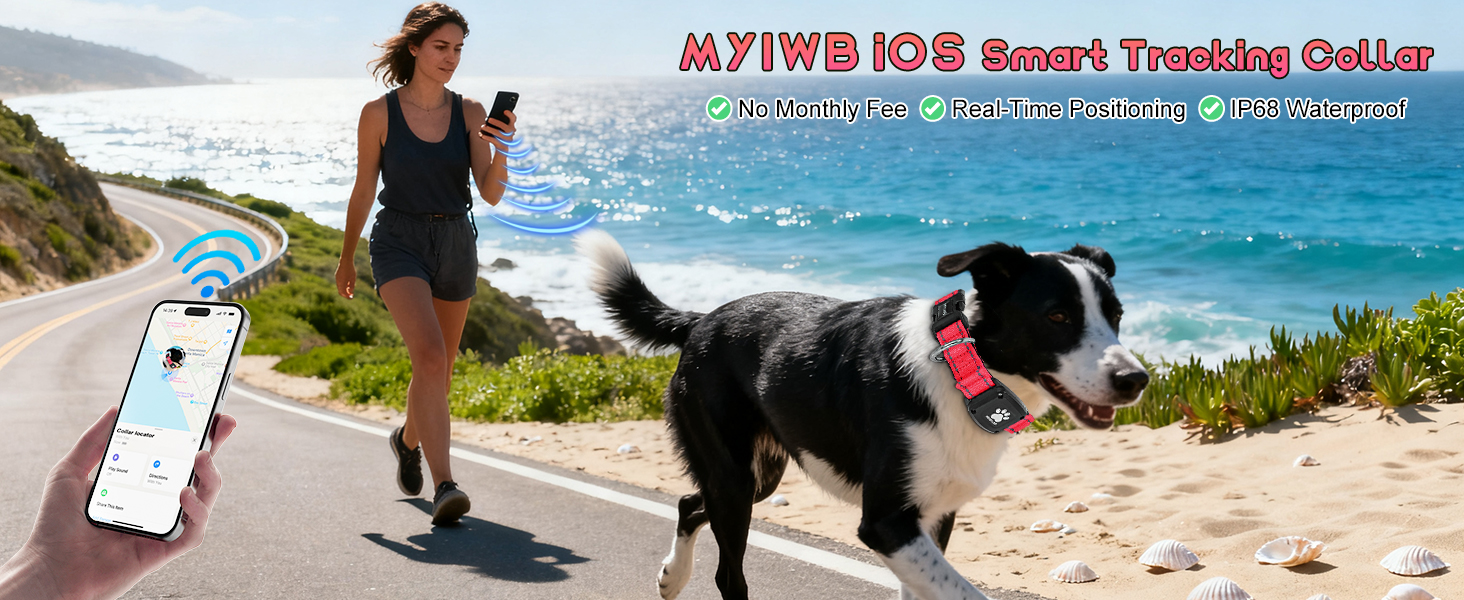
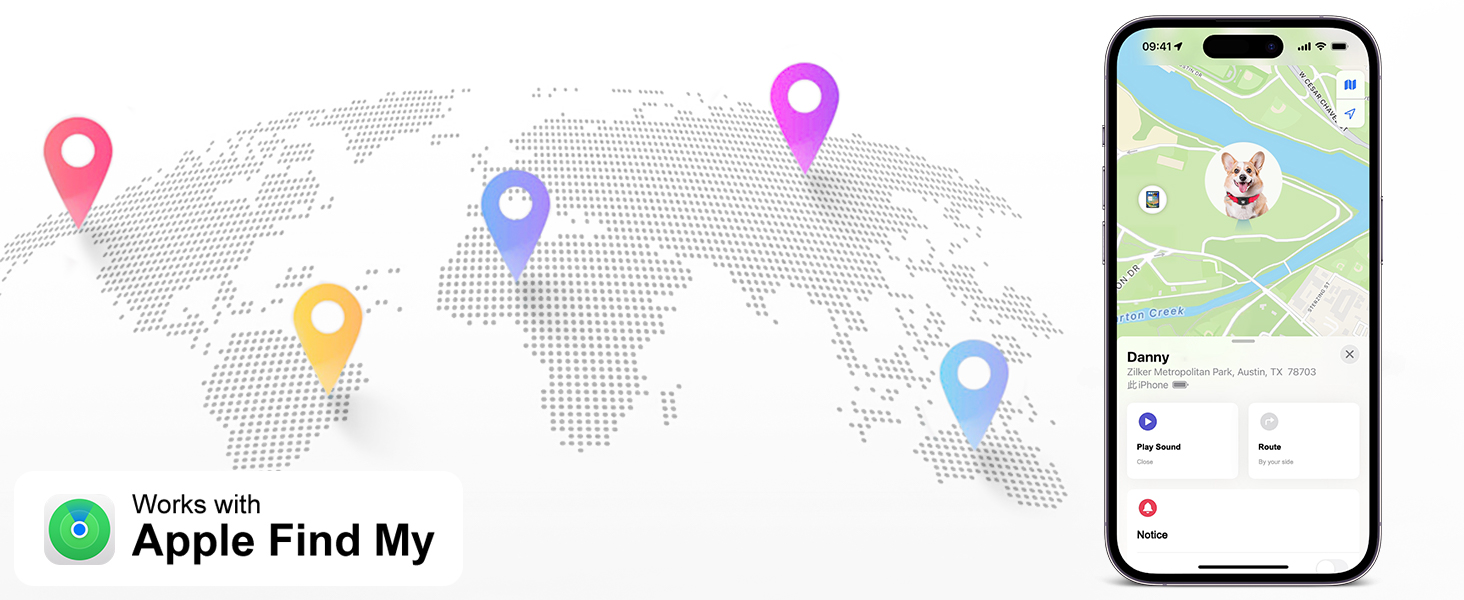
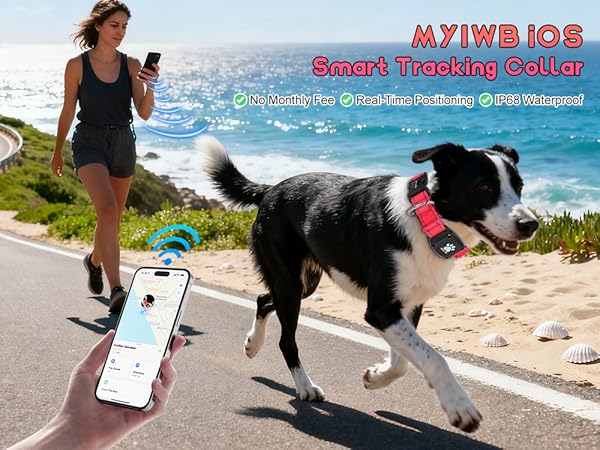
Find My is a pre-installed Apple app. It locates MYIWB pet tracking collar via its network of hundreds of millions of Apple devices, detecting and reporting nearby missing items’ locations.

MYIWB
MYIWB originates from the shared expectations of pet-owning families.

Brand Story
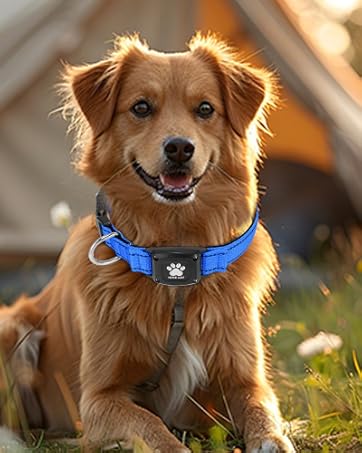
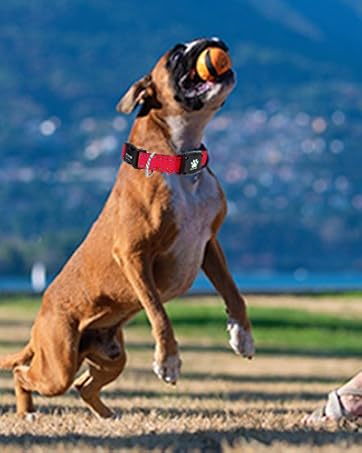
At [MYIWB], we believe every adventure with your furry family member should be filled with joy—not worry. As pet parents ourselves, we know the panic of a lost companion. That's why we created our GPS Smart Collar: a seamless fusion of cutting-edge tracking technology and comfortable design, crafted for dogs who explore life to the fullest.
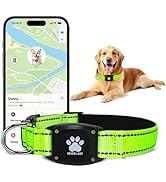
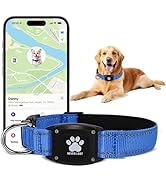
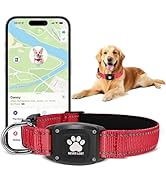
MYIWB GPS Dog Tracker Collar

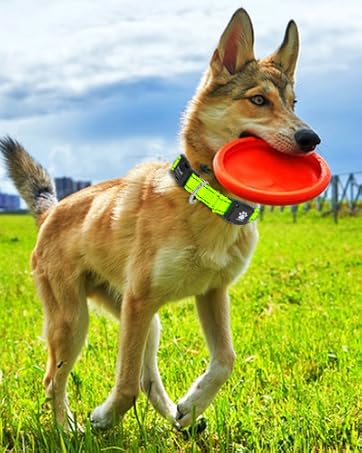
MYIWB
MYIWB originates from the shared expectations of pet-owning families.
Brand Story
At [MYIWB], we believe every adventure with your furry family member should be filled with joy—not worry. As pet parents ourselves, we know the panic of a lost companion. That's why we created our GPS Smart Collar: a seamless fusion of cutting-edge tracking technology and comfortable design, crafted for dogs who explore life to the fullest.
MYIWB GPS Dog Tracker Collar

Adjustable & Heavy-Duty Fit
Adjust length (10.6”–24”) with a 286-lbs tensile-tested buckle—ideal for active dogs.
Breathable Soft Padding
Breathable cotton padding prevents chafing AND overheating—even during intense activity.
Secure Quick-Release Buckle
Quick-release buckle with corrosion-resistant D-ring—tested to 286-lbs, no accidental opening.
Hassle - Free Tracker Setup
Comes with a screwdriver and screws for quick tracker installation. The secure mount keeps the tracker in place.
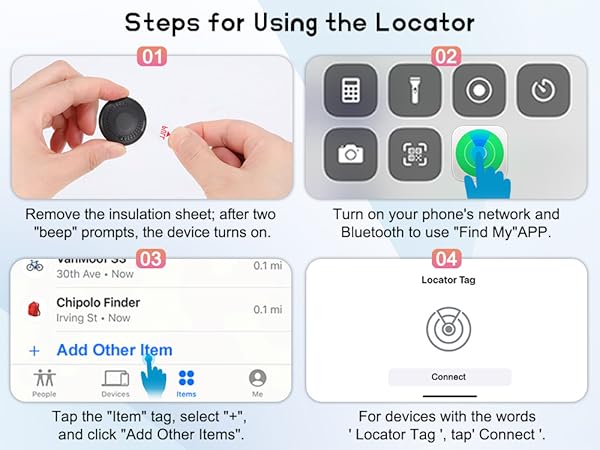
The tracker enters sleep mode during pairing. How to exit and re-pair?
If it’s not connected within 2 minutes after removing the insulation sheet, the device will enter sleep mode. Reinstall the battery to exit, then re-enter the pairing broadcast state.
How to correctly restore the tracker to factory settings?
Remove and reinstall the battery 3 times consecutively (interval = 3 seconds). After a long “beep”, the product is restored to factory settings and enters pairing mode.
Can I replace the tracker’s battery?
Yes. It uses a CR2032 battery. Use the included screwdriver to remove the back cover, replace the old battery with a new one (ensure the “+” side faces up), and then screw the back cover tightly.
Why does pairing with Apple Find My fail, and how to fix it?
It usually fails due to temporary network glitches or device connectivity issues. Solutions: 1. Switch your phone’s network (WiFi/mobile data); 2. Restore the tracker to factory settings; 3. Re-pair with the Find My app; 4. Restart your phone.
What is Apple Find My app and Find My network?
Find My is a pre-installed Apple app. It locates MYIWB pet tracking collar via its network of hundreds of millions of Apple devices, detecting and reporting nearby missing items’ locations.