




Our Advantages
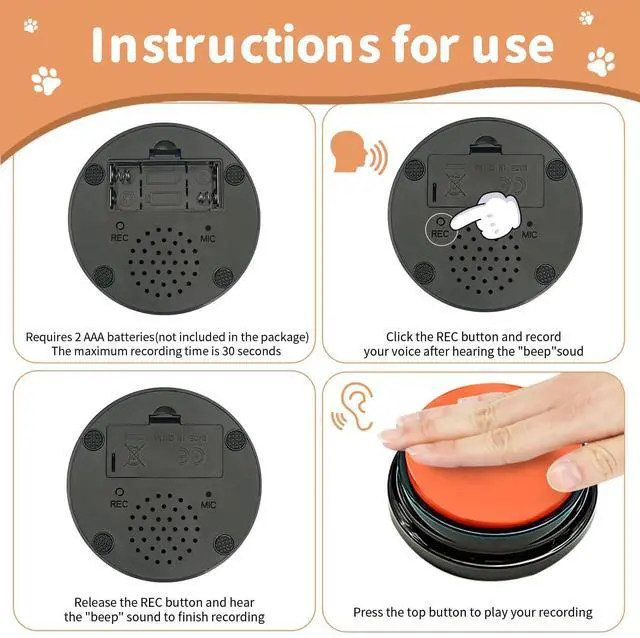
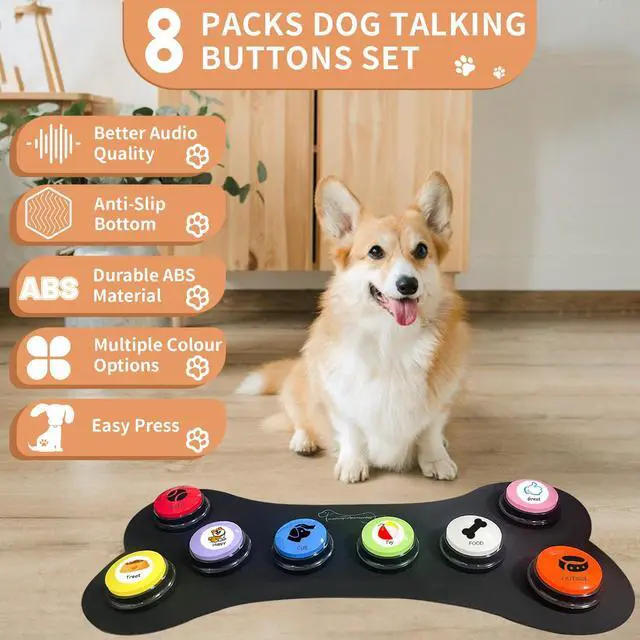
1.You can record any 30 seconds messgae and change the message at any time.
2.This button is easy to use and is very clear and loud.
3.The bottom recording button can prevent accidental touch from causing re-recording;
4.Unlike other recording buttons, the installation and removal of the battery does not require tools;
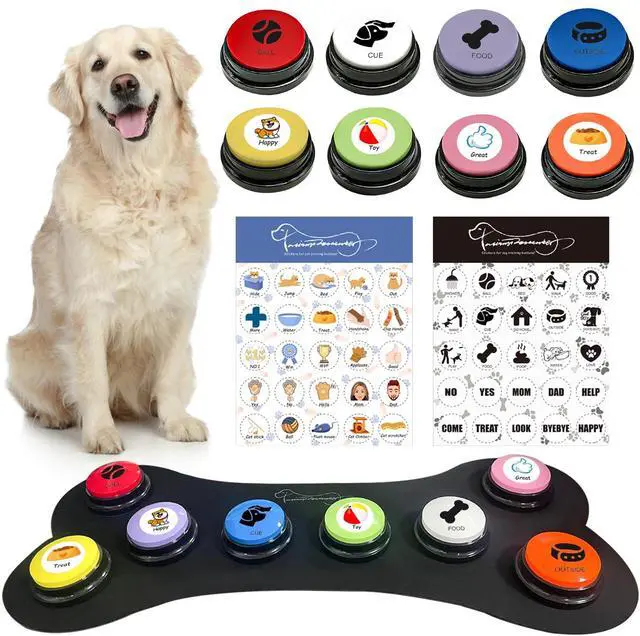
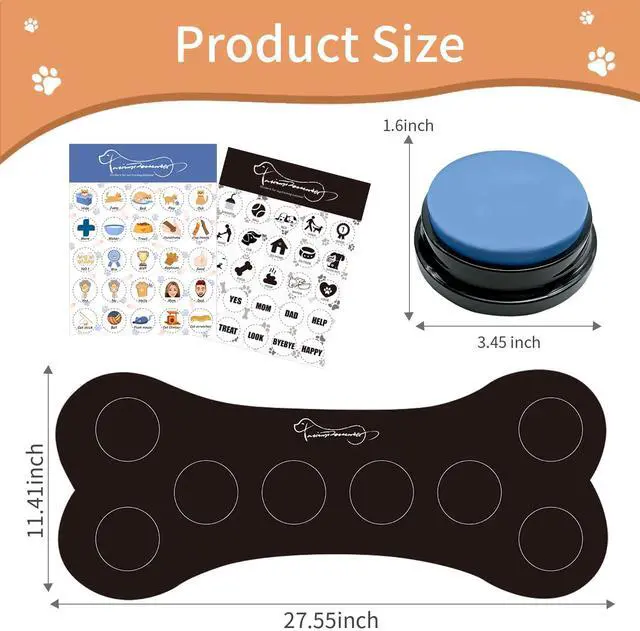
5.Custom one rubber mat can be placed in multiple locations for 8 buttons,fixed for dog to press easily,will not slide around when pet press it.
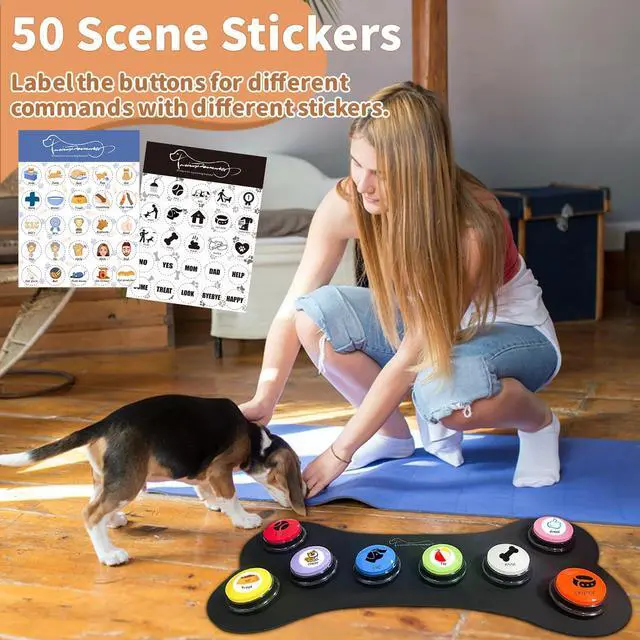
6.There are 50 popular pet action stickers including action + text. Paste the sticker on the button, which is convenient for pet training and more effective.

Design for Pet Training
1. Pick the training action from the 50 stickers.
2. Put stickers to buttons, record your voice as per the action or sticker.
3. Place the button on the mat with included adhesive dots.
4. Follow to the training guide to train your dog to use the button.
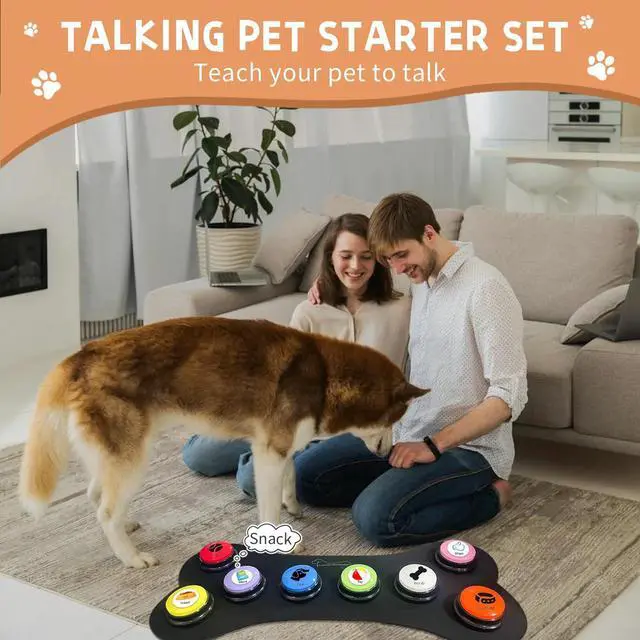
- Use buttons along with your own voice to help your pet to associate the buzzer with the activity.
- Reward your pet when your pet starts interacting with buzzers ensure you praise them.
- Be more patience, with repetition and dedication you will see impressive results and have a much better understanding of your pet wants and needs.


Custom Your Own Button with Stickers
- Included 25 white sickers.
- Custom your cat training buzzers with corresponding action, Example: Sticker "PLAY" and put it beside their toys stc.
- Included 25 transparent sickers.
- Custom your dog training buzzers with corresponding action, Example: Stick "FOOD" and put it beside their food bowl.
Our Advantages
1.You can record any 30 seconds messgae and change the message at any time.
2.This button is easy to use and is very clear and loud.
3.The bottom recording button can prevent accidental touch from causing re-recording;
4.Unlike other recording buttons, the installation and removal of the battery does not require tools;
5.Custom one rubber mat can be placed in multiple locations for 8 buttons,fixed for dog to press easily,will not slide around when pet press it.
6.There are 50 popular pet action stickers including action + text. Paste the sticker on the button, which is convenient for pet training and more effective.
Design for Pet Training
1. Pick the training action from the 50 stickers.
2. Put stickers to buttons, record your voice as per the action or sticker.
3. Place the button on the mat with included adhesive dots.
4. Follow to the training guide to train your dog to use the button.
- Use buttons along with your own voice to help your pet to associate the buzzer with the activity.
- Reward your pet when your pet starts interacting with buzzers ensure you praise them.
- Be more patience, with repetition and dedication you will see impressive results and have a much better understanding of your pet wants and needs.
Custom Your Own Button with Stickers
- Included 25 white sickers.
- Custom your cat training buzzers with corresponding action, Example: Sticker "PLAY" and put it beside their toys stc.
- Included 25 transparent sickers.
- Custom your dog training buzzers with corresponding action, Example: Stick "FOOD" and put it beside their food bowl.