




HOW TO TRAIN YOUR PETS
- Record simple commands that need to be communicated, such as: food, water, toys, handshake
- Operate the button, make a demonstration, link the button to the pet's action
- Repeat the operation to attract the pet's attention, get the corresponding press response according to the instructions issued by the button, and reward them appropriately so that they can be used in daily life
- Be patient, through patient operation, you will get pleasant exchanges and understand the needs of pets

Office Desk Toy Buttons

Classroom Teaching Recording Buttons

Party Game Buttons

Gift Toy Buttons

Recordable buttons - Sound Buttons - Talking button - Dog Training and Communication - Game Buzzers
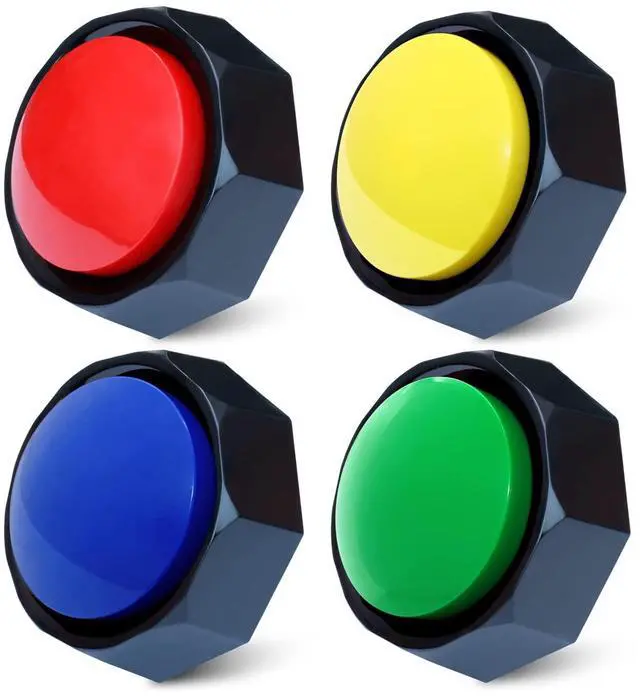
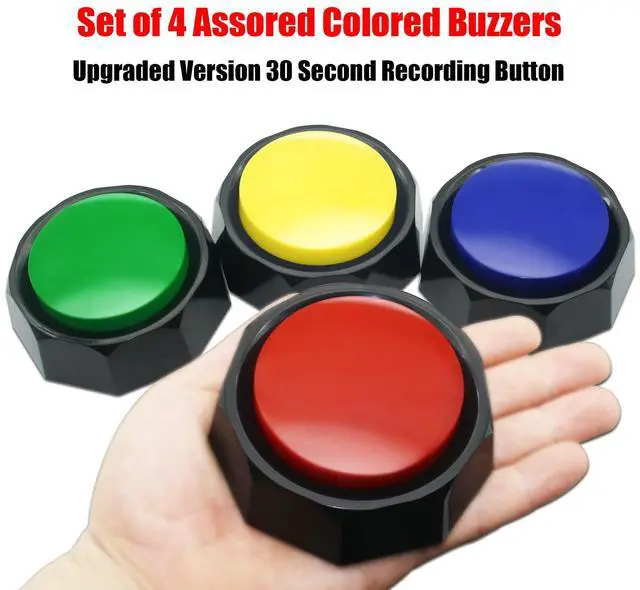
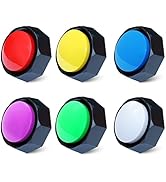
Set of 4 Assorted Colored Buzzers (Color: Red+Black, Blue+Black, Green+Black, Yellow+Black)
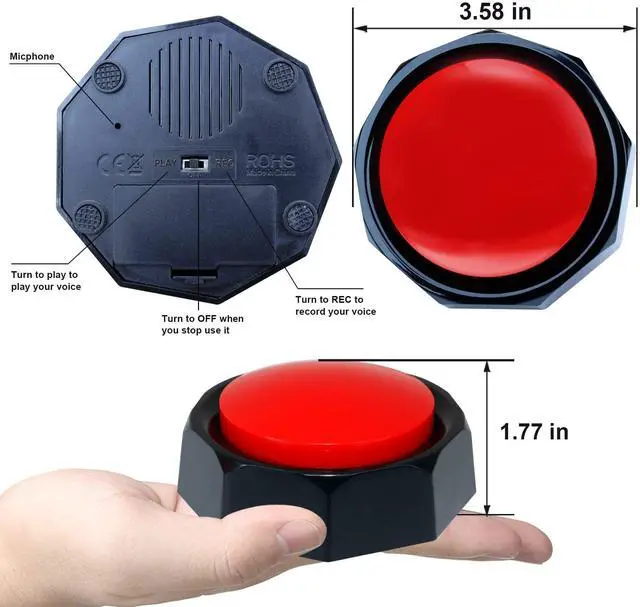
- Use the unique "ON", "OFF" and "REC" three-speed toggle switch to prevent misoperation, more simple and safe.
- Using ABS materials, the internal structure is stronger, to avoid damage caused by accidental falling.
- High-fidelity speakers, louder, better sound quality in the same class
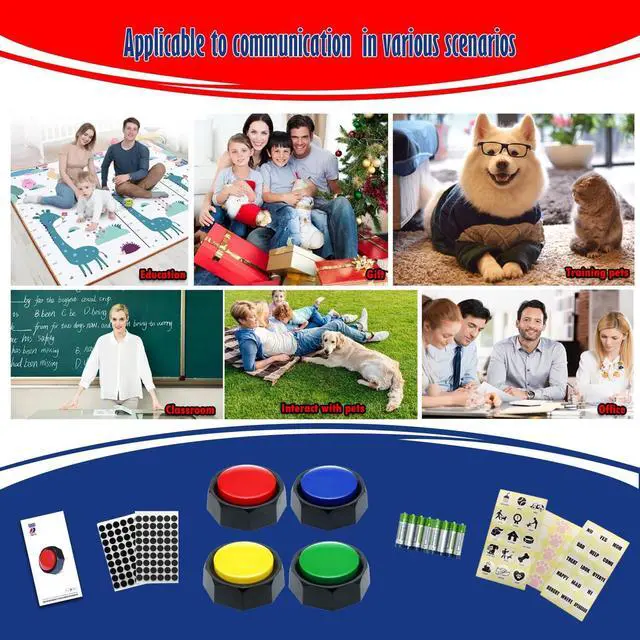
Suitable for a variety of scenarios
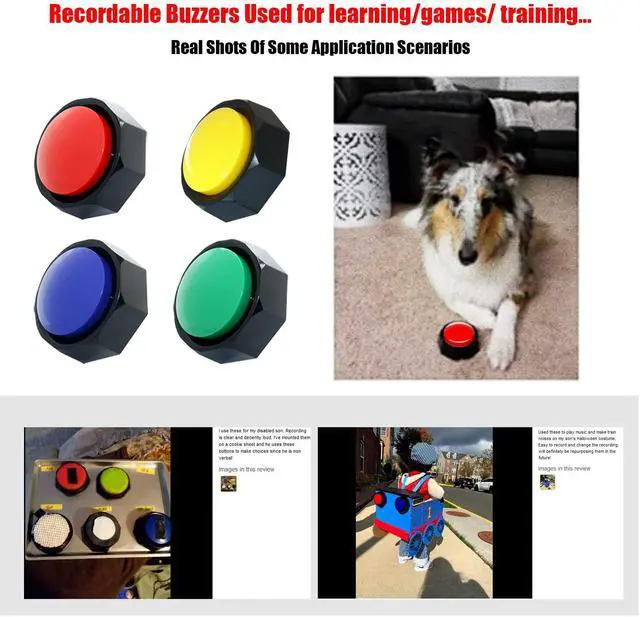
- Pet Training and Communicatioins: It is recommended to start with simple dog daily activities, such as walking, eating, going to the toilet, drinking water, entertainment, etc. Record the corresponding sound and let the dog cooperate with the training. Please give the dog more patience.
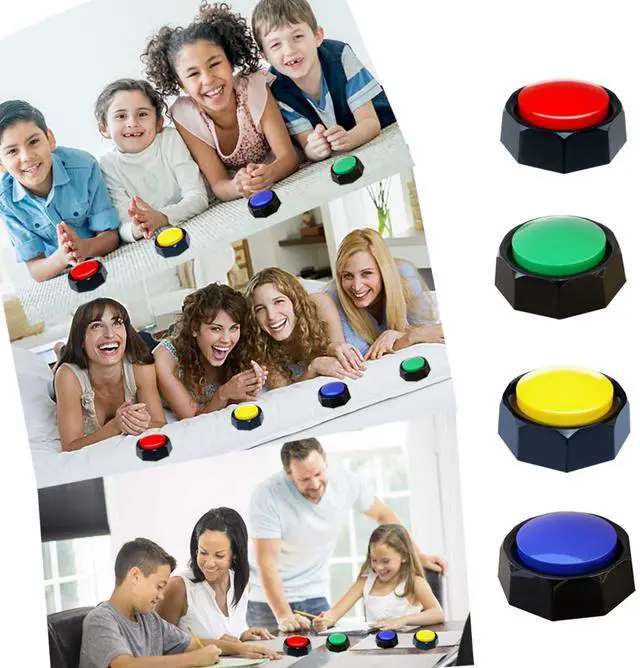
- This set of four allows you to create a game show environment in your home or classroom, inspiring learning at all ages. for the classroom, these buzzers are extremely durable and will withstand years of use.
- In addition, it can also be used as a relaxing funny toy, party game tool, etc.
Feature
- Easy to use and set up.
- Unique three-speed switch, "PLAY" "OFF" "REC", the operation is more stable
- Record and play 30 seconds of sound
- Small size and easy to carry.
- Made of ABS materials

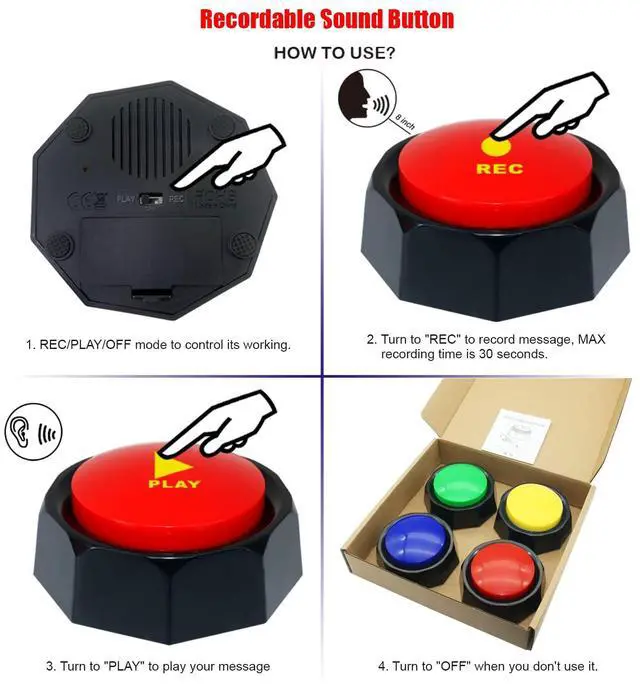
Operation step 1
Set the REC/OFF/PLAY switch to REC.

Operation step 2
- Press and hold the top button. When you hear a single"beep"
- record a message of 30 seconds or less. When you're done, release the top button. A double"beep- beep"signifies a successful recording.
- For best results, Keep the audio source close to the mic.

Operation step 3
Set the REC/OFF/PLAY switch to PLAY.

Operation step 4
- Press the top button to play sounds.
- If you press the top button mid-message, it will stop.
- To rerecord your message, start over at step1.Please note that doing this will delete the current message.
- When you are not using, please turn the switch to OFF


At ANLIKY, we believe that every pet deserves a voice. Our recording chat buttons are designed to enable your canine friends to express their needs, emotions, and desires in a fun and interactive way. With ANLIKY buttons, you can capture your dog's unique messages and gain a deeper understanding of their world.
We invite you to explore our wide range of dog recording chat buttons, and discover a new level of connection with your furry friends!
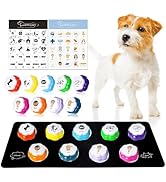
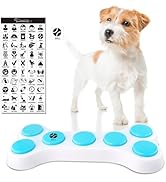
Recordable Buttons Set
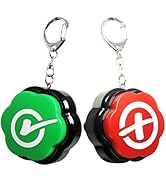
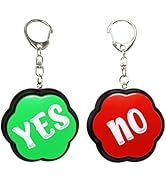
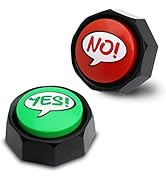
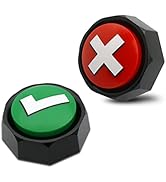
Yes & No Buzzer Buttons
HOW TO TRAIN YOUR PETS
- Record simple commands that need to be communicated, such as: food, water, toys, handshake
- Operate the button, make a demonstration, link the button to the pet's action
- Repeat the operation to attract the pet's attention, get the corresponding press response according to the instructions issued by the button, and reward them appropriately so that they can be used in daily life
- Be patient, through patient operation, you will get pleasant exchanges and understand the needs of pets
Office Desk Toy Buttons
Classroom Teaching Recording Buttons
Party Game Buttons
Gift Toy Buttons
Recordable buttons - Sound Buttons - Talking button - Dog Training and Communication - Game Buzzers
Set of 4 Assorted Colored Buzzers (Color: Red+Black, Blue+Black, Green+Black, Yellow+Black)
- Use the unique "ON", "OFF" and "REC" three-speed toggle switch to prevent misoperation, more simple and safe.
- Using ABS materials, the internal structure is stronger, to avoid damage caused by accidental falling.
- High-fidelity speakers, louder, better sound quality in the same class
Suitable for a variety of scenarios
- Pet Training and Communicatioins: It is recommended to start with simple dog daily activities, such as walking, eating, going to the toilet, drinking water, entertainment, etc. Record the corresponding sound and let the dog cooperate with the training. Please give the dog more patience.
- This set of four allows you to create a game show environment in your home or classroom, inspiring learning at all ages. for the classroom, these buzzers are extremely durable and will withstand years of use.
- In addition, it can also be used as a relaxing funny toy, party game tool, etc.
Feature
- Easy to use and set up.
- Unique three-speed switch, "PLAY" "OFF" "REC", the operation is more stable
- Record and play 30 seconds of sound
- Small size and easy to carry.
- Made of ABS materials

Operation step 1
Set the REC/OFF/PLAY switch to REC.
Operation step 2
- Press and hold the top button. When you hear a single"beep"
- record a message of 30 seconds or less. When you're done, release the top button. A double"beep- beep"signifies a successful recording.
- For best results, Keep the audio source close to the mic.
Operation step 3
Set the REC/OFF/PLAY switch to PLAY.
Operation step 4
- Press the top button to play sounds.
- If you press the top button mid-message, it will stop.
- To rerecord your message, start over at step1.Please note that doing this will delete the current message.
- When you are not using, please turn the switch to OFF
At ANLIKY, we believe that every pet deserves a voice. Our recording chat buttons are designed to enable your canine friends to express their needs, emotions, and desires in a fun and interactive way. With ANLIKY buttons, you can capture your dog's unique messages and gain a deeper understanding of their world.
We invite you to explore our wide range of dog recording chat buttons, and discover a new level of connection with your furry friends!
Recordable Buttons Set
Yes & No Buzzer Buttons