
Your Browsing History




Any questions? Our AI beta will help you find out quickly.
We aim to show you accurate product information.
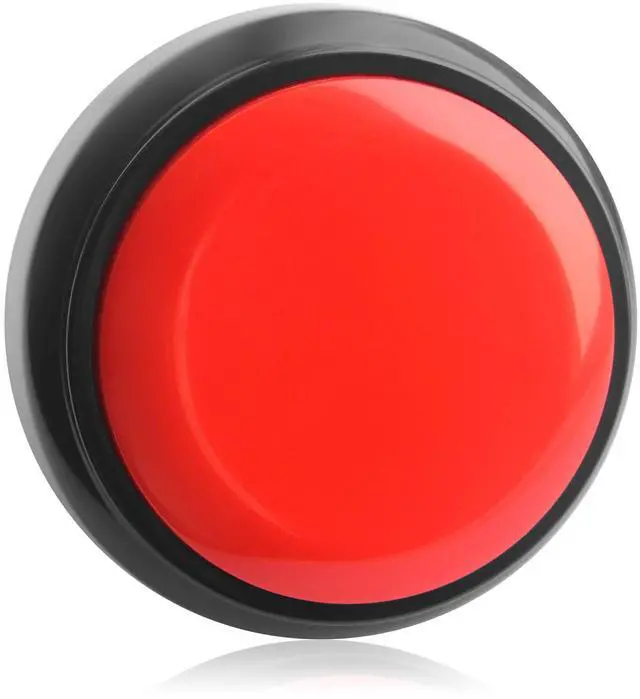
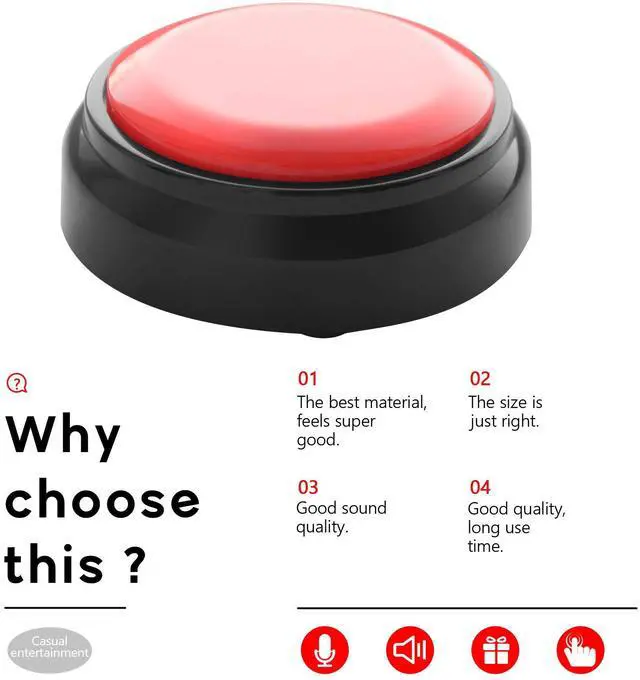
Our Record Talking Button was designed to record anything you want for 30 seconds, then flip the switch on the bottom of the button to "playback" mode, you can enjoythe recording of the phrases, messages, sounds, or whatever you like.
Features:
Can record your own voice after long press it.
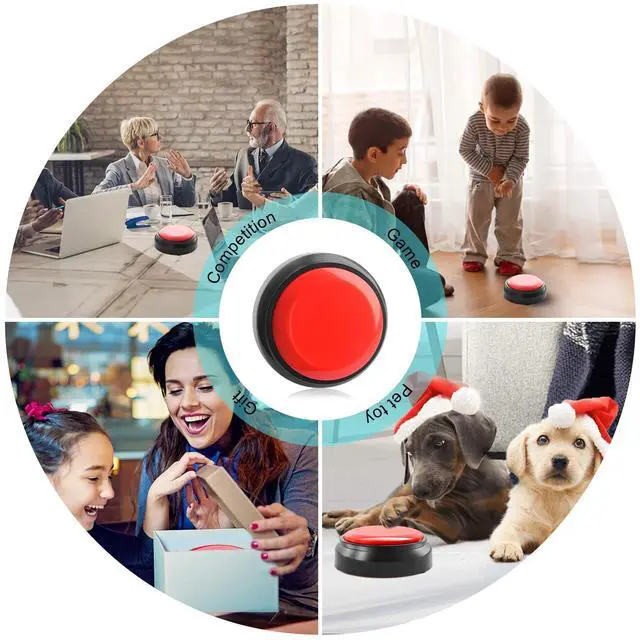
Can be used as an interactive toy for family members
Can be used as a language education toy in the classroom
It is a perfect recordable talking button.
Can be used as a phonograph between family, company and friends.
Small size, easy to carry and easy to use.
Different colors for your choice.
Specifications:
Item type: Button
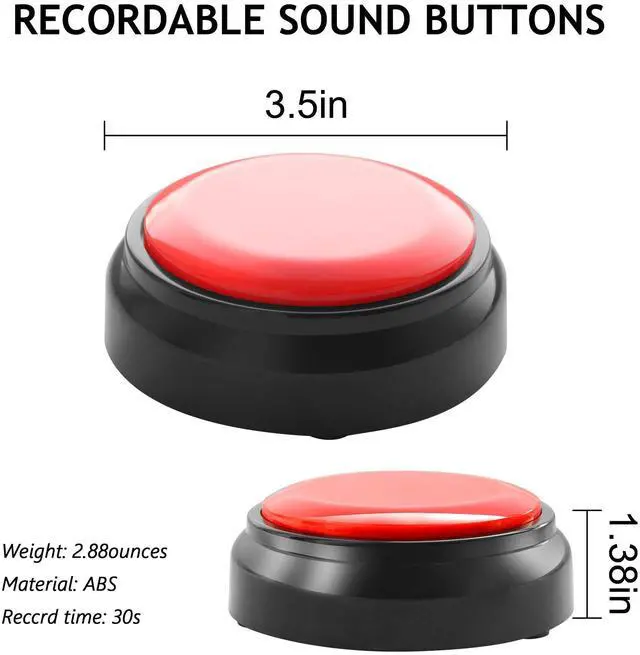
Material: ABS plastic
Gender: Unisex
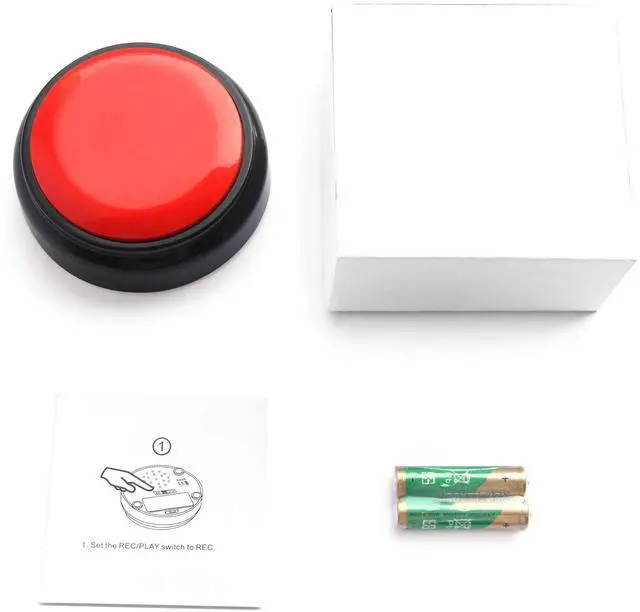
Battery: 2 * AAA
Certificate:CE/ROHS etc.
Sound time30s
How to record sounds?
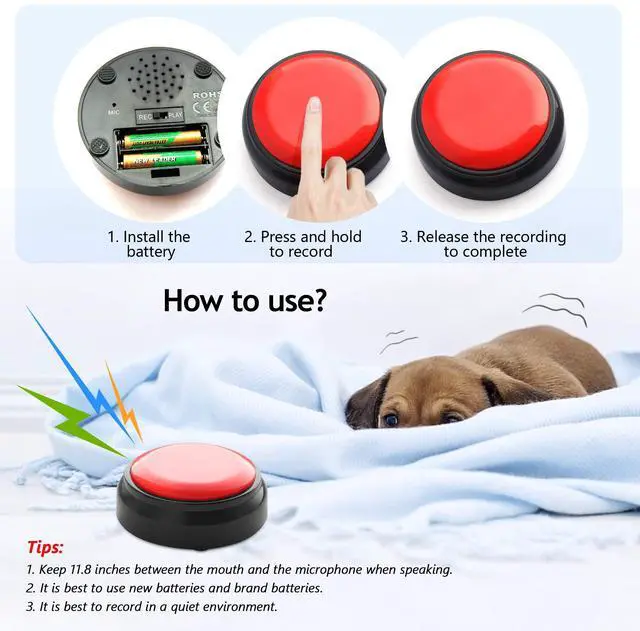
1Set the REC/PLAY switch to REC
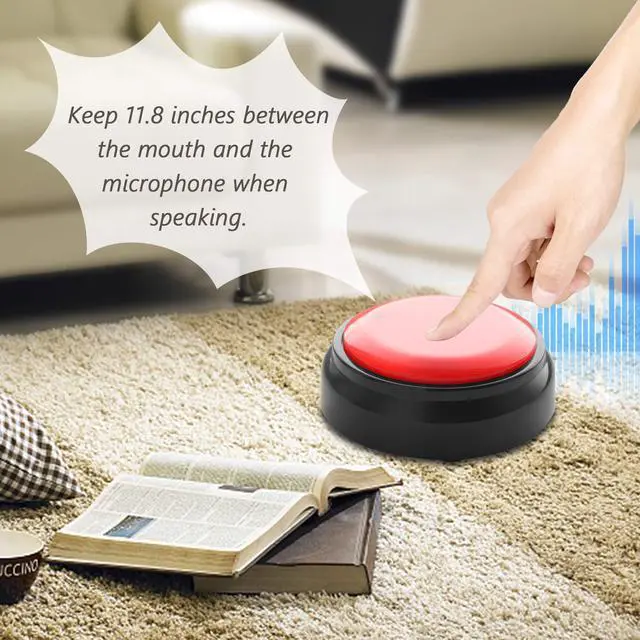
2Press and hold the top button.When you hear a single"beep",record a message of 30 seconds or less.When you're done ,release the top button.A double"beep-beep"signifies a successful recording.For best results,Keep the audio source about 20cm from the mic.
How to listen to the recording?
1To listen to the recording ,set the REC/PLAY switch to PLAY.Press the top cover to play sounds
2Press the top button:If you press the top button mid-message,it will play again from the beginning.To rerecord your message,start over at step1.please note that doing this will delete the current message.
1.Fix up the 3x AAA Batteries.2.Push the switch on the botton to REC.3.Press the button to record your voice or greeting words,the mouth and microphone should be kept 8-11 inches,the sound will be played more clearly, no noise. 4.Push the switch on the bottom to PLAY. 5.Press the button again, nice voice play. 6.Record again will remove the previous voice. 7.Feel free to contact us if you have any questions.