• $24.99
  • Price alert
    Shop it at NeweggBusiness.

    Meet Your Seller

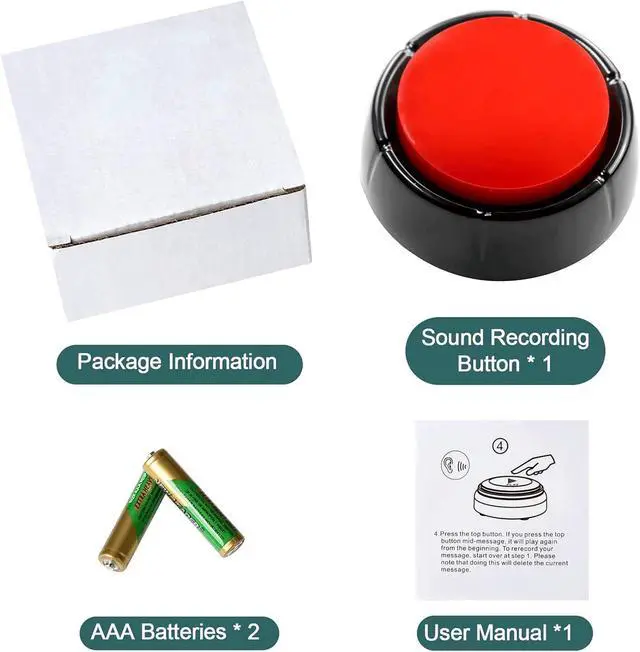
    Recording Button - Funny Talking Dog Button for Pet Communication & Classroom Activities, Easy Record & Playback Sound Buttons, Office Toys with Multifunctional Voice Message Feature (Red)

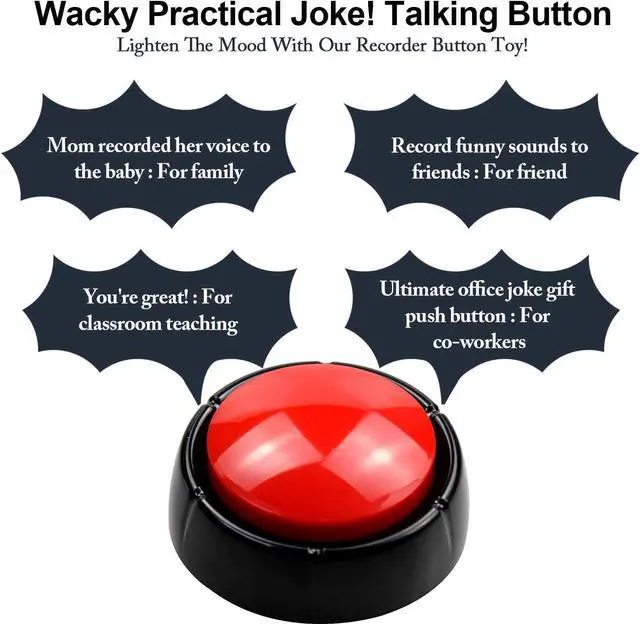
    • Recordable Sound Buttons: Easy to record a sound and it's very loud and clear,The sound on this is perfect for voices! everyone should have one for funny phrases used with family, friend and co-workers!You can record any phrase, message, or sound effect you want.
    • Effortless One-Button RecordingSimply press and hold the REC button to record 30s any custom phrase, message, or sound effect after the prompt beep. It's incredibly user-friendly for everyone, perfect for capturing funny phrases for friends or clear instructions in the classroom.
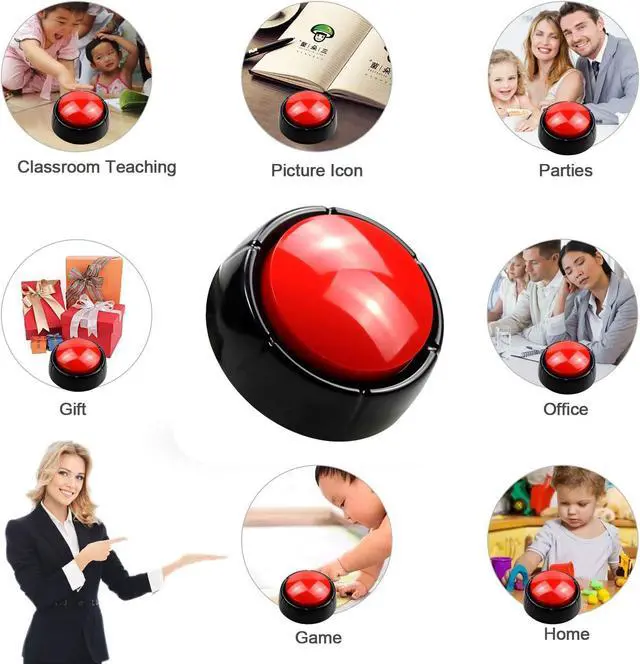
    • Versatile for Pets, Teaching & GamesA multifunctional tool for diverse needs! Effectively communicate with your pets through dog training buttons, create interactive classroom lessons, or use it as a sound buzzer for fun games and activitiesall with customizable messages.
    • Durable, Safe & Portable DesignBuilt with robust, environmental ABS plastic free from heavy metals, ensuring safety for your family and pets. Its portable and durable construction withstands frequent use at home, school, or outdoors, promising long-lasting reliability.
    • Reliable Performance & GuaranteeEnjoy consistent, clear sound by easily replacing the batteries when needed. We confidently stand by our product's quality, offering a free replacement for any defects to ensure your complete satisfaction and peace of mind.
    +
    +
    Overview
    Specs
    Reviews
    avatar

    Any questions? Our AI beta will help you find out quickly.

    Operating Instructions:

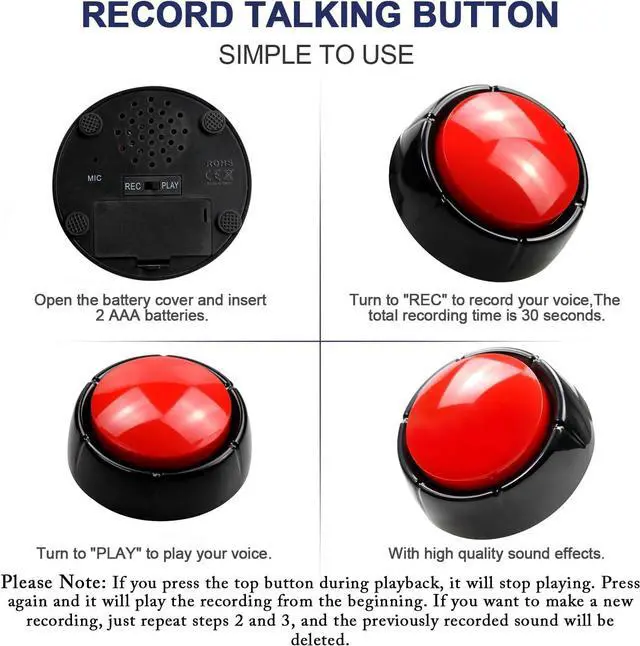
    1. Install 2 AAA batteries in the battery compartment, observing the correct polarity (+/-).

    2. Recording: Press and hold the REC button. After you hear a single beep, begin speaking your message (up to 30 seconds). Release the button when finished. A double beep (beep-beep) will confirm a successful recording. For best results, speak clearly about 3 inches from the microphone.

    3. Playback & Re-recording: Press the top button shortly to play the recording. To record a new message, repeat Step 2. Please note that recording a new message will erase the previous one.

    4. Battery Replacement: Replace the batteries when the sound becomes weak or distorted to restore optimal audio quality.

    5. Long-Term Storage: Remove the batteries if the device will not be used for an extended period.

    6. FREE REPLACEMENT AVAILABLE FOR ANY DEFECTS.

    Warranty & Returns

    Warranty, Returns, And Additional Information

    Warranty

    • Please contact the Seller directly for warranty information. Warranty information may also be found on the Manufacturer's website.
    • CONTACT

    Return Policies

    Manufacturer Contact Info

    LOADING...